Free template library
Latest Presentation Templates & Infographics
Explore the newest free PowerPoint templates and Google Slides themes on PresentationGO — including diagrams, charts, and infographics. New designs added daily, with instant downloads and no sign-up required.

4-Option Circular Insight Hub
Organize four related ideas around one central message with an editable circular diagram for PowerPoint and Google Slides.
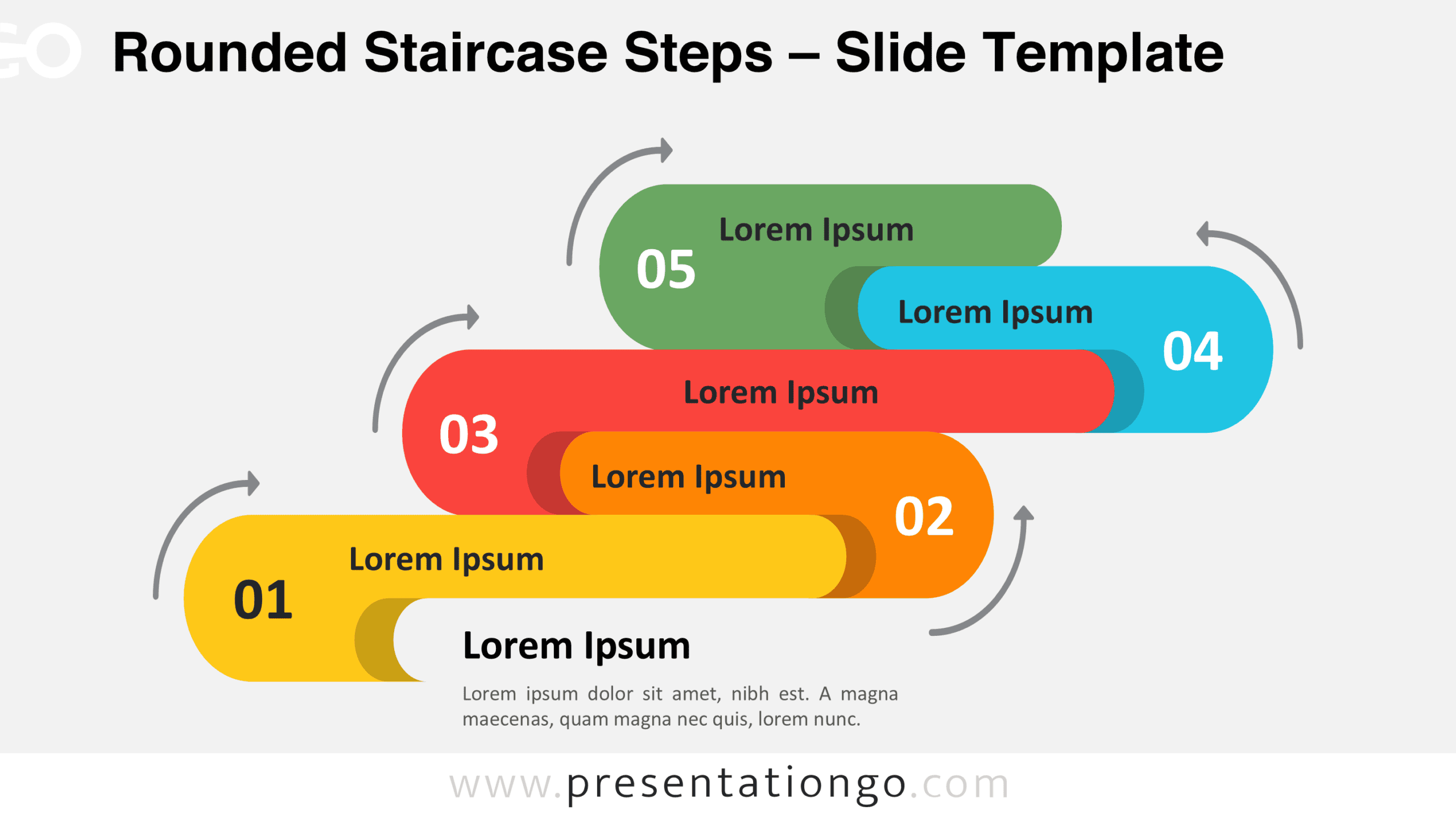
Rounded Staircase Steps
Explain workflows, phases, or sequences through five staggered steps supported by directional arrows and editable text areas.
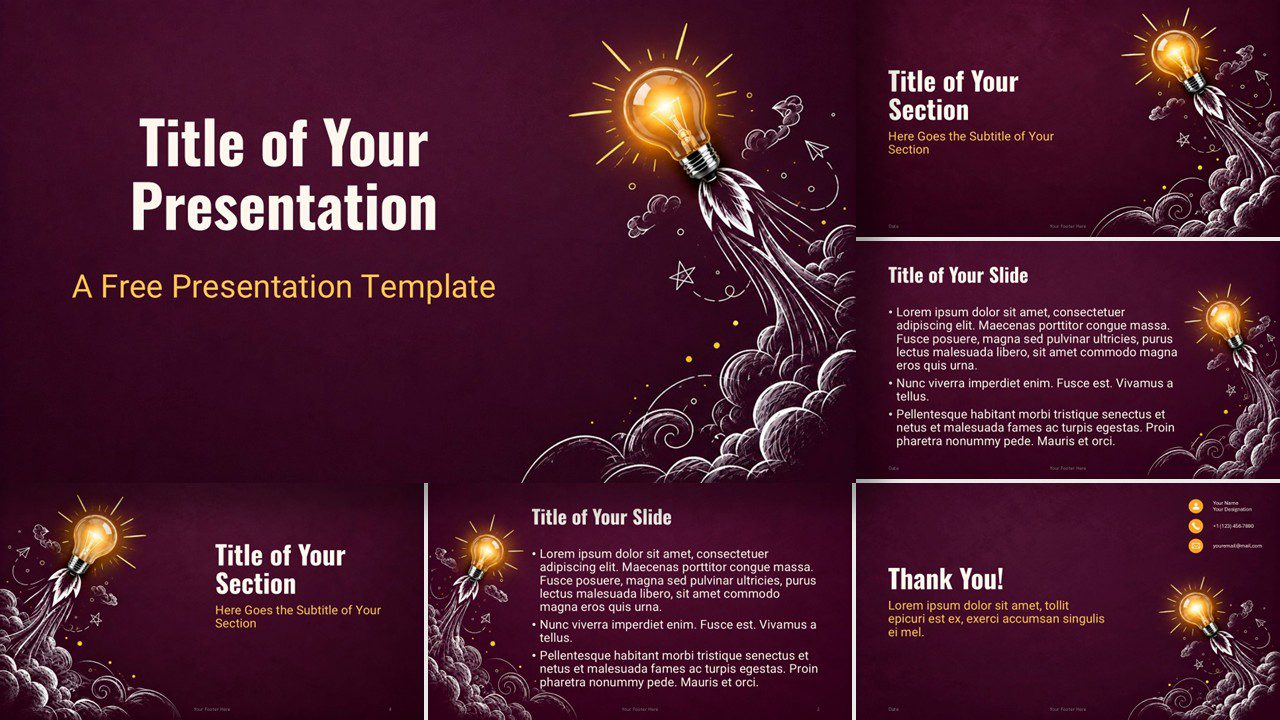
Creative Spark Template
Creative Spark combines a glowing light bulb concept, bold typography, and rich colors in a free PowerPoint and Google Slides template.

Digital Health Pulse Template
Digital Health Pulse combines striking medical imagery, six practical layouts, and a coordinated blue palette for polished healthcare presentations.

Medical Pulse Template
Create polished healthcare presentations with six professionally designed slides, medical photography, modern typography, and a custom teal color palette.

Spa Serenity Template
Create soothing wellness presentations with Spa Serenity, featuring botanical imagery, spa-inspired details, six useful layouts, and a coordinated custom color palette.
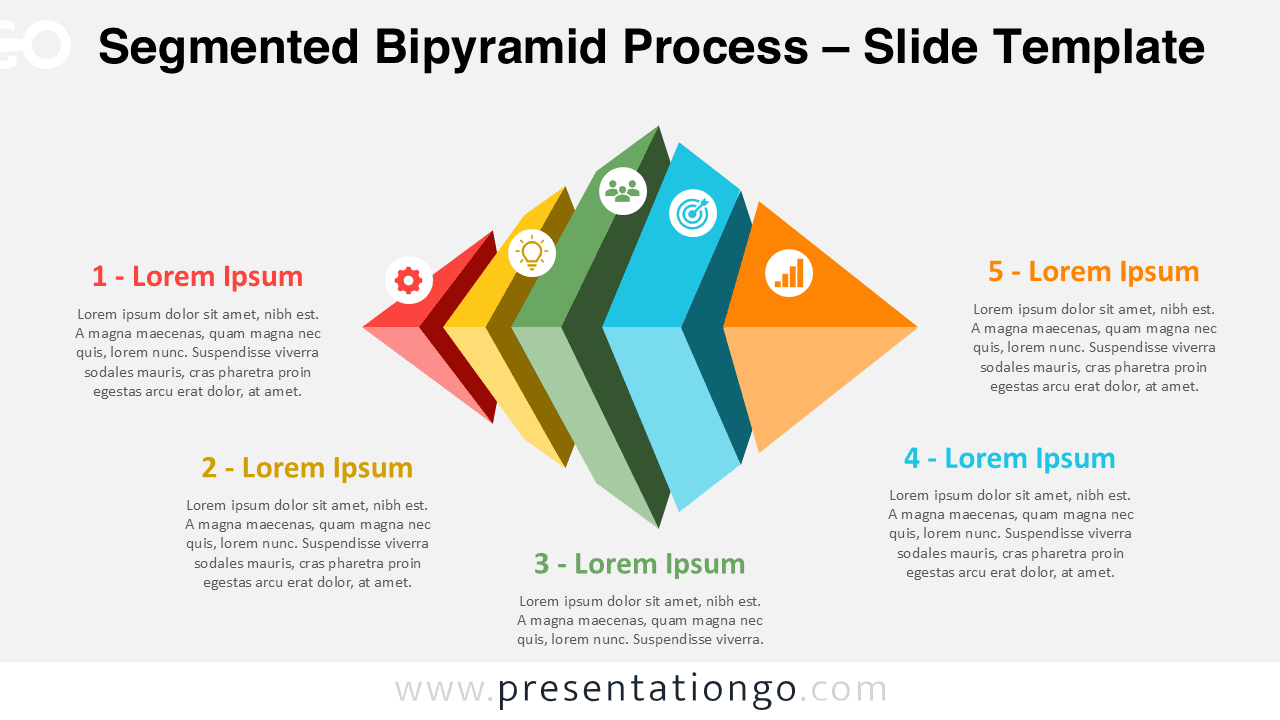
Segmented Bipyramid Process
A five-part Segmented Bipyramid Process Diagram for PowerPoint and Google Slides, designed for processes, workflows, project phases, and strategic frameworks.

Six-Point Convergence Diagram
A six-point diagram for presenting connected strategies, processes, priorities, departments, or ideas in PowerPoint and Google Slides.
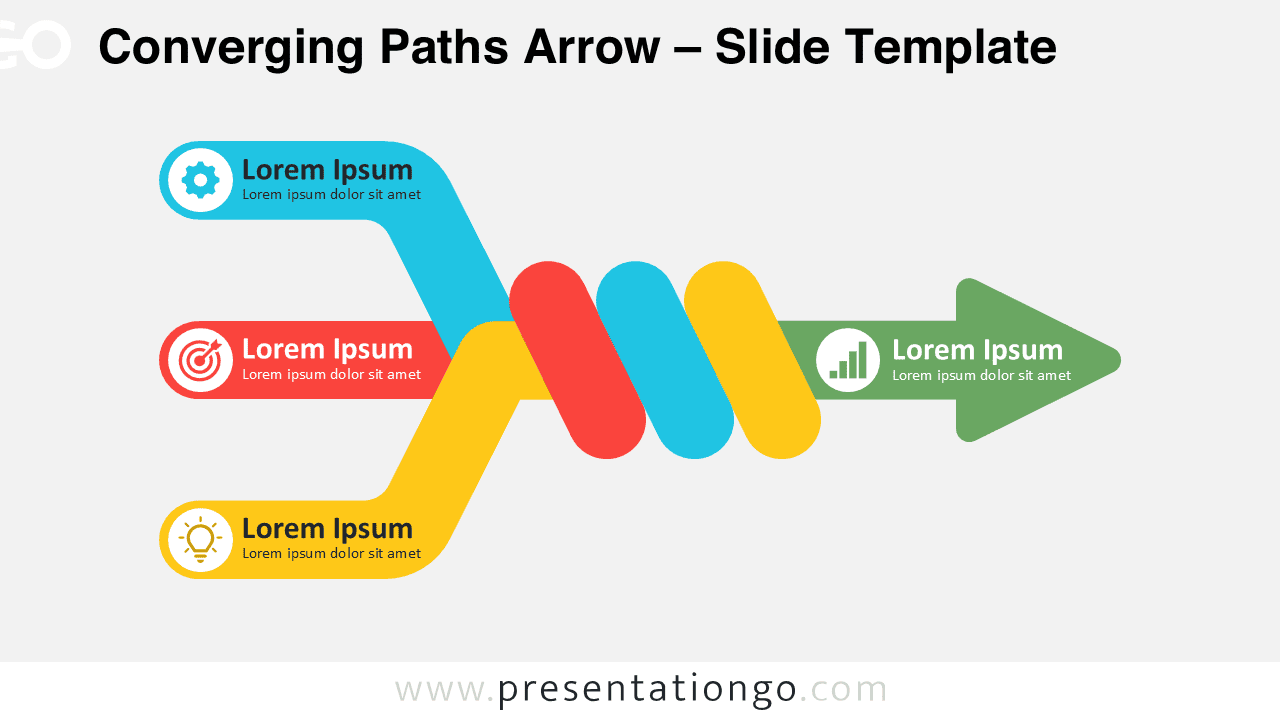
Converging Paths Arrow
Converging Paths Arrow for PowerPoint and Google Slides illustrates three separate inputs merging into one unified direction or outcome.

Four-Part Central Matrix
Four-Part Central Matrix for presenting four categories, priorities, or concepts around a shared central idea in PowerPoint and Google Slides.
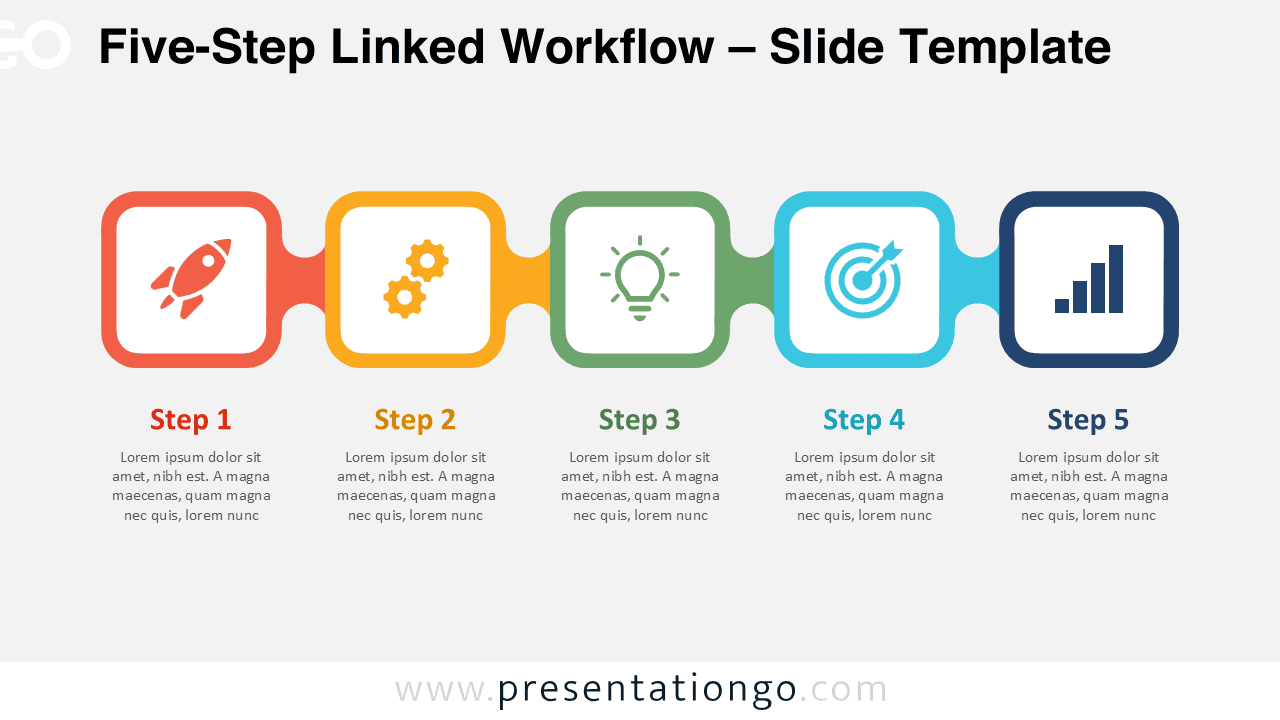
Five-Step Linked Workflow
Five-Step Linked Workflow diagram with five connected stages, editable text, shapes, and icon placeholders for PowerPoint and Google Slides.

Three Option Cards
Compare three alternatives with editable option cards for PowerPoint and Google Slides, including text areas, shapes, and replaceable icons.

Apple Harvest Template
Apple Harvest is a warm autumn presentation template with editable layouts, apple photography, rustic textures, and seasonal colors for PowerPoint and Google Slides.

Pumpkin Season Template
A cozy autumn presentation template with pumpkins, colorful fall foliage, six seasonal layouts, and a custom palette for PowerPoint and Google Slides.

Golden Leaves Nature Template
Golden Leaves Nature brings warm autumn foliage, framed layouts, and rich seasonal colors to PowerPoint and Google Slides presentations.

Autumn Maple Template
A warm autumn presentation template featuring maple leaves, rustic wood textures, six practical layouts, and a coordinated seasonal color palette.
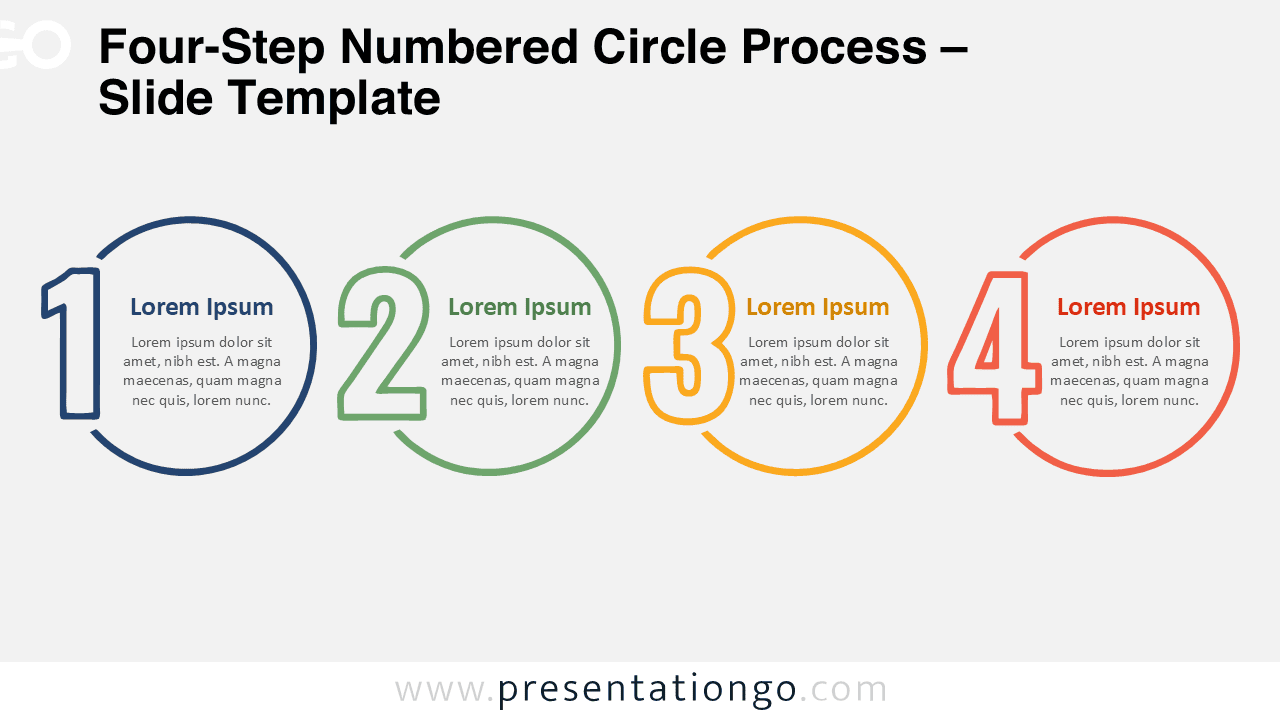
Four-Step Numbered Circle Process
Present four sequential stages with an editable numbered circle process diagram for PowerPoint and Google Slides.

Six-Part Petal Cycle
A six-part circular diagram for presenting connected processes, strategies, goals, workflows, or business concepts in PowerPoint and Google Slides.
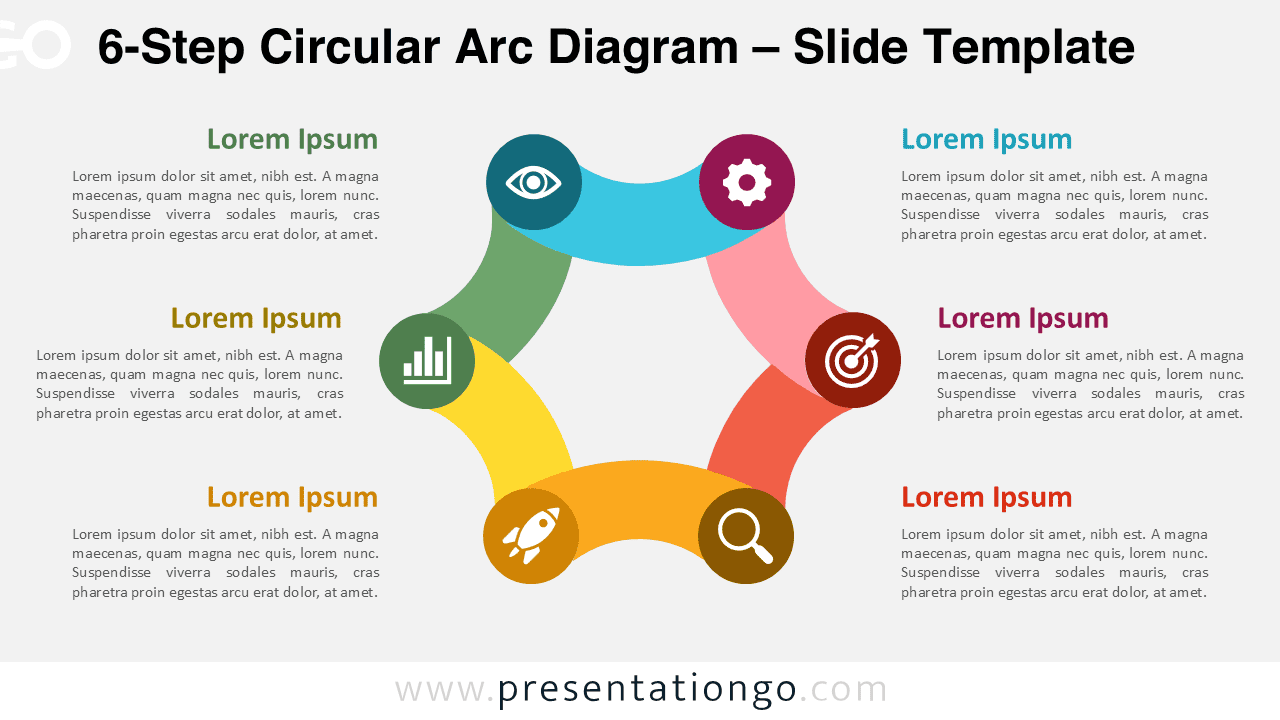
6-Step Circular Arc Diagram
Present six connected stages with an editable circular arc diagram designed for cyclical processes, recurring workflows, and strategic frameworks.
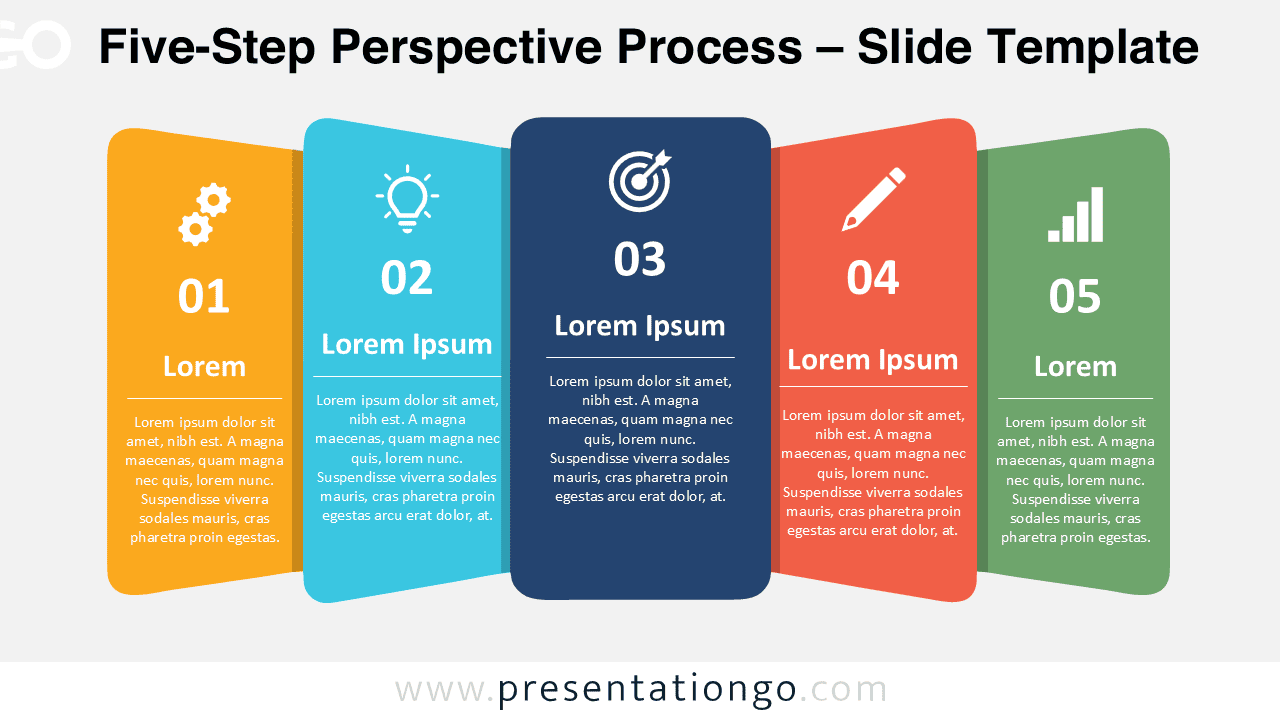
Five-Step Perspective Process
Present five sequential stages with an editable perspective process diagram designed for PowerPoint and Google Slides.

Brain Ideas Infographic
An editable brain infographic with connected callouts for presenting ideas, thinking processes, learning concepts, strategy, and cognitive topics.
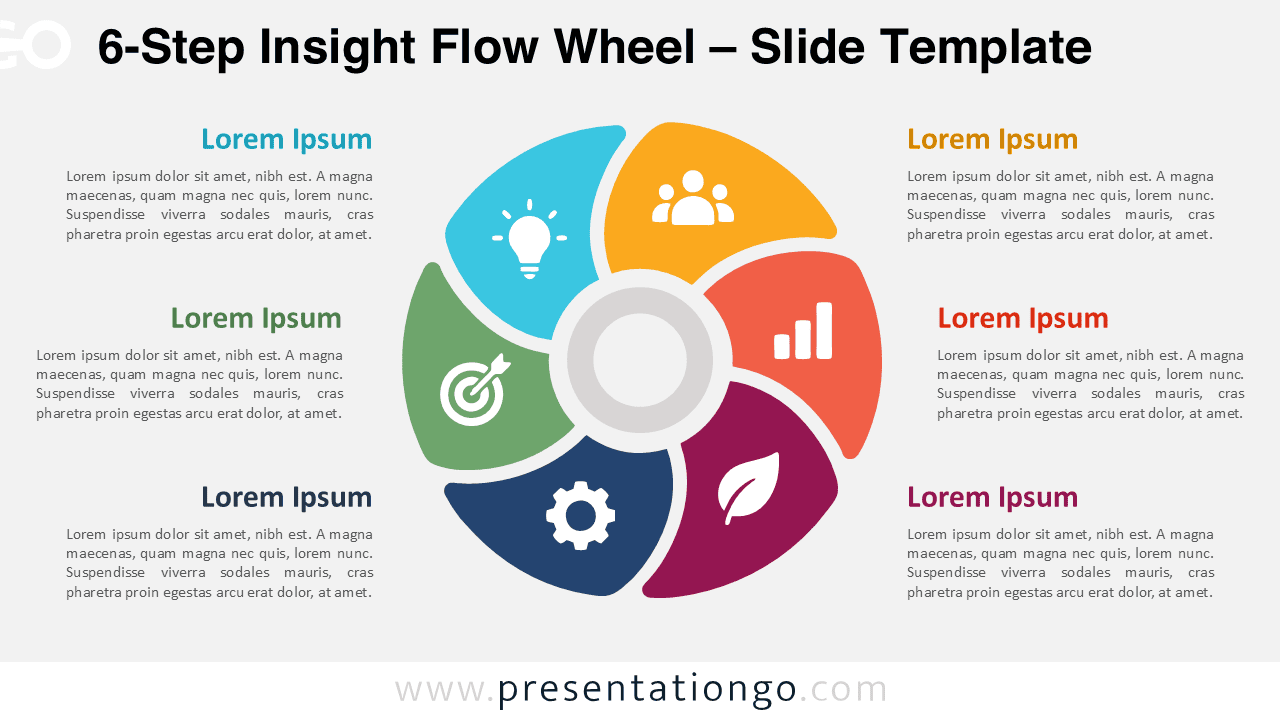
6-Step Insight Flow Wheel
Organize six concepts around a central hub with editable segments, text areas, and icon placeholders.
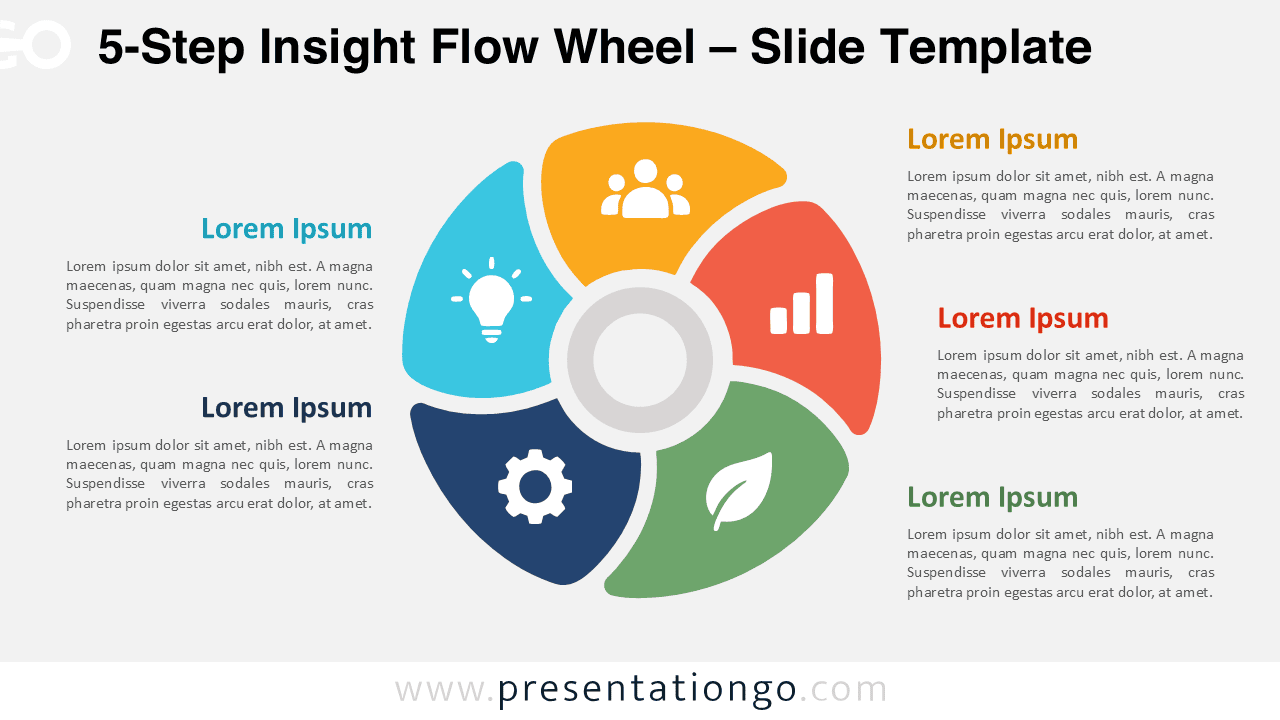
5-Step Insight Flow Wheel
Present five connected ideas with the 5-Step Insight Flow Wheel, an editable circular diagram for PowerPoint and Google Slides.
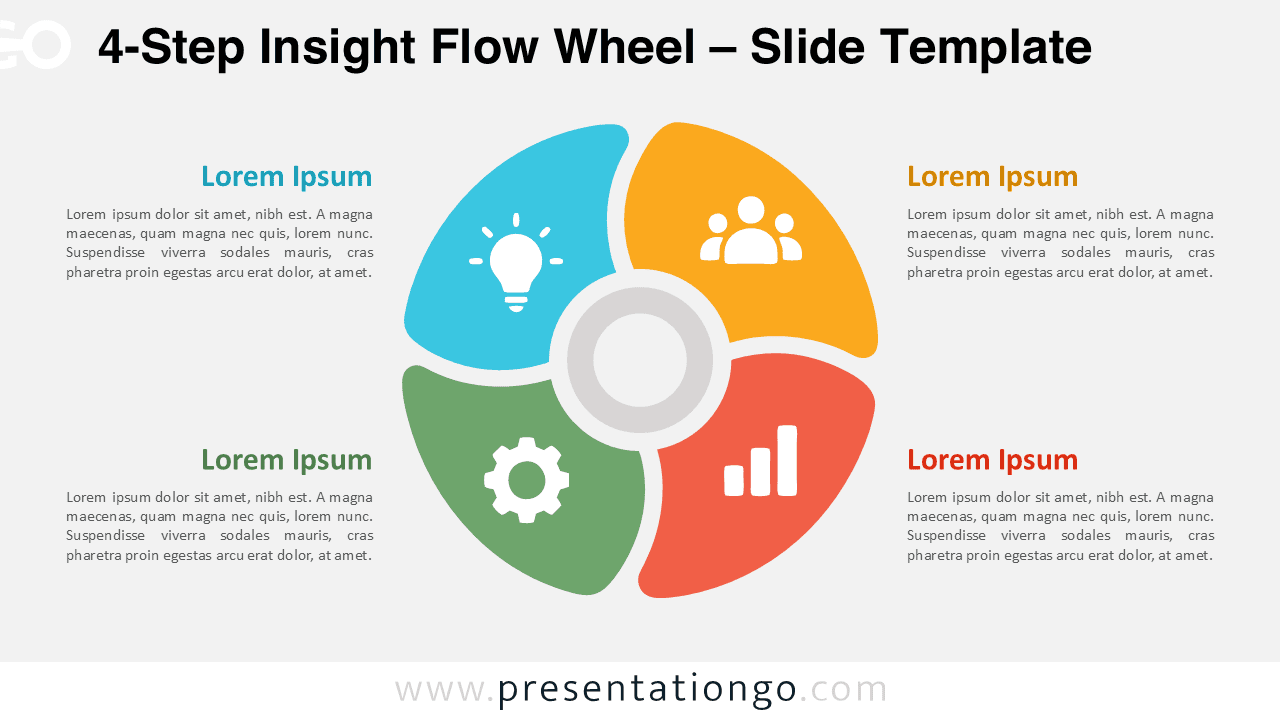
4-Step Insight Flow Wheel
Present four connected ideas with the 4-Step Insight Flow Wheel, an editable circular diagram for PowerPoint and Google Slides.
Showing 1–24 of 3,638 templates