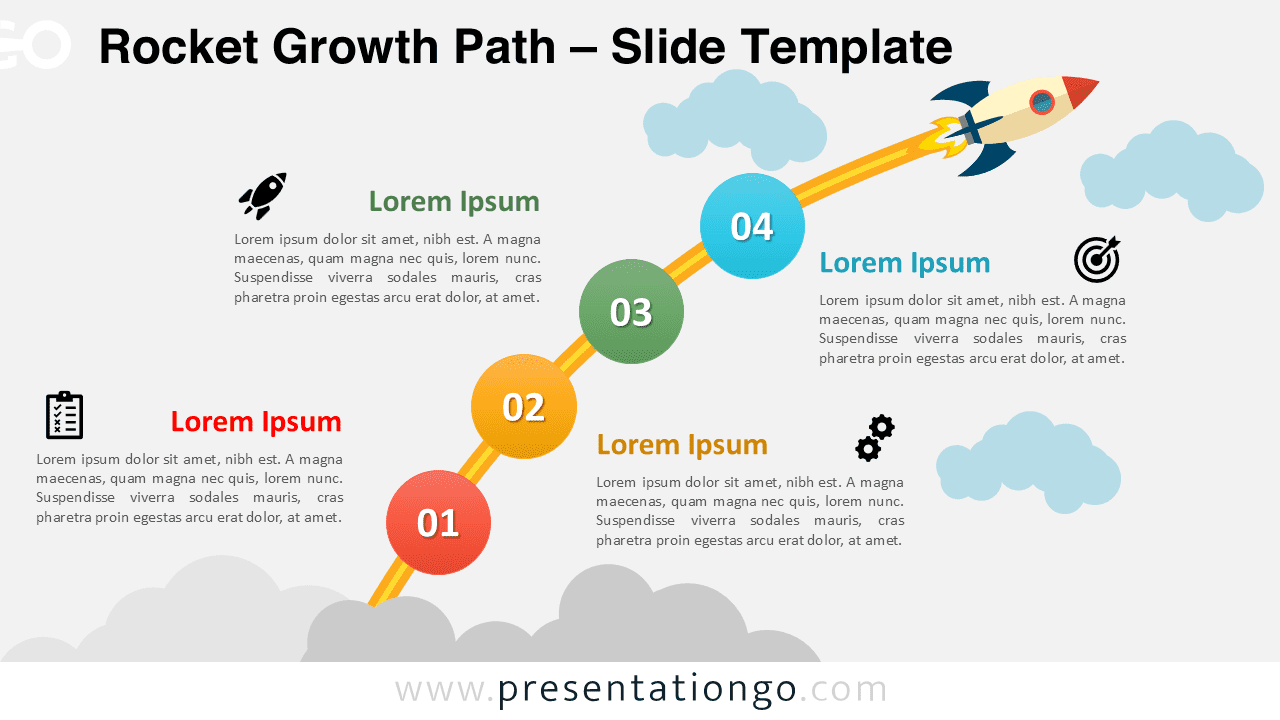
The Rocket Growth Path outlines a four-step upward journey diagram for PowerPoint and Google Slides.
Visualizing a Four-Stage Journey with a Launch Metaphor
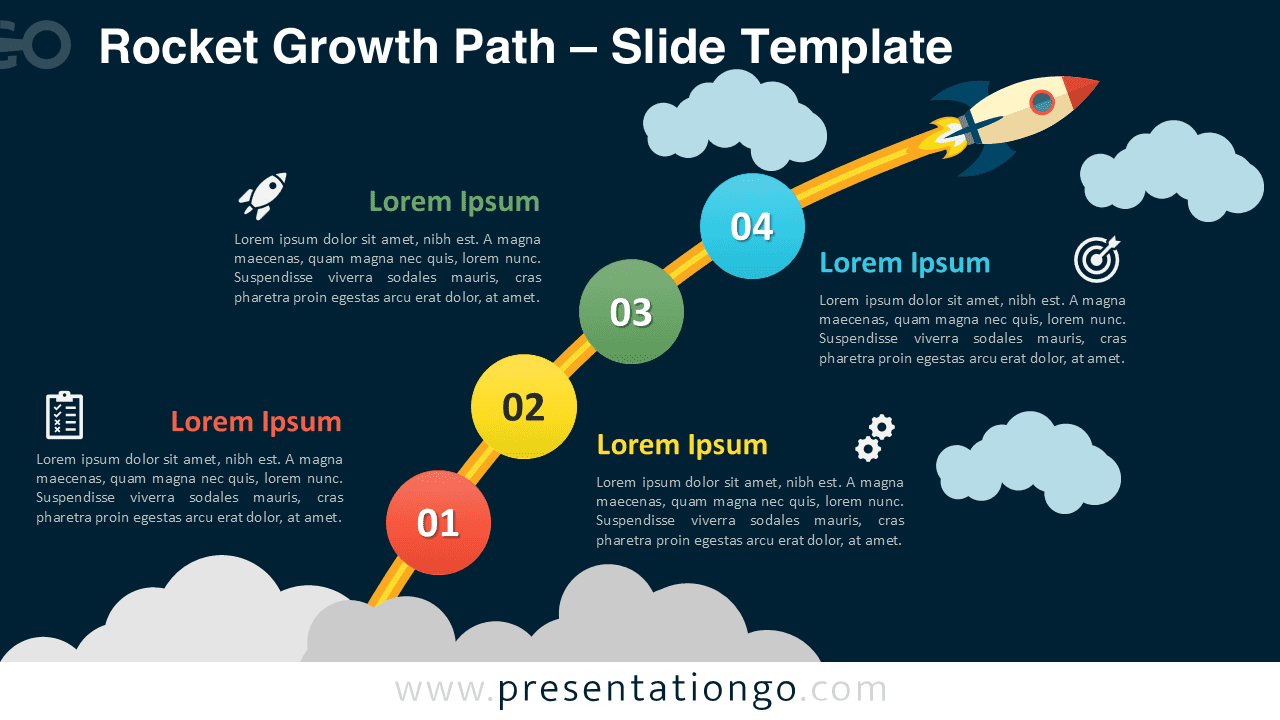
The diagram uses a dynamic layout that follows a diagonal path mimicking a rocket launch trajectory. Four colorful circular nodes—red, orange, green, and cyan—are distributed along a yellow-orange contrail that rises from the lower left to the upper right. Each numbered step aligns with matching icons and editable text blocks, alternating from side to side to ensure visual balance. At the tip, a rocket icon symbolizes achievement or completion. Behind it, cloud visuals reinforce the upward movement and sky-based metaphor. This combination of gradient curves, vibrant icons, and mirrored layout enhances viewer engagement and directional flow.
Rocket imagery in presentations often represents ambition, launch phases, or transformative growth. It serves as a metaphor for acceleration, breakthroughs, and momentum. In this case, the four distinct steps make it ideal for mapping development stages, startup strategies, project planning, or goal-setting journeys. For instance, a product team could use it to illustrate phases from ideation to launch, while educators might show student progression toward academic milestones. The template’s clean segmentation also helps audiences retain key messages.
This visual asset comes with two editable slides containing preset icons and placeholder text. Users can fully customize each shape and color to suit their themes. The diagram is available in both light and dark background styles, across standard (4:3) and widescreen (16:9) formats. It supports full compatibility with PowerPoint PPTX and Google Slides, enabling easy integration into diverse presentation workflows.
Download this 4-part growth journey visual to enhance goal-driven presentations with clear, ascending progression.
Widescreen (16:9) size preview:
This template offers:
- 2 unique slides
- Options for both light and dark themes
- Pre-populated with icons and text placeholders
- Fully customizable shapes for complete control
- Available in both Standard (4:3) and Widescreen (16:9) ratios
- Offered in both PowerPoint PPTX and Google Slides formats