The Infinity Loop Process Diagram helps you present continuous workflows with clarity and visual impact. Its flowing ribbon structure connects five stages into one seamless cycle, making it ideal for recurring processes, iterative strategies, and continuous improvement frameworks. The modern infinity shape naturally communicates progression, connection, and long-term evolution.
Diagram Preview
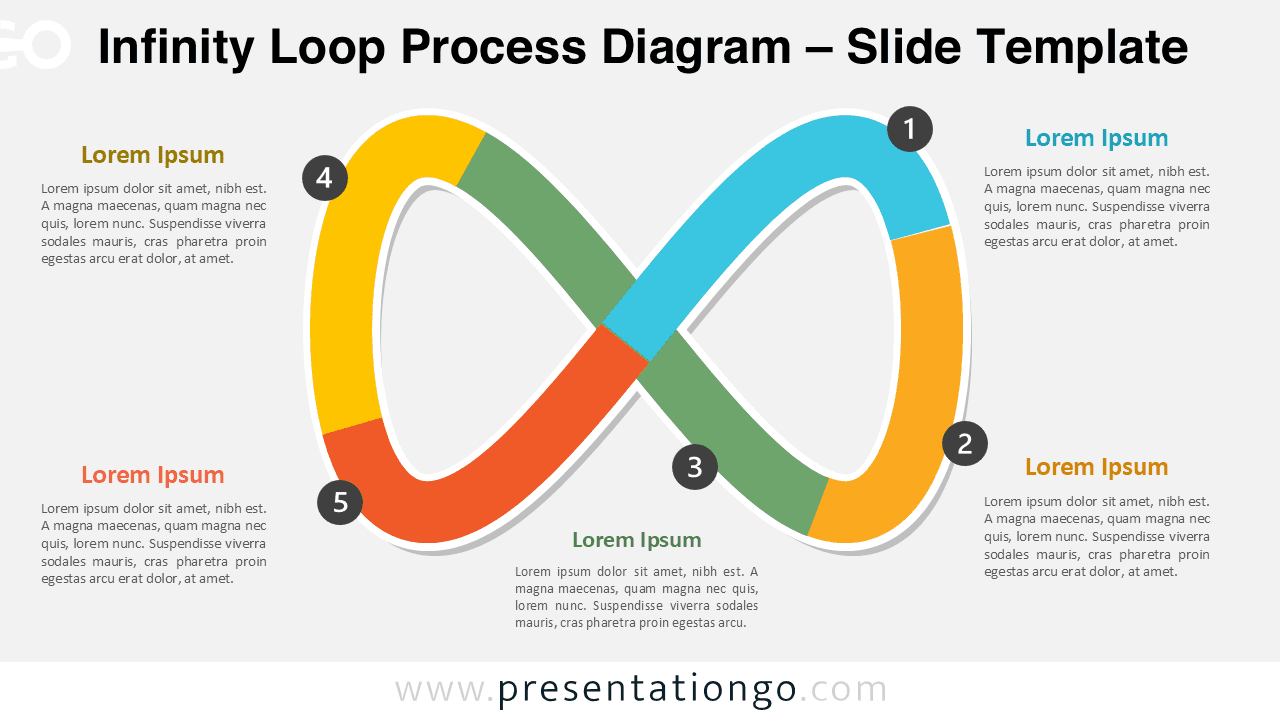
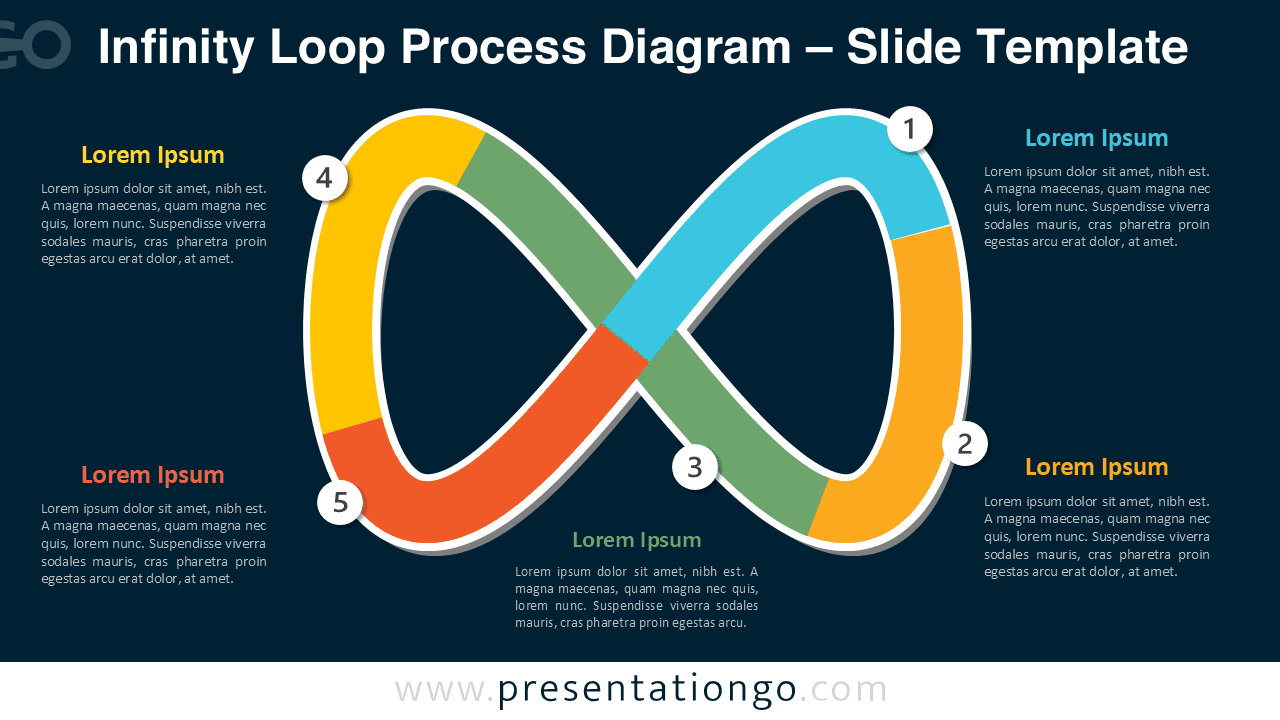
Diagram Features and Customization Options
- Editable 5-step infinity loop structure for PowerPoint and Google Slides.
- Includes numbered icons from the Microsoft Office icon library.
- Numbers are fully editable and easy to replace or customize.
- Available in both light and dark slide versions.
- Text placeholders can be modified quickly for any presentation topic.
- Scalable vector shapes ensure clean resizing without quality loss.
Design and Structure
This diagram uses an infinity-shaped ribbon to create a strong visual representation of continuity and interconnected stages. The smooth curved structure guides the audience naturally from one point to the next while maintaining a clean and balanced layout. Numbered markers help identify each step clearly and support structured explanations around the central shape.
The layout provides enough surrounding space for titles and supporting descriptions without overcrowding the slide. Its professional appearance makes it suitable for both corporate and educational presentations, especially when explaining cyclical systems, recurring workflows, or strategic frameworks.
Practical Applications
- Present continuous improvement and agile workflows.
- Explain recurring operational or business processes.
- Visualize customer journeys and lifecycle strategies.
- Map iterative planning and feedback systems.
- Show interconnected stages in management or marketing presentations.
Summary
The Infinity Loop Process Diagram provides a visually engaging way to explain connected stages within an ongoing process. Its editable structure, customizable numbered icons, and clean layout make it suitable for business, strategy, education, and project management presentations in both PowerPoint and Google Slides.