The Four-Step Success Cycle PowerPoint diagram helps you explain a structured process through four connected stages. Its circular layout guides the audience around the sequence while keeping the main objective visible at the center. The mountain and flag illustration reinforces the idea of progress, achievement, and reaching a defined destination.
This diagram works well for presentations that need a clear process without excessive detail. Each stage includes space for a number, heading, and supporting text. The balanced arrangement makes comparisons easy and keeps all four sections equally important. You can use the diagram in PowerPoint and Google Slides for business, education, consulting, marketing, and project communication.
Diagram Preview
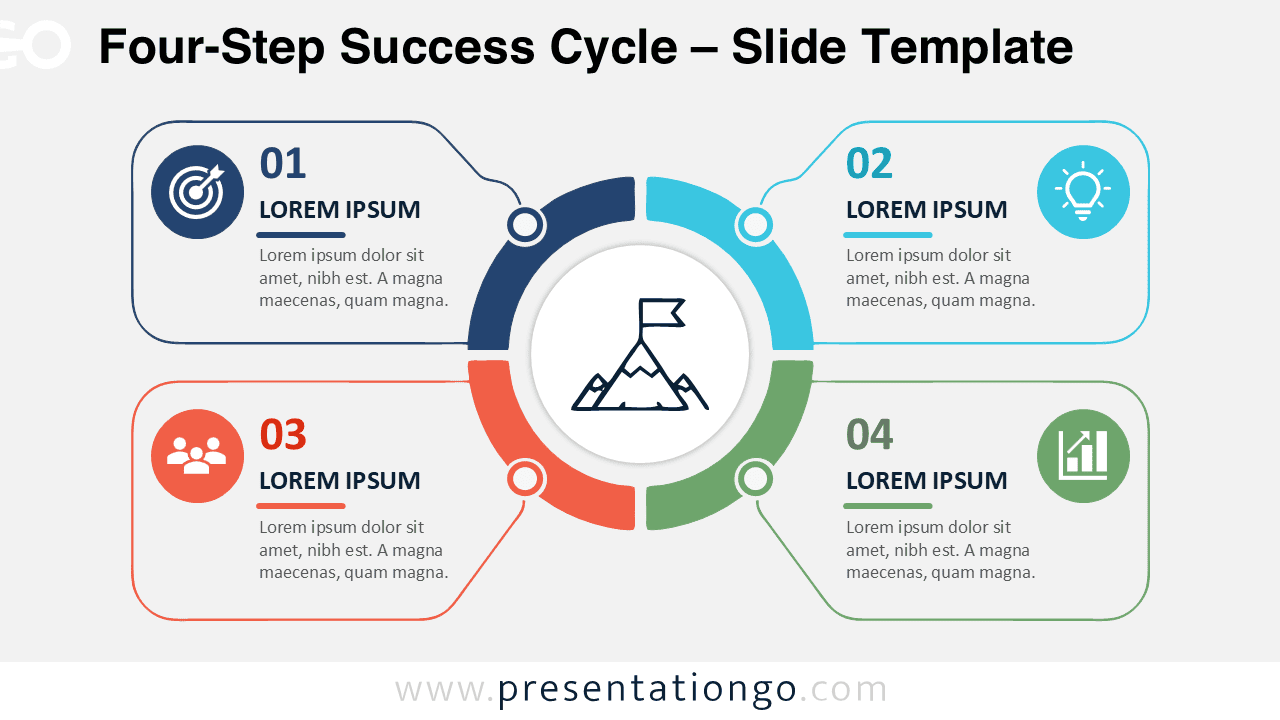
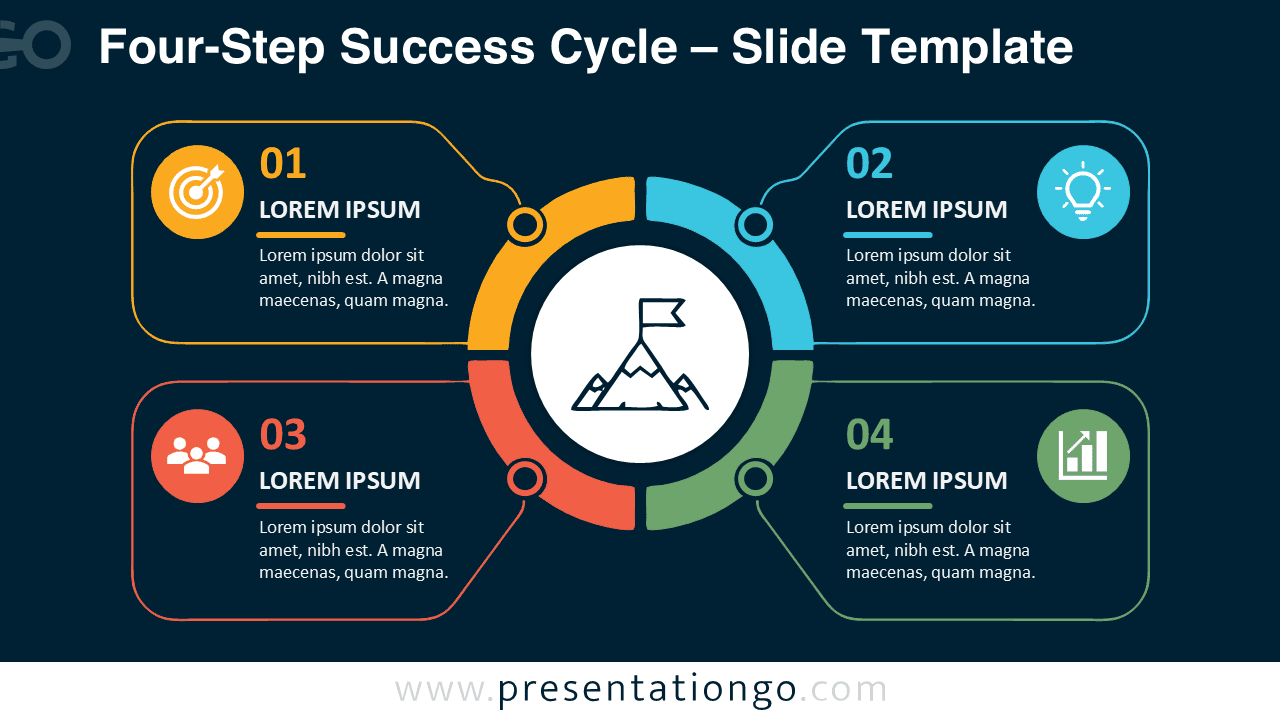
The Four-Step Success Cycle PowerPoint diagram includes two coordinated slide versions. One suits brighter presentations, while the other works well in darker presentation environments. Both versions preserve the same structure, spacing, hierarchy, and editable content areas.
Features and Customization Options
- Four clearly numbered stages arranged around a central success objective.
- Editable headings, descriptions, labels, shapes, connectors, and process segments.
- The icon artwork comes from the Office icon library and remains easy to modify.
- The central mountain and flag icon can be resized, recolored, replaced, or removed.
- Text areas support short summaries, action points, milestones, or phase descriptions.
- The layout works in both PowerPoint and Google Slides.
- Each section can be duplicated, reordered, or adapted to match your process.
- All elements remain editable without requiring additional design software.
Design and Structure
The diagram places a segmented cycle at the center of the slide. Four connected content panels extend outward from the circle. This structure creates a direct relationship between each stage and the overall objective. The numbered sequence supports logical reading, while the central illustration gives the slide a strong visual focus.
The layout also helps presenters maintain a clear narrative. You can introduce the objective first, then explain each stage clockwise. You can also reveal each section progressively during a live presentation. This approach keeps attention on the current step without losing the broader process context.
Practical Applications
- Explain four phases of a project or implementation plan.
- Present a strategic roadmap leading toward a business objective.
- Show the stages of product development or service delivery.
- Outline a marketing, sales, or customer success process.
- Describe continuous improvement or performance management cycles.
- Organize four priorities within a leadership or consulting framework.
- Summarize learning stages, training modules, or educational workflows.
- Visualize milestones that support a central goal.
Summary
The Four-Step Success Cycle PowerPoint diagram provides a practical way to present four connected stages around one central goal. Its editable structure supports many professional topics, from strategy and planning to education and performance improvement. Use it to simplify complex information, strengthen your presentation flow, and help audiences understand how each stage contributes to success.




