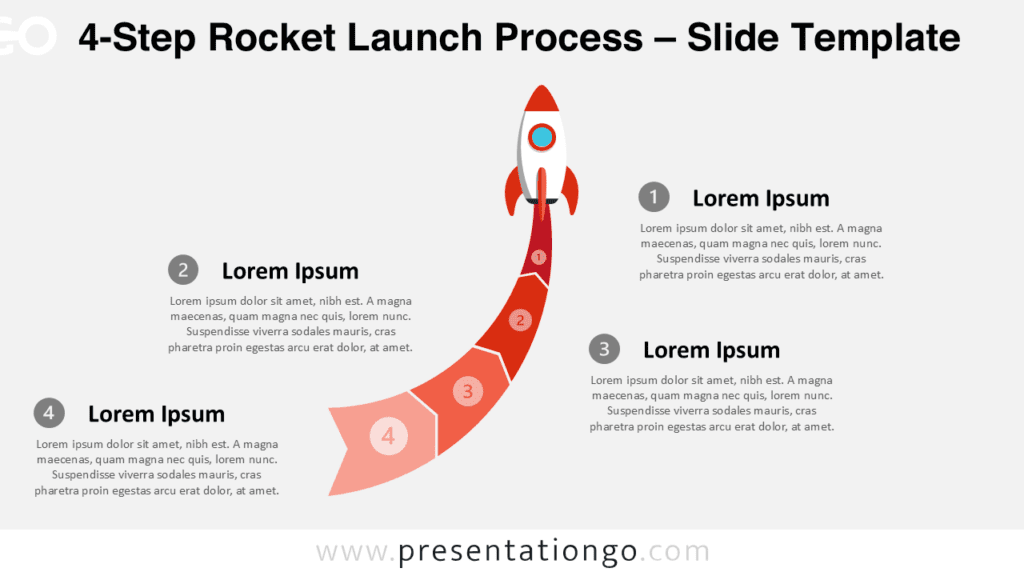
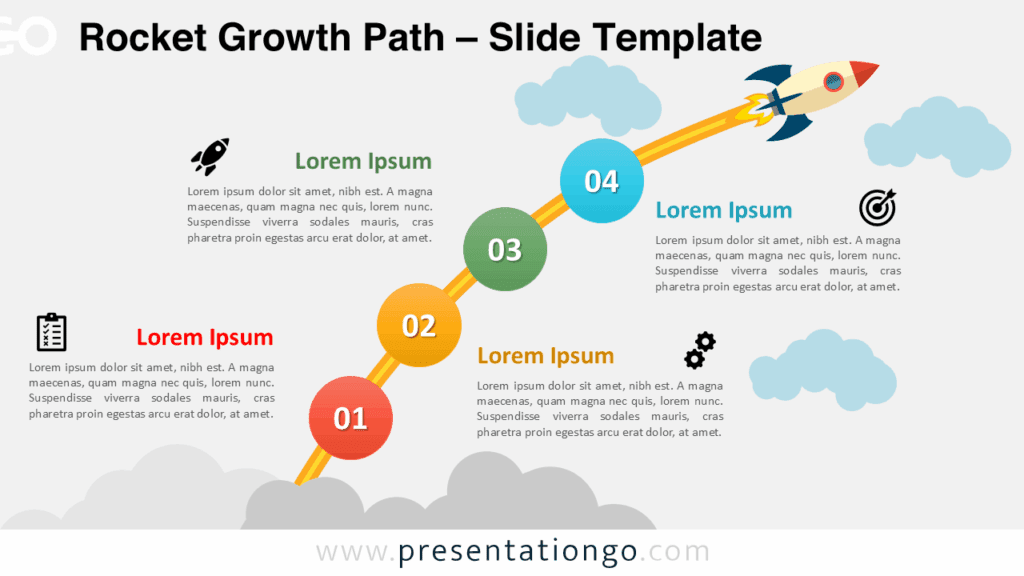
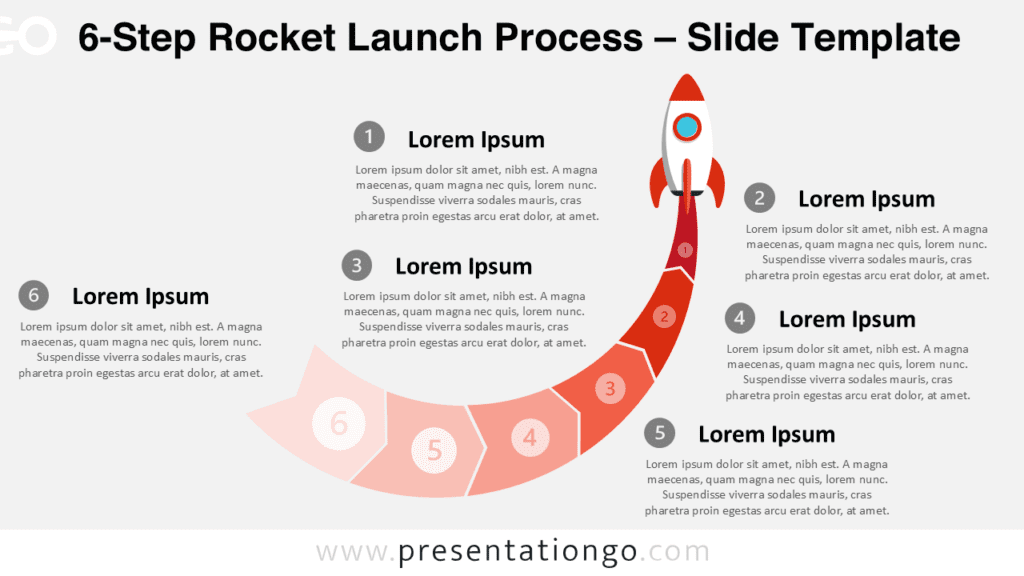
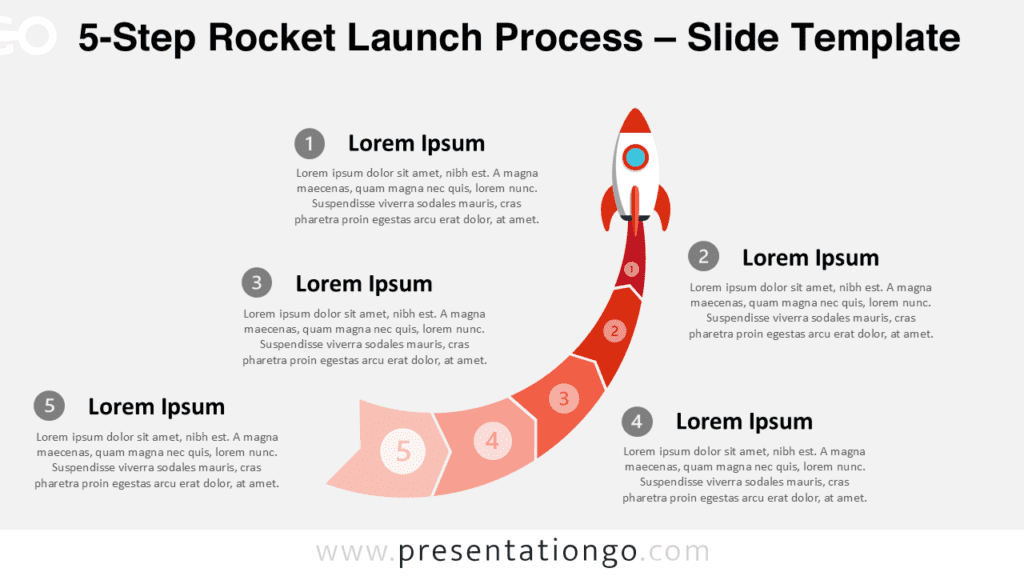
The Rocket Launch Diagram offers a clear visual metaphor for turning ideas into action. A central rocket anchors the composition, while four surrounding callouts organize supporting information. The layout works well when you need to connect several objectives, stages, priorities, or strategic themes to one shared direction. Its visual hierarchy keeps the main concept obvious without making the slide feel crowded.
You can use the Rocket Launch Diagram in PowerPoint and Google Slides for business, project, education, or planning presentations. The rocket imagery adds energy to the message while the structured callouts keep the content practical. This balance makes the slide useful for both formal presentations and more creative storytelling.
Diagram Preview
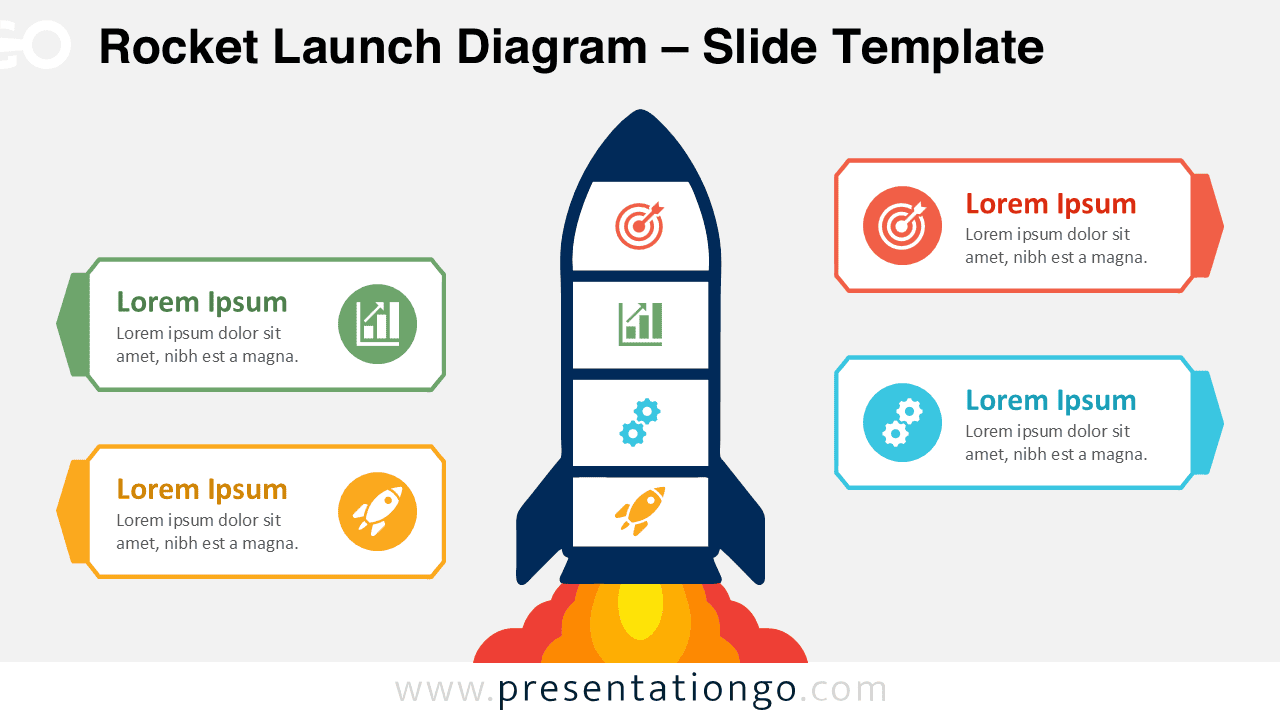
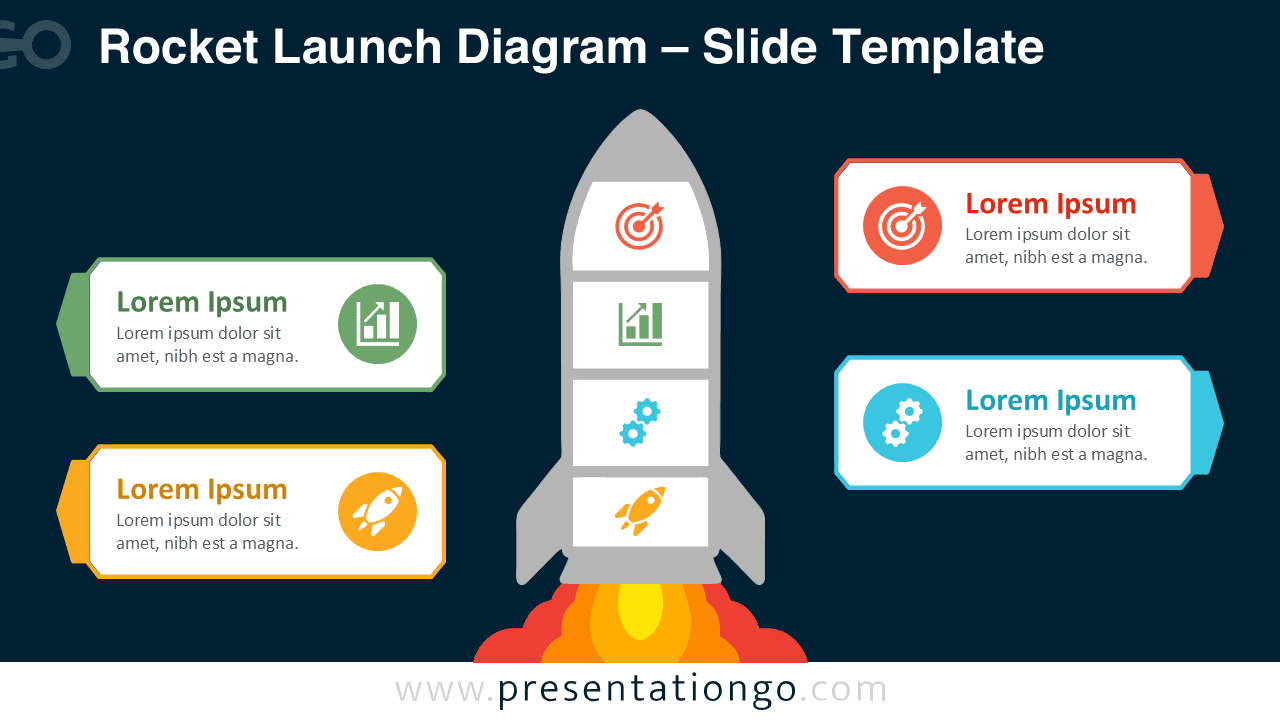
The diagram centers on a vertical rocket divided into four visual sections. Four external callouts provide space for headings and short explanations. This structure helps audiences connect each supporting idea with the central launch theme. The file also includes alternate versions that work across different presentation styles.
Features and Customization Options
- Compatible with Microsoft PowerPoint and Google Slides
- Four-part rocket diagram, fully editable
- Editable text, shapes, colors, and icon placeholders
- Icons are for illustration purposes only and come from the Office icon library
- Office library icons are easily modifiable
- Includes both light and dark background versions
Design and Structure
The Rocket Launch Diagram uses a strong central metaphor to organize four related pieces of information. Two callouts sit on each side of the rocket, creating a balanced composition. Each callout combines a short heading, supporting text, and an icon placeholder. The rocket also contains four stacked sections, which reinforce the idea of connected stages or components.
This structure gives you several storytelling options. You can treat the four areas as stages in a launch plan, separate strategic priorities, project objectives, or supporting factors. The central rocket keeps every point connected to one larger goal, which helps the audience understand the relationship between individual ideas and the overall direction.
Practical Applications
- Present four stages of a product or service launch
- Explain business growth priorities and strategic initiatives
- Organize project objectives around one central goal
- Show startup planning steps or market-entry activities
- Present innovation, transformation, or acceleration programs
- Summarize four factors that support a major objective
- Structure goal-setting, achievement, or performance discussions
Summary
The Rocket Launch Diagram combines a recognizable launch metaphor with a practical four-part information structure. Its central visual creates a clear focal point, while the surrounding callouts provide enough room for concise supporting content. You can adapt the diagram to strategies, projects, launches, growth plans, and many other presentation topics.
Because the elements remain editable in PowerPoint and Google Slides, you can adjust the text, shapes, and icon placeholders to fit your message. The result is a flexible visual that communicates momentum while keeping complex information organized and easy to follow.