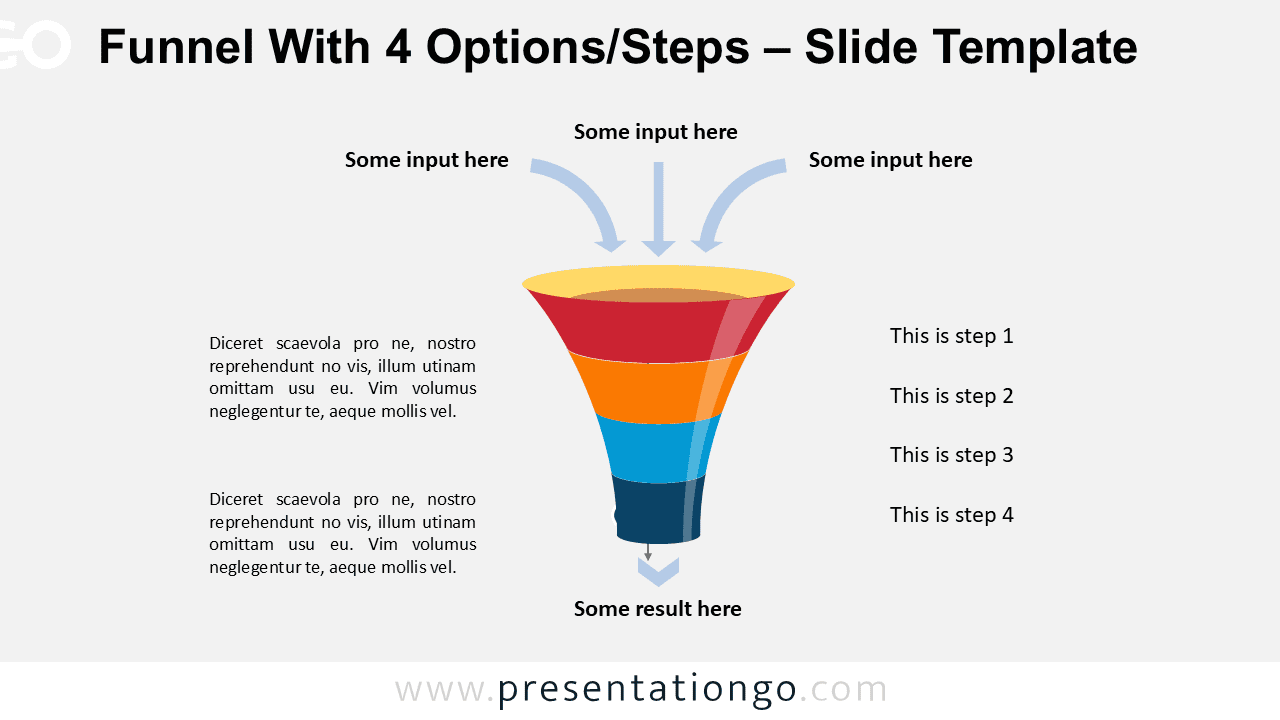
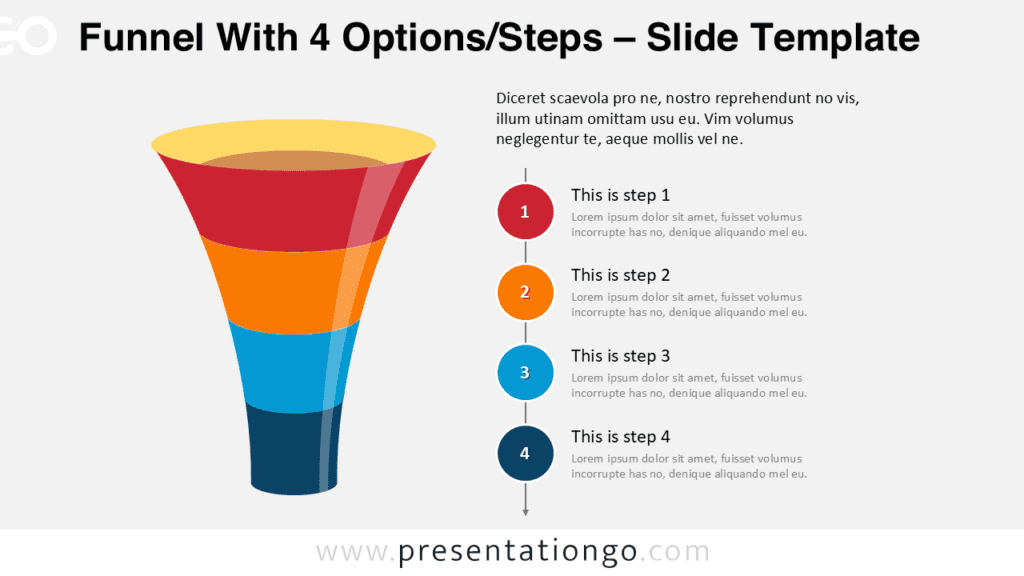
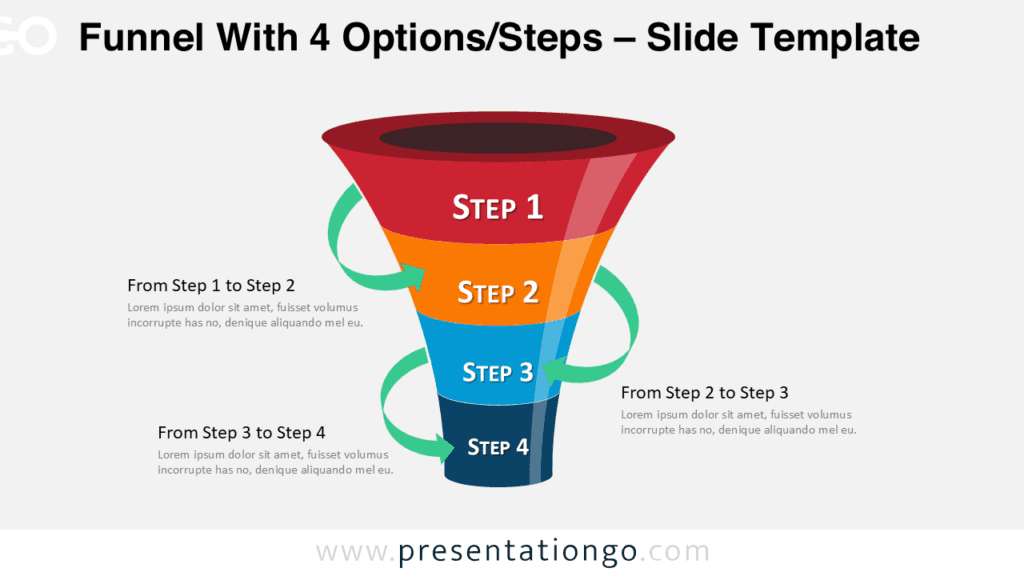
Free PowerPoint funnel chart with 4 steps. Clean vertical funnel with fully editable layers. Curved arrows show the input on the wider side of the funnel. You can briefly describe each stage via the text placeholders on the right of the funnel.
How to customize the editable PowerPoint Funnel Chart?
- Select the funnel / shape
- Right-click
- Group>Ungroup
- Then you can select and edit all the parts of the PPT funnel
This ‘Funnel Chart With 4 Steps’ template features:
- 1 unique slide
- Light layout
- Ready to use template with text placeholders
- Completely editable shapes
- Standard (4:3) and Widescreen (16:9) aspect ratios
- PPTX file (PowerPoint)
Free font used:
- Calibri (System Font)




Comments are closed.