

The 2026 Desk Calendar Template is a clean and modern presentation solution for professionals. It helps structure ideas clearly while maintaining a warm, editorial visual style. Built around a desk calendar concept, this template works perfectly for annual planning, strategy presentations, and business overviews in PowerPoint and Google Slides.
Moreover, the minimalist workspace photography and balanced layouts create a calm, professional atmosphere. By highlighting the year 2026, the template supports clear storytelling for yearly goals, timelines, and key messages. As a result, your content stays focused and easy to follow.
Template Preview
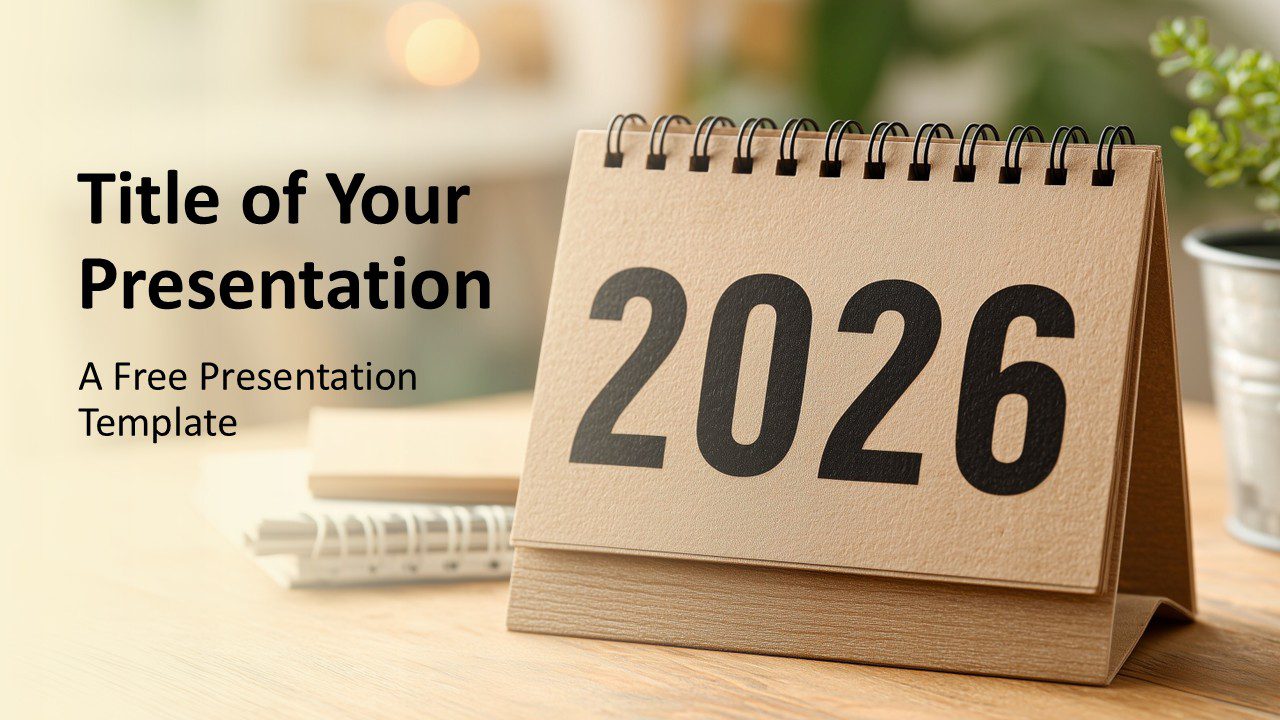
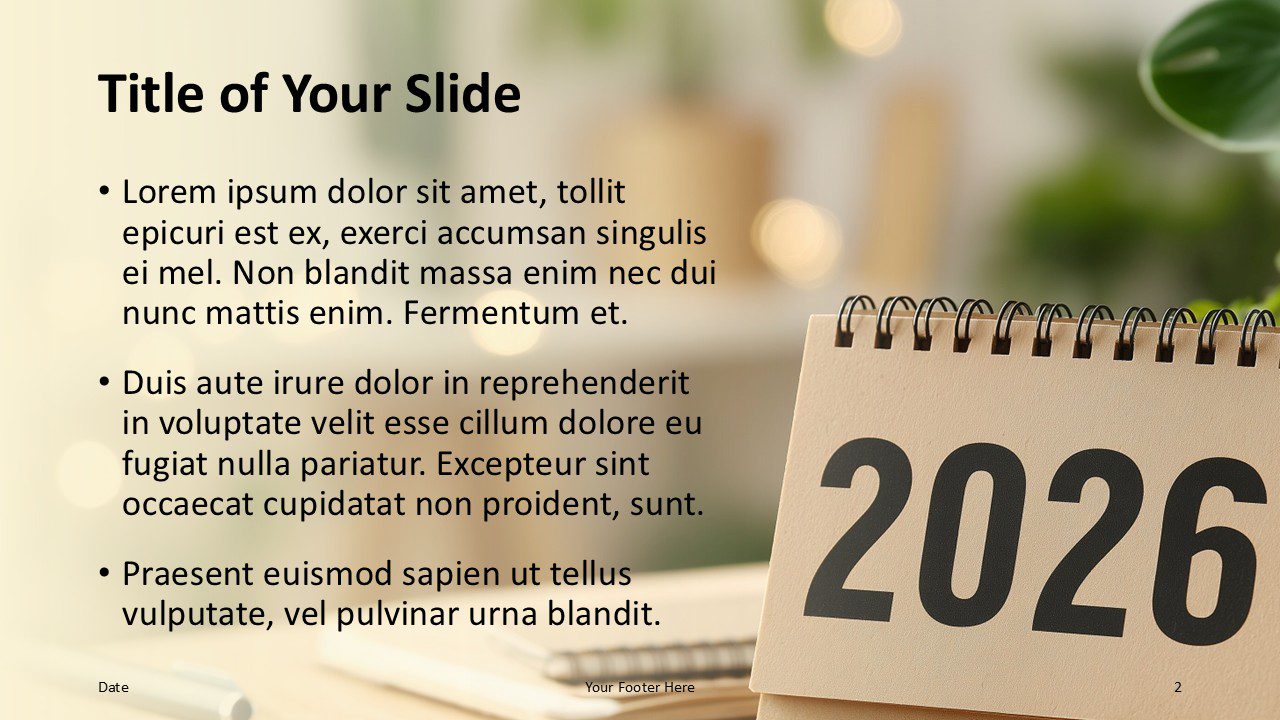
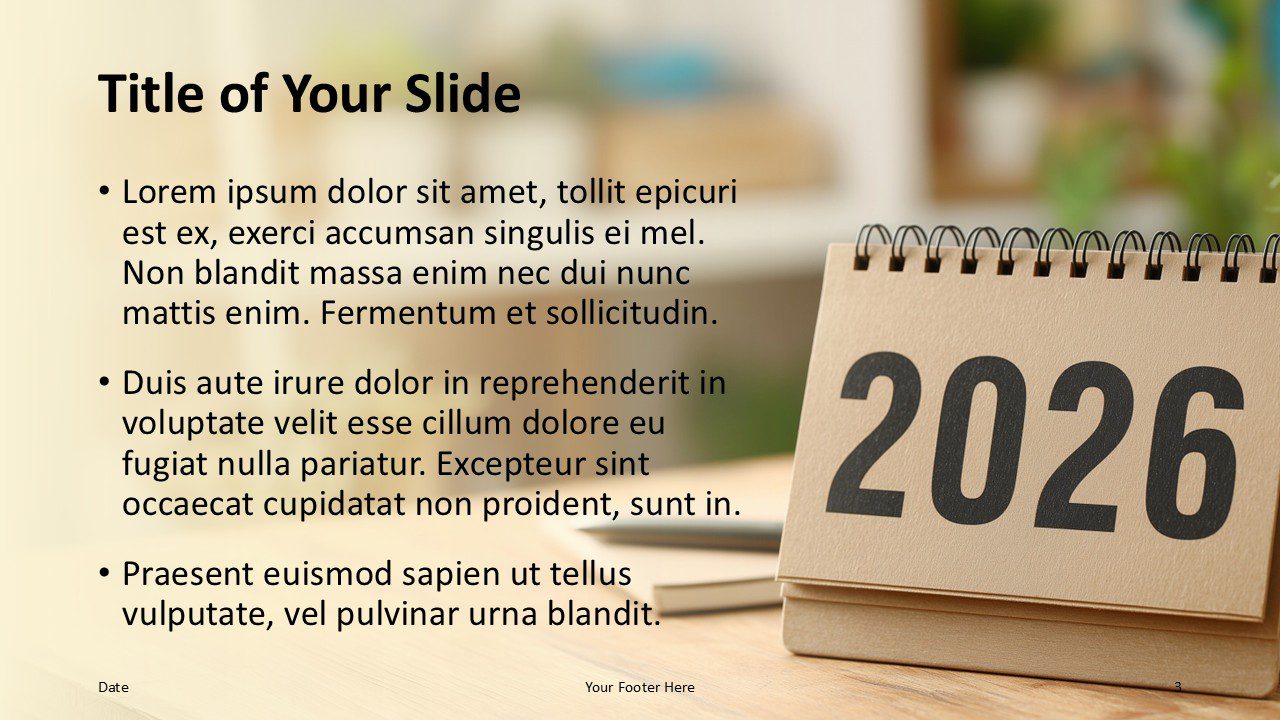
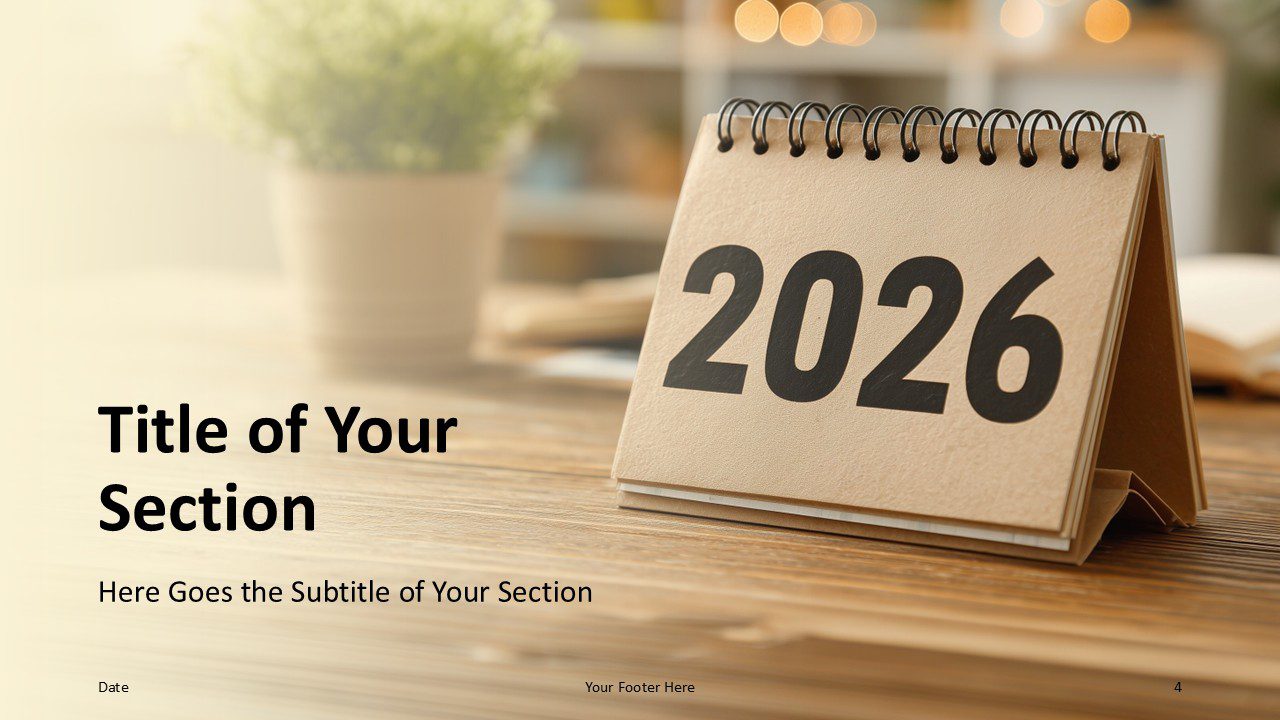
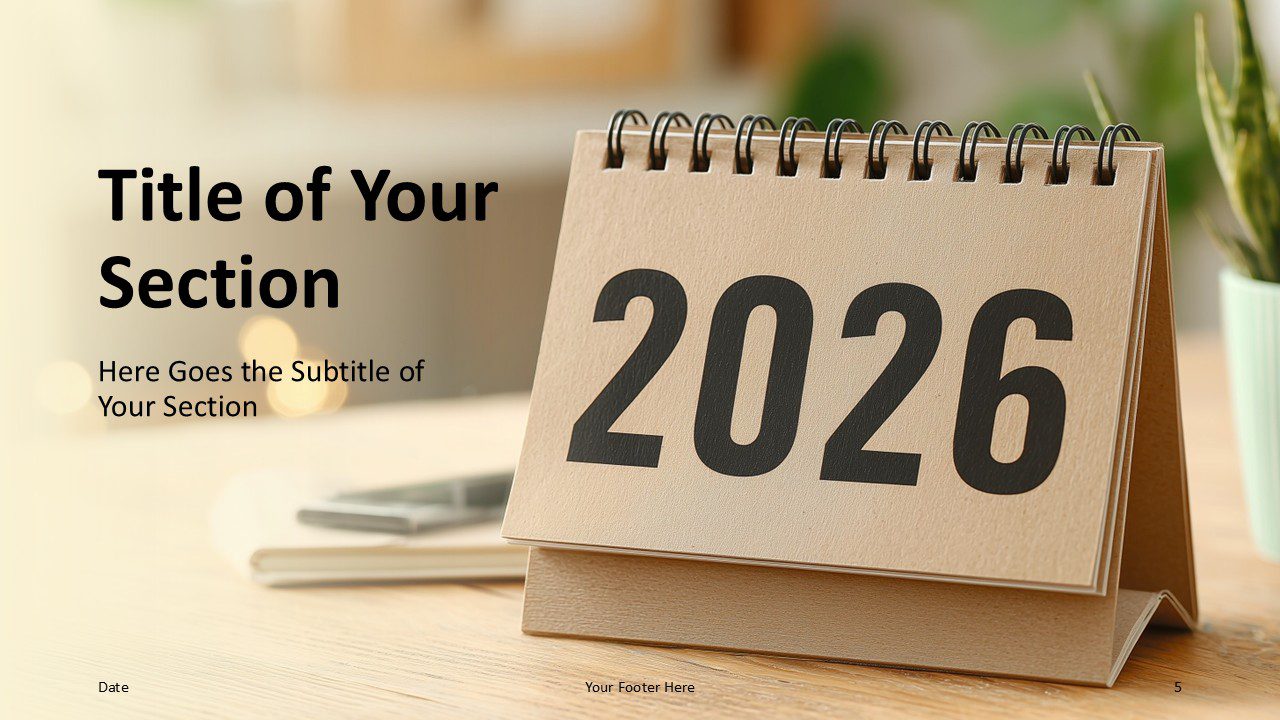
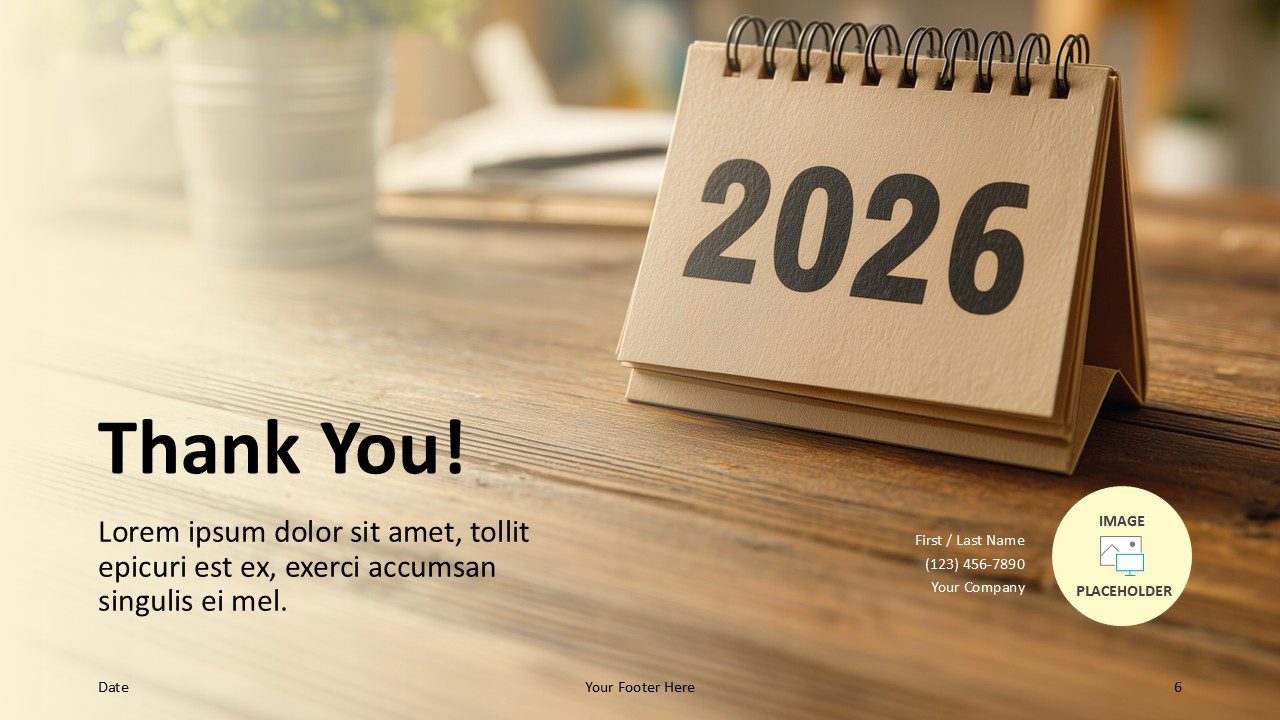
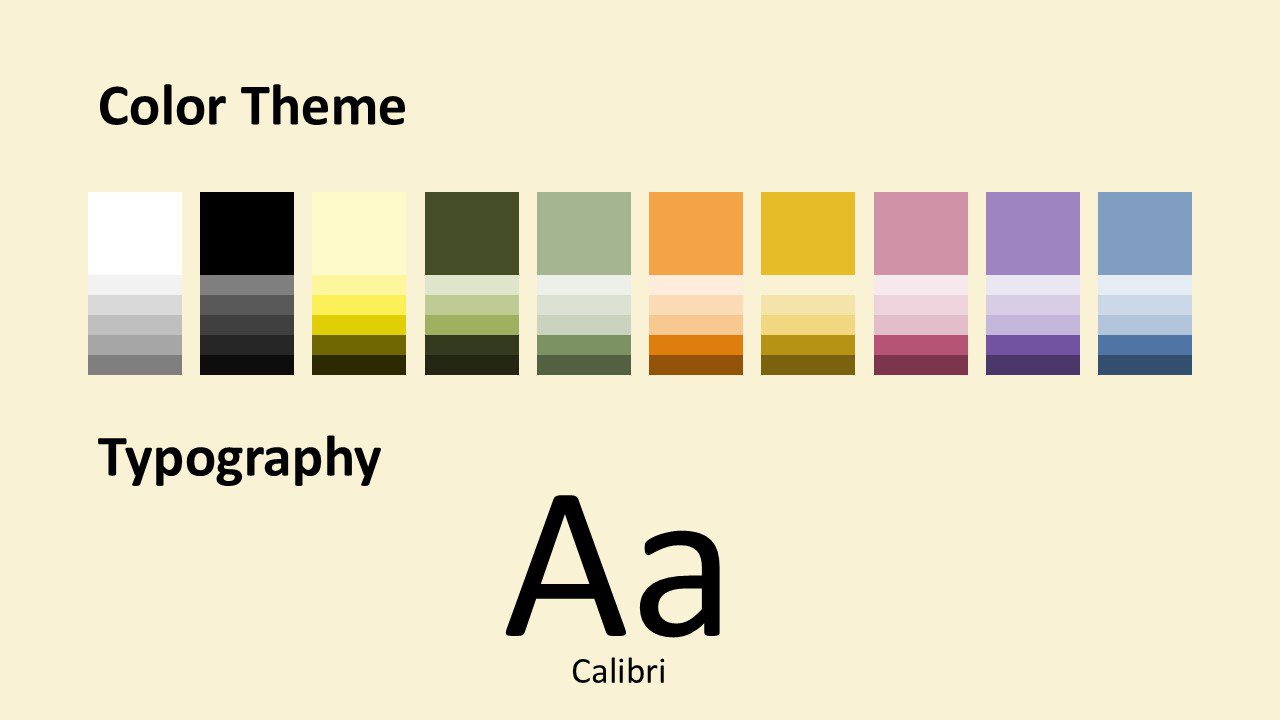
The template preview presents a complete set of six content slides. These include a cover slide, multiple content layouts, section dividers, and a thank-you slide. In addition, a dedicated slide displays the color palette and typography used throughout the presentation.
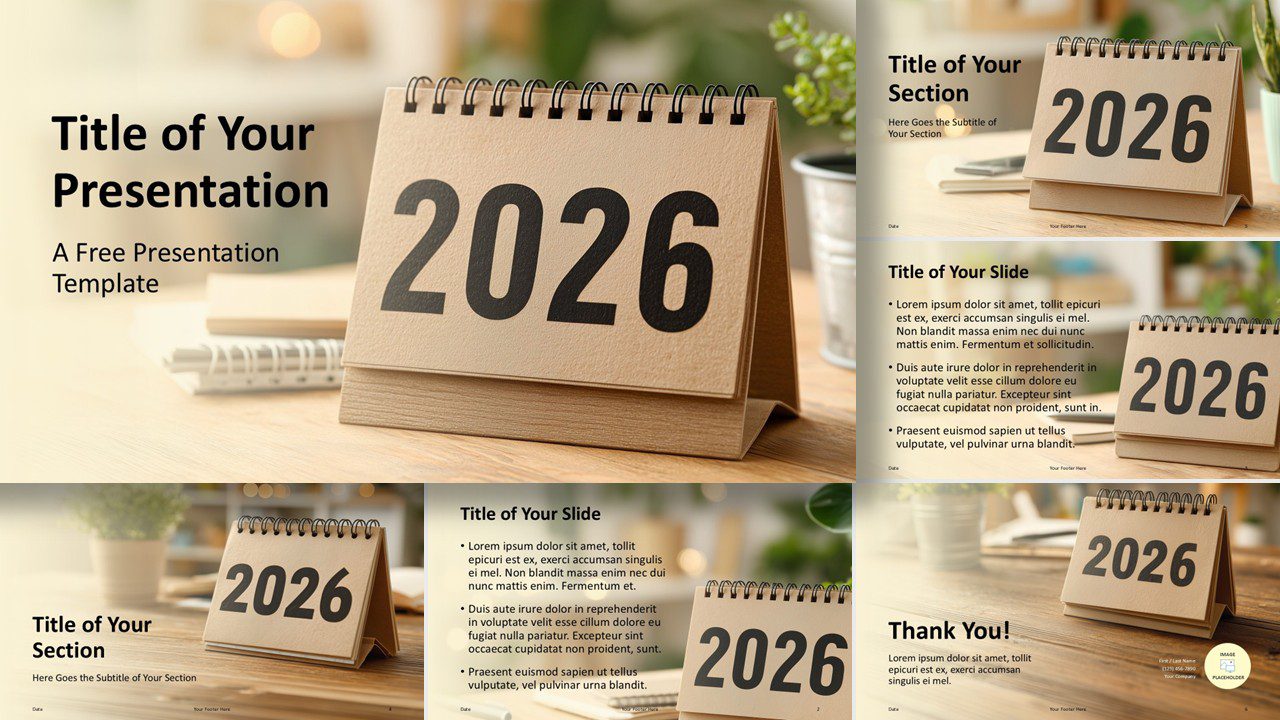


Template Features and Customization Options
The 2026 Desk Calendar Template delivers clarity, balance, and strong visual impact. You can fully edit every slide in PowerPoint and Google Slides. Therefore, you can adapt layouts, text, and colors without any design limitations.
- Six fully editable slide layouts support clear visual storytelling, including cover slides, content layouts, section dividers, and a thank-you slide.
- A consistent desk calendar visual theme reinforces year-based planning, annual reporting, and strategic communication.
- Easy-to-edit text placeholders appear on every slide, which makes updates fast and intuitive.
- A color theme and typography preview helps you quickly understand and customize the visual identity.
- Full compatibility with PowerPoint and Google Slides ensures smooth editing without add-ins or external assets.
- A 16:9 widescreen format fits modern screens, projectors, and online presentations.
Design and Layout Overview
The design combines warm workspace imagery with generous white space. This approach creates a calm and professional look. At the same time, the large calendar element anchors each slide visually and emphasizes the year 2026.
Typography remains simple and highly readable. Consequently, headlines and body text stay clear, even on content-rich slides. The neutral color palette also adapts easily to corporate branding.
Practical Applications
- Annual business planning and 2026 strategy presentations
- Corporate overviews and company roadmaps
- Yearly reports and executive summaries
- Internal meetings, kickoffs, and planning sessions
- Professional presentations for consultants and managers
Summary
Overall, the 2026 Desk Calendar Template offers a versatile and professional presentation design. It helps you communicate year-based content with clarity and confidence. With editable layouts and a cohesive visual theme, it supports a wide range of business needs.
Whether you plan the year ahead or present strategic milestones, this template provides a clean and reliable foundation. As a result, your message stays clear, focused, and visually consistent throughout 2026.



