
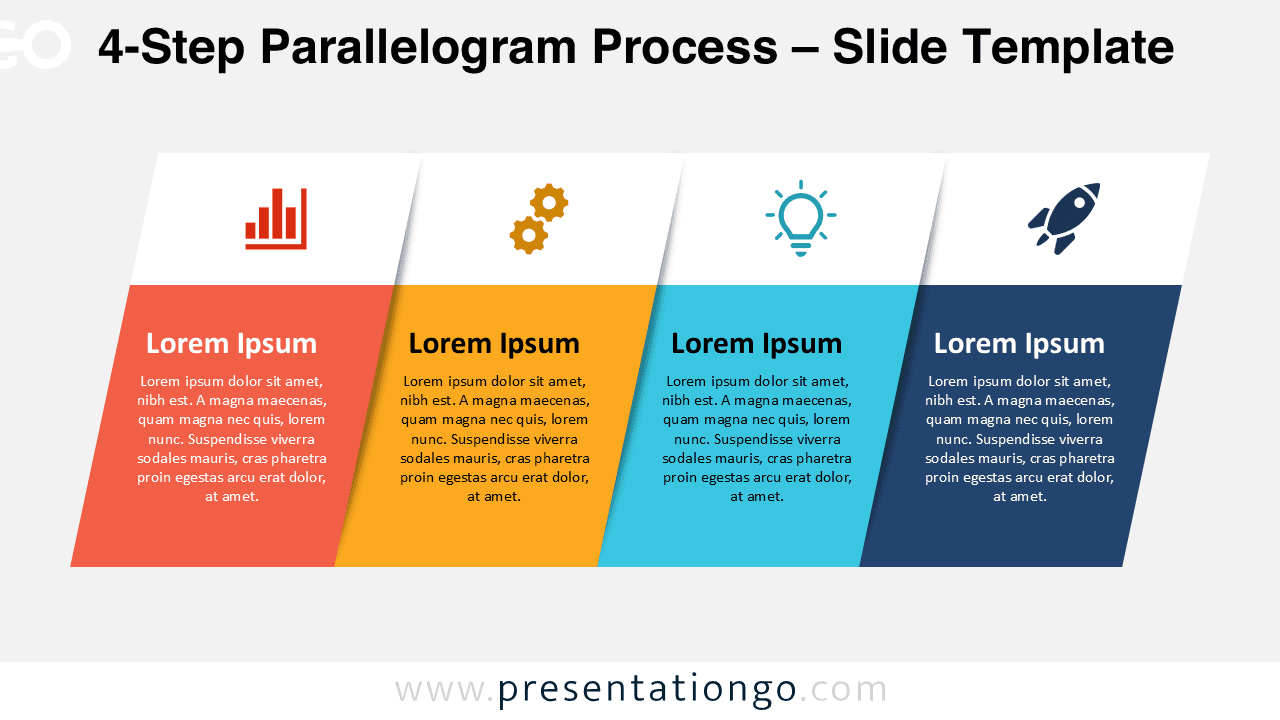
The 4-Step Parallelogram Process is a clean and structured diagram designed to help presenters explain workflows, stages, or sequential processes with clarity. This visual layout uses tilted parallelogram shapes to create a strong sense of direction and progression across the slide.
Available for both PowerPoint and Google Slides, this diagram is ideal for business, strategy, and educational presentations where information must be delivered in a clear and engaging way. The combination of shapes, text areas, and icon placeholders makes the slide easy to understand at a glance.
Diagram Preview


Features and Customization Options
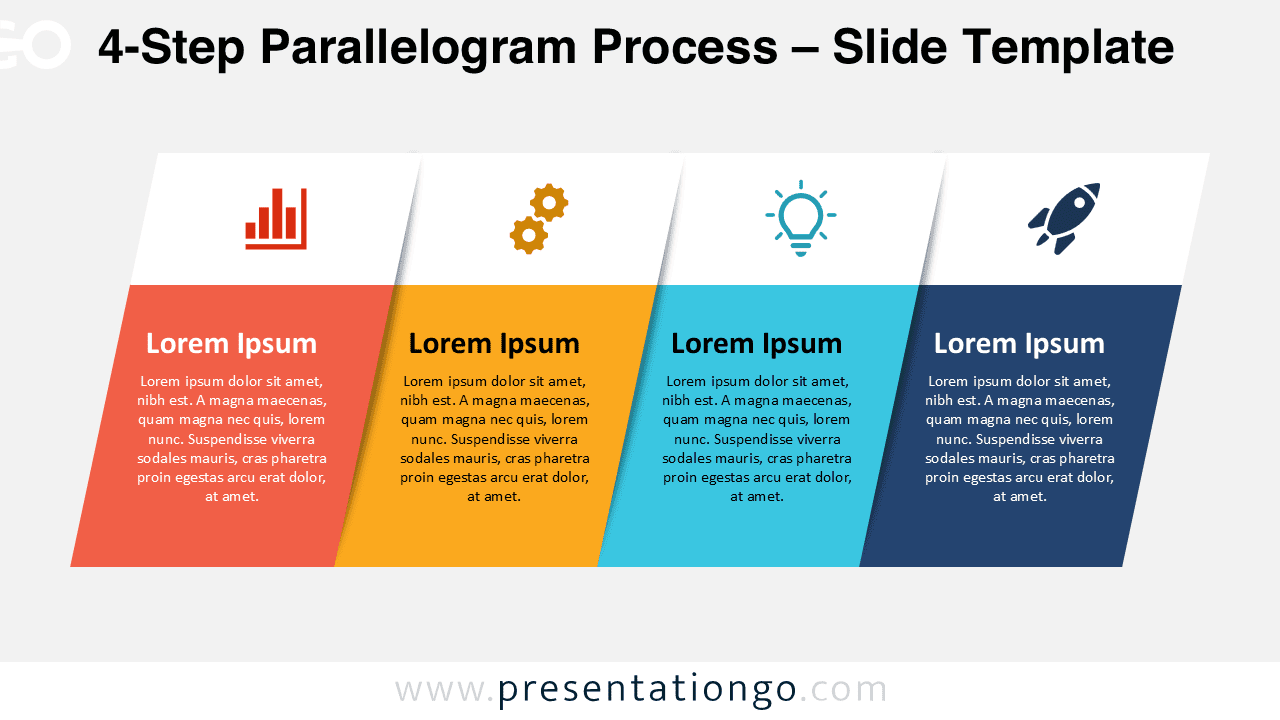
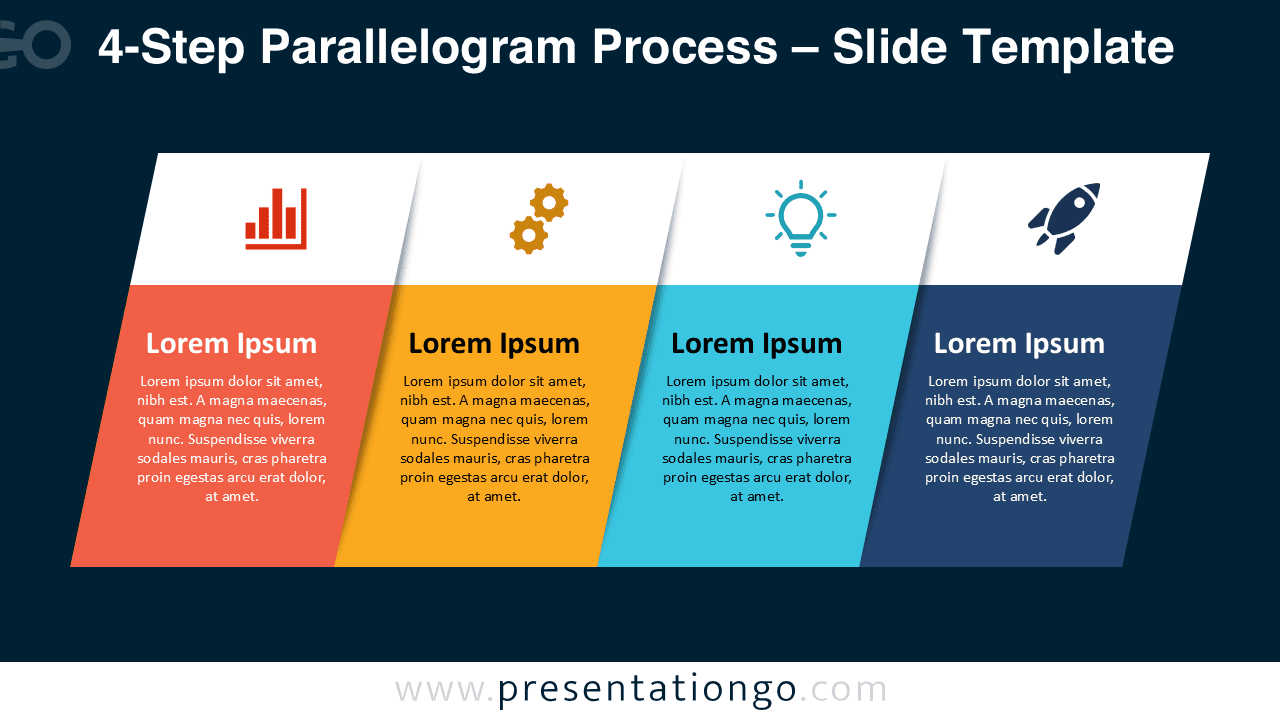
- Four parallelogram-shaped blocks arranged in a linear process flow
- Editable text placeholders for titles and descriptions
- Includes editable icon placeholders for visual reinforcement
- Two visual versions provided for different presentation contexts
- Fully customizable colors, shapes, and typography
- Compatible with PowerPoint and Google Slides
Design and Structure
The diagram is built around a four-step linear structure, using parallelogram shapes to suggest movement and continuity. Each step is visually separated while remaining part of a unified flow, making it easy to follow the process from start to finish.
Icons placed above each step help reinforce meaning and improve visual scanning. The balanced spacing and angled edges create a modern look that works well in professional presentations.
Practical Applications
- Business process and workflow explanations
- Project phases and milestones
- Strategic planning and roadmaps
- Marketing or sales funnels broken into steps
- Training and educational process slides
Summary
The 4-Step Parallelogram Process is a versatile and presentation-ready diagram for anyone who needs to explain structured workflows or sequential ideas. Its clear layout, editable icons, and flexible design make it a valuable visual asset for PowerPoint and Google Slides presentations.



