The Comparative Banners template provides a four-banner layout designed to showcase parallel comparisons, processes, or categories for PowerPoint and Google Slides presentations.
Four-Panel Banner Design for Clear Comparative Analysis
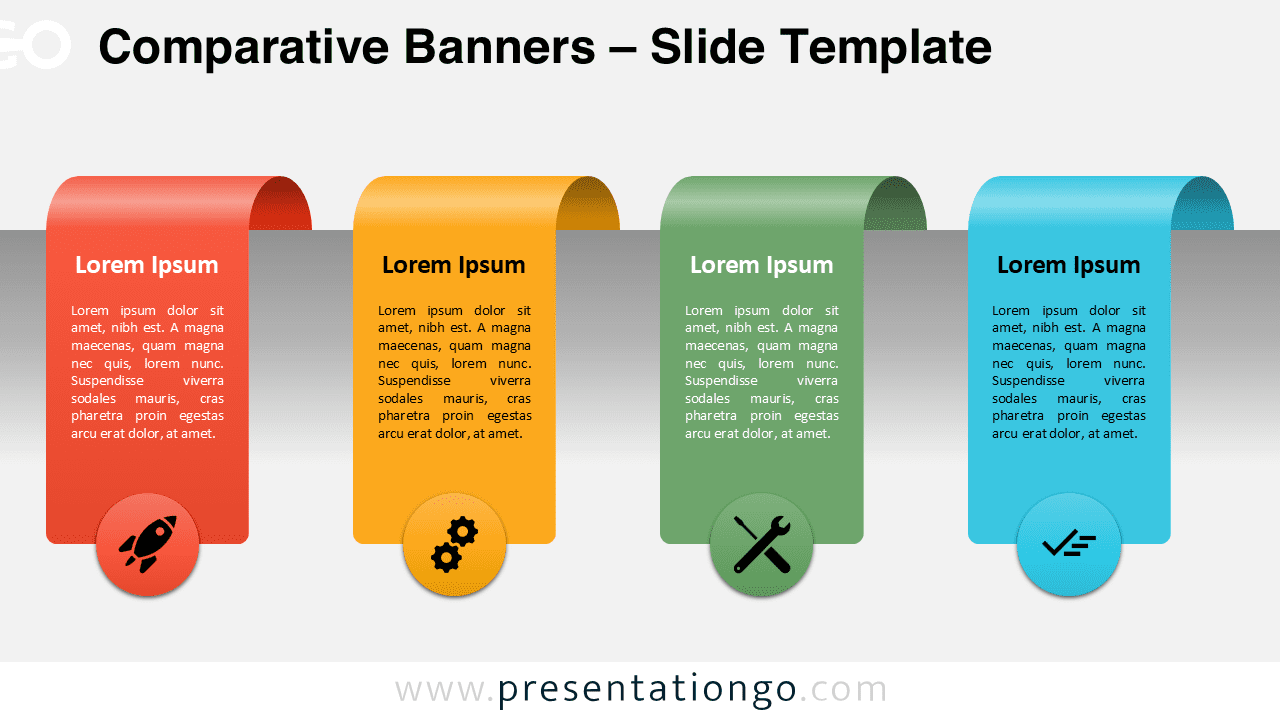
This template showcases four vertical banner elements arranged horizontally, each featuring a distinctive curved top that resembles a folded ribbon or tab design. The banners maintain consistent spacing and proportional sizing, creating visual harmony across the layout. Each banner incorporates three distinct sections: a header area for titles, a central text block for detailed descriptions, and a circular icon element positioned at the base. The circular elements serve as visual anchors, providing thematic reinforcement while maintaining design consistency. The template’s symmetrical arrangement ensures balanced content distribution, while the ribbon-style tops add dimensional depth that distinguishes each section without overwhelming the overall composition.
This template excels in presentations requiring clear side-by-side analysis or categorization. Product managers can utilize it to compare software features, pricing tiers, or service packages, allowing audiences to quickly identify key differentiators. Marketing teams benefit from showcasing competitive advantages, market positioning, or campaign strategies across multiple segments. Educational presentations find value in displaying learning modules, course components, or assessment criteria. Additionally, project managers can present workflow stages, team responsibilities, or milestone achievements.
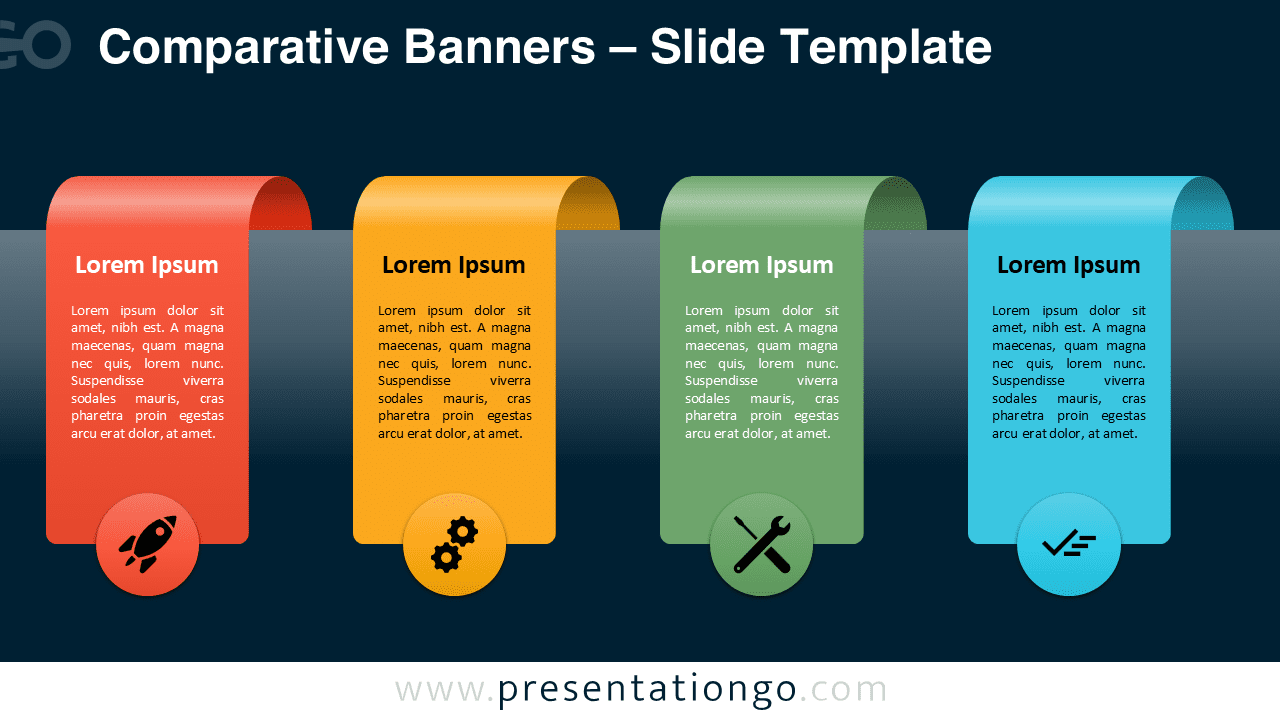
The template includes two unique slides featuring pre-populated icon placeholders and text areas ready for immediate customization. All shapes remain fully editable, enabling users to modify colors, resize elements, and adjust positioning according to specific presentation needs. Both light and dark theme variations accommodate different presentation environments and brand requirements. The template supports Standard 4:3 and Widescreen 16:9 aspect ratios, ensuring compatibility across various display formats. Complete compatibility with PowerPoint PPTX files and Google Slides guarantees seamless integration into existing presentation workflows.
Download this four-banner comparison template to enhance your presentation’s ability to communicate parallel information effectively.
Widescreen (16:9) size preview:



This template offers:
- 2 unique slides
- Options for both light and dark themes
- Pre-populated with icons and text placeholders
- Fully customizable shapes for complete control
- Available in both Standard (4:3) and Widescreen (16:9) ratios
- Offered in both PowerPoint PPTX and Google Slides formats