Organize your ideas with a warm, realistic memo-board aesthetic. The Corkboard Sticky Notes Template brings tactile depth to your slides while keeping text crisp and legible. Use alternating content layouts and bold section dividers to guide audiences through your story in PowerPoint and Google Slides.
Template Preview
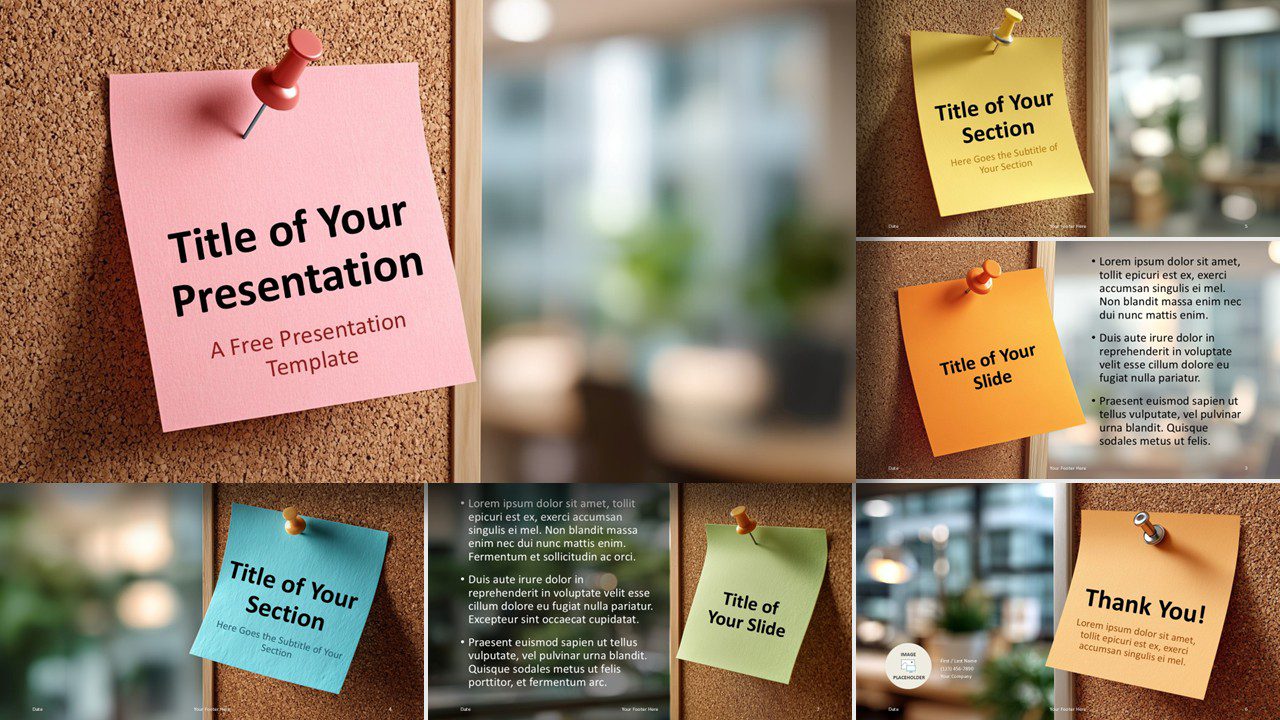



Features
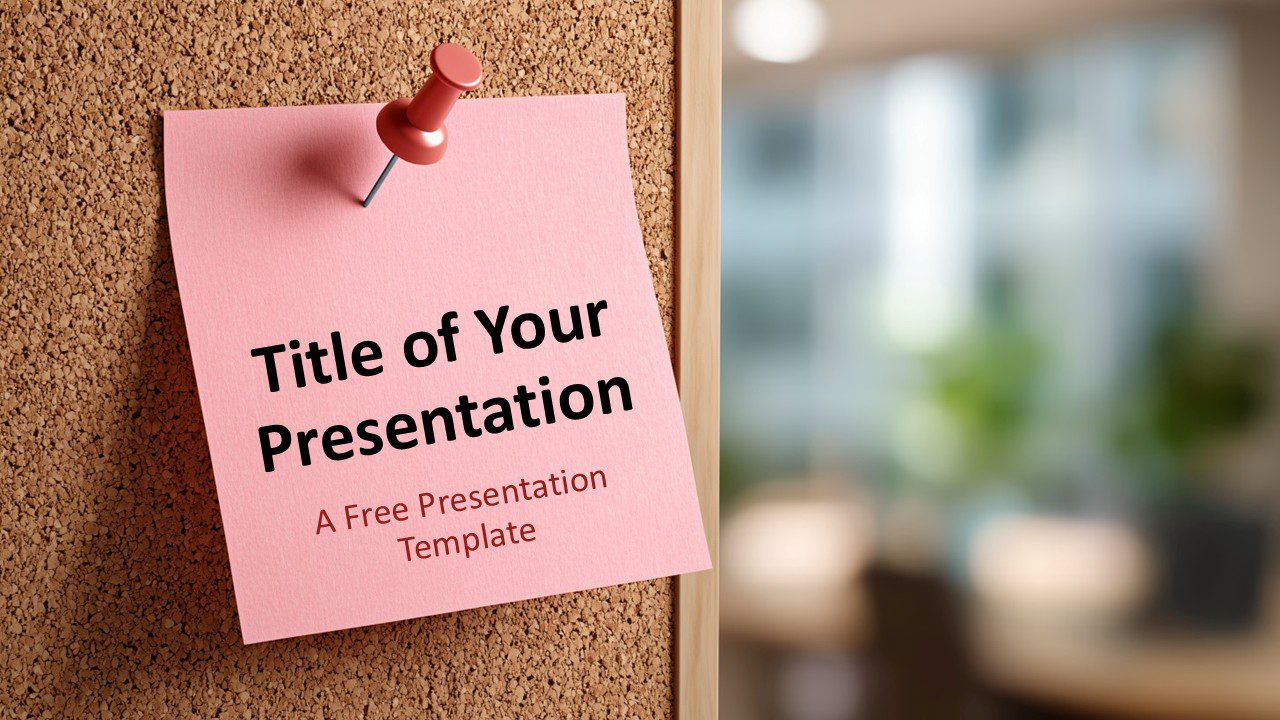
- Title slide with pinned note for a strong first impression
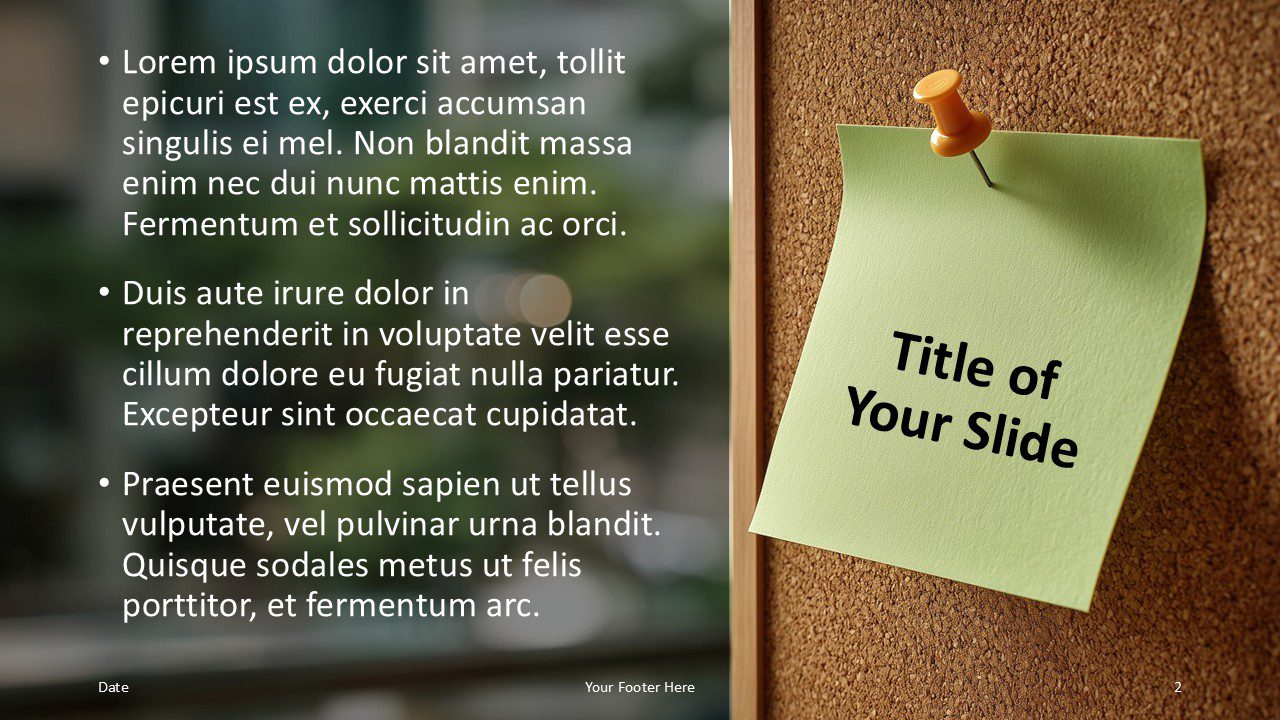
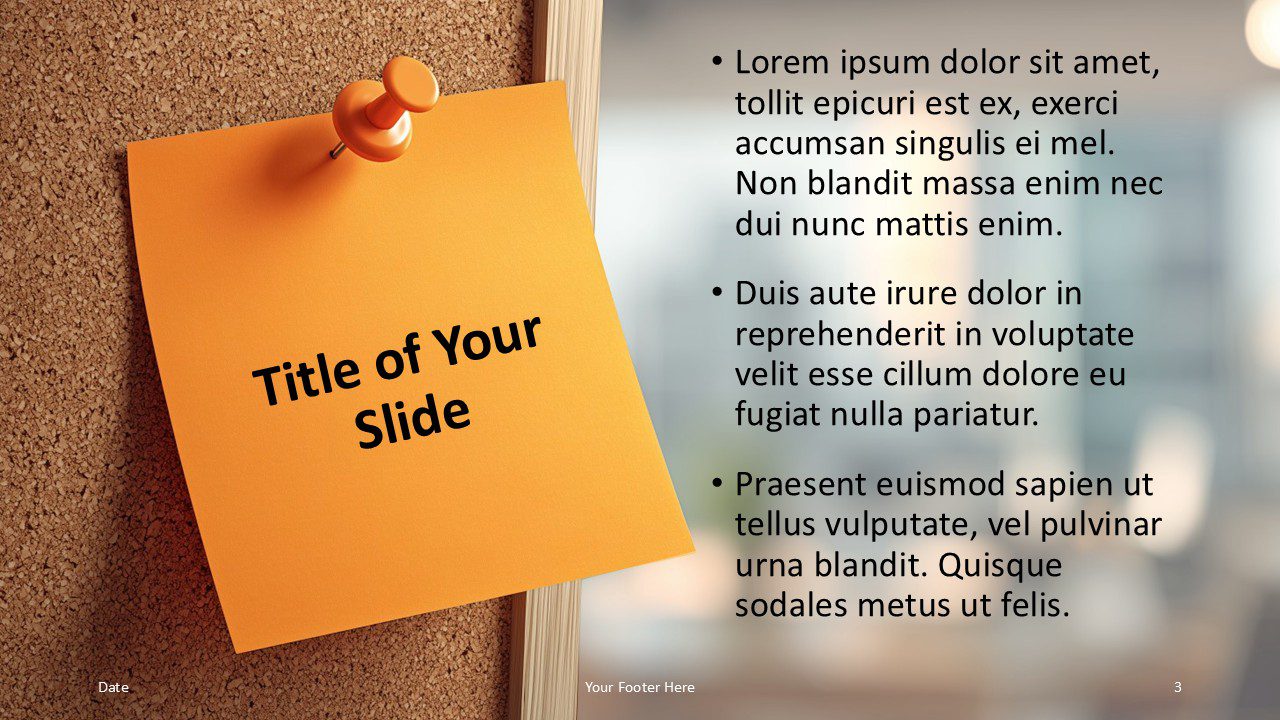
- Two mirrored content layouts that balance bullets with a prominent note title
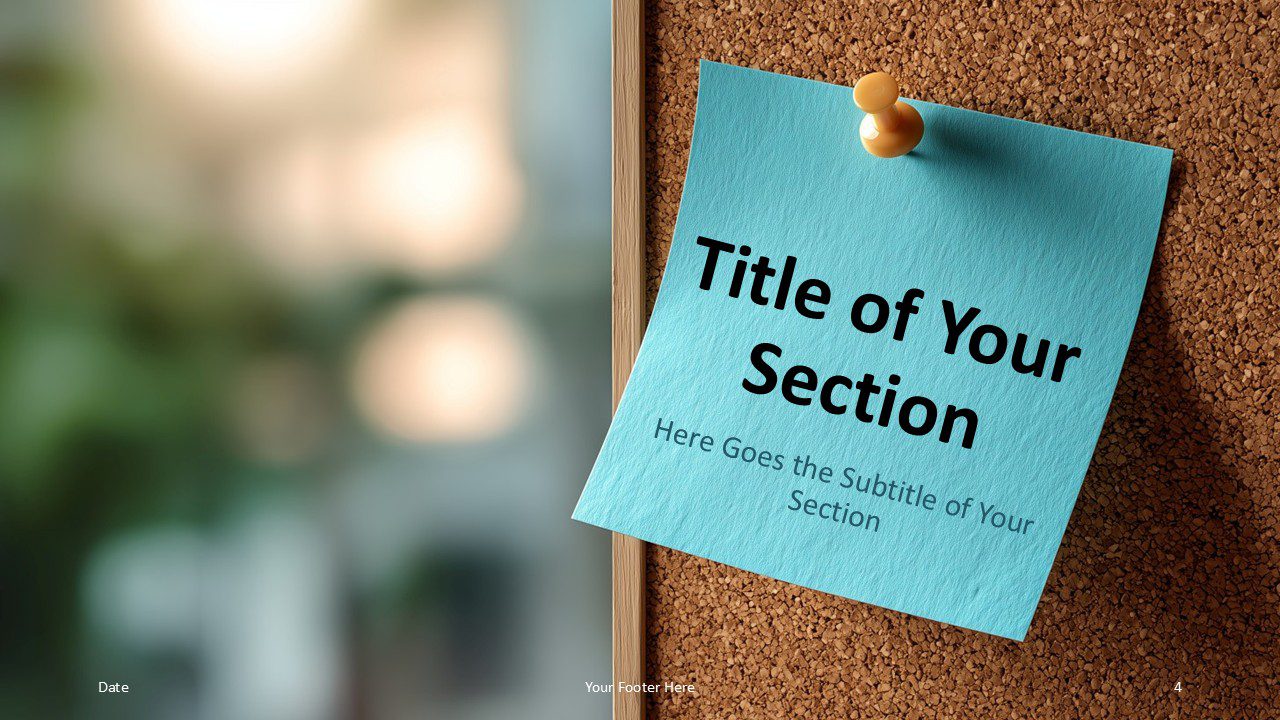
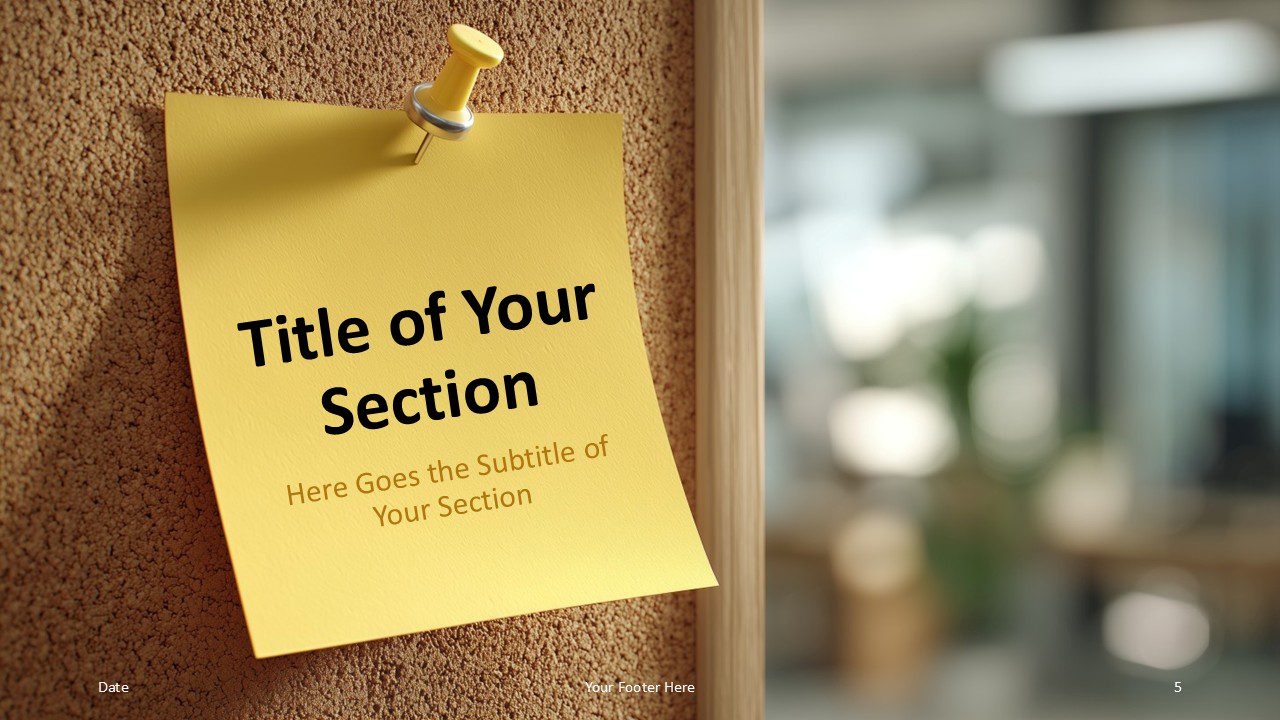
- Section divider slides with clear hierarchy for titles and subtitles
- Final thank-you slide with space for a short message and contact details
- Photo background with subtle overlay to maintain contrast for text
- Editable colors, and text in PowerPoint and Google Slides
- Standard 16:9 layout optimized for screens and projectors
- Free to download and easy to customize
Design and Layout Overview
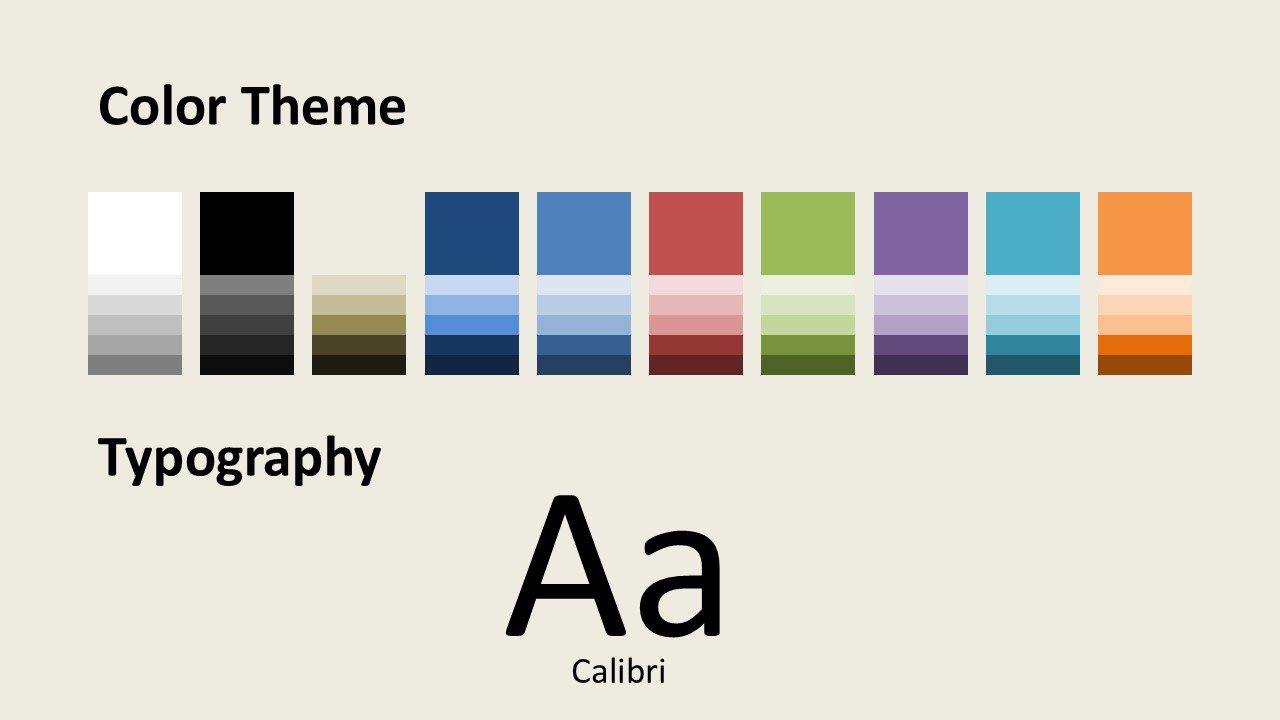
This template uses a corkboard background photographed with a shallow depth of field. The blurred office setting conveys a contemporary workplace while the note shadows and paper texture add realism. A dark overlay enhances readability for body text. Vivid note colors—pink, green, orange, blue, and yellow—create a clear visual rhythm across slides. Default typography is Calibri for titles and paragraphs, which you can swap for brand fonts without breaking the layout.
Practical Applications
- Team meetings and daily stand-ups with concise talking points
- Marketing updates and project status reviews
- Classroom lessons, homework overviews, and student presentations
- Brainstorming summaries, to-do lists, and quick roadmaps
- Workshop agendas and retrospective notes
Summary
The Corkboard Sticky Notes presentation template delivers a friendly, professional look that audiences understand instantly. The mix of mirrored content pages and strong section breaks improves flow, while the realistic scene keeps attention on your key messages in PowerPoint and Google Slides.