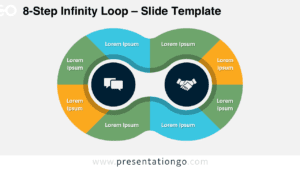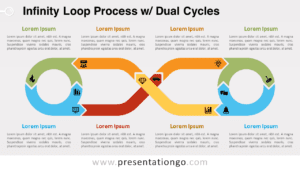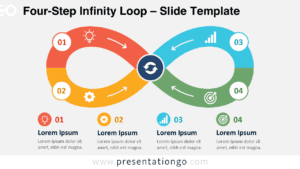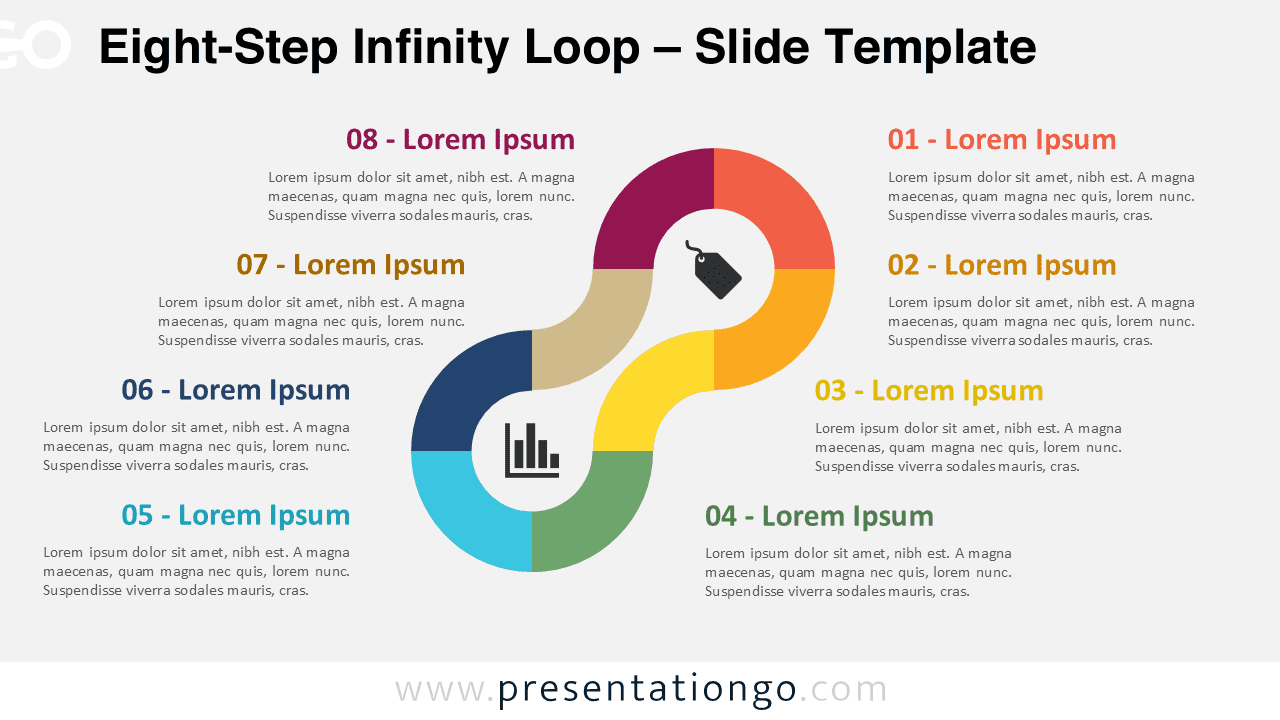
The Eight-Step Infinity Loop displays complex processes across eight sequential stages in a continuous figure-eight design for PowerPoint and Google Slides presentations.
Visual Flow for Cyclical and Ongoing Processes
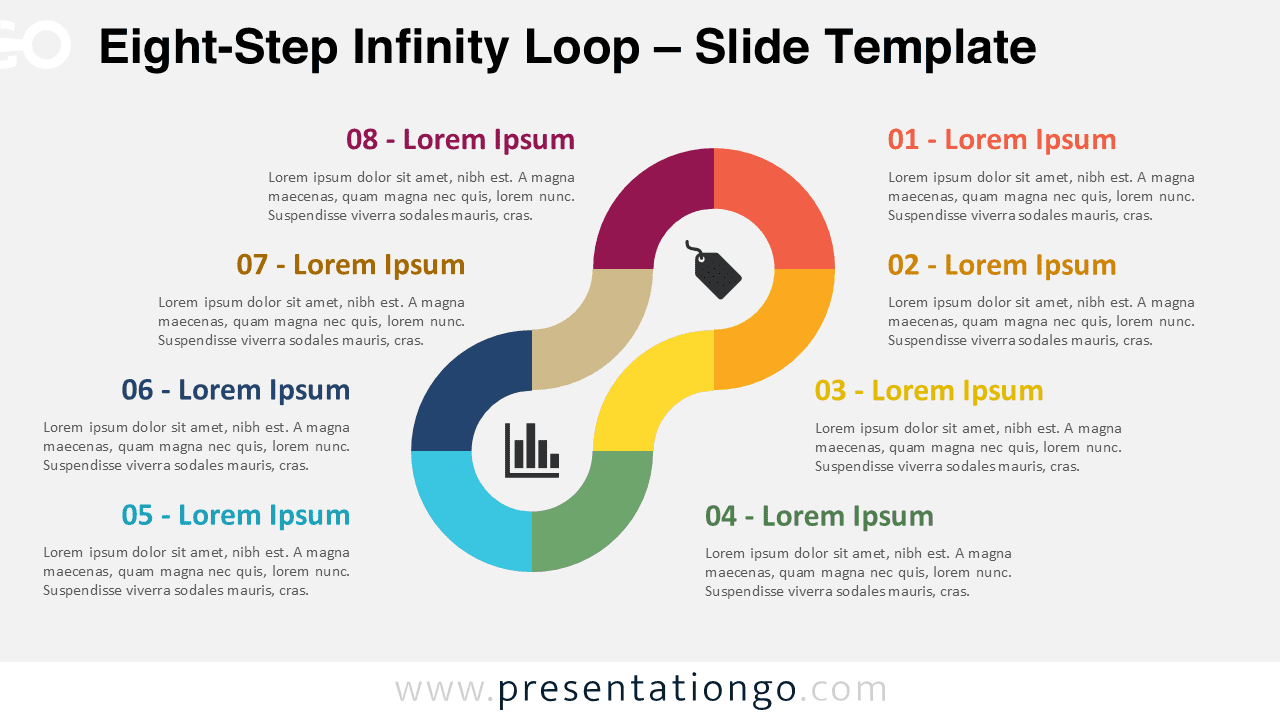
This template features an elegant horizontal infinity symbol divided into eight color-coded segments, each numbered sequentially from 01 to 08. The flowing design alternates between left and right curves, creating perfect visual balance. Two central circular placeholders contain customizable icons that serve as thematic anchors for the entire process. Around the perimeter, eight external text blocks provide detailed descriptions, with four positioned on each side for optimal readability. The symmetrical layout ensures even spacing while the continuous path reinforces the ongoing nature of the illustrated process.
Circular diagrams help audiences visualize relationships between interconnected elements and cyclical processes. The infinity shape serves as a powerful metaphor in presentations, representing endless cycles, continuous improvement, and perpetual growth. This specific Eight-Step Infinity Loop excels at communicating complex business cycles that require more stages than traditional four or six-step models. Furthermore, it works exceptionally well for strategic planning sessions, project management workflows, innovation cycles, and educational frameworks. The template particularly benefits teams presenting continuous improvement methodologies, sustainability initiatives, or any process that emphasizes ongoing development and iterative refinement.
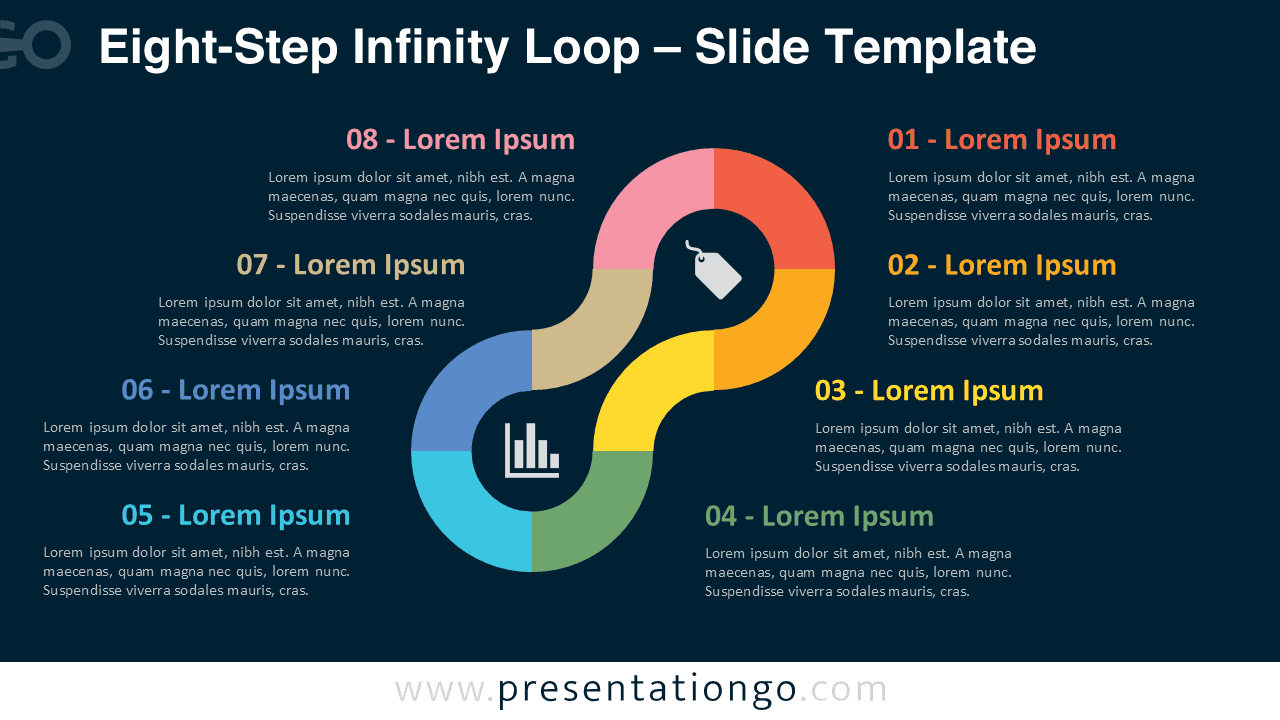
This comprehensive template includes 2 unique slides pre-populated with icons and text placeholders for immediate use. All shapes are fully customizable, allowing users to modify colors, replace icons with alternatives from the Office library, or substitute numbers for icons. The template offers both light and dark theme options to match different presentation styles and environments. Additionally, it supports Standard 4:3 and Widescreen 16:9 formats for various display requirements. The template maintains full compatibility with both PowerPoint PPTX files and Google Slides, ensuring seamless integration across different platforms and collaboration tools.
Download this eight-step template to effectively communicate complex continuous processes with professional visual impact and clear stage identification.
Widescreen (16:9) size preview:


This template offers:
- 2 unique slides
- Options for both light and dark themes
- Pre-populated with icons and text placeholders
- Fully customizable shapes for complete control
- Available in both Standard (4:3) and Widescreen (16:9) ratios
- Offered in both PowerPoint PPTX and Google Slides formats