

The Executive Business Portrait Template is designed for professionals who want to communicate with clarity, confidence, and visual impact. Built around strong photography and clean typography, this presentation template helps you deliver business messages with authority and style.
Ideal for executive briefings, corporate reports, and strategic presentations, this template balances editorial visuals with practical layouts. Each slide is fully editable, allowing you to adapt the content quickly while maintaining a consistent professional look.
Template Preview


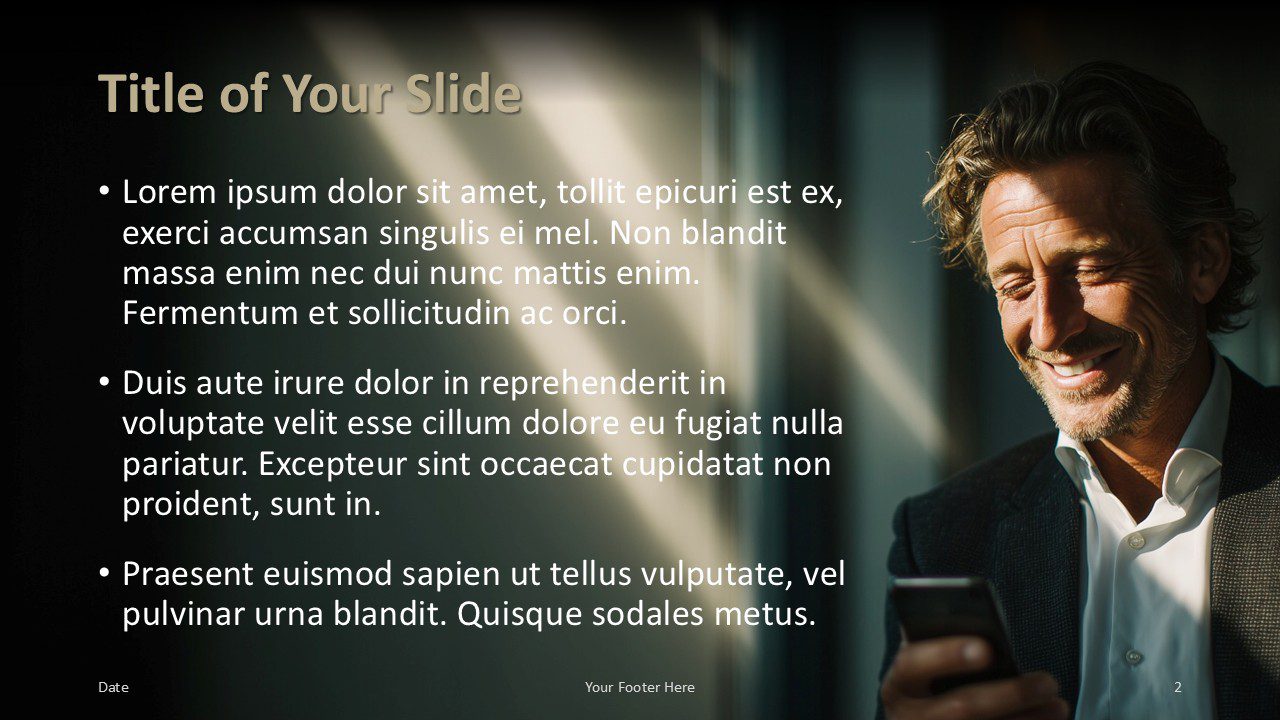
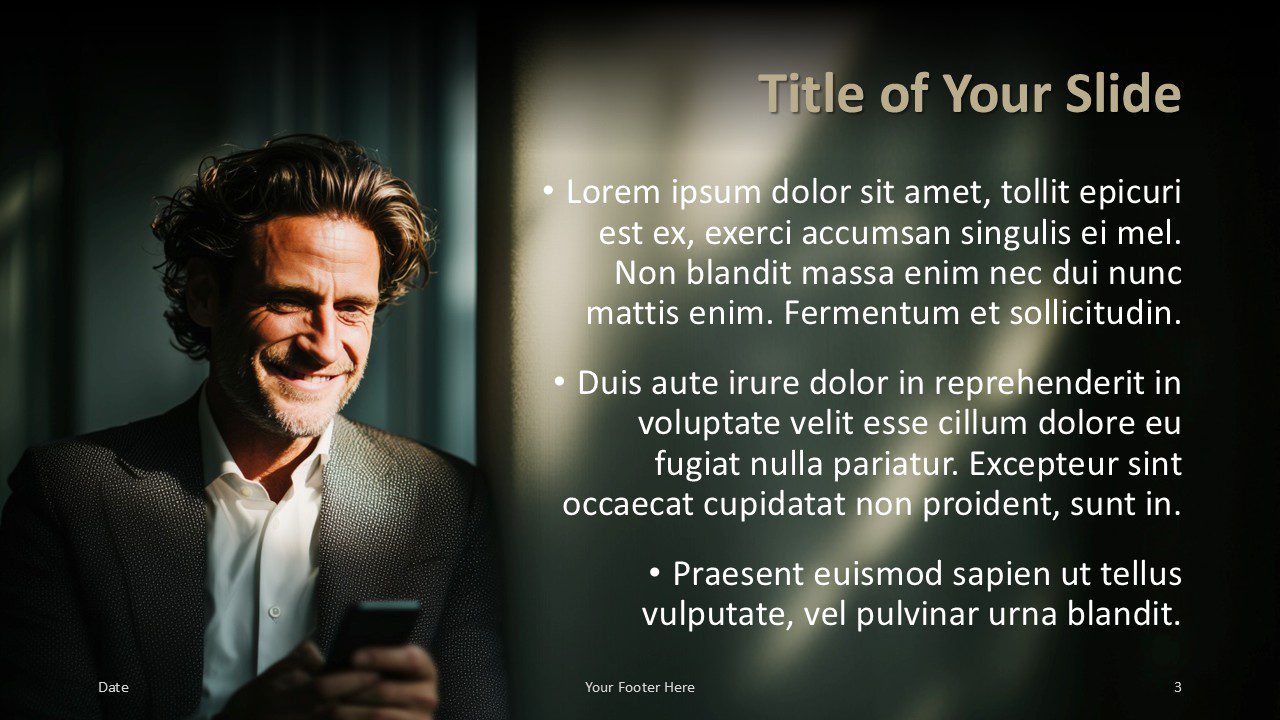



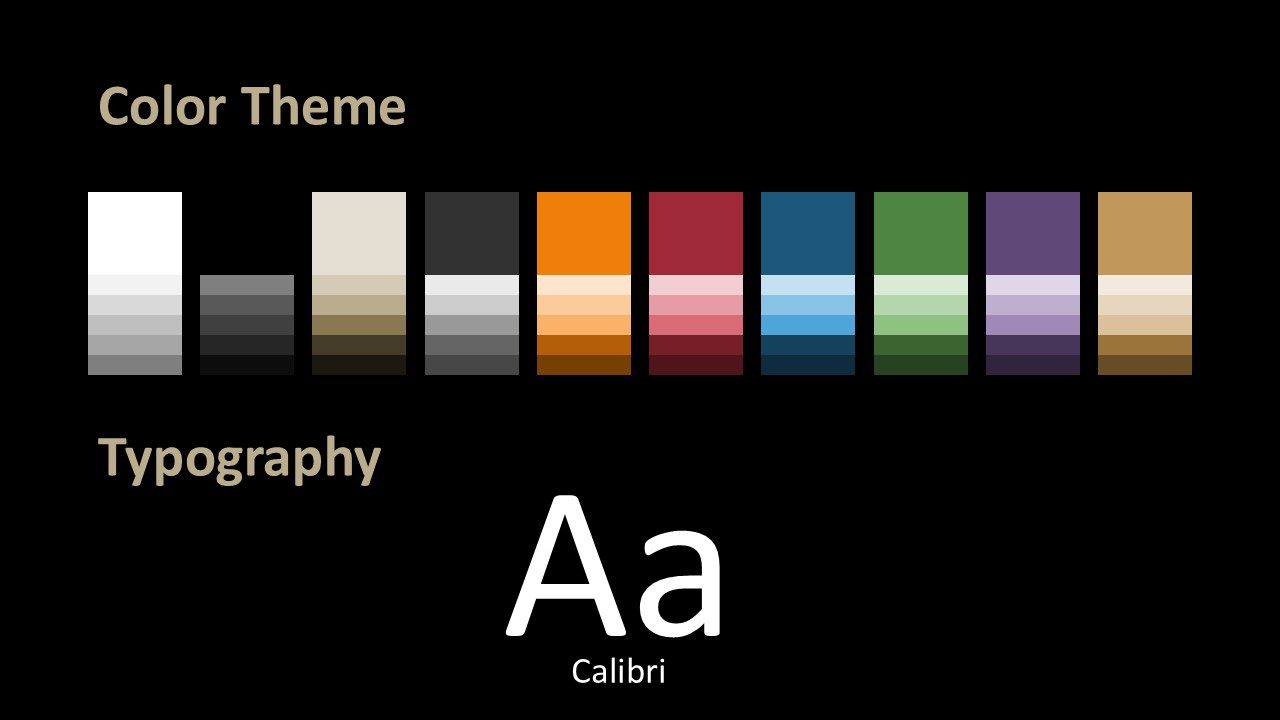
Template Features and Customization Options
- Six professionally designed content slides plus a dedicated fonts and colors slide
- Full-screen photographic layouts for strong visual storytelling
- Balanced text and image compositions for clear communication
- Consistent typography and spacing across all slides
- Fully editable text, colors, and images
- Compatible with PowerPoint and Google Slides
Design Overview
The Executive Business Portrait Template uses high-contrast photography combined with soft light effects to create a cinematic, modern atmosphere. Text is carefully positioned to ensure readability while allowing visuals to enhance the message rather than distract from it.
Alternating layouts provide visual rhythm throughout the presentation. Section divider slides help structure longer decks, while the closing slide offers a professional way to share contact details or conclude a presentation. The fonts and colors slide makes customization simple and efficient.
Applications
- Executive and board presentations
- Corporate reports and internal communications
- Consulting proposals and client meetings
- Business pitches and keynote presentations
- Company profiles and strategy decks
Summary
The Executive Business Portrait Template is a versatile solution for professionals who value design quality and presentation clarity. Its refined visual style, combined with practical slide layouts, makes it an excellent choice for impactful business presentations in PowerPoint and Google Slides.



