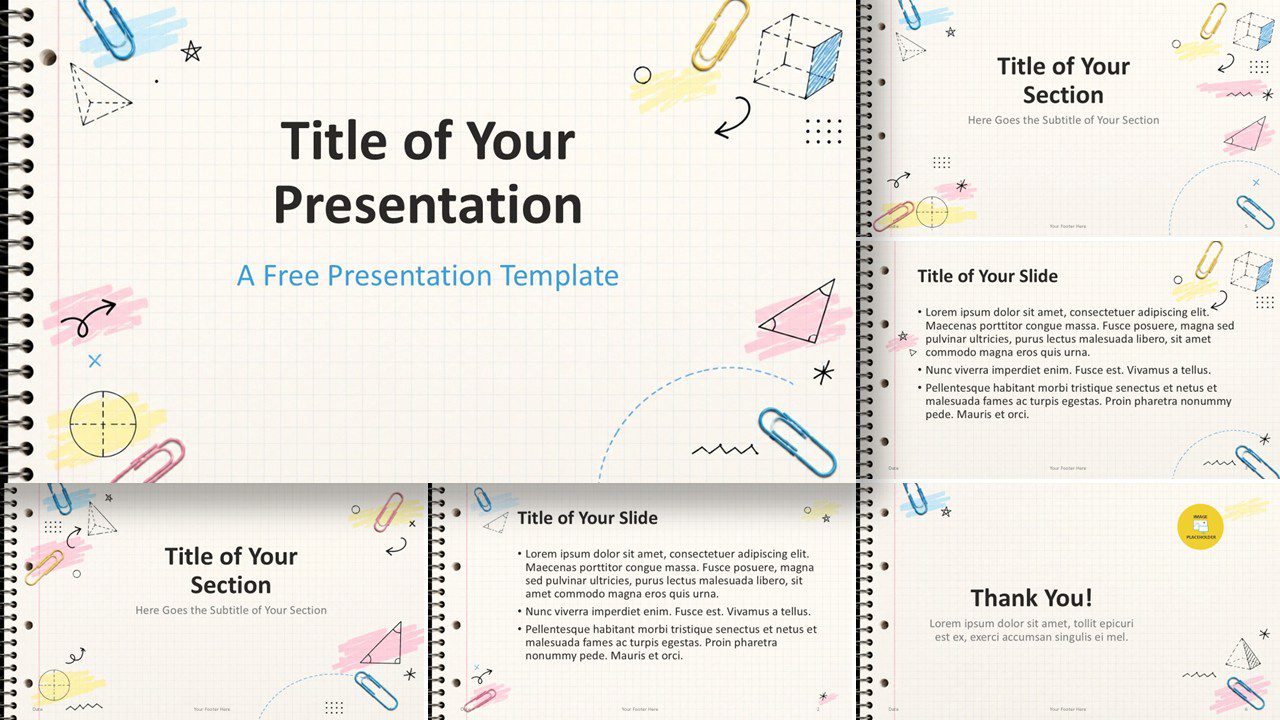
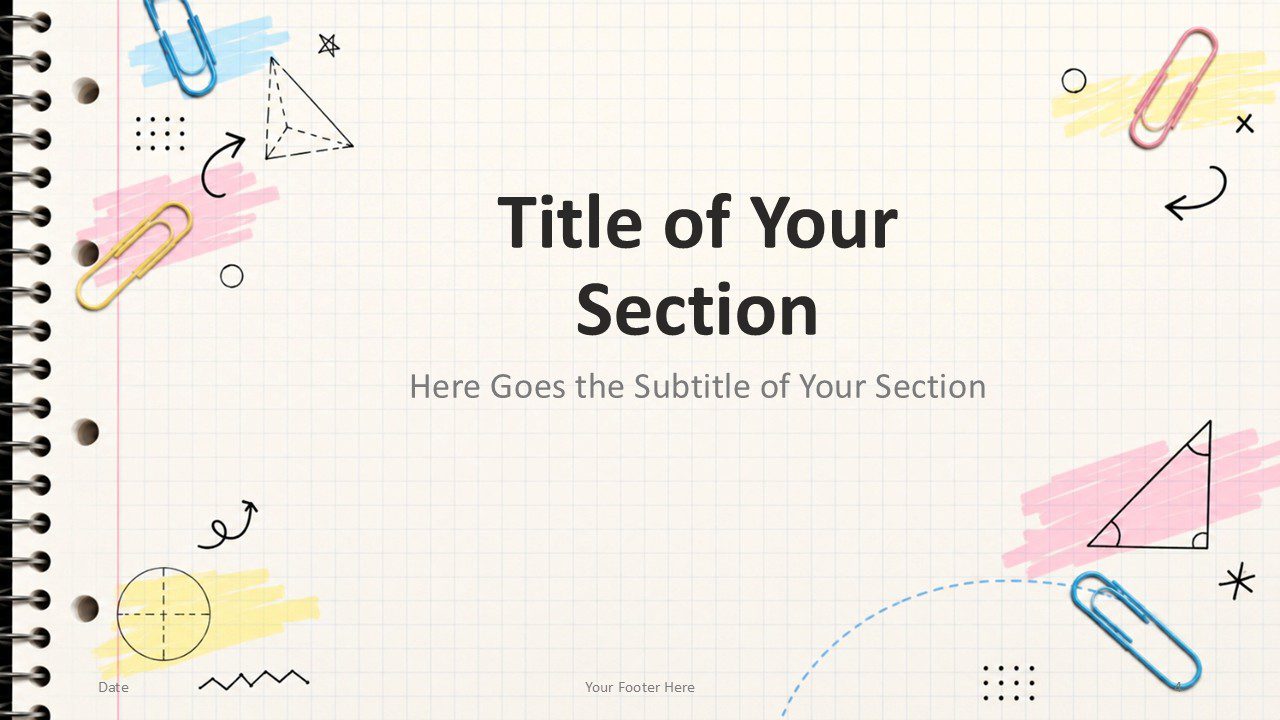
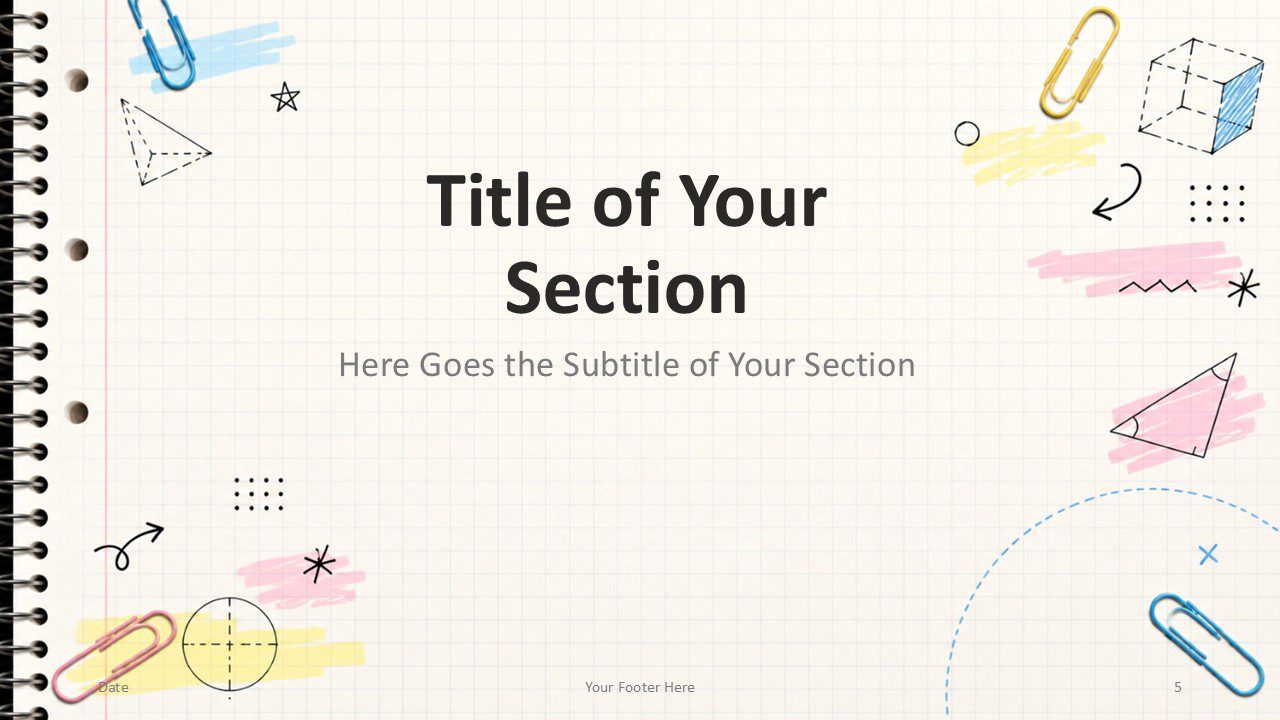
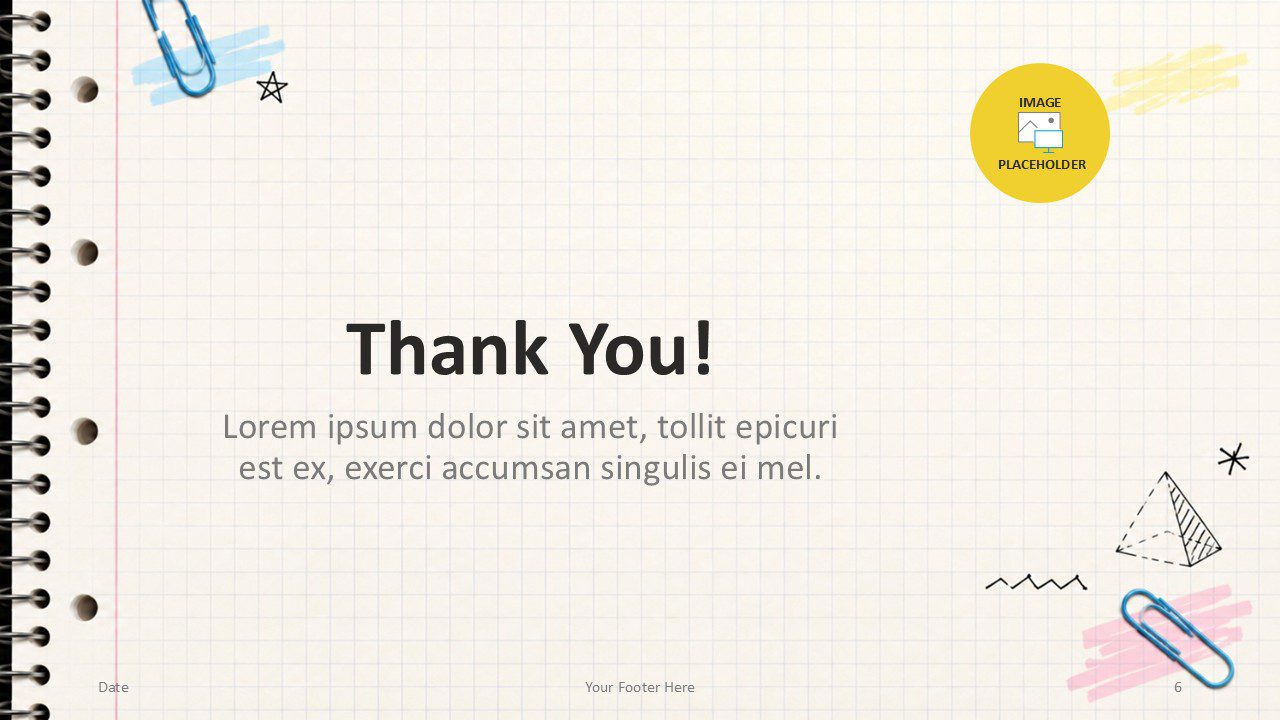
The Grid Notebook template brings a playful classroom feel to your presentations. Designed for PowerPoint and Google Slides, it combines graph paper texture, hand-drawn doodles, pastel highlights, and realistic stationery details. This free presentation template works well for lessons, school projects, workshops, teacher resources, and creative academic content.
Template Preview
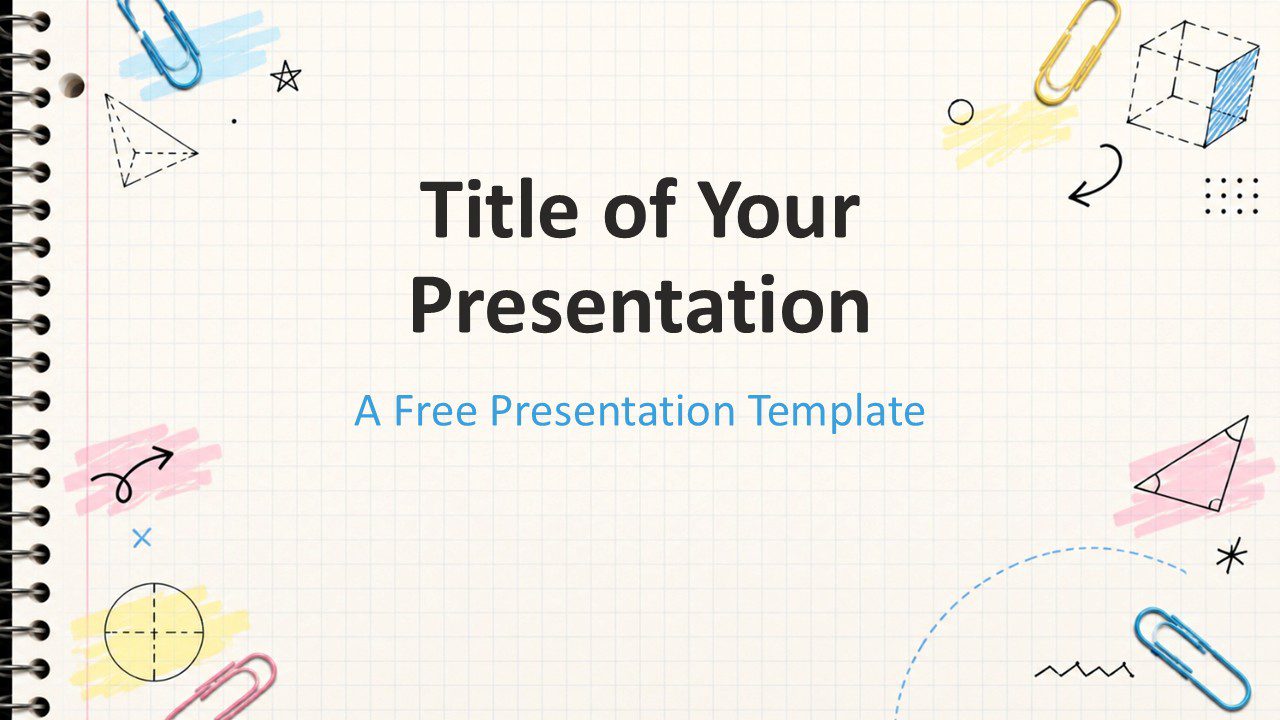
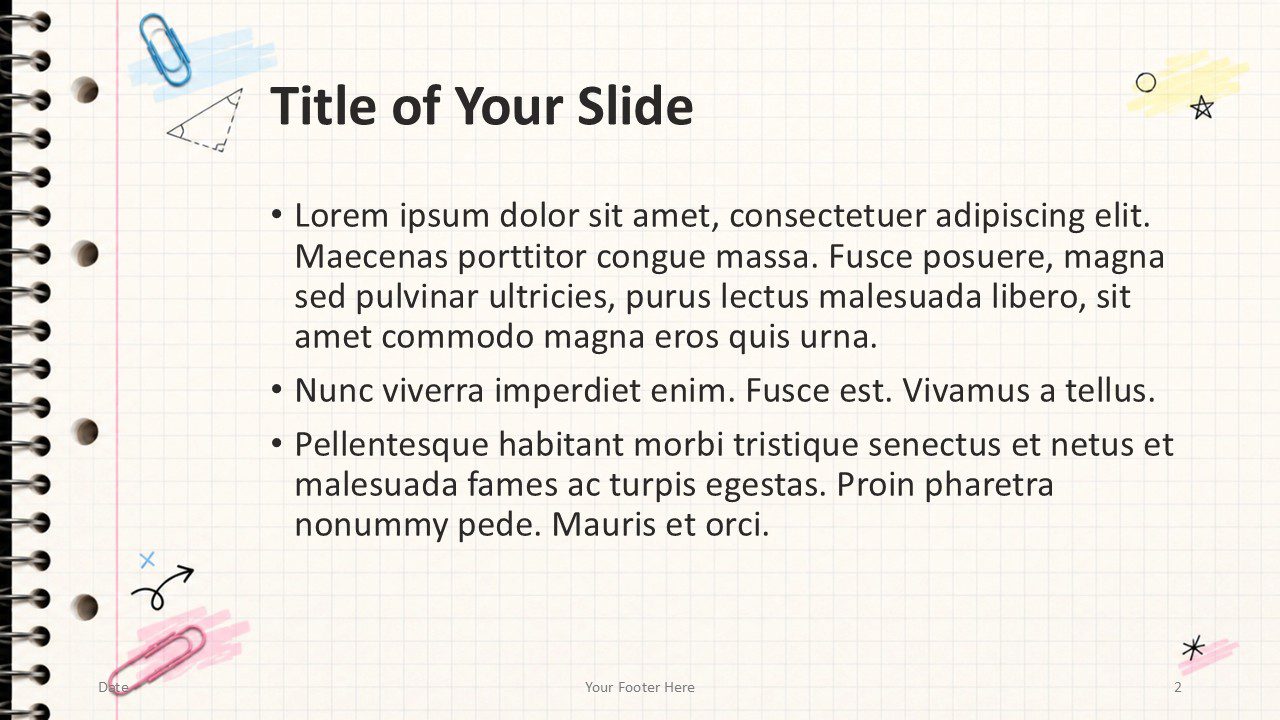
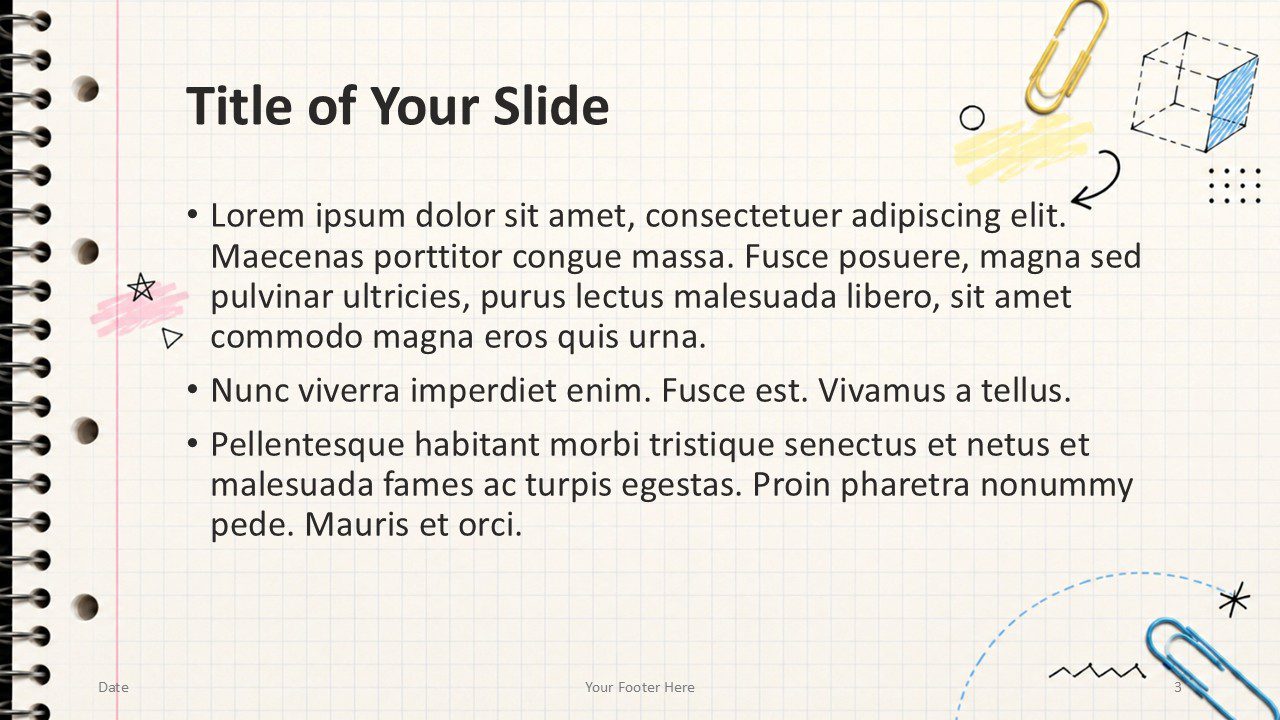


Features and Customization Options
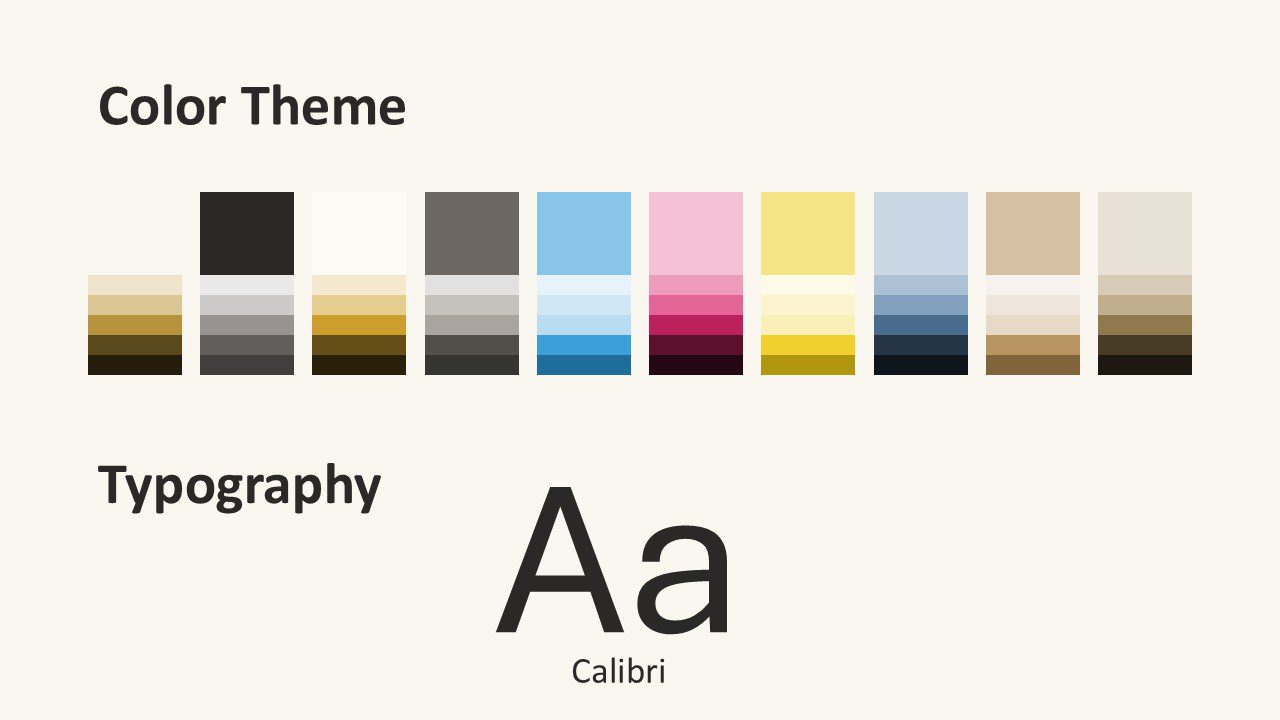
Grid Notebook includes a complete set of editable slides with a friendly educational style. You can update the text, adjust the layout, change accents, and adapt each slide to your topic. A specifically customized color palette that fits the template is included, so you can keep a consistent visual identity across your whole presentation.
- Free presentation template for PowerPoint and Google Slides.
- Includes 6 editable design slides plus a color and typography slide.
- Notebook paper background with subtle grid lines.
- Creative doodles, paperclips, arrows, and geometry-inspired details.
- Soft accent colors for a friendly classroom look.
- Suitable for lessons, student projects, workshops, and training sessions.
Design Overview
This template uses a notebook-inspired layout with a spiral binding on the left side. The grid paper background gives each slide a familiar school look, while the decorative sketches add energy without distracting from the content. Bold typography creates clear hierarchy, and the centered layouts help presenters organize information with ease.
The design feels casual, creative, and approachable. Pastel marker strokes add emphasis, while the hand-drawn geometric shapes support subjects such as math, science, planning, and classroom activities. The result is a flexible presentation style that feels both educational and fun.
Custom Soft Classroom Color Palette
The Grid Notebook template includes a soft classroom-inspired color palette built around Sky Blue, Blush Pink, Lemon, Powder Blue, Warm Sand, and Linen. These gentle accent colors create a fresh school atmosphere while keeping the slides readable, balanced, and easy to customize for different educational topics.
Practical Applications
Use Grid Notebook when you want a presentation that feels clear, creative, and student-friendly. Teachers can use it for lesson plans, class introductions, assignments, and review sessions. Students can adapt it for reports, group projects, portfolios, and creative presentations. Trainers and facilitators can also use it for workshops that need an informal learning tone.
- Classroom lessons and school presentations.
- Back-to-school introductions and academic events.
- Student reports, portfolios, and group projects.
- Teacher resources, workshops, and training decks.
- Creative education content for online or in-person learning.
Summary
Grid Notebook is a free PowerPoint and Google Slides template with a warm educational style. Its graph paper background, playful doodles, pastel accents, and editable layouts make it ideal for school, training, and creative learning presentations. Use it to make your content more engaging while keeping your message organized and easy to follow.