

The July 2026 Monthly Calendar provides a clear structure for planning schedules, tracking deadlines, and organizing monthly activities in PowerPoint and Google Slides. Its clean and modern grid helps users maintain visibility of key tasks while allowing flexibility for personal or professional planning needs.
This calendar includes two editable versions: one beginning the week on Sunday and another beginning on Monday. These options allow users to match their preferred planning style or regional format. The title “July” appears in a strong turquoise header, while the year uses a lighter tone, creating a balanced visual hierarchy.
Template Preview
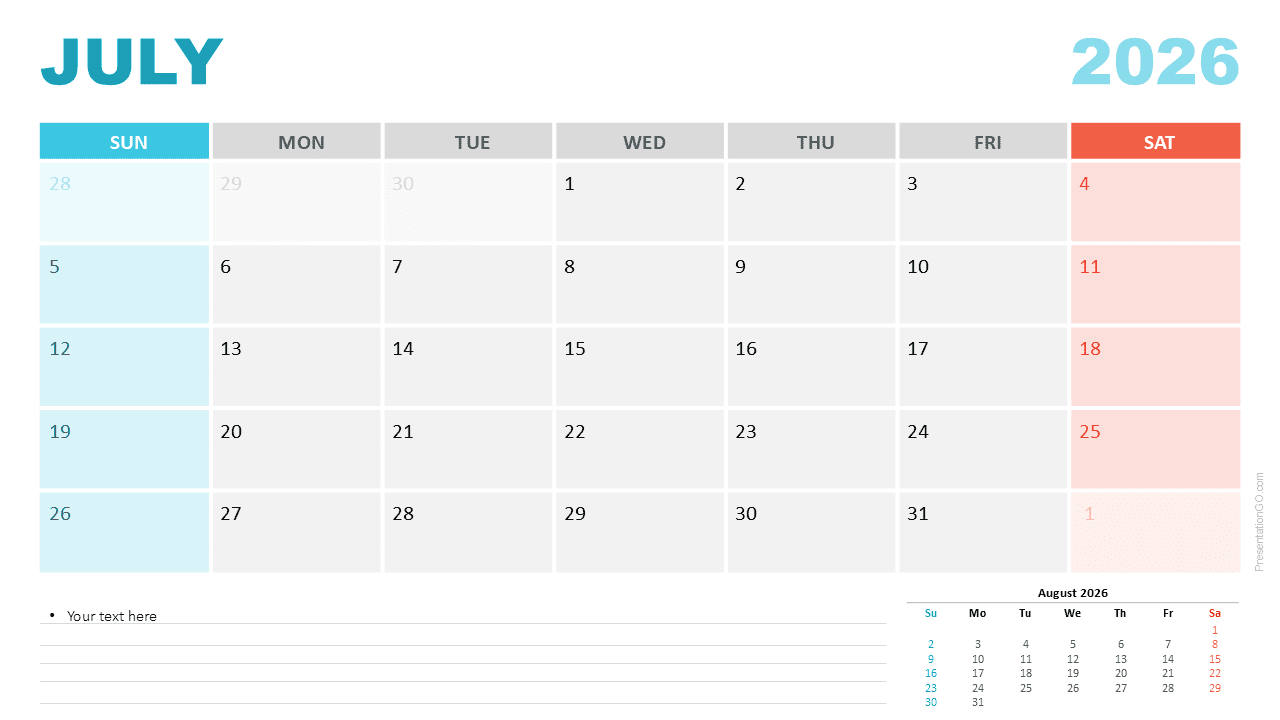
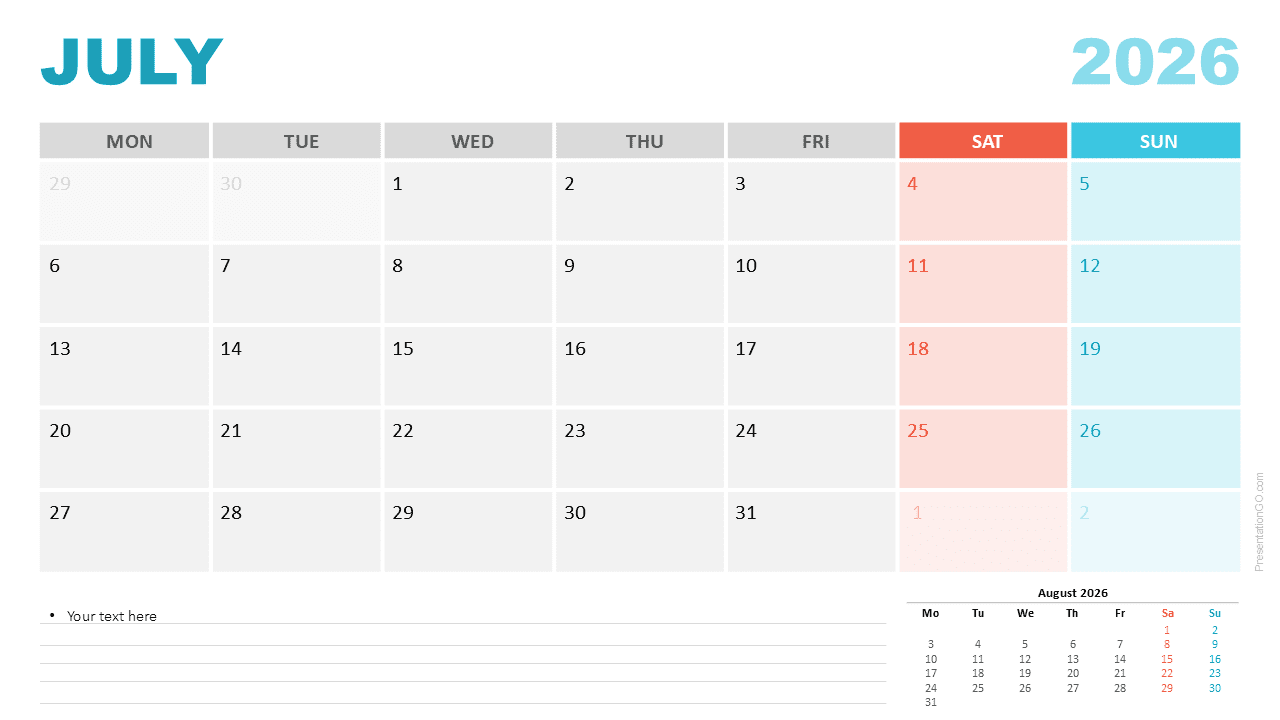


Diagram Features and Customization Options
- Editable July 2026 Monthly Calendar
- Sunday and Monday week-start formats included
- Clean, structured grid design
- Weekend highlight colors for quick recognition
- Notes area with lined formatting for reminders
- Preview of August 2026 included
- Editable text, vector shapes, and colors
- Compatible with PowerPoint and Google Slides
Design and Structure
The calendar uses alternating gray weekday cells to improve clarity and contrast. The weekend columns use distinct highlight colors, with coral representing Saturdays and aqua representing Sundays. These color cues help users quickly identify non-working days. The notes section at the bottom provides structured space to record reminders or project details. A small preview of August 2026 appears in the lower corner to support planning continuity.
Practical Applications
- Planning July deadlines, tasks, and milestones
- Team scheduling and meeting planning
- Academic summer session planning
- Event coordination and travel planning
- Content calendar and publishing workflows
- Printable monthly overview for offline use
Summary
This July 2026 Monthly Calendar offers a flexible and visually organized tool for personal, academic, or professional planning needs. Its editable structure, dual week-start layouts, and modern layout make it an excellent choice for PowerPoint and Google Slides users.



