
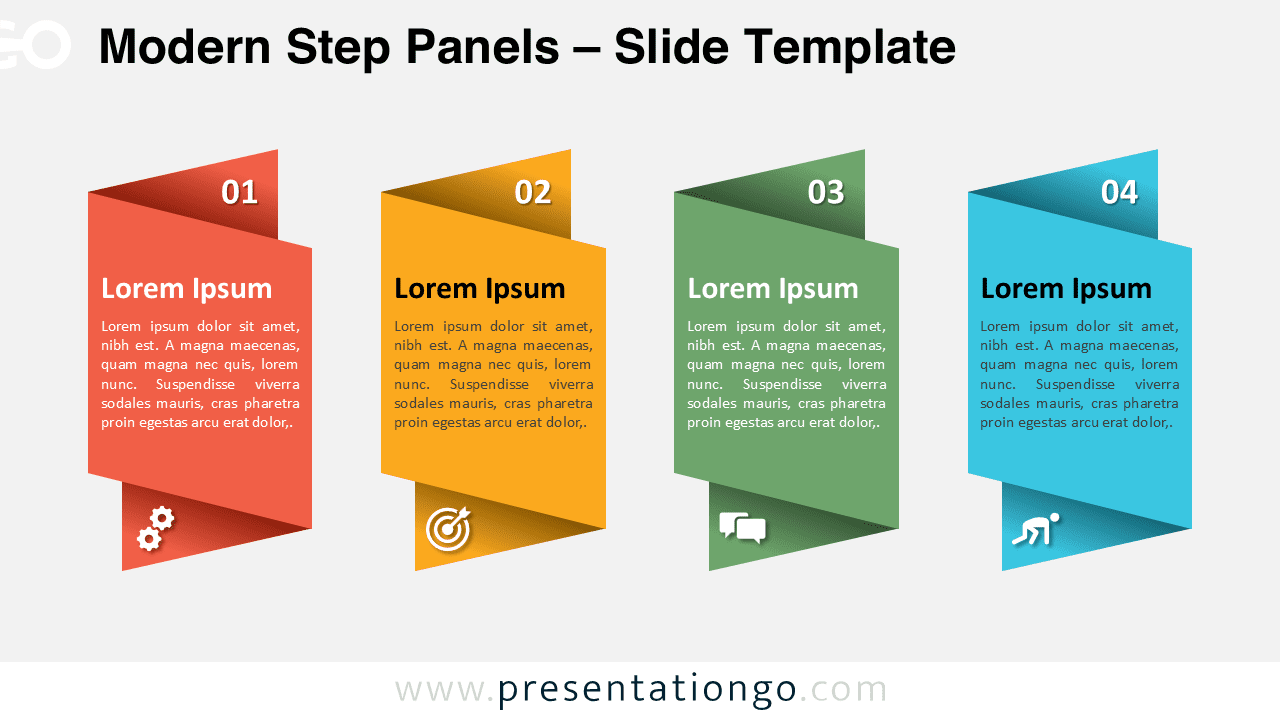
The Modern Step Panels template presents a four-step vertical ribbon-style process layout for PowerPoint and Google Slides, perfect for sequential information or categorizing distinct phases.
Visualize Steps with Folded Banner Panels
This four-step ribbon design showcases a vertical layout with a dimensional paper-fold effect, giving each panel a distinct visual depth. Each segment, shaped like a bent banner, features a large number at the top, followed by a title, placeholder text, and an icon beneath. The consistent structure across all four panels promotes clarity, while the use of icons reinforces each step’s concept. The overall arrangement guides viewers through a clear left-to-right progression.
This layout is ideal for conveying step-by-step processes, segmented workflows, or categorized concepts in business or education settings. For example, you might outline the four stages of a sales funnel, detail product development phases, or categorize learning outcomes in a training session. The visual rhythm of the design helps audiences intuitively follow along.
The template includes two slides—each formatted for both light and dark themes—and comes pre-filled with numbers, icons, and placeholder text. All shapes are fully customizable. It’s available in both Standard (4:3) and Widescreen (16:9) formats and is compatible with PowerPoint and Google Slides.
Download this four-part panel diagram to present clear, sequential information across multiple customizable layout options.
Widescreen (16:9) size preview:


This template offers:
- 2 unique slides
- Options for both light and dark themes
- Pre-populated with numbers, icons, and text placeholders
- Fully customizable shapes for complete control
- Available in both Standard (4:3) and Widescreen (16:9) ratios
- Offered in both PowerPoint PPTX and Google Slides formats



