
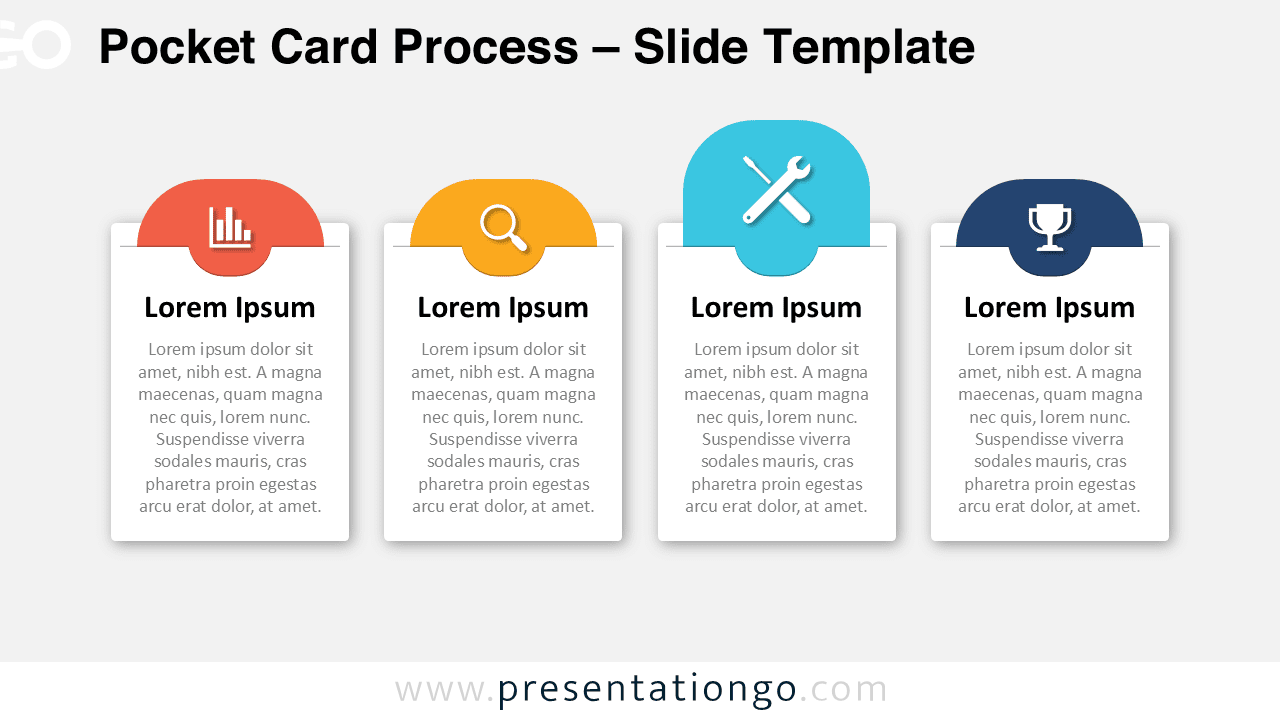
The Pocket Card Process is a modern process diagram designed to present information using a familiar and intuitive pocket-style layout. Inspired by document pockets and slide-in cards, this diagram helps structure content into clear, easy-to-follow sections.
Each card visually appears as if it is inserted into a pocket, creating a strong sense of hierarchy and organization. This makes the Pocket Card Process especially effective for explaining workflows, steps, features, or key pillars in professional presentations.
Diagram Preview
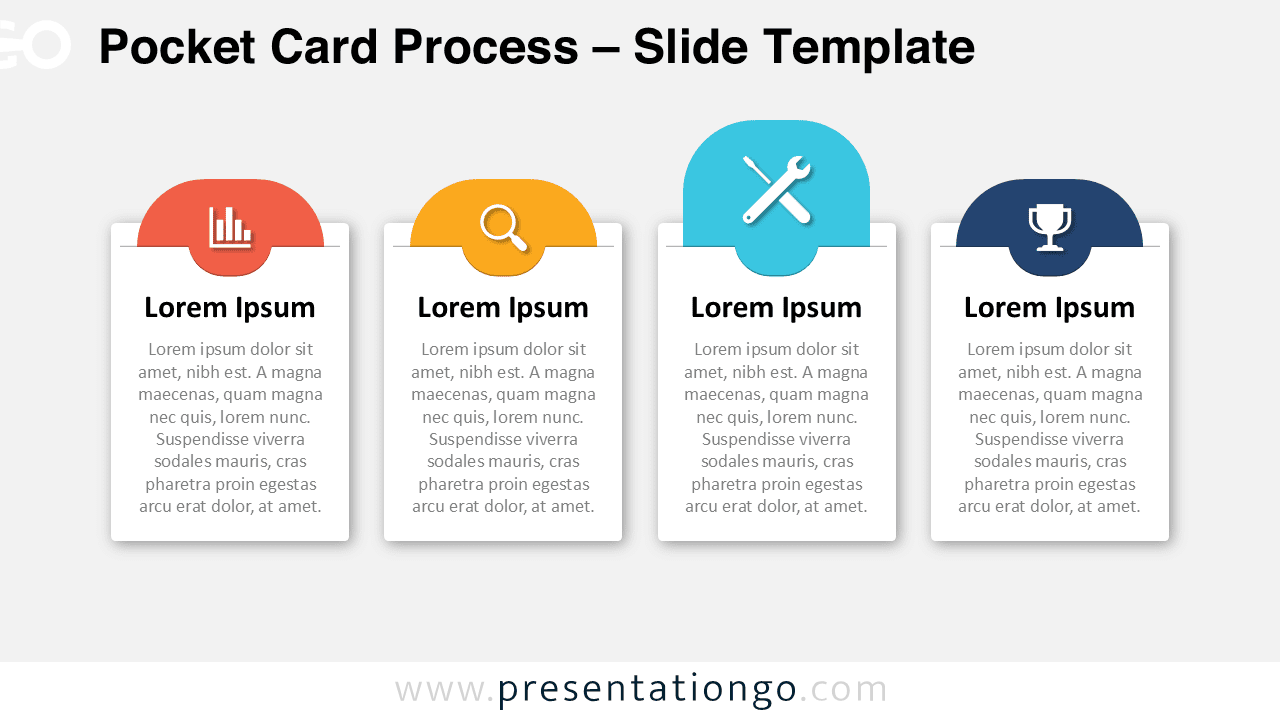
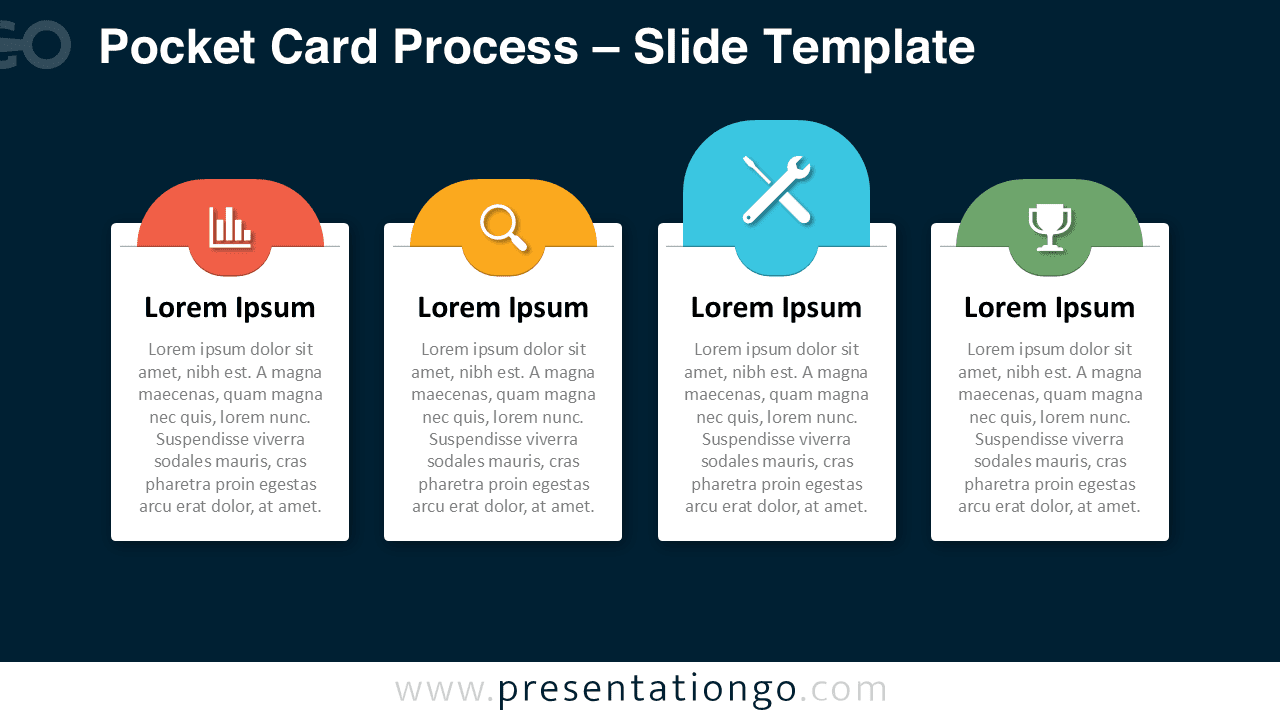


Diagram Features and Customization Options
- Four pocket-style cards arranged in a horizontal layout
- Editable text areas for titles and descriptions
- Includes editable icon placeholders for visual cues
- Clean card design with soft shadows for depth
- Available in both light and dark background versions
- Fully customizable colors, shapes, and content
Design and Structure
The Pocket Card Process uses a balanced, card-based structure that guides attention from left to right. Each card features a rounded top tab that visually represents the pocket opening, reinforcing the slide-in metaphor. Icons placed within the tabs help users quickly identify each step or category.
The design combines flat elements with subtle depth, resulting in a professional and approachable visual style. The dark background version increases contrast and works well for presentations in low-light environments or modern corporate decks.
Practical Applications
- Explaining business processes or workflows
- Presenting product or service features
- Outlining strategic pillars or objectives
- Structuring training or onboarding steps
- Summarizing key points in consulting presentations
Summary
The Pocket Card Process offers a clear and visually engaging way to organize information in PowerPoint and Google Slides. Its familiar pocket-card metaphor improves readability while maintaining a professional look. With editable icons, colors, and text, this diagram adapts easily to a wide range of presentation needs.



