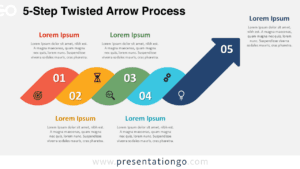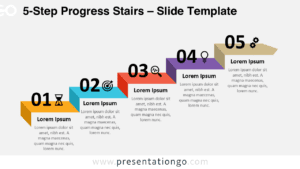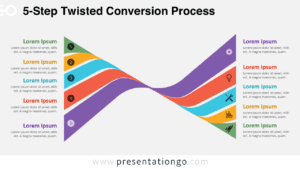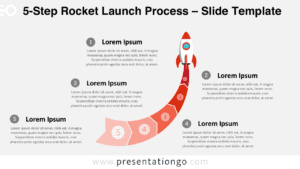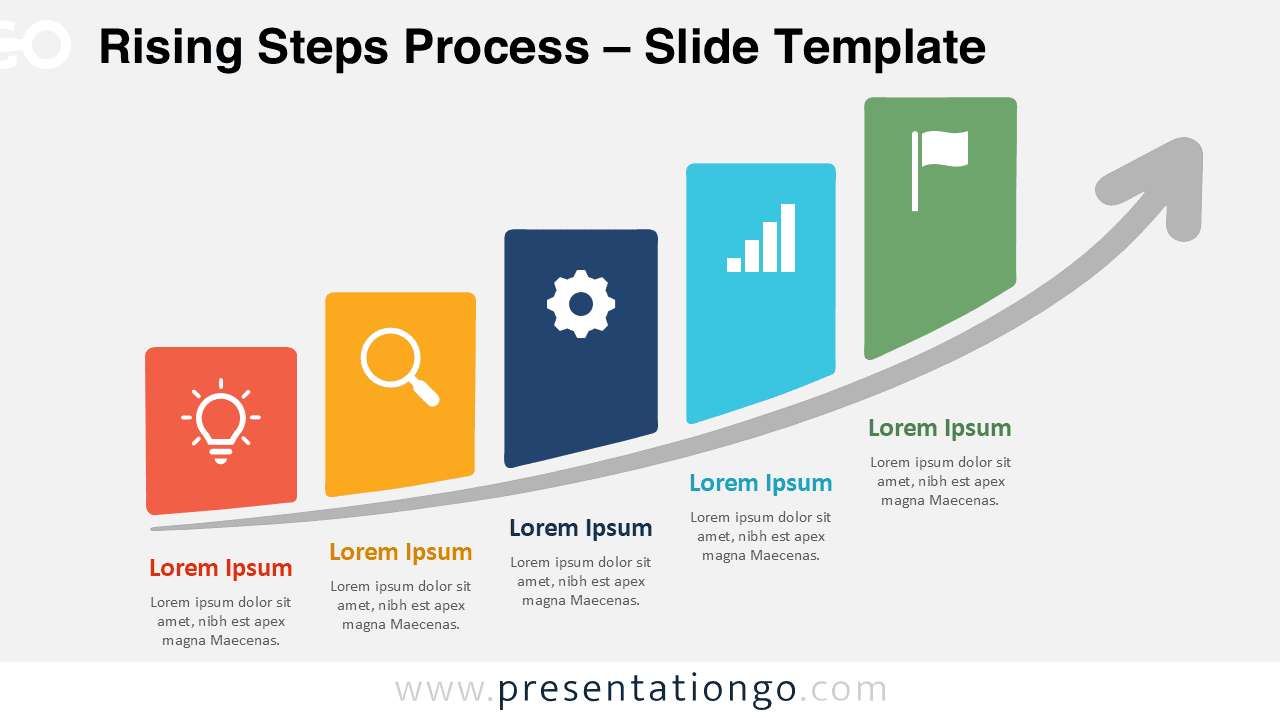
The Rising Steps Process helps you present five connected stages as a clear upward journey. Designed for PowerPoint and Google Slides, it combines ascending blocks with a sweeping arrow to communicate progress, development, and movement toward a goal.
Diagram Preview


Features and Customization Options
- Compatible with Microsoft PowerPoint and Google Slides
- 5-step process diagram, fully editable
- Editable connectors and flow arrows
- Editable text, shapes, colors, and icon placeholders
- Icons from the Microsoft Office library, included for illustration purposes only
- Editable icons that can be recolored, resized, or replaced
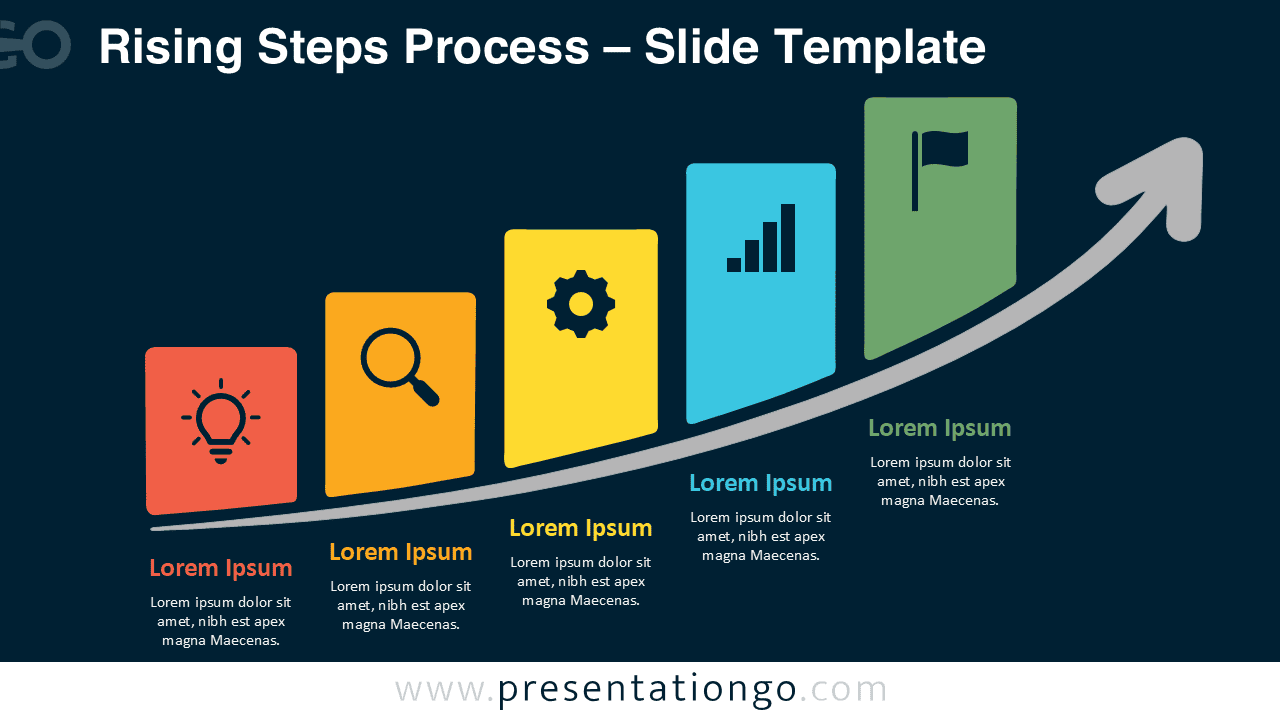
- Includes both light and dark background versions
Design and Structure
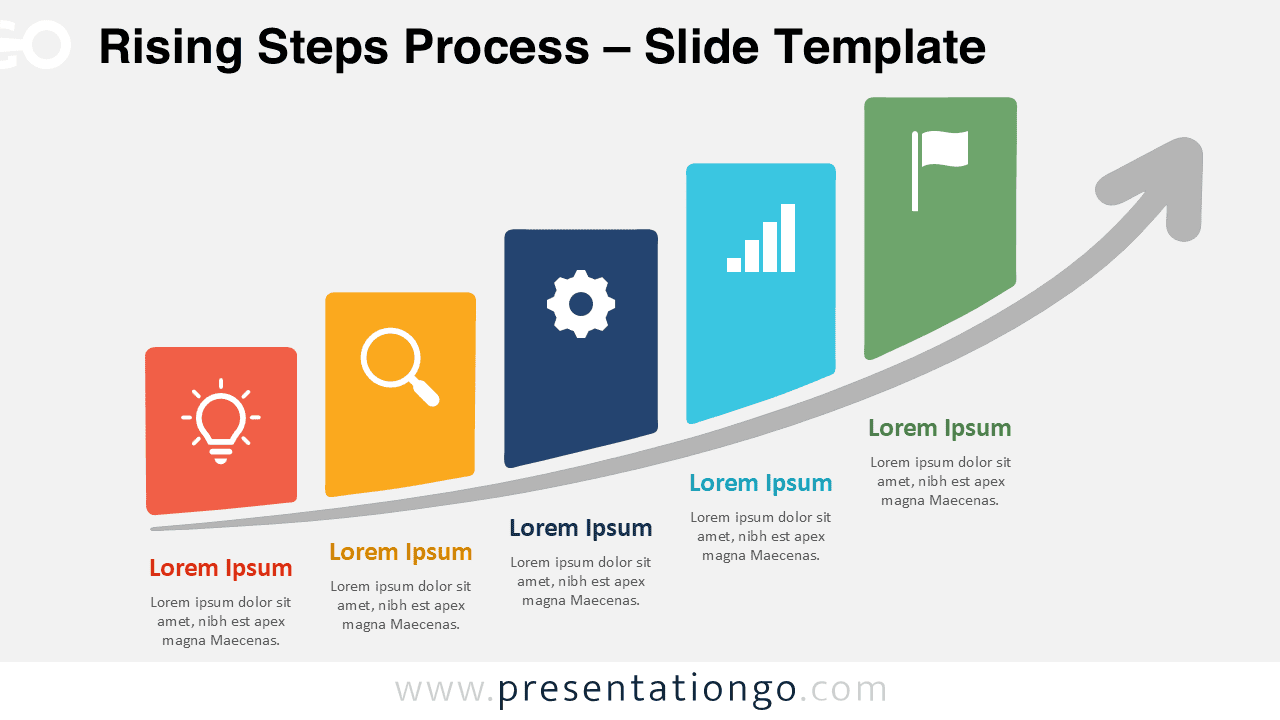
The Rising Steps Process uses five vertical blocks that increase in height from left to right. Each block represents a distinct stage and includes space for a heading, supporting text, and an editable icon placeholder. This structure makes the sequence easy to scan while preserving enough room for concise explanations.
A large curved arrow runs beneath the five stages and rises toward the final point. It visually connects the individual steps while reinforcing advancement. The final stage can represent an objective, milestone, result, or destination. Because the layout follows a natural reading direction, audiences can understand the progression without needing extra visual guidance.
Practical Applications
- Present a five-stage business growth plan.
- Explain project phases and key milestones.
- Show progress toward a strategic objective.
- Organize a product development process.
- Visualize performance improvement stages.
- Outline a customer or employee journey.
- Present a training or learning progression.
- Map actions leading toward a final goal.
Summary
The Rising Steps Process turns five sequential stages into a simple visual progression. Its ascending layout and curved arrow make it useful for explaining growth, milestones, strategy, development, and goal-oriented processes in PowerPoint and Google Slides.