

The School Day PowerPoint and Google Slides Template brings a warm classroom atmosphere to educational presentations. Bright school supplies, books, a globe, pencils, and a welcoming classroom setting create an approachable visual style. The layouts balance photography with generous content space, helping teachers, students, tutors, and academic presenters communicate ideas clearly. Every slide supports easy editing, so you can adapt the presentation to lessons, classroom projects, workshops, school events, or training sessions.
Template Preview

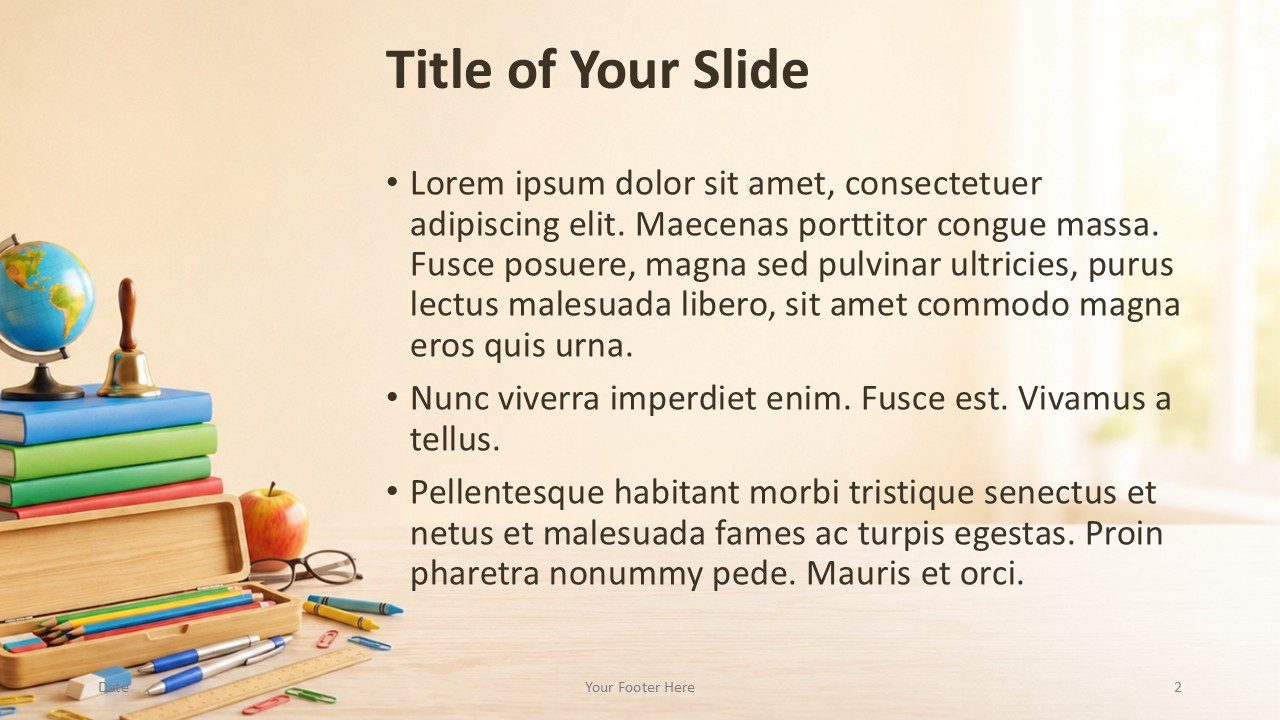
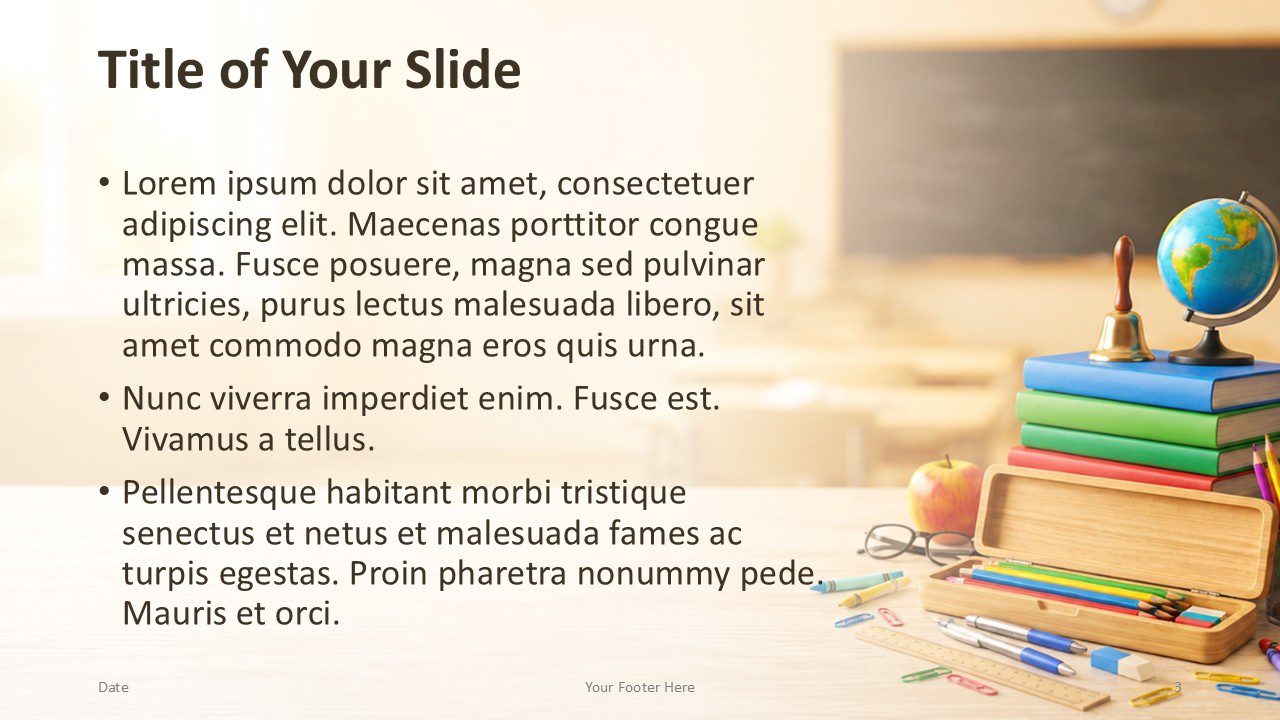
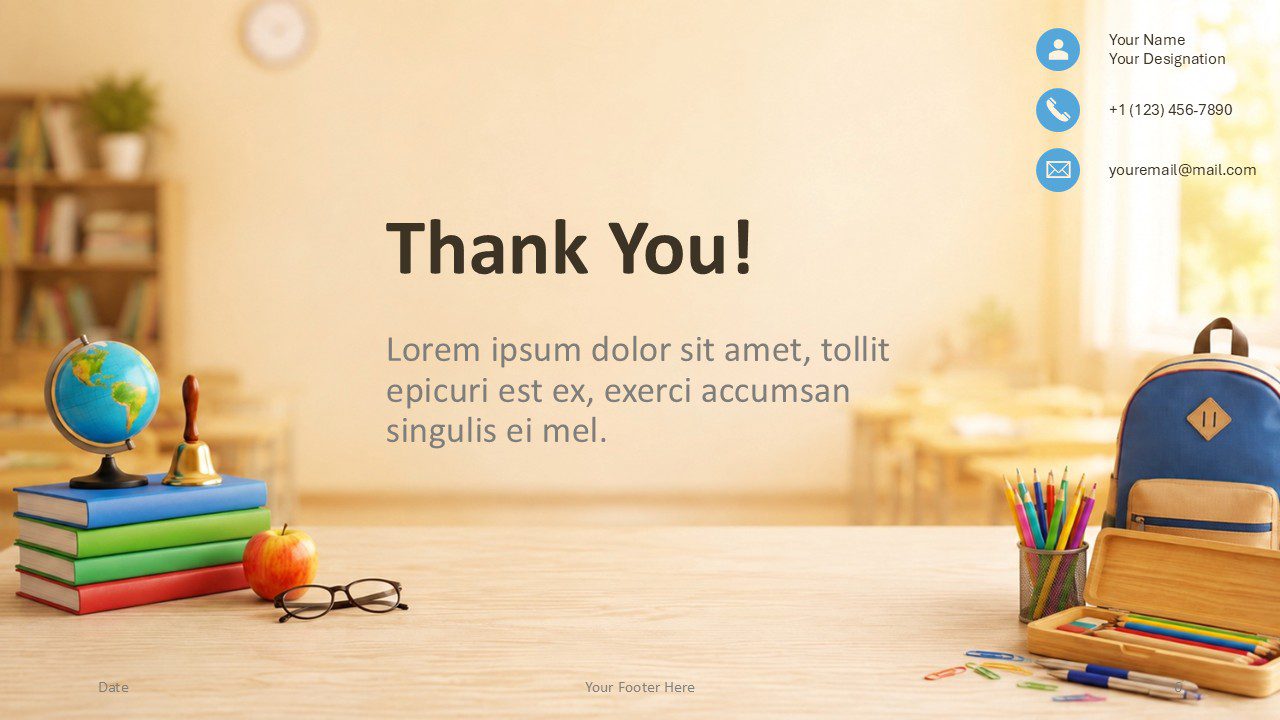

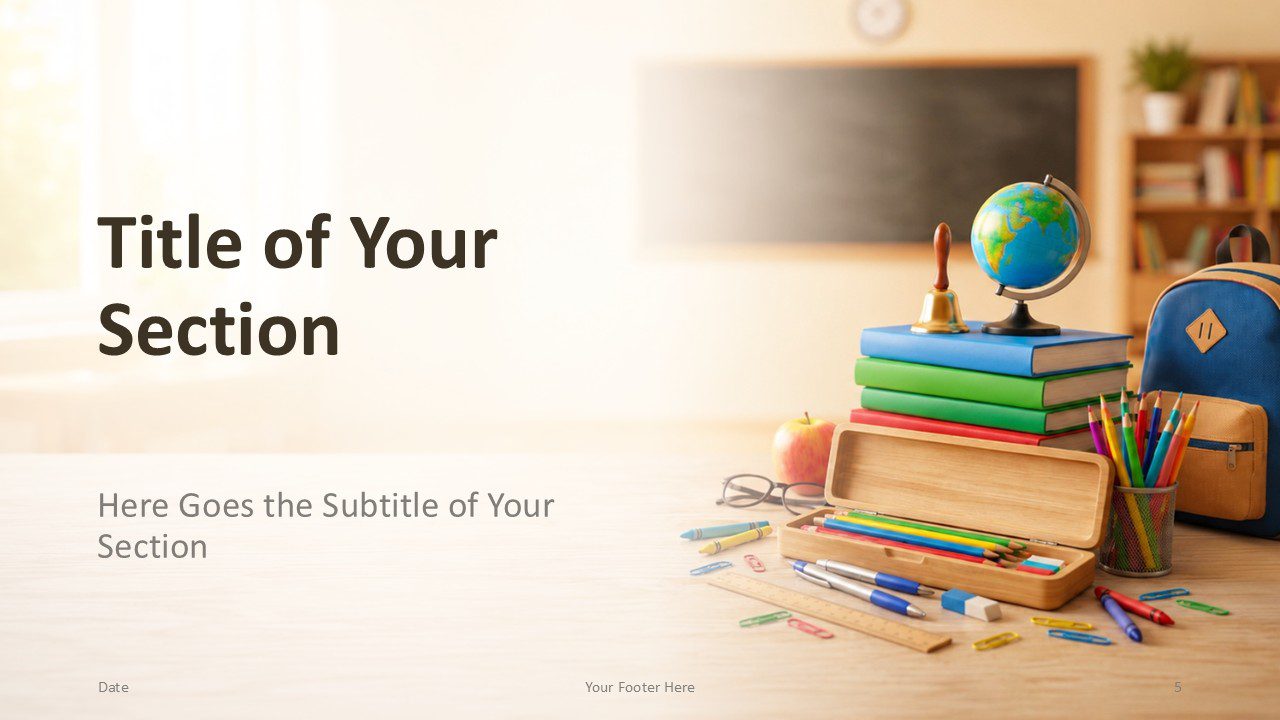
The School Day template includes six professionally designed presentation slides with coordinated classroom photography and consistent typography. The collection covers a cover slide, two title and content layouts, two section dividers, and a closing thank you slide. The mirrored content layouts provide useful flexibility when balancing text with visual elements.
Features and Customization Options
- 6 professionally designed slides
- Works with PowerPoint and Google Slides
- Fully editable layouts
- Warm classroom photography
- 2 title and content layouts
- 2 section divider slides
- Dedicated thank you/contact slide
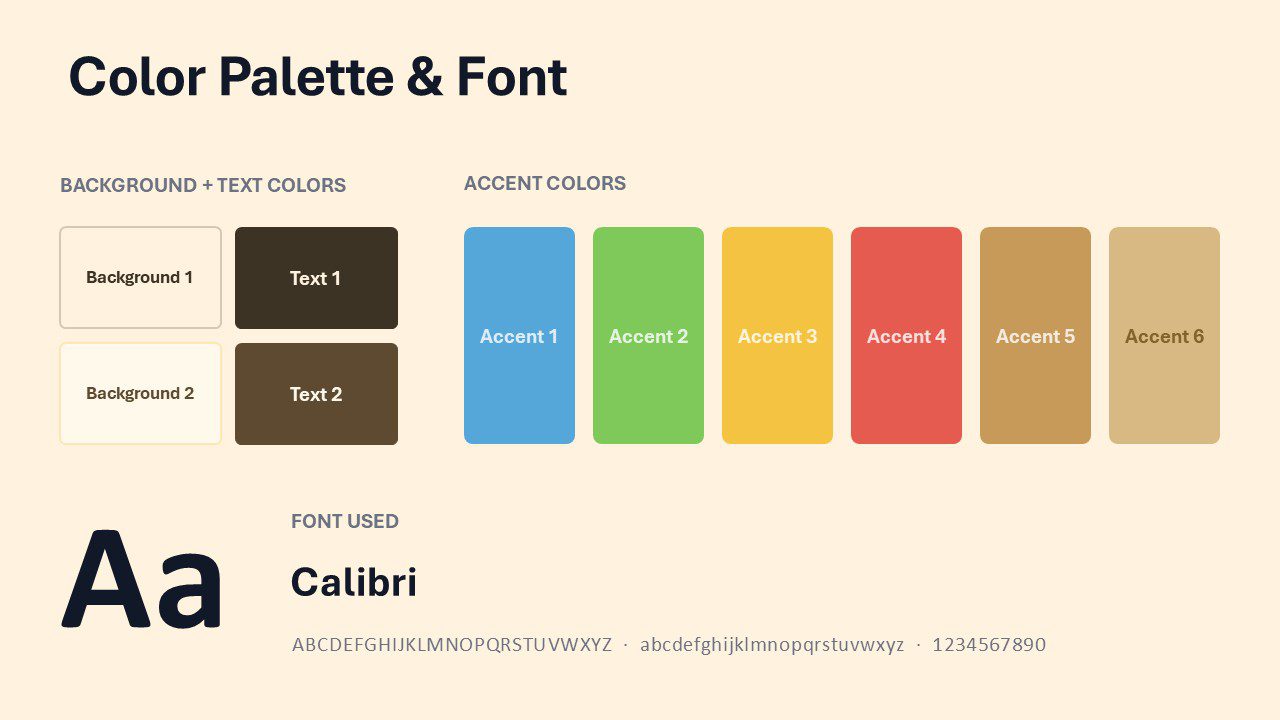
- Custom school-inspired color palette included
- Ideal for education presentations
Design Overview
School Day uses a bright classroom setting with natural light, warm cream tones, and colorful school supplies. Books, pencils, a globe, a backpack, an apple, and stationery reinforce the education theme without overwhelming the content. Large open areas keep titles and body text readable, while alternating visual placement adds variety across the deck. The Calibri typeface supports a clean, familiar presentation style that works well for both classroom and professional education settings.
Custom School-Inspired Color Palette
The School Day template includes a coordinated palette inspired by familiar classroom objects. School Blue, Notebook Green, Pencil Yellow, Apple Red, Desk Wood, and Warm Beige create a cheerful, balanced look while keeping educational content clear and approachable.
Practical Applications
- Classroom lessons and lectures
- Student projects and assignments
- Teacher training sessions
- School orientations
- Academic reports and presentations
- Tutoring and coaching sessions
- Curriculum presentations
- Parent meetings
- Educational workshops
- Back-to-school events
Summary
The School Day PowerPoint and Google Slides Template combines warm classroom photography with practical, editable layouts. Its six-slide structure supports everyday educational presentations without unnecessary complexity. A custom school-inspired palette, readable Calibri typography, and balanced content areas make the template versatile for teachers, students, tutors, and academic professionals. Use it when you want a presentation that feels welcoming, colorful, organized, and clearly connected to learning.



