

The Texas Star Template gives your presentation a bold regional identity. Its red, white, and blue styling draws inspiration from the Lone Star State. The design combines layered geometric ribbons, a white star, and a subtle Texas silhouette. It works well for business, education, tourism, government, and community presentations. You can edit every slide in PowerPoint and Google Slides.
Template Preview
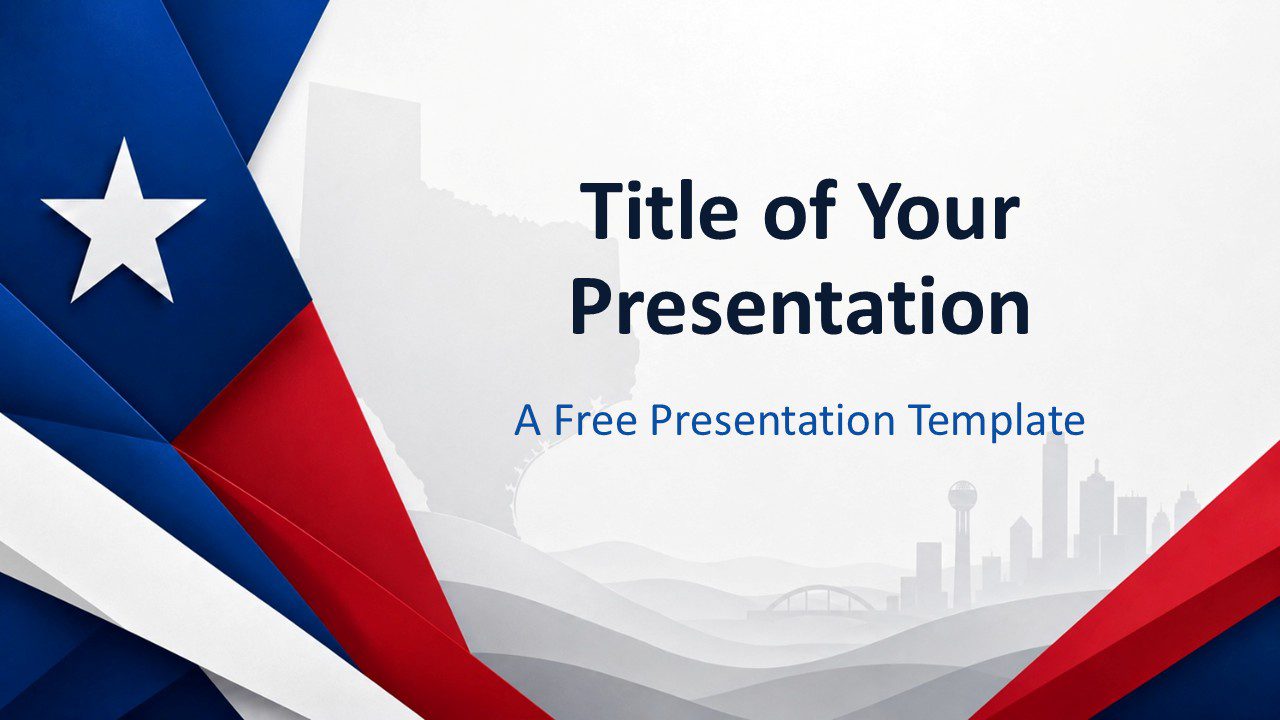
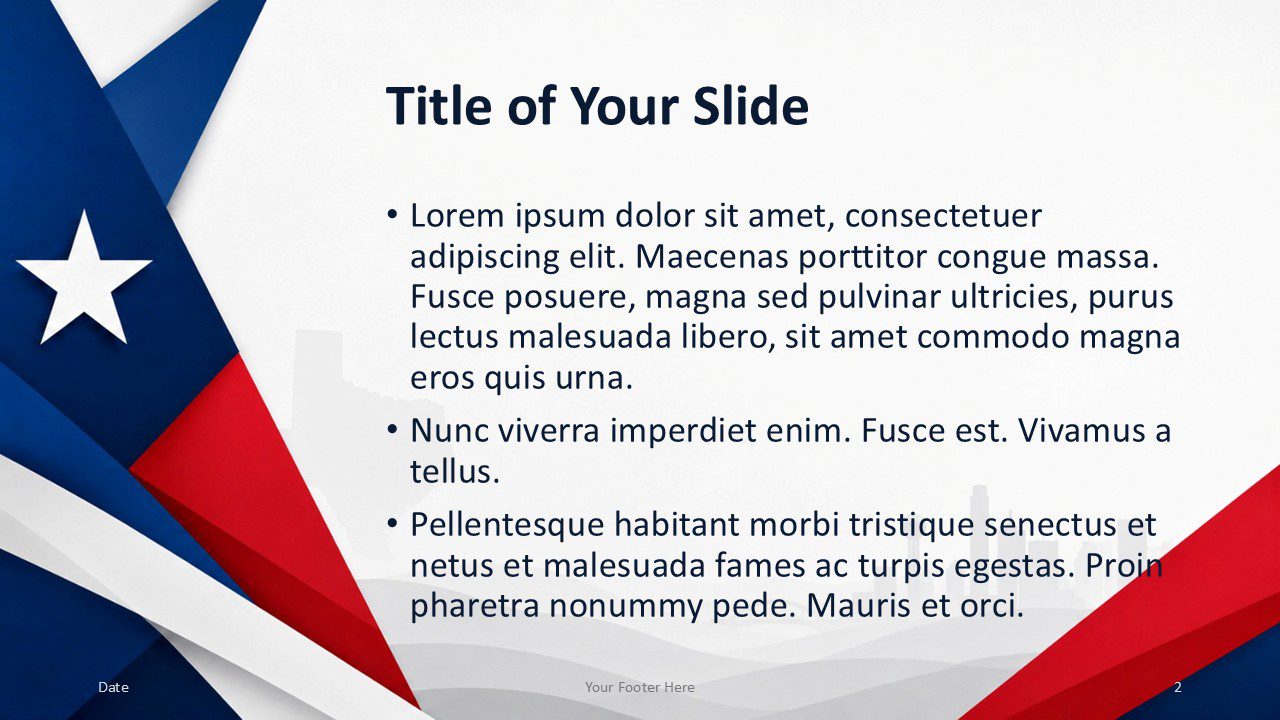
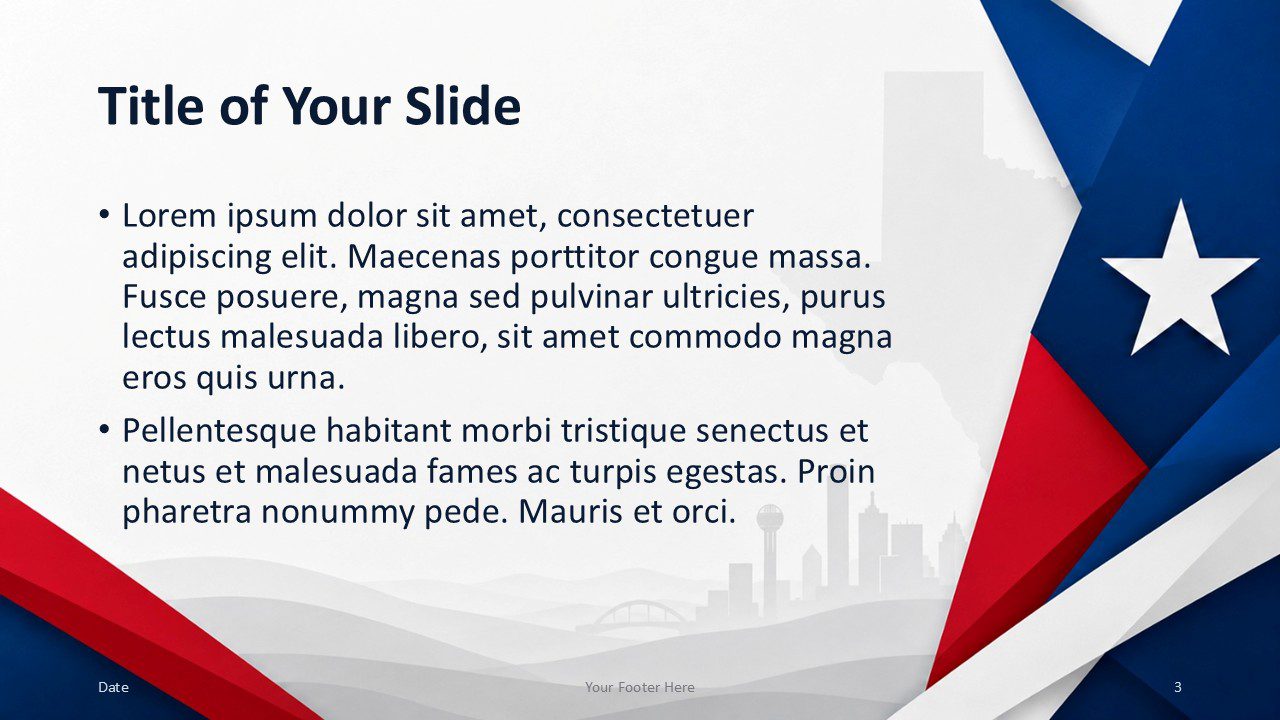
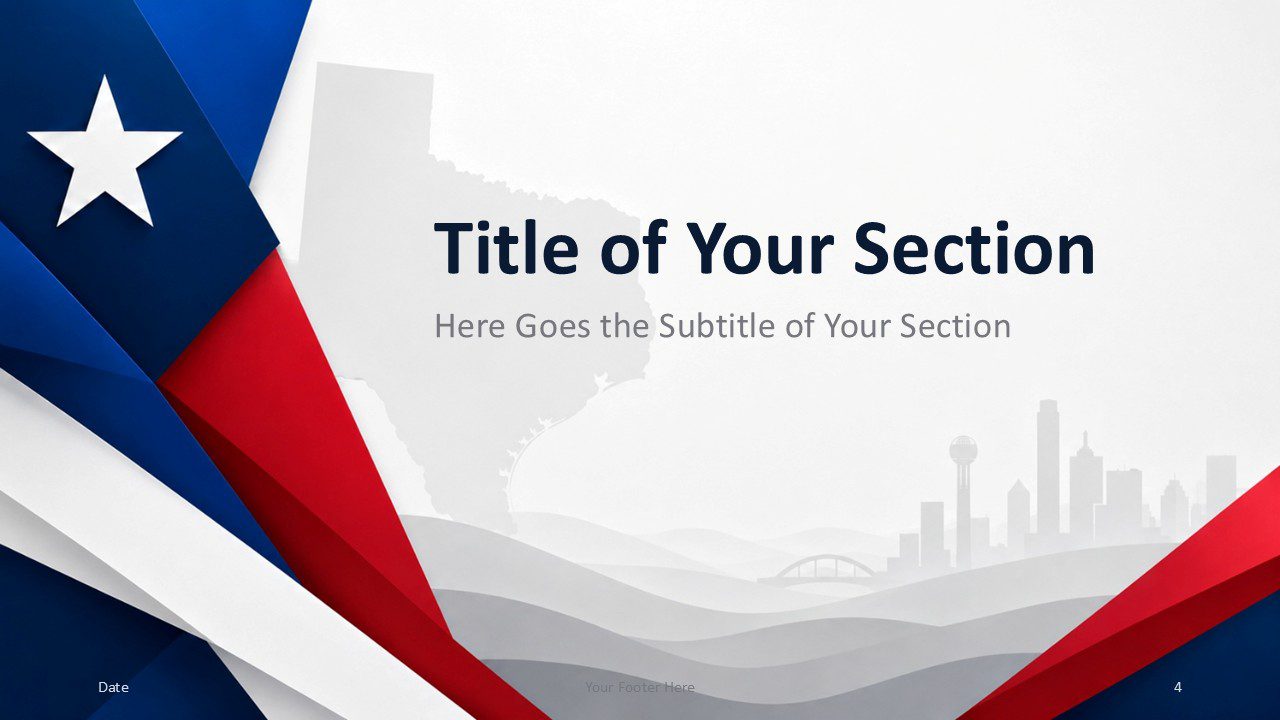
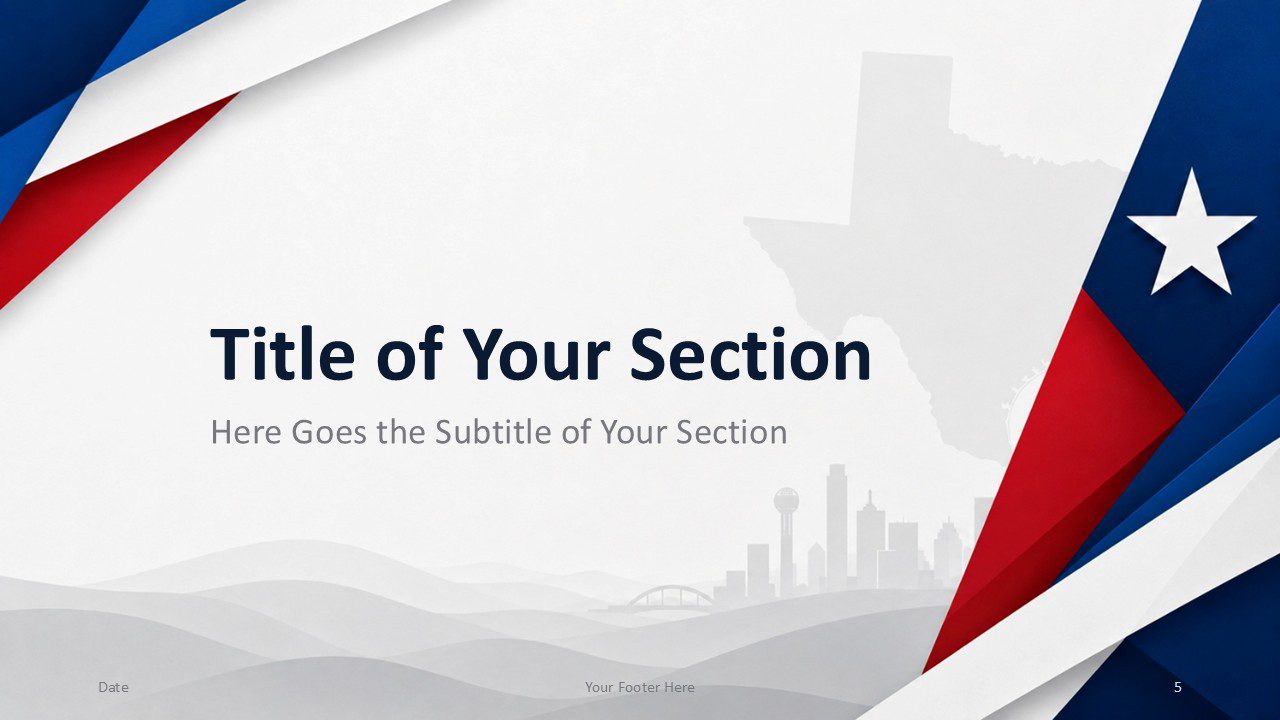



The template includes seven coordinated slides. You receive a cover, two title and content layouts, two section dividers, a closing slide, and a theme reference slide. Each layout maintains a consistent visual system. Alternating decorative elements also create variety across longer presentations.
Features and Customization Options
- Seven professionally designed slides
- Compatible with PowerPoint and Google Slides
- Editable text, shapes, colors, and image placeholders
- Two title and content layout options
- Two section divider designs
- Dedicated thank-you and contact slide
- Specifically customized color palette that fits the template
- Clear typography and flexible content areas
You can quickly adapt the Texas Star Template to your project. Replace the sample text, add your images, and adjust the layout as needed. The included color system helps you preserve the original visual balance. You can also apply your own brand colors while keeping the structure intact.
Design Overview
The design uses a clean white canvas with light gray geographic details. A subtle Texas silhouette and city skyline create depth without competing with the content. Layered ribbons frame the slides with strong blue, crimson, and white accents. The lone star serves as the main visual symbol throughout the deck.
The layouts balance decorative elements with practical content space. Bold navy headings improve readability, while lighter gray details support the visual hierarchy. The mirrored content slides and section dividers make it easy to vary the presentation flow.
Custom Texas-Inspired Color Palette
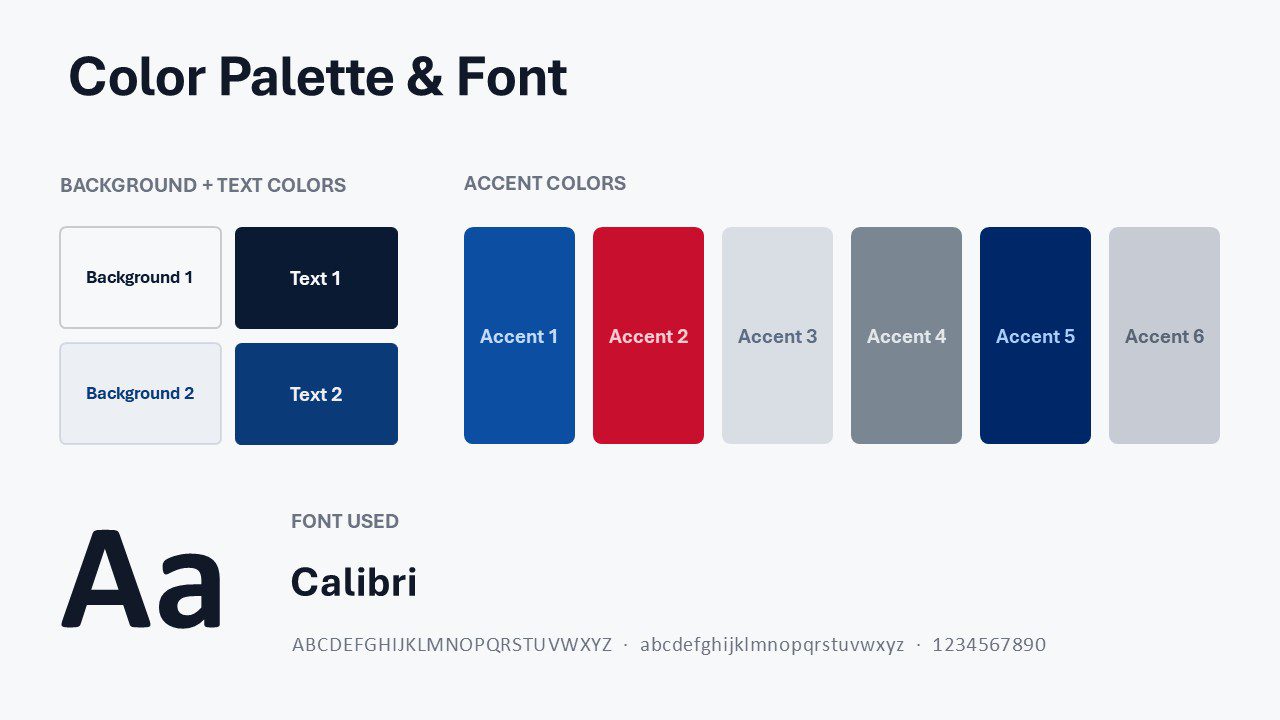
The custom palette combines Royal Blue, Crimson, Silver, Steel Gray, Deep Navy, and Mist Gray. These colors create a balanced Texas-inspired look with bold patriotic accents, strong contrast, and soft neutral support.
Practical Applications
- Texas business and economic reports
- State and local government presentations
- Tourism and destination marketing
- School and university projects
- Community events and public programs
- Real estate and regional development proposals
- Texas history and culture presentations
- Conference and association decks
The Texas Star Template supports both formal and creative topics. Use it for statewide data, regional plans, cultural events, or educational lessons. The clean structure keeps information easy to follow. Its strong visual identity also helps audiences connect each message with Texas.
Summary
The Texas Star Template combines patriotic styling with practical slide layouts. It offers a clear structure, editable content, and a coordinated custom palette. The design works in PowerPoint and Google Slides, so you can customize it with familiar tools. Use it to create a polished Texas presentation with a confident Lone Star look.



