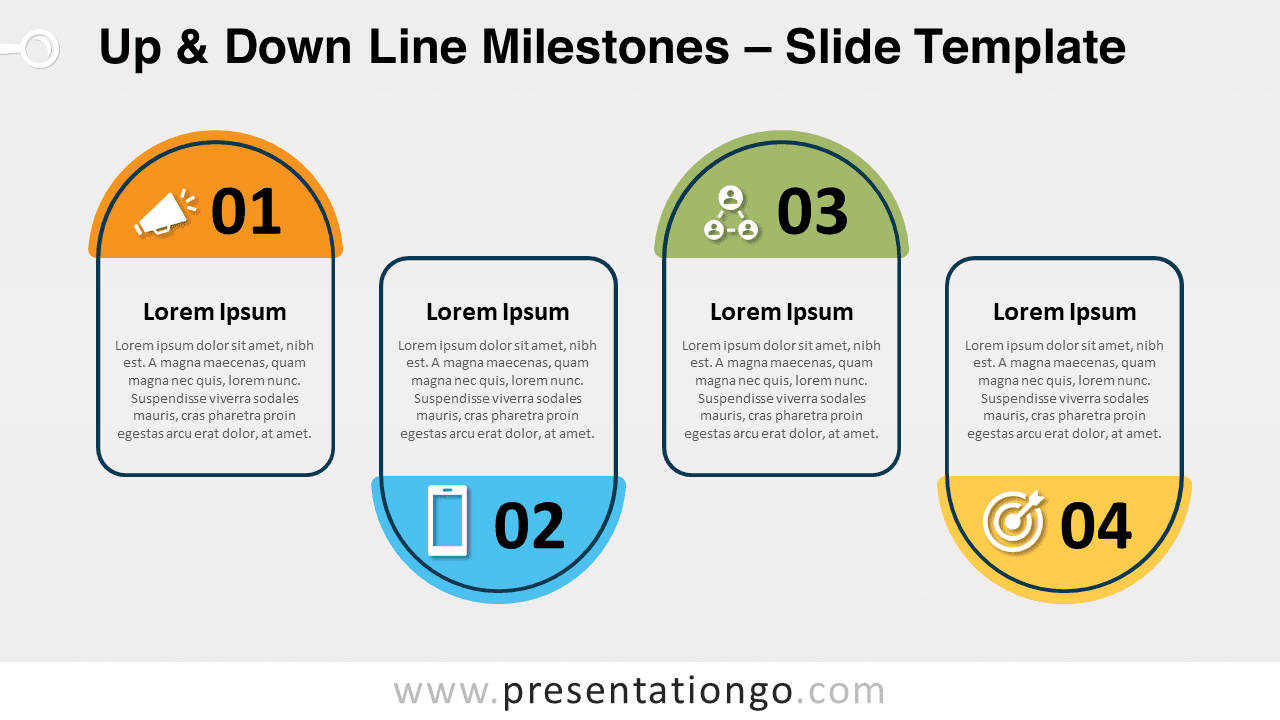
Free up and down line milestones for PowerPoint and Google Slides. A horizontal series of upside down road milestones. Editable graphics with numbers, icons, and text placeholders.
Up & Down Line Milestones
Let’s hope your next presentation will be a milestone for you and your audience! If you combine useful and eye-catching infographics with your great ideas, you will definitely reach your goal. So, download this free Up & Down Line Milestones template now and pave the way for your attendees!
This original slide shows 4 road milestones aligned in a horizontal way. However, two of these road signs are upside down to create an alternating up and down pattern. These mileposts represent your 4 options, which can be 4 items of information, ideas, thought, facts, concepts or even steps in a process. You can indeed include a number and an icon in the top semicircular part of the milestone. Besides, there are text placeholders to write titles and text in the lower part.
This free Up & Down Line Milestones template will guide your audience for your next presentation. You can use it as original text boxes but also as steps in an alternating process.
Shapes are 100% editable: colors and sizes can be easily changed.
Includes 2 slide option designs: Standard (4:3) and Widescreen (16:9).
Widescreen (16:9) size preview:


This ‘Up & Down Line Milestones’ template features:
- 2 unique slides
- Light and Dark layout
- Ready to use template with numbers, icons, and text placeholders
- Completely editable shapes
- Uses a selection of editable PowerPoint icons
- Standard (4:3) and Widescreen (16:9) aspect ratios
- PPTX file (PowerPoint) and for Google Slides
Free fonts used:
- Helvetica (System Font)
- Calibri (System Font)