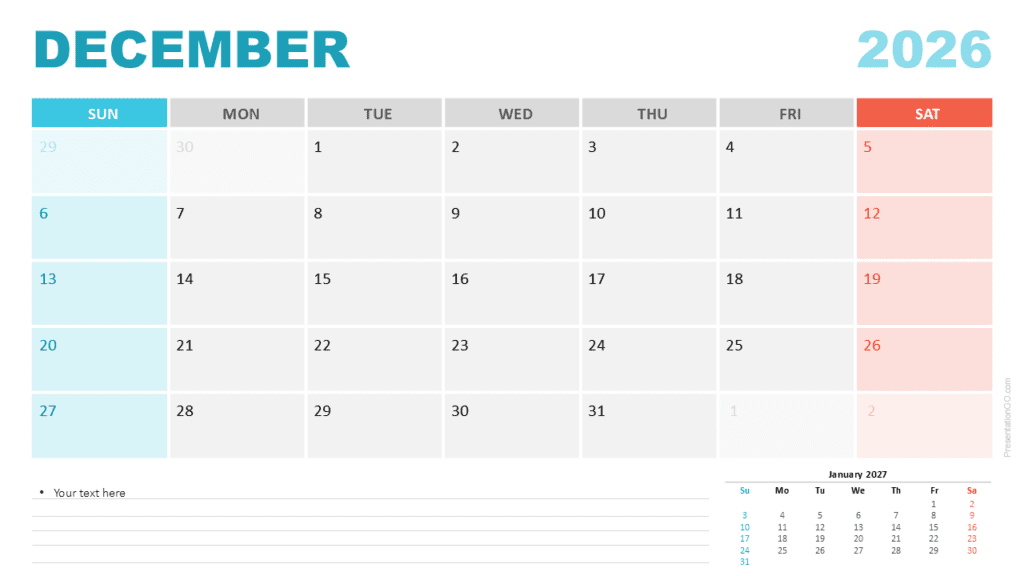
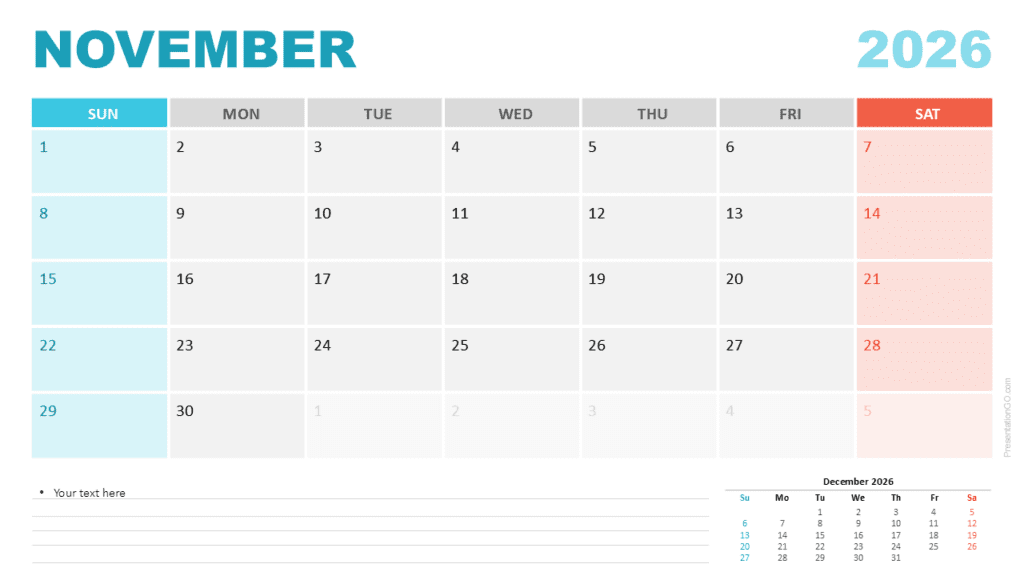
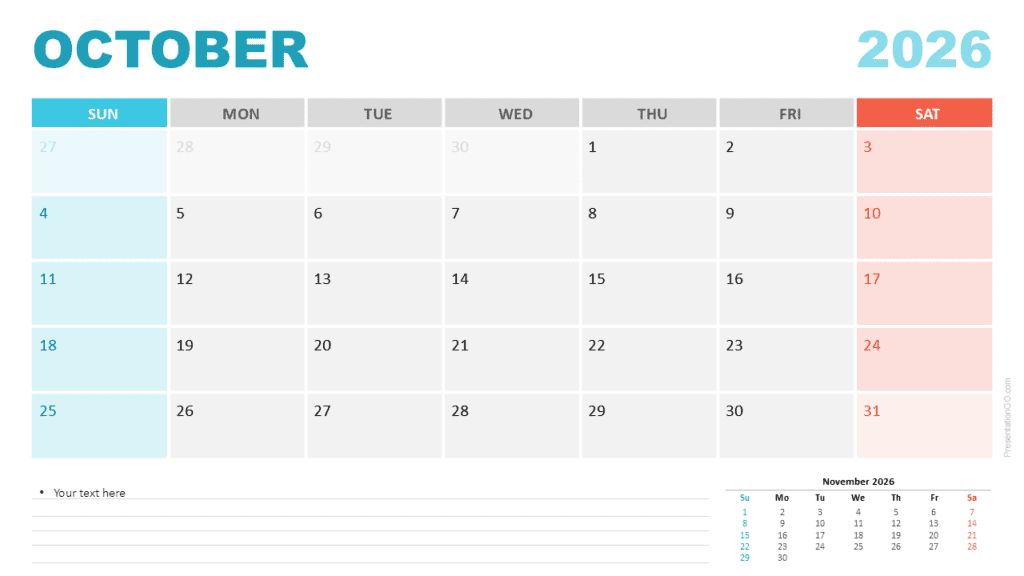
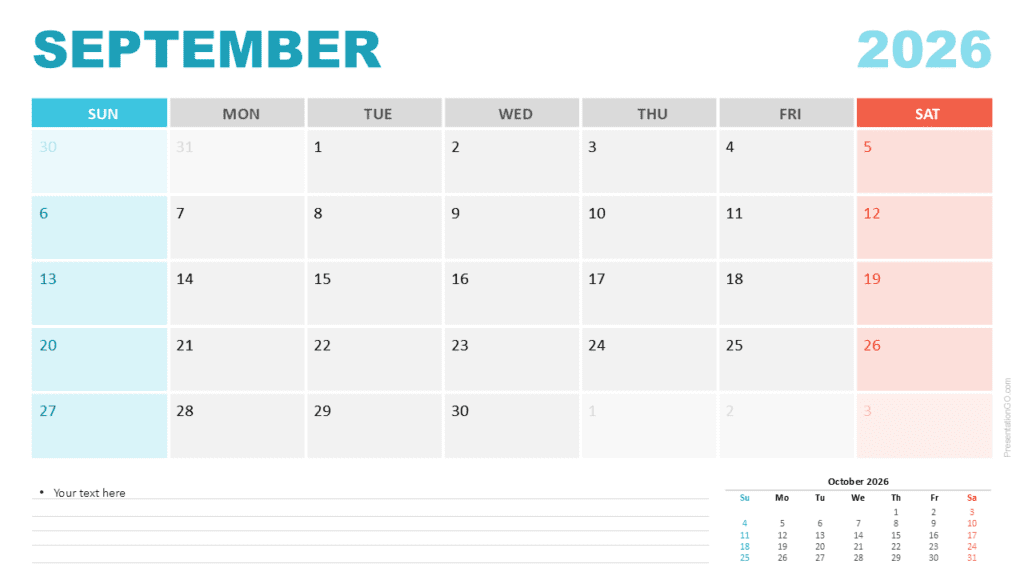
The January 2026 Monthly Calendar offers a bright and structured layout designed for PowerPoint and Google Slides. It helps you organize tasks, events, and deadlines with clarity and visual consistency. Each slide uses a clean monthly grid that highlights weekends and ensures strong readability for presentations or planning documents.
This calendar includes two layout options. One version starts the week on Sunday, and the second begins on Monday. These options let you match regional preferences or team workflows. The large month title and the soft color palette support professional use while keeping the slide visually engaging.
Template Preview
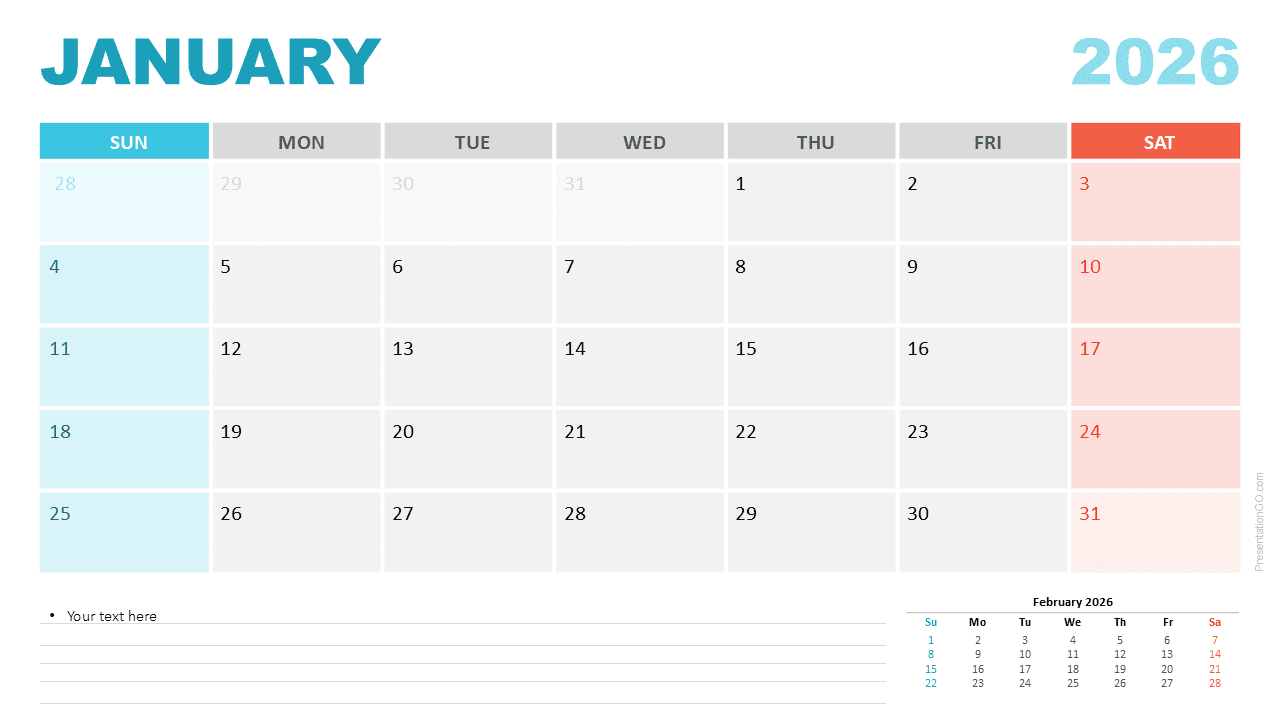
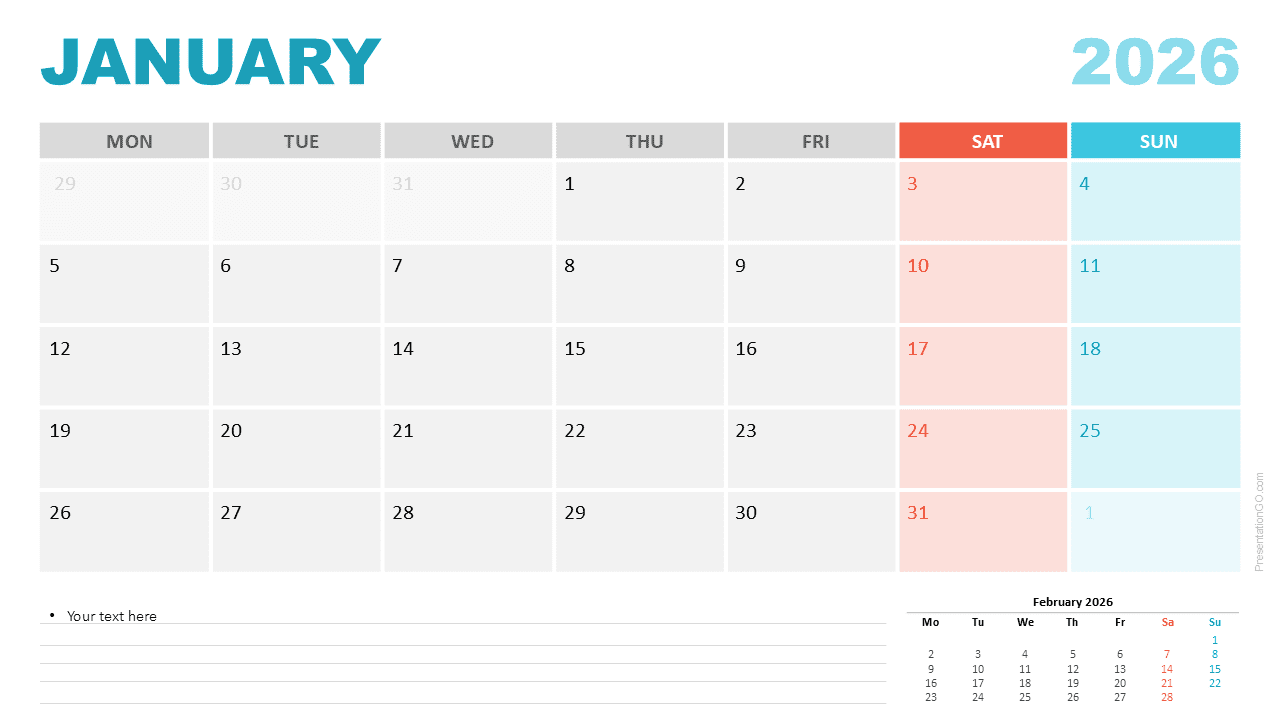
Diagram Features and Customization Options
- Editable Monthly Calendar for January 2026
- Two weekly start versions: Sunday and Monday
- Clean layout with grid-based structure
- Highlight colors for Saturdays and Sundays
- Space for notes at the bottom of the slide
- Small preview of February 2026 for forward planning
- Fully editable text, colors, and shapes
- Compatible with PowerPoint and Google Slides
Design and Structure
The January 2026 Monthly Calendar uses a simple and modern grid design. The month name appears in bold turquoise for emphasis, while the year uses a lighter shade to maintain contrast. The grid uses alternating shades of gray to improve readability. Saturdays appear in a warm coral tone, and Sundays display a cool aqua tone for instant recognition. The bottom section includes a notes area with lines for text. A small preview of February 2026 appears in the lower corner to help with monthly transitions.
Practical Applications
- Monthly planning for personal or business tasks
- Project timelines and milestone tracking
- Content and editorial calendar planning
- Employee or student scheduling
- Meeting and event overviews
- Deadline and deliverable tracking across teams
Summary
This January 2026 Monthly Calendar provides a clean and flexible format for planning and presentation use. Its dual weekly start design supports different workflows, and its editable structure makes customization easy. It works well for anyone who needs a reliable and visually consistent monthly calendar in PowerPoint or Google Slides.