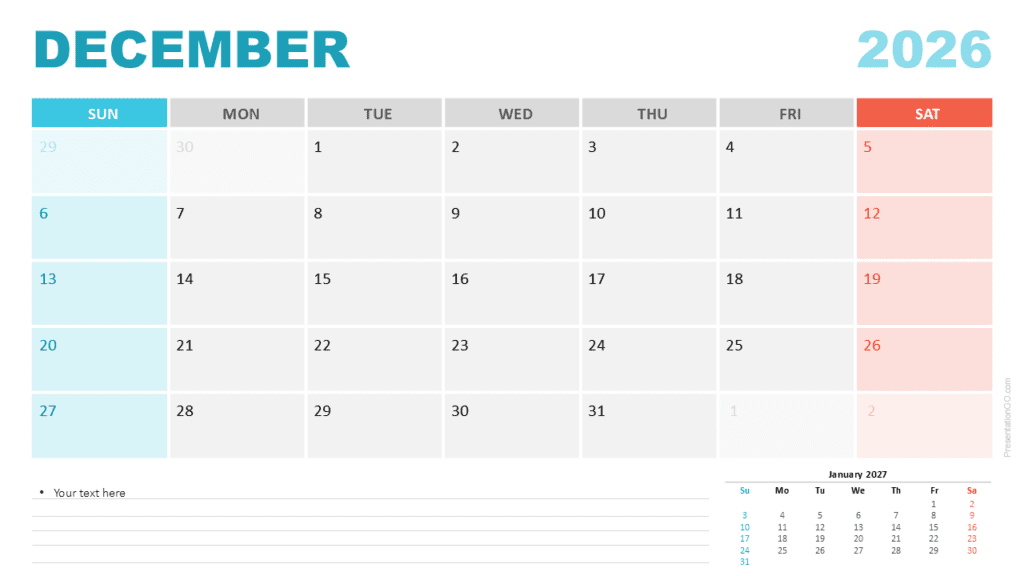
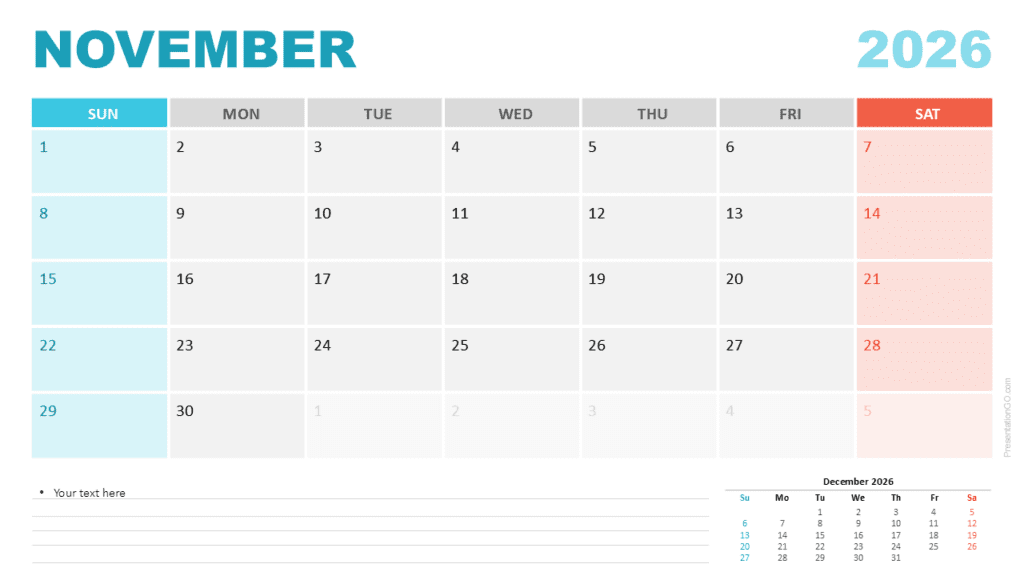
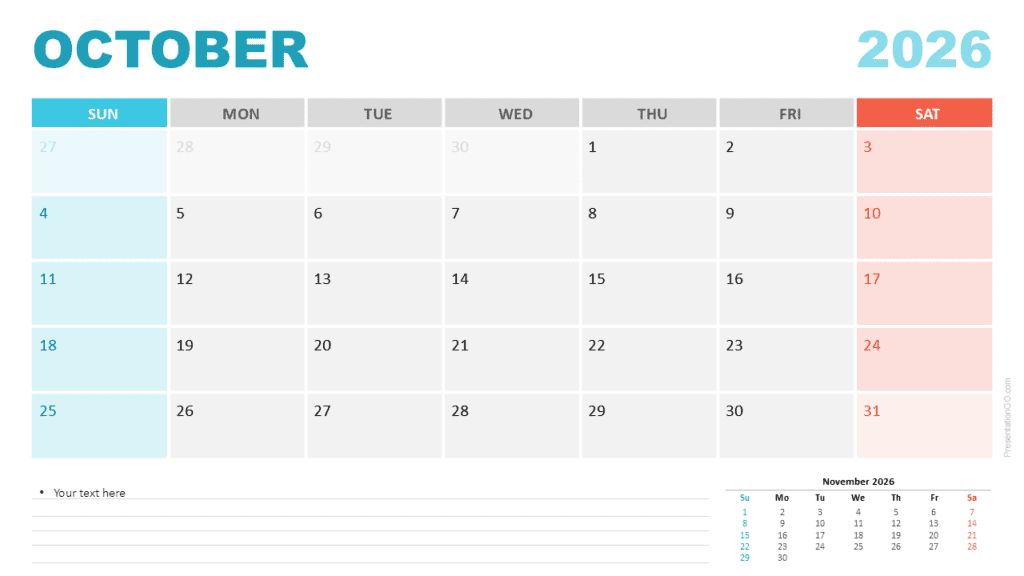
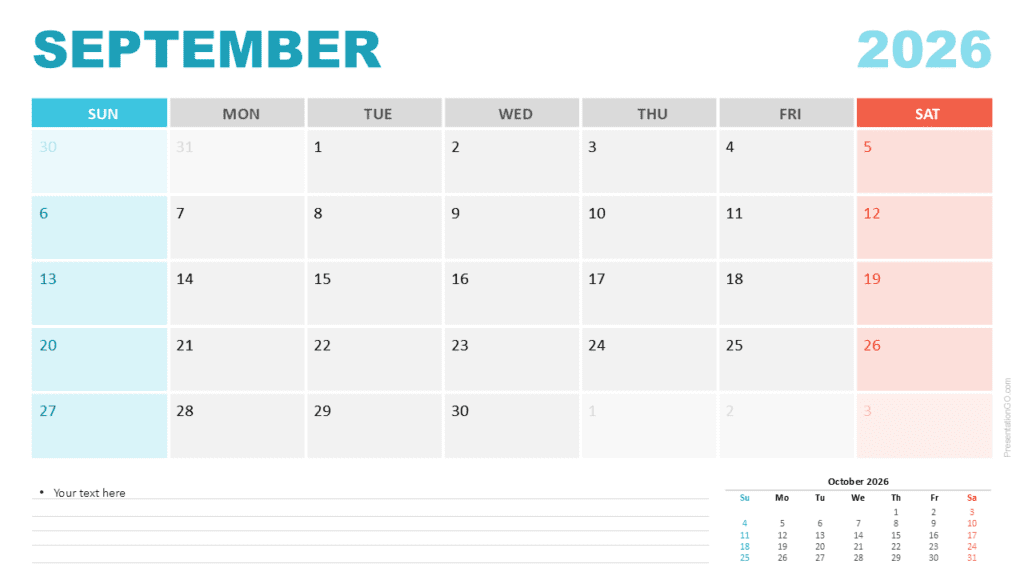
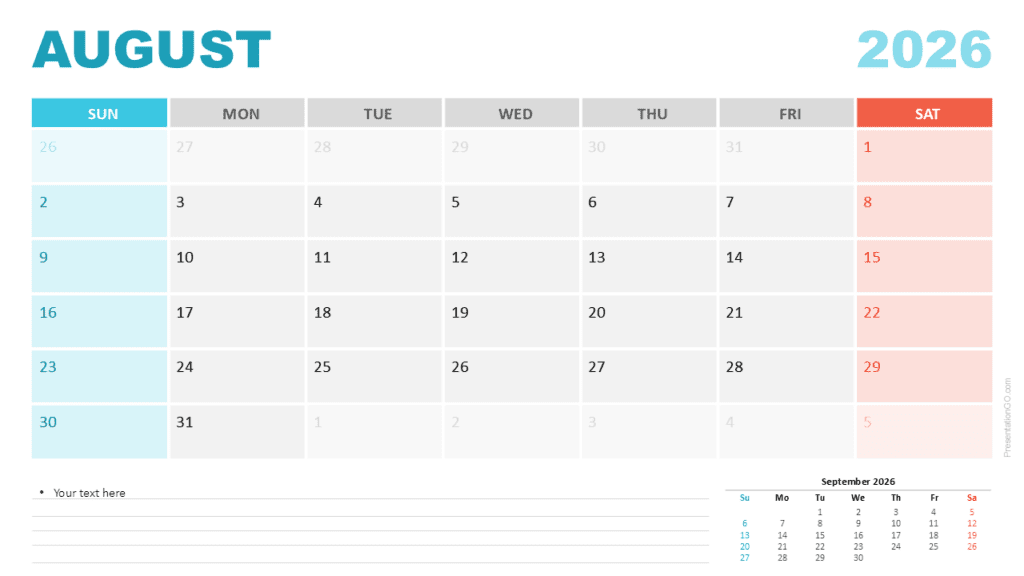
The June 2026 Monthly Calendar offers a clear and organized layout for scheduling activities, presenting deadlines, and mapping out monthly plans in PowerPoint and Google Slides. Its modern grid structure supports readability while helping users manage work, personal events, or academic schedules with confidence. Each date cell provides enough space to record short notes or reminders.
This calendar includes two editable layout options. One begins the week on Sunday, and the other begins on Monday, giving users the flexibility to choose the format that best matches their region or planning preference. The header uses a bold turquoise title for “June,” while the lighter shade of the year label maintains visual hierarchy without distraction.
Template Preview
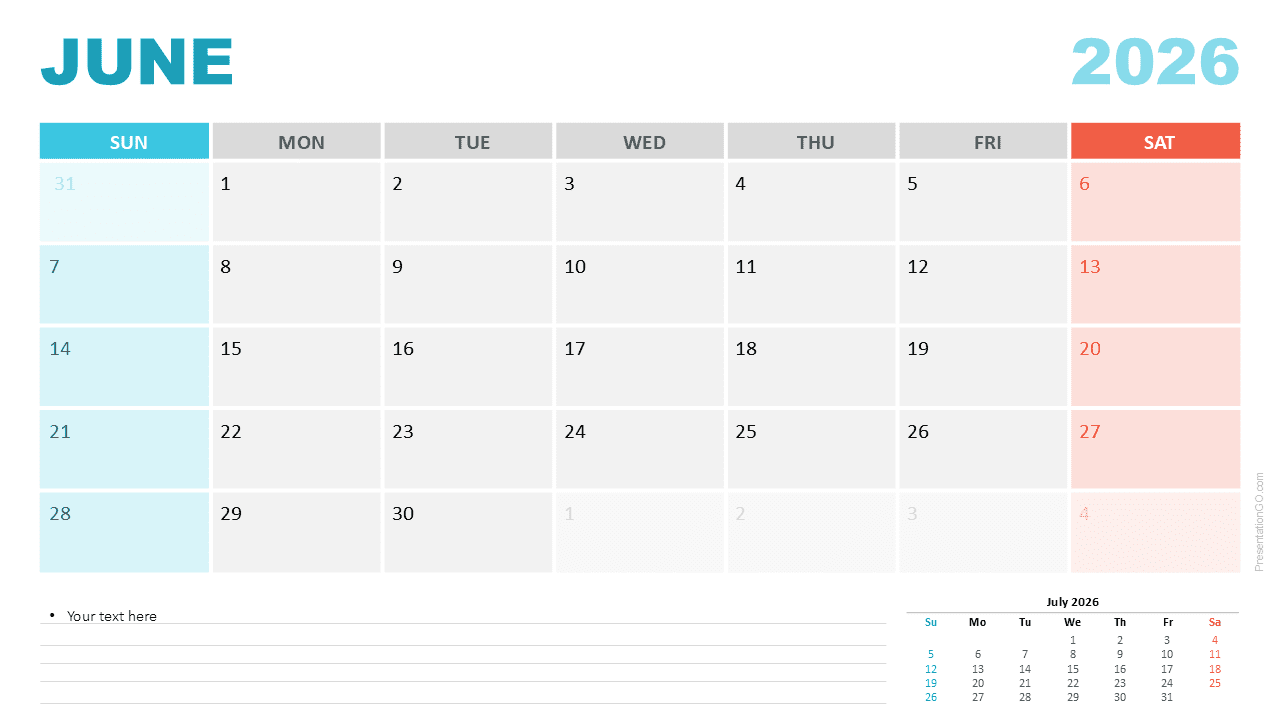
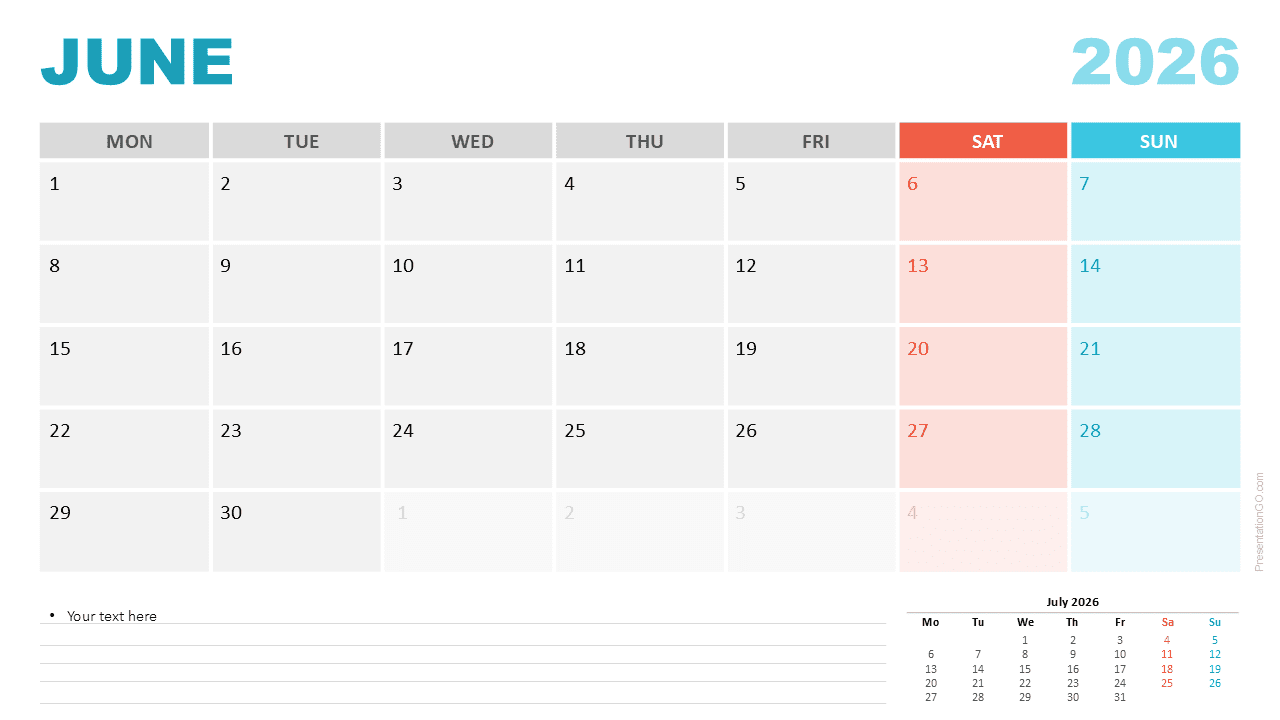
Diagram Features and Customization Options
- Editable June 2026 Monthly Calendar
- Sunday and Monday week-start formats included
- Modern grid layout with clean spacing
- Weekend columns highlighted with distinct colors
- Structured notes area with lined formatting
- Preview of July 2026 for forward planning
- Editable text, colors, and vector shapes
- Fully compatible with PowerPoint and Google Slides
Design and Structure
The grid uses alternating shades of gray to enhance readability. Saturdays appear in coral tones, and Sundays in aqua, allowing viewers to quickly recognize weekends. Each date box maintains clear spacing for short notes or deadlines. The slide also includes a notes section at the bottom, presented with lined formatting for structured writing. A small preview of July 2026 appears in the lower right corner to support planning continuity.
Practical Applications
- Planning deadlines and milestones for June
- Team or personal monthly scheduling
- School and academic calendar planning
- Content and social media scheduling
- Event coordination and monthly reporting
- Printable calendar for offline use
Summary
The June 2026 Monthly Calendar provides a flexible, visually clear design that fits many planning and presentation needs. Its dual week-start layouts, editable elements, and clean structure make it an effective tool for users of PowerPoint and Google Slides.