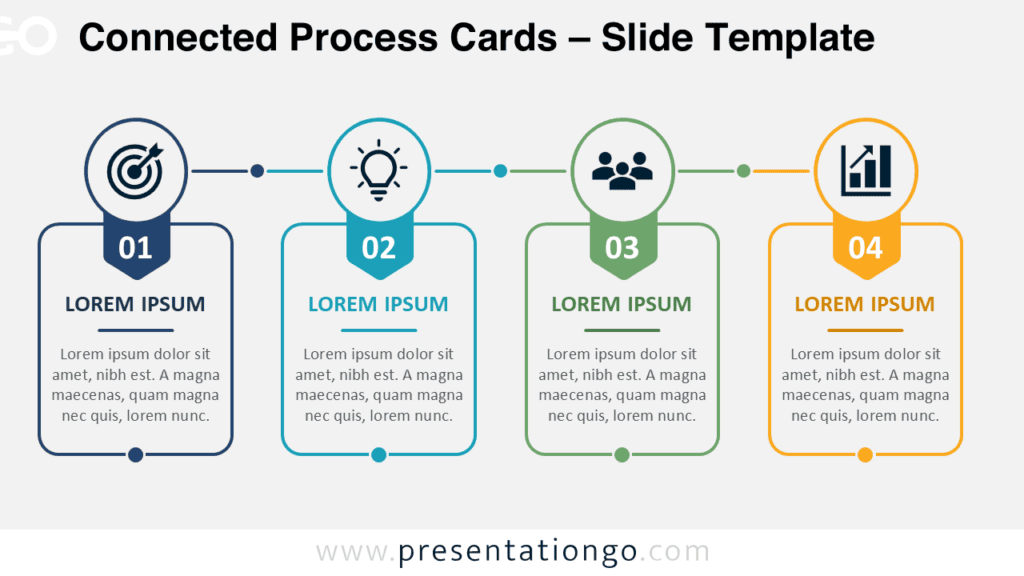
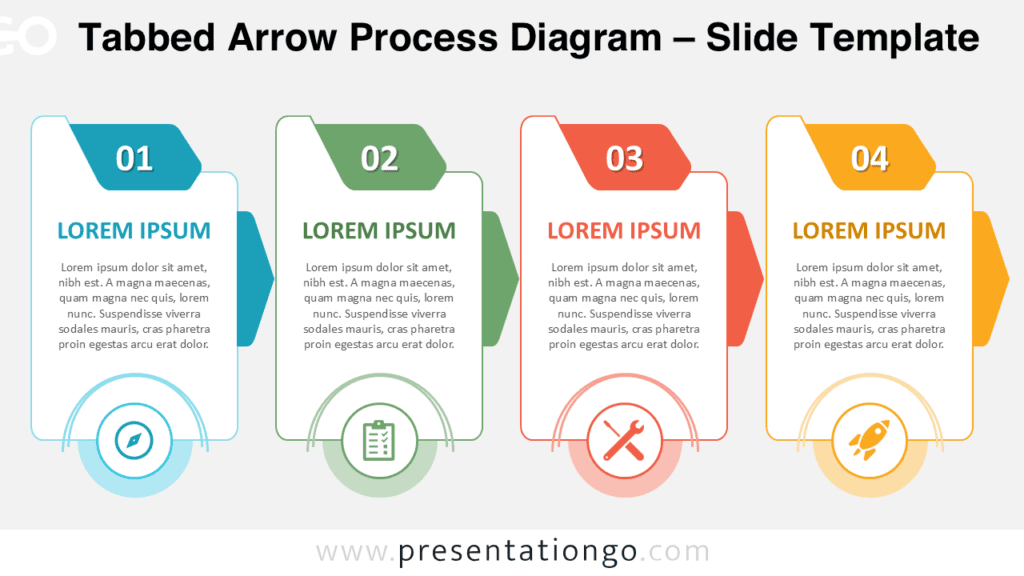
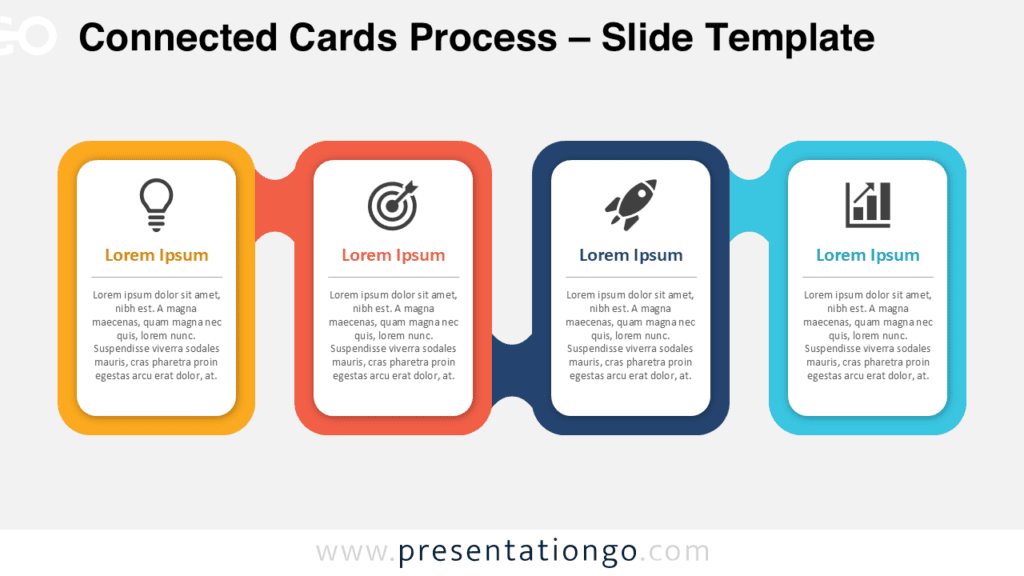
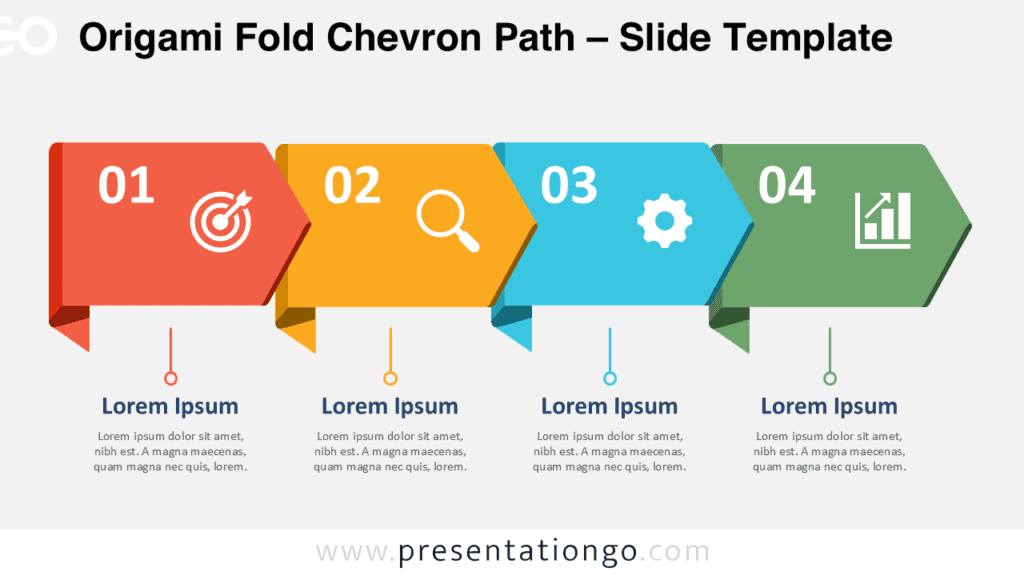
The Four-Step Process Cards diagram helps presenters organize information into four clear and connected stages. Each card combines a number, title, description, and editable icon placeholder. The consistent structure creates a natural reading path from left to right. Use it to simplify processes, plans, milestones, and sequential ideas.
This diagram works with PowerPoint and Google Slides. You can edit every text field and adjust each visual element. The layout supports business, educational, marketing, and project presentations. Its balanced composition keeps every stage visible without overwhelming the audience.
Diagram Preview
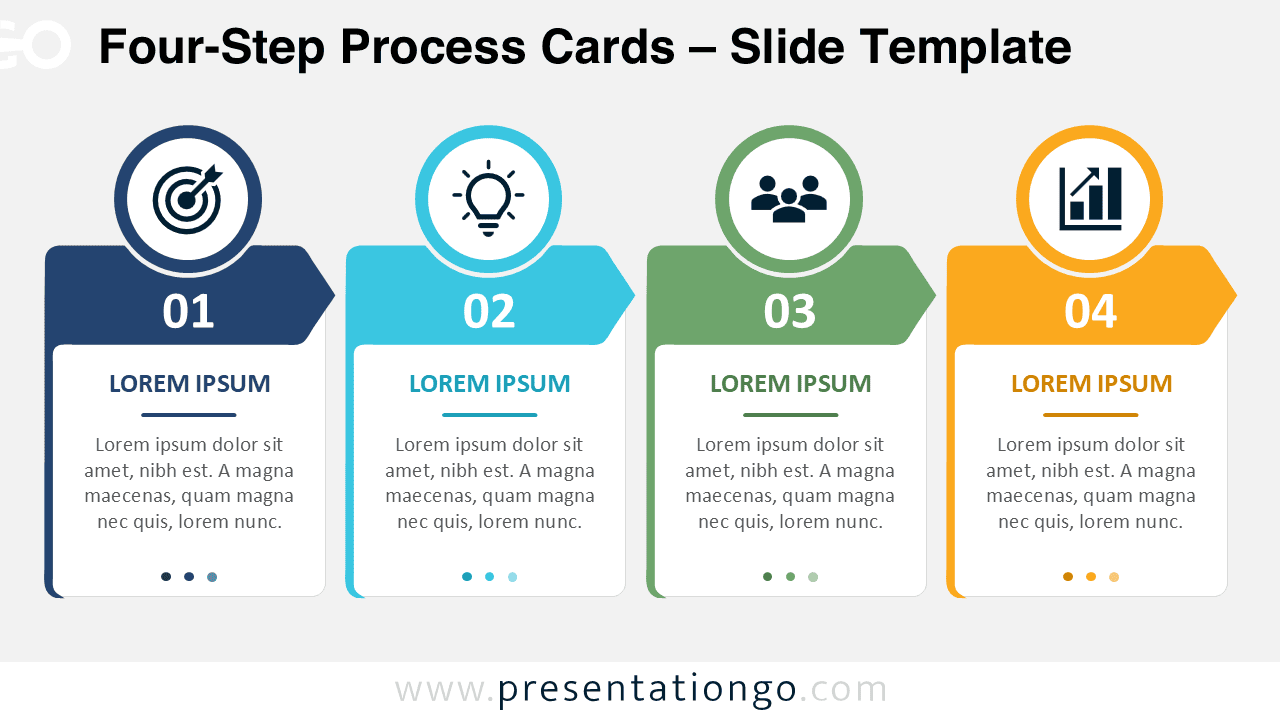
The Four-Step Process Cards layout presents four equal content areas in one horizontal sequence. Large step numbers help viewers follow the order quickly. Circular icon areas create recognizable visual anchors above each card. Connected ribbon shapes reinforce progression across the complete process.
Features and Customization Options
- Includes four clearly numbered cards for sequential information.
- Provides editable titles, descriptions, numbers, and supporting text.
- Uses icons from the Microsoft Office icon library.
- Allows users to replace, resize, rotate, and recolor the icons easily.
- Supports custom icons, illustrations, images, or brand graphics.
- Includes fully editable shapes and text placeholders.
- Works in PowerPoint and Google Slides.
- Offers matching versions for different presentation environments.
- Maintains consistent spacing across all four process stages.
- Supports business, education, strategy, and planning content.
Design and Structure
The diagram uses four aligned cards to separate content into manageable sections. Each card contains a prominent number and a focused content area. The circular icon placeholder adds meaning before viewers read the supporting text. This combination improves scanning and strengthens visual communication.
The connected headers establish movement across the slide. They also show that every stage belongs to one continuous process. The equal card sizes give each step the same visual importance. This structure works especially well when every phase deserves similar attention.
You can shorten the text for executive presentations or add details for instructional slides. Replace the sample wording with action labels, milestones, responsibilities, or outcomes. Keep each title brief and use the description for essential context. This approach preserves clarity while supporting different presentation goals.
Practical Applications
- Explain a four-stage business process or operating model.
- Present project phases from planning through delivery.
- Map a customer journey across four key touchpoints.
- Summarize a product development or launch sequence.
- Organize training content into four learning stages.
- Show a marketing campaign from research to evaluation.
- Outline strategic priorities and related actions.
- Compare four milestones within a broader roadmap.
- Describe onboarding steps for employees or customers.
- Communicate responsibilities across a structured workflow.
Summary
The Four-Step Process Cards diagram turns sequential information into a clear and engaging visual story. Its editable layout supports many presentation topics and audience types. Office library icons provide familiar symbols and remain easy to modify. Use this diagram to communicate four connected ideas with confidence, structure, and clarity.