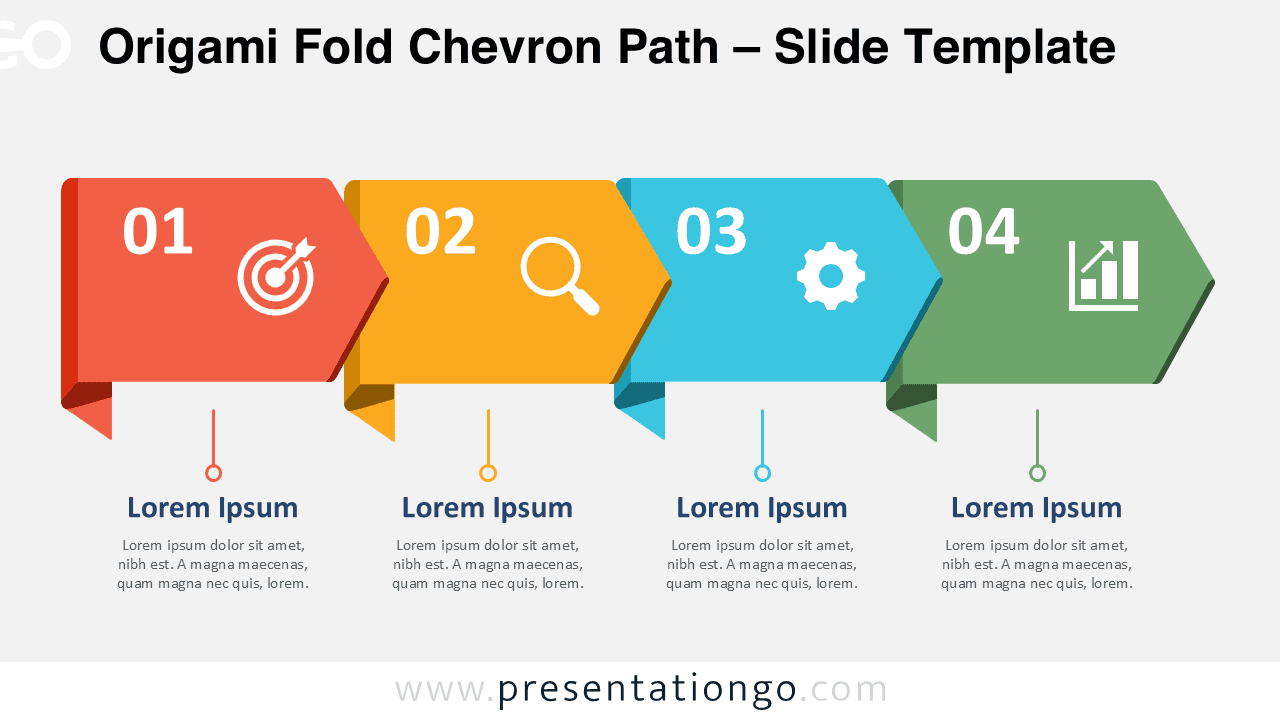
The Origami Fold Chevron Path gives you a clear way to present four connected stages in one continuous visual sequence. Its folded ribbon structure guides attention naturally from left to right. Each stage combines a number, an editable icon placeholder, a title, and supporting text. The design works especially well when your message depends on progression, order, or movement between related steps.
You can use the diagram in both PowerPoint and Google Slides. Every major element remains editable, so you can adapt the wording, shapes, icons, and sizing to your presentation. The layout keeps each stage visually distinct while preserving a strong connection across the complete process.
Diagram Preview
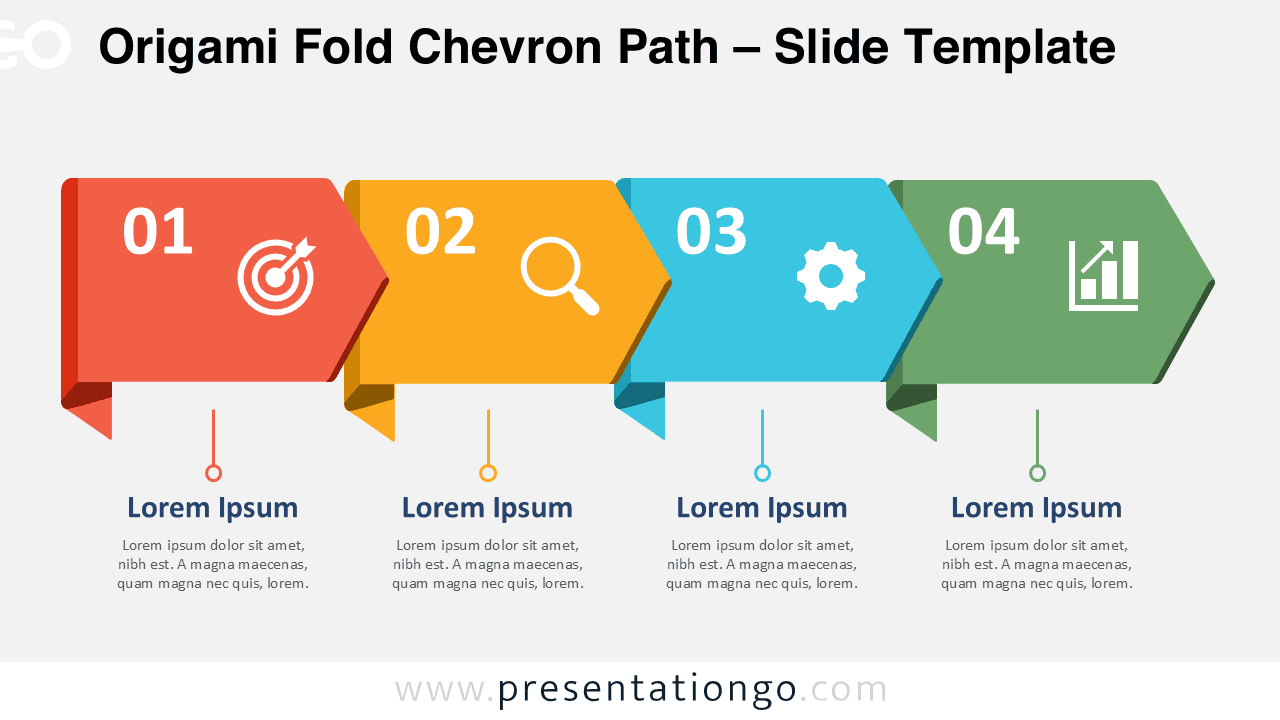
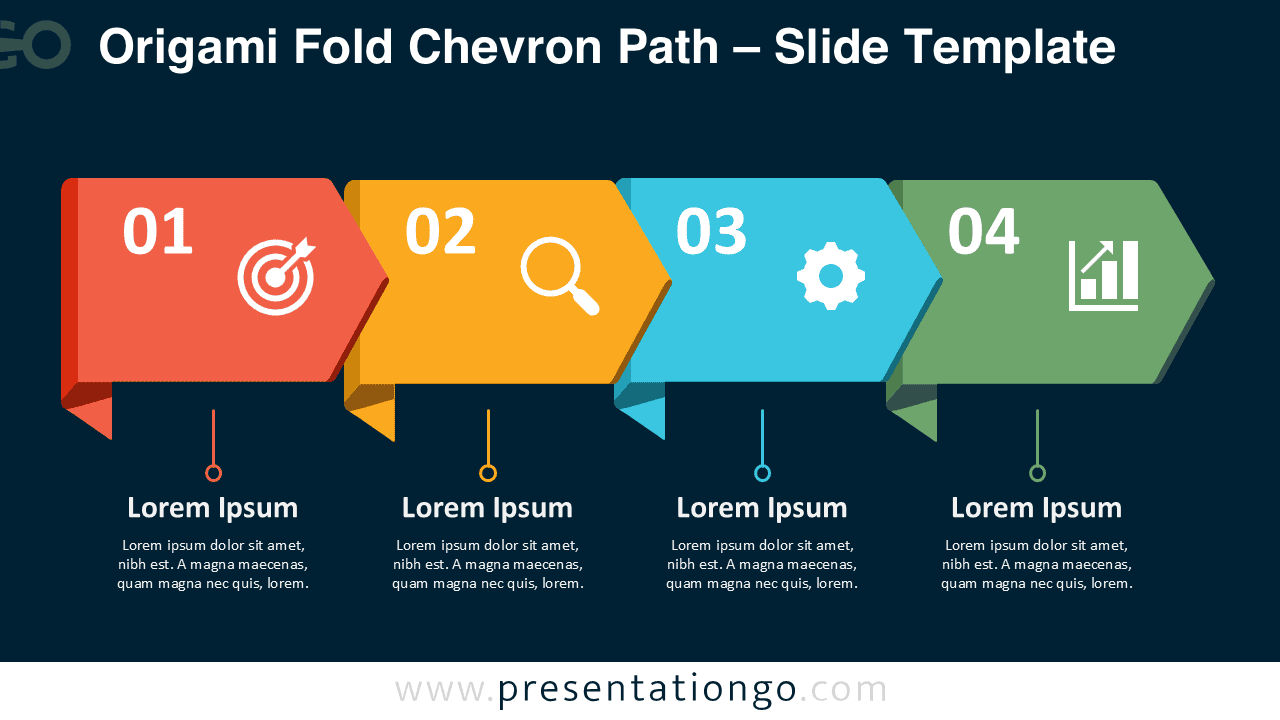


The Origami Fold Chevron Path uses four horizontal chevron segments that connect into a single directional band. Folded corners and subtle depth effects give the structure an origami-inspired appearance. Supporting text sits below each segment, which keeps longer explanations separate from the main visual path. This arrangement helps viewers scan the process first and then read the supporting details.
Features and Customization Options
- Compatible with Microsoft PowerPoint and Google Slides
- 4-step linear process diagram, fully editable
- Editable text, shapes, and icon placeholders
- Icons are included for illustration purposes only
- Icons come from the Microsoft Office icon library
- Office icons are easy to modify or replace
- Includes both light and dark background versions
Design and Structure
The diagram follows a simple four-stage reading pattern. Large step numbers establish the sequence immediately, while the chevron direction reinforces forward movement. Each segment provides enough space for one visual cue without overwhelming the layout. The text blocks below create a second information level for short explanations, supporting details, or concise stage descriptions.
The folded-paper treatment adds dimension while keeping the overall composition professional. Because the four segments share the same structure, the diagram maintains visual consistency from start to finish. You can also replace the included Office icons with symbols that better match your topic. This makes the layout useful across business, education, operations, marketing, and project presentations.
Practical Applications
- Explain a four-step business workflow
- Present customer onboarding stages
- Map a supply chain process
- Show project phases or milestones
- Outline a customer journey
- Summarize an operational procedure
- Present a sequential implementation plan
Summary
The Origami Fold Chevron Path combines a straightforward process structure with a distinctive folded-ribbon appearance. Its four connected stages make sequential information easy to follow, while the supporting text areas give each step room for context. Editable shapes, labels, and icon placeholders make the diagram practical for many presentation topics.
Use it when you need to communicate a clear beginning-to-end sequence without adding unnecessary complexity. The diagram works in PowerPoint and Google Slides, and its flexible structure lets you adapt each stage to your own workflow, journey, or process.