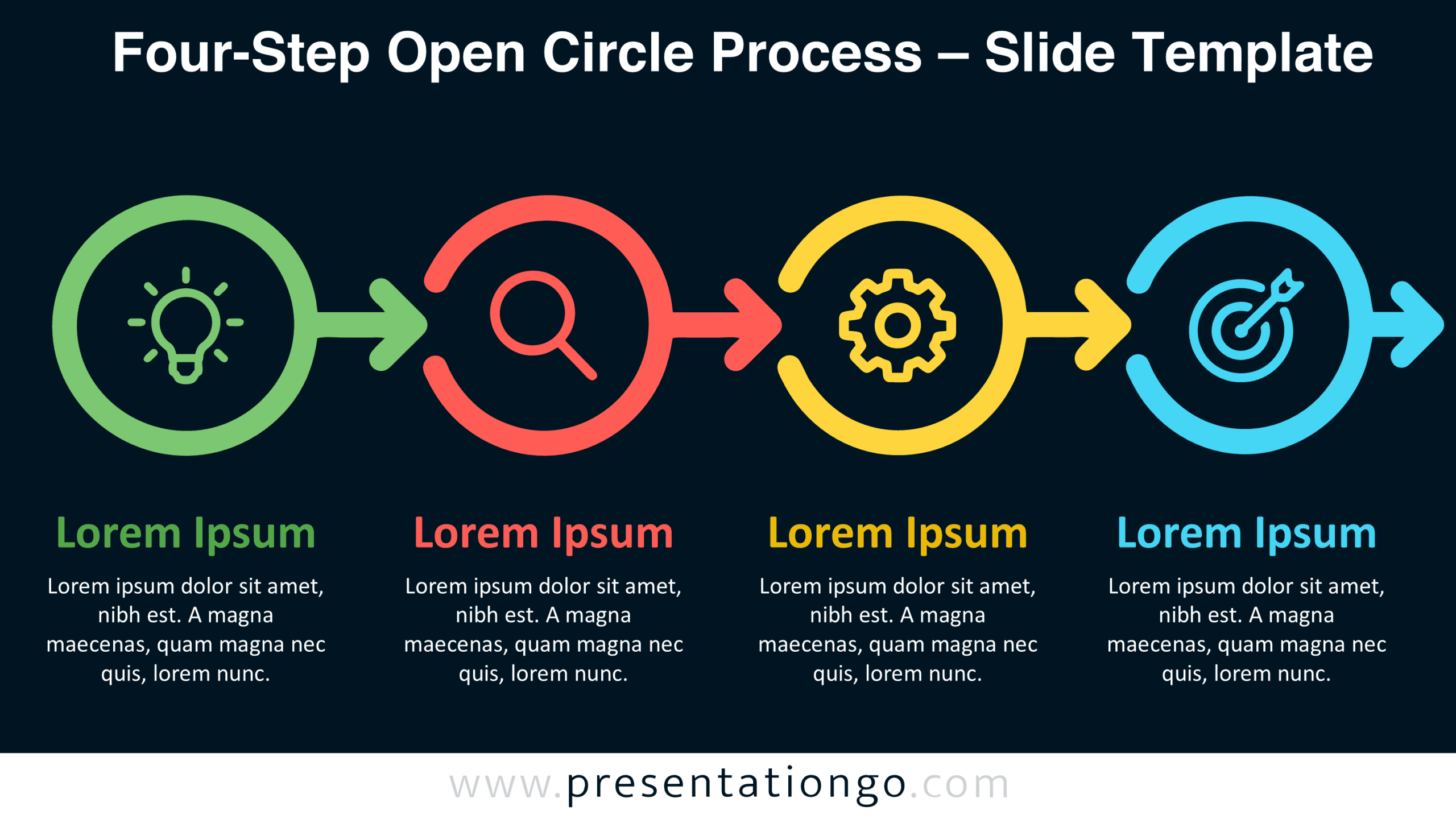
The Four-Step Open Circle Process is an editable diagram for PowerPoint and Google Slides. It presents four consecutive stages through open circular shapes connected by directional arrows. Each stage includes an illustrative icon, a heading, and a short description. This infographic helps explain how activities progress from an initial idea toward a defined objective.
Diagram Preview
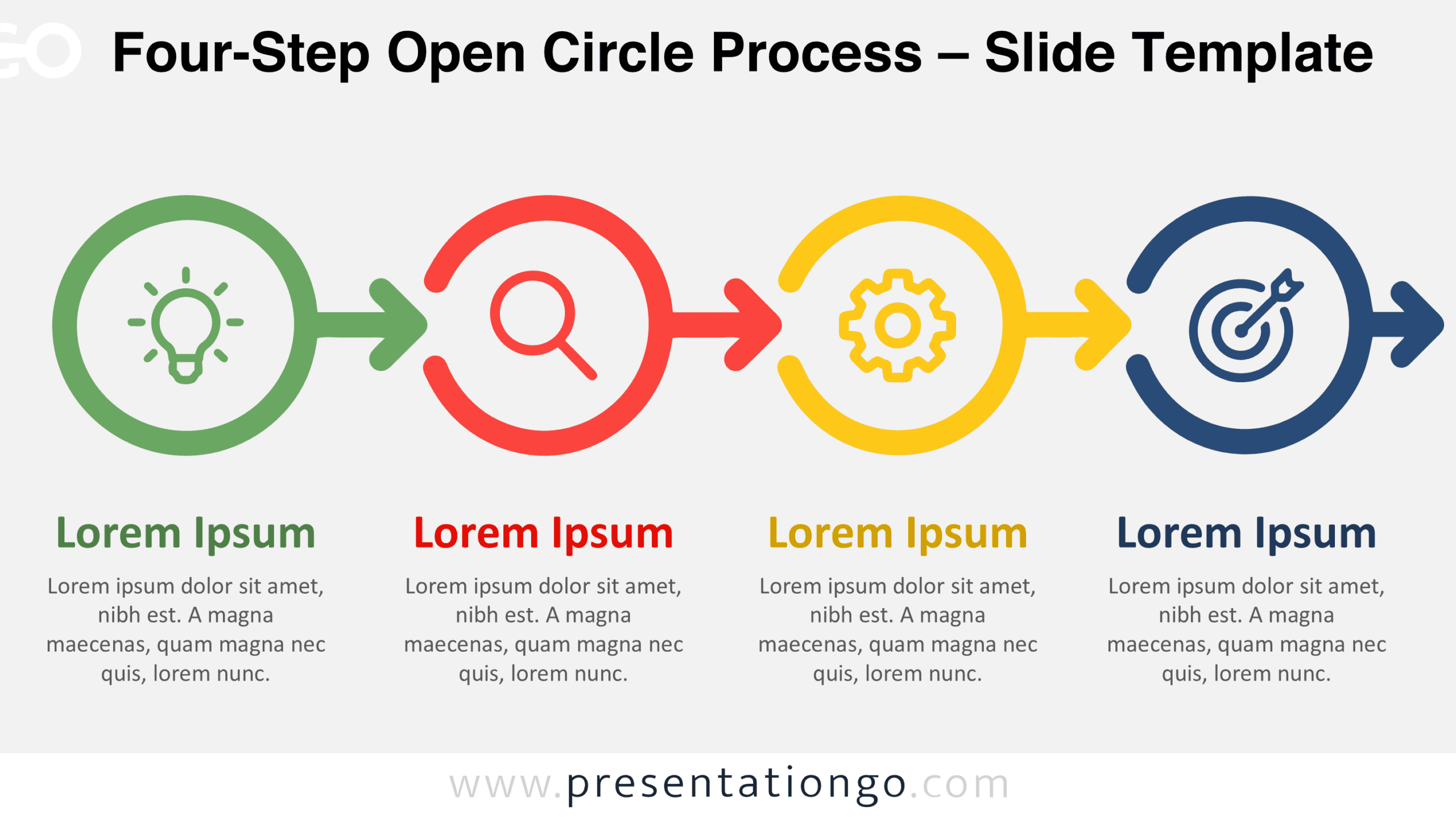
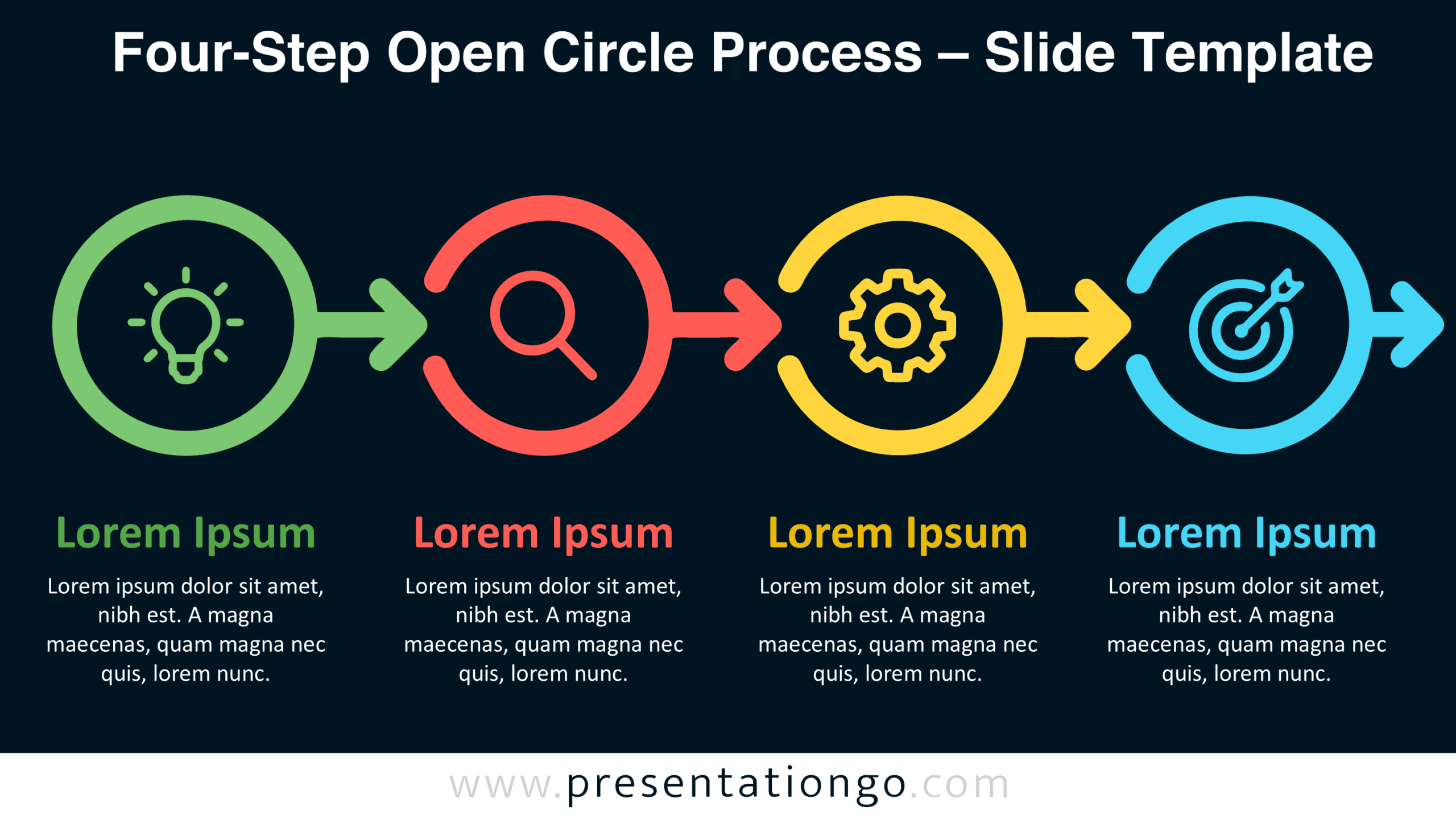
The diagram comes in two background versions, both featuring the same four-stage arrangement. The preview highlights the progression between steps and the placement of the accompanying text. You can choose either version to match your presentation layout.
Features and Customization Options
- Compatible with Microsoft PowerPoint and Google Slides.
- Four-step open circle process diagram, fully editable.
- Editable text, shapes, arrows, and icon placeholders.
- Office library icons are easily modifiable.
- Icons shown are for illustration purposes only.
- Includes both light and dark background versions.
Design and Structure
The Four-Step Open Circle Process features four large circular outlines arranged along a horizontal axis. Each circle has an opening that accommodates an outward-pointing arrow. These arrows extend toward the following circle, establishing a consistent left-to-right direction. The open outlines give the shapes a distinctive appearance while preserving their circular structure. Each stage occupies an equally sized area, creating a balanced composition. The arrow segments remain visually integrated with their respective circles rather than appearing as separate connectors.
A centered icon sits inside each circular shape. The sequence uses a light bulb, magnifying glass, gear, and target to represent different activities. Beneath each circle, a prominent heading identifies the corresponding stage. A centered paragraph provides additional context without interrupting the main graphical sequence. The headings and descriptions follow consistent alignment and spacing throughout the layout. This repetition establishes a clear hierarchy between the graphical elements and their explanations. The diagram uses a linear arrangement, even though its individual stages have circular outlines.
Practical Applications
- Structure product development into idea generation, market research, production, and launch objectives.
- Present consulting projects through problem identification, investigation, implementation, and performance evaluation.
- Explain research methodology from hypothesis formulation to analysis, experimentation, and conclusions.
- Organize employee onboarding into preparation, orientation, practical training, and performance assessment.
- Describe marketing campaigns through planning, audience analysis, campaign execution, and conversion measurement.
- Outline continuous improvement initiatives from issue identification to diagnosis, corrective action, and results tracking.
Summary
The Four-Step Open Circle Process combines a distinctive circular structure with the direction of a linear workflow. Its four connected stages provide a practical framework for explaining activities that follow a defined order. With editable graphics, icon placeholders, and supporting text, the diagram can represent different processes across business, education, and project management presentations.