
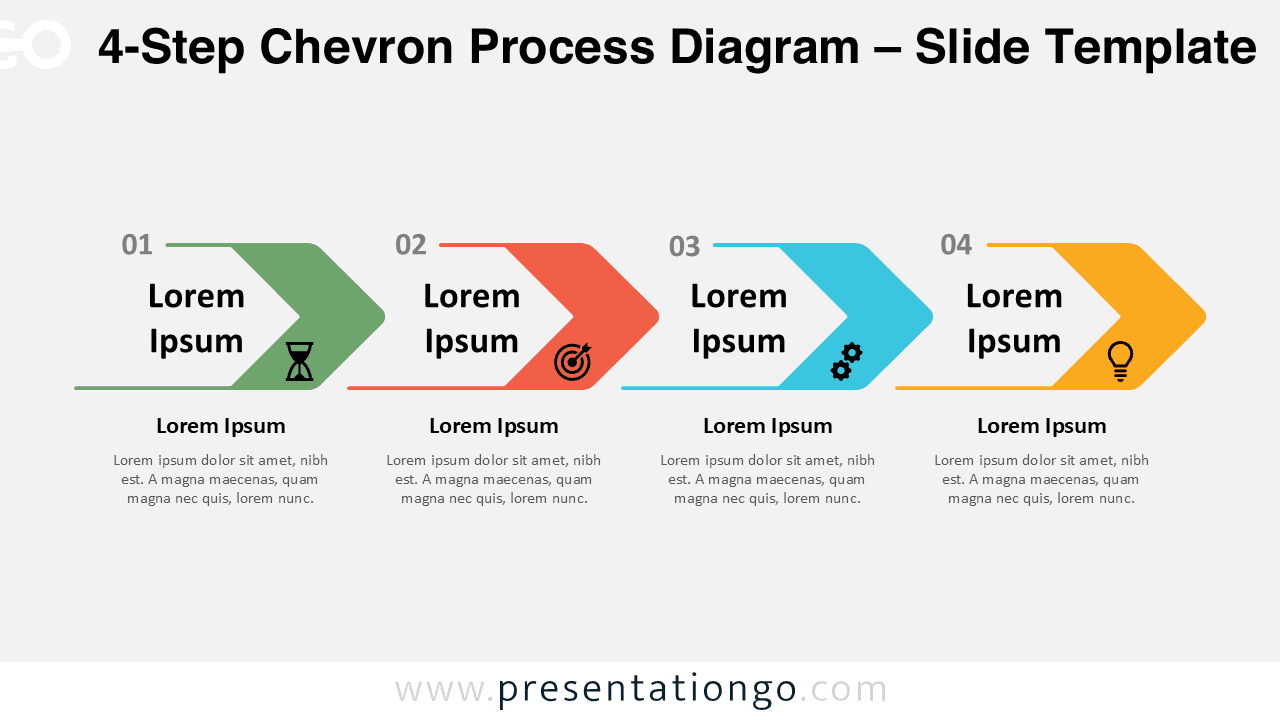
The 4-Step Chevron Process Diagram is a practical and visually clear solution for presenting linear workflows, strategies, and structured processes in PowerPoint and Google Slides.
Designed with a horizontal chevron layout, this diagram guides the audience naturally from the first step to the final outcome. Each chevron represents a distinct stage, making complex information easier to understand at a glance.
Diagram Preview
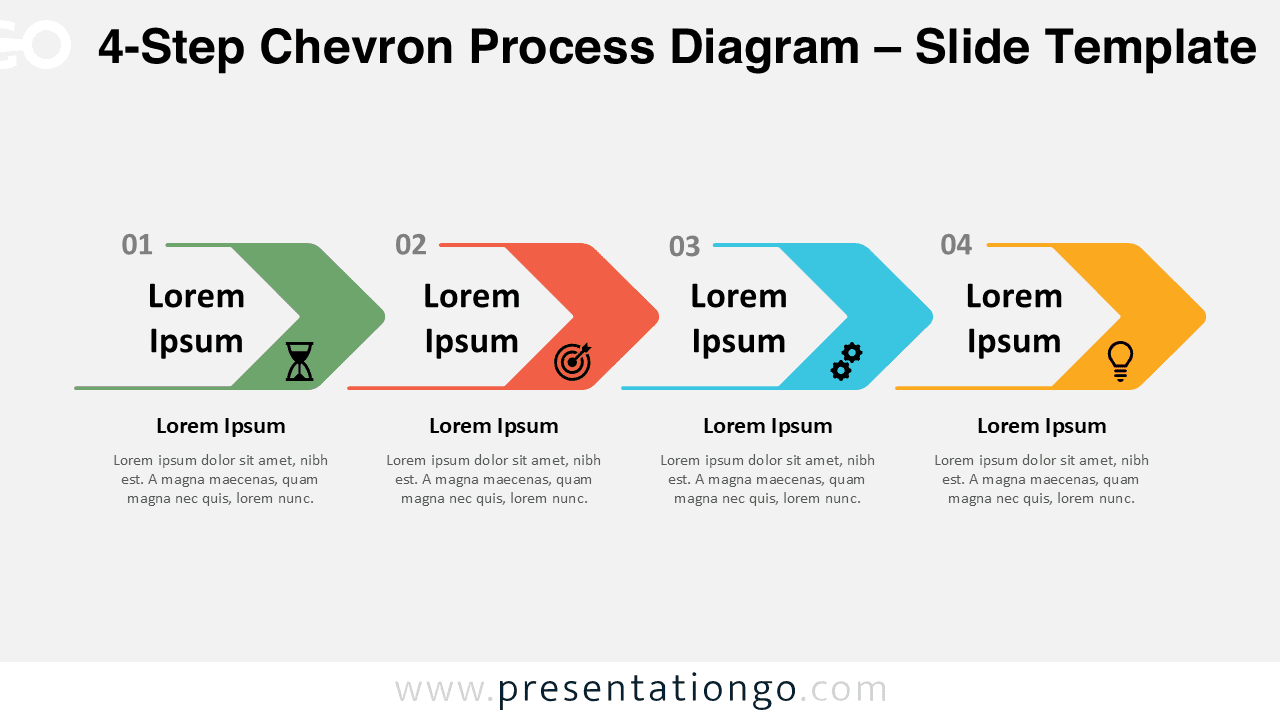
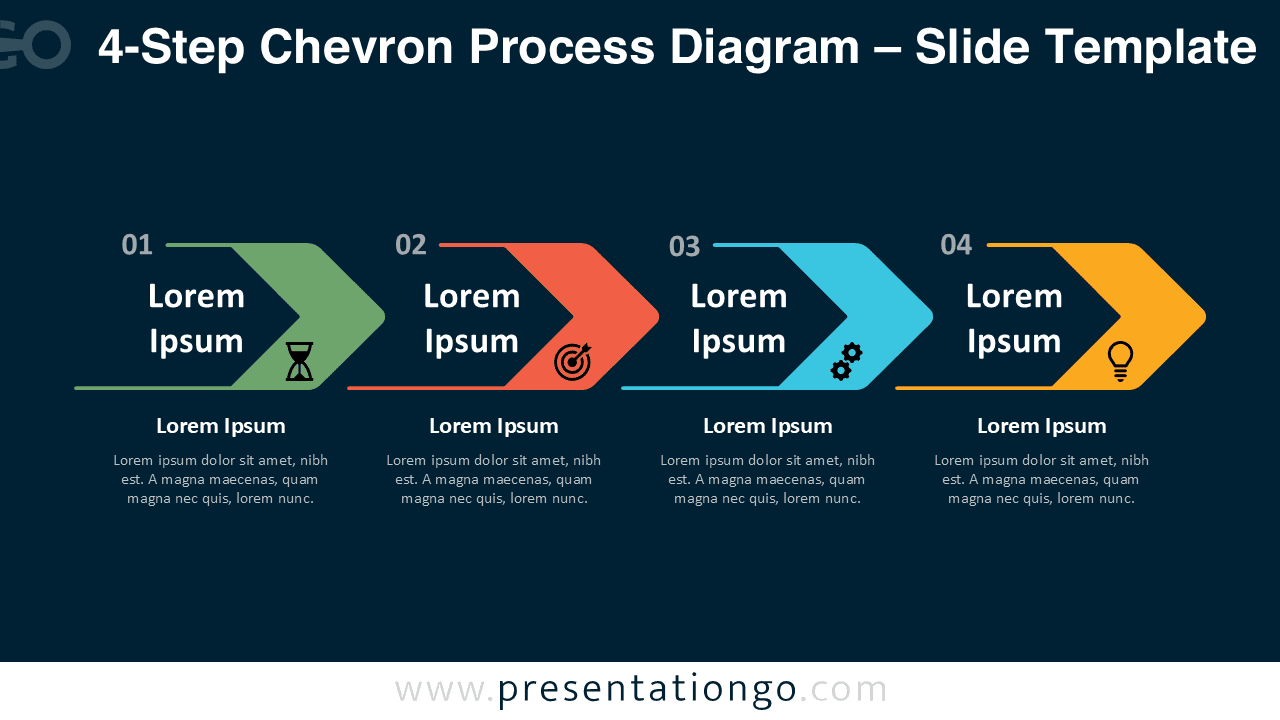


Diagram Features and Customization Options
- Four clearly defined chevron steps with directional flow
- Editable shapes, colors, and text fields
- Includes editable icon placeholders for visual emphasis
- Available in light and dark background versions
- Fully compatible with PowerPoint and Google Slides
Design and Structure
This diagram uses a clean chevron shape to reinforce progression and movement. Each step is numbered to strengthen hierarchy and help audiences follow the sequence without confusion.
The balanced spacing and consistent alignment ensure readability, even when presenting detailed explanations. Distinct colors separate each step, while the icons add visual cues that reinforce meaning without overwhelming the layout.
Practical Applications
- Business process explanations
- Project phases and workflows
- Strategic planning and roadmaps
- Training and onboarding materials
- Marketing or consulting presentations
Summary
The 4-Step Chevron Process Diagram offers a reliable and professional way to communicate structured information. Its linear flow, editable icons, and clean design make it suitable for a wide range of presentation scenarios.
Whether you need to explain a workflow, outline a strategy, or guide an audience through a process, this diagram helps deliver your message with clarity and confidence.







