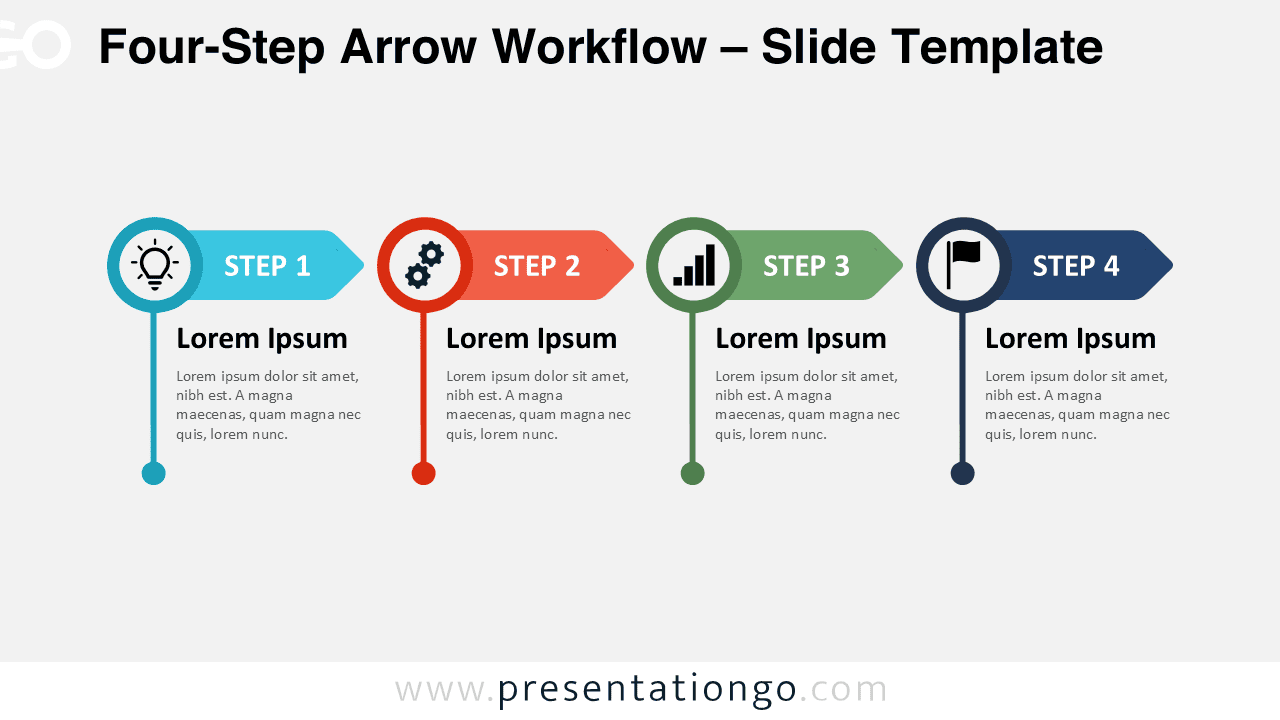
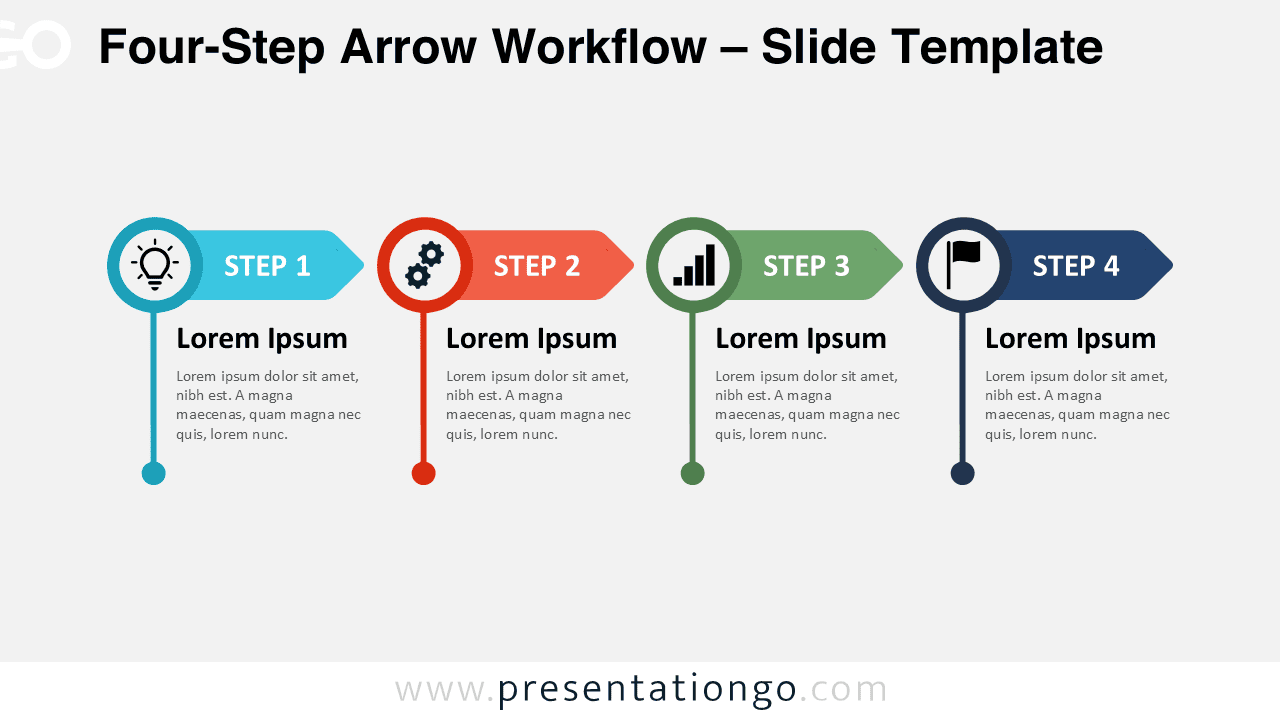
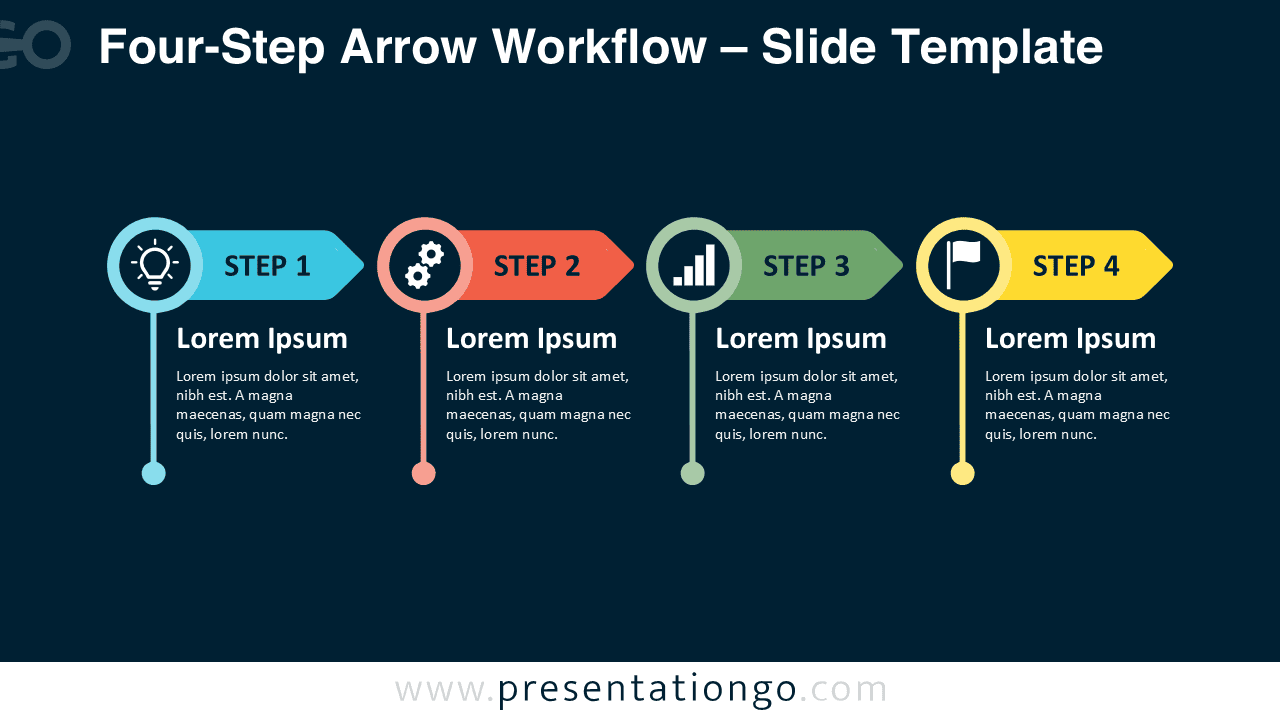
The Four-Step Arrow Workflow provides a straightforward way to present a process with four consecutive stages. Each stage combines an arrow banner, icon placeholder, heading, supporting text, and vertical connector. The balanced horizontal structure makes the sequence easy to follow in PowerPoint and Google Slides.
Diagram Preview


Features and Customization Options
- Compatible with Microsoft PowerPoint and Google Slides
- 4-step process diagram, fully editable
- Editable connectors and flow arrows
- Editable text, shapes, colors, and icon placeholders
- Icons are for illustration purposes only and come from the Office icon library
- Office icons can be easily modified, recolored, resized, or replaced
- Includes both light and dark background versions
Design and Structure
The Four-Step Arrow Workflow follows a left-to-right sequence built around four consistent stages. Each stage starts with a circular icon holder connected to a directional arrow. A short title and supporting text sit directly below, while the vertical line visually anchors each stage. This repeated structure creates a strong rhythm without making the slide feel crowded.
The layout also gives every stage equal visual importance while maintaining an obvious sense of progression. You can adapt the text for short descriptions, responsibilities, milestones, actions, or outcomes. The icon placeholders provide an additional visual cue, while the directional arrows keep attention moving through the sequence.
Practical Applications
- Four-stage business processes
- Project phases and milestones
- Implementation roadmaps
- Operational workflows
- Product development stages
- Training and onboarding steps
- Strategic action plans
Summary
The Four-Step Arrow Workflow combines four connected stages in a clean, editable format for PowerPoint and Google Slides. Use it when you need to explain a sequence, process, roadmap, or plan with concise text and visual markers.