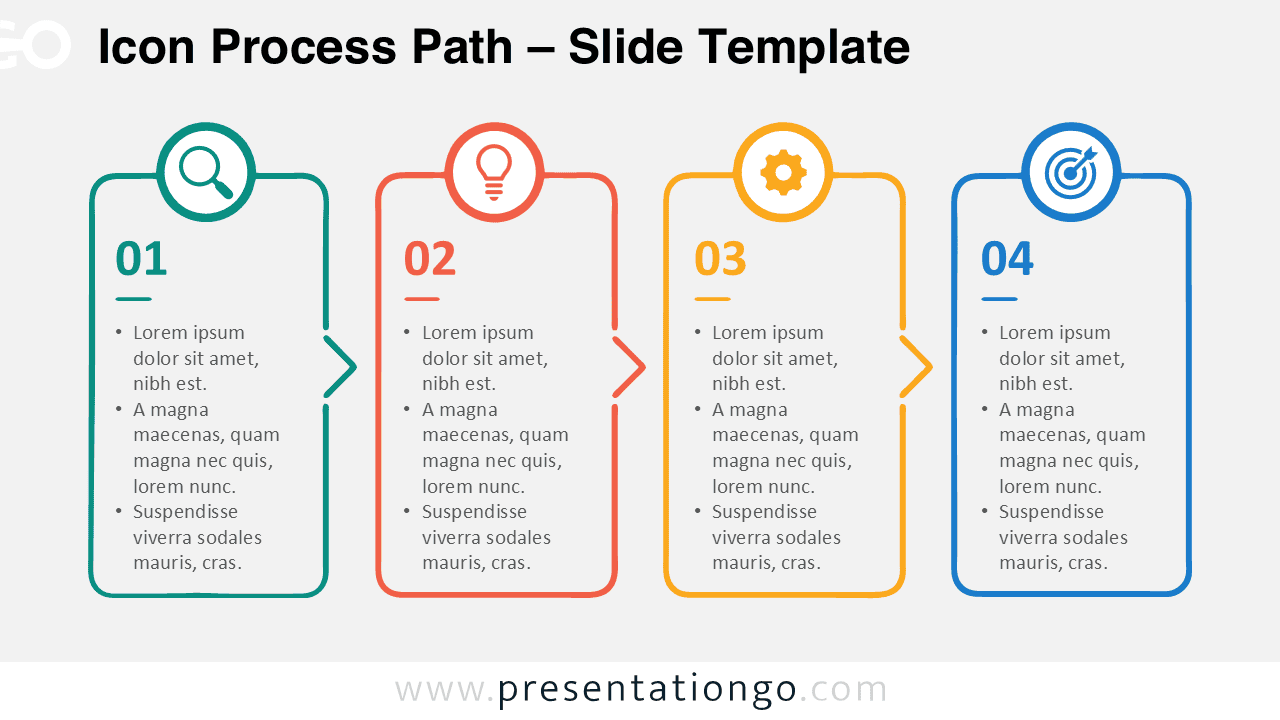
The Icon Process Path diagram provides a clear way to present four connected stages in a single visual sequence. Its structured layout helps audiences follow a process from the first step to the final objective. Use it in PowerPoint and Google Slides for workflows, project phases, strategic plans, or other sequential concepts.
Diagram Preview
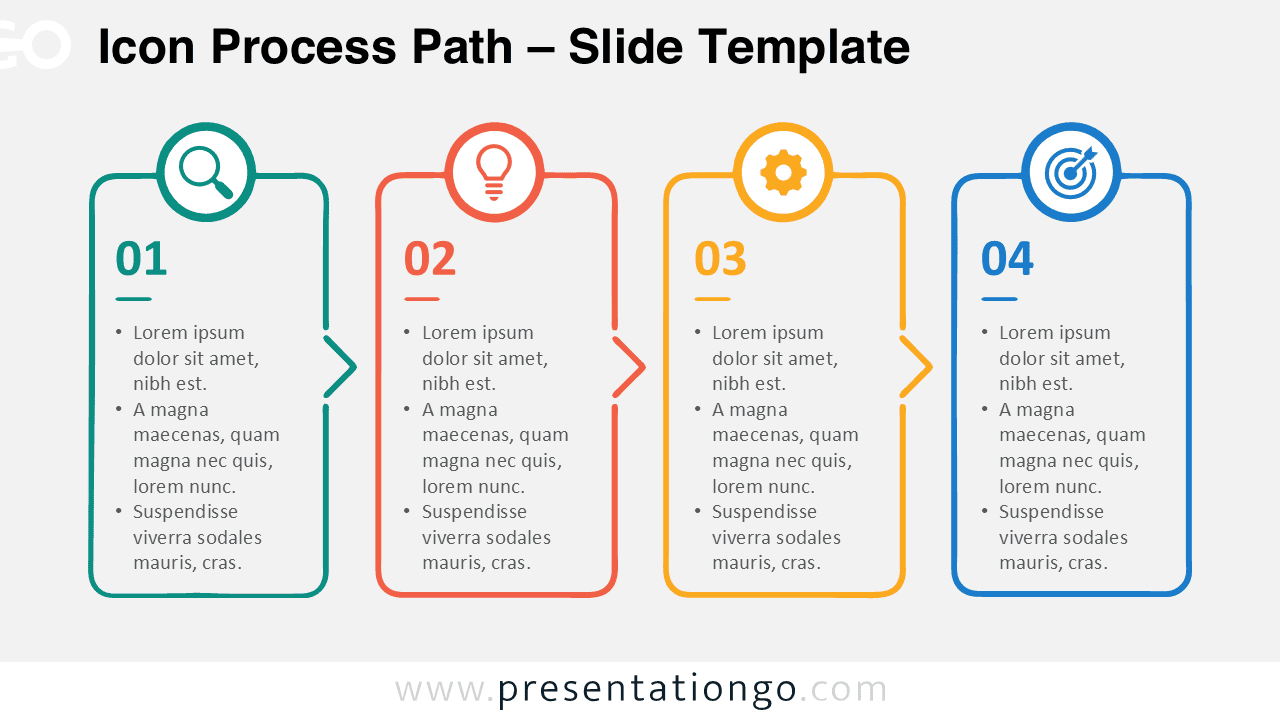
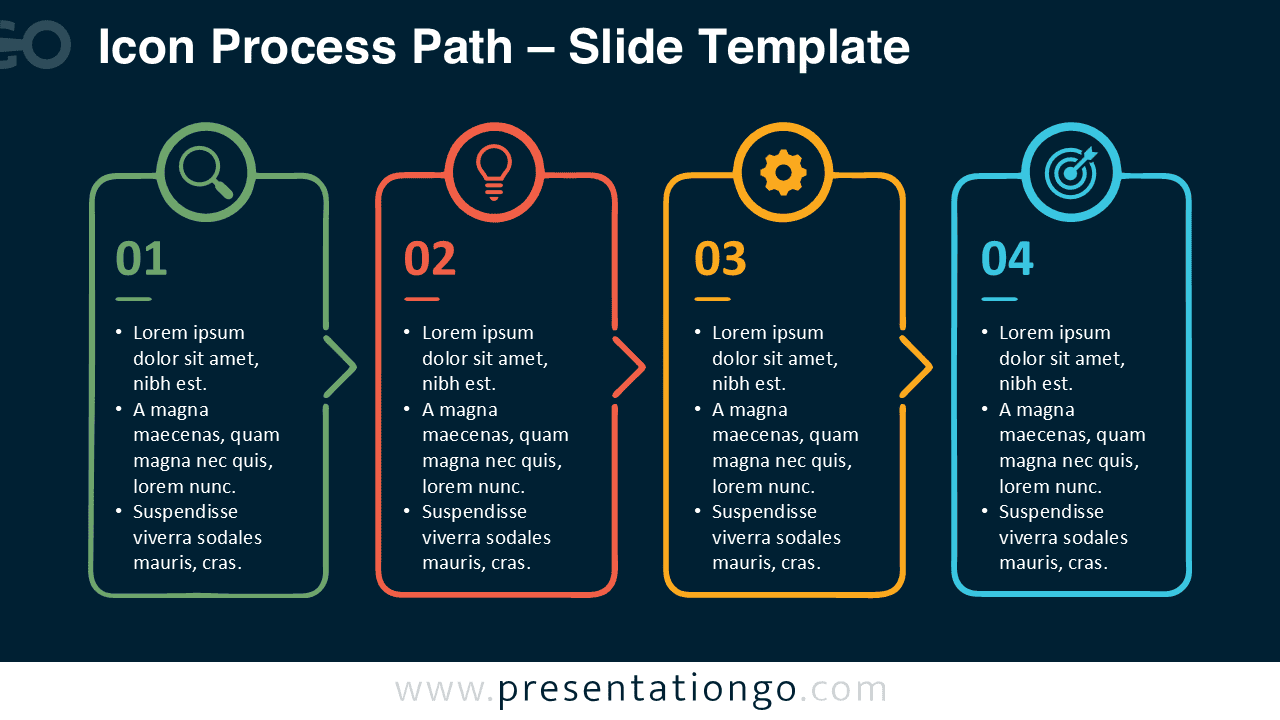
The diagram uses four vertical cards arranged from left to right. Each card contains a numbered stage, text area, and circular icon position. Chevron-style connectors create a visible progression between the stages. This structure keeps related information together while guiding viewers naturally across the slide.
Features and Customization Options
- Four connected process stages
- Editable text and numbered labels
- Customizable shapes and connectors
- Easy-to-modify layout elements
- Icons included for illustration purposes only
- Icons sourced from the Office icon library
- Office icons are easily modifiable
- Works with PowerPoint and Google Slides
Design and Structure
The Icon Process Path diagram combines separate content areas with a continuous visual direction. Each stage offers enough room for a short heading and supporting points. The repeated card structure also creates consistency without making every step look identical. Circular icon areas provide quick visual cues for each stage.
The connected format works especially well when the order of information matters. Presenters can replace the sample text with project tasks, strategic actions, milestones, or decision points. They can also adjust the shapes and illustration icons to suit the topic.
Practical Applications
- Explain a four-step business workflow
- Present project phases and milestones
- Outline a product development process
- Visualize a customer journey
- Organize a strategic action plan
- Describe a problem-solving sequence
- Present an implementation roadmap
- Summarize a goal-oriented process
Summary
The Icon Process Path diagram turns a four-stage sequence into an organized and easy-to-follow presentation visual. Its connected cards make progression immediately visible, while editable content supports many business and educational topics. Use the diagram when you need to explain how separate steps contribute to one complete process.
The layout remains simple enough for quick customization in PowerPoint and Google Slides. Replace the text, modify the graphical elements, and adapt the illustrative Office icons to match your presentation needs.