The Four-Step Numbered Circle Process is an editable diagram for presenting four ordered stages in PowerPoint and Google Slides. Large outlined numbers establish the sequence, while dedicated text areas provide space for stage names and supporting details.
Diagram Preview
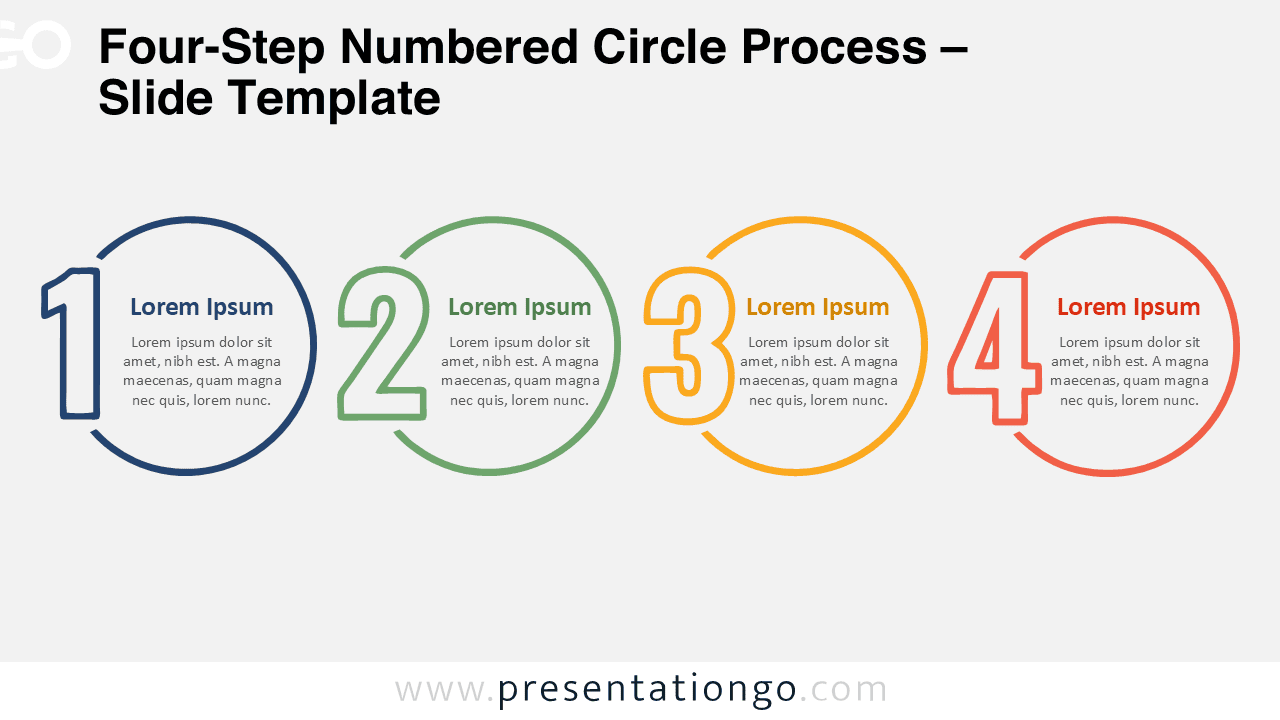
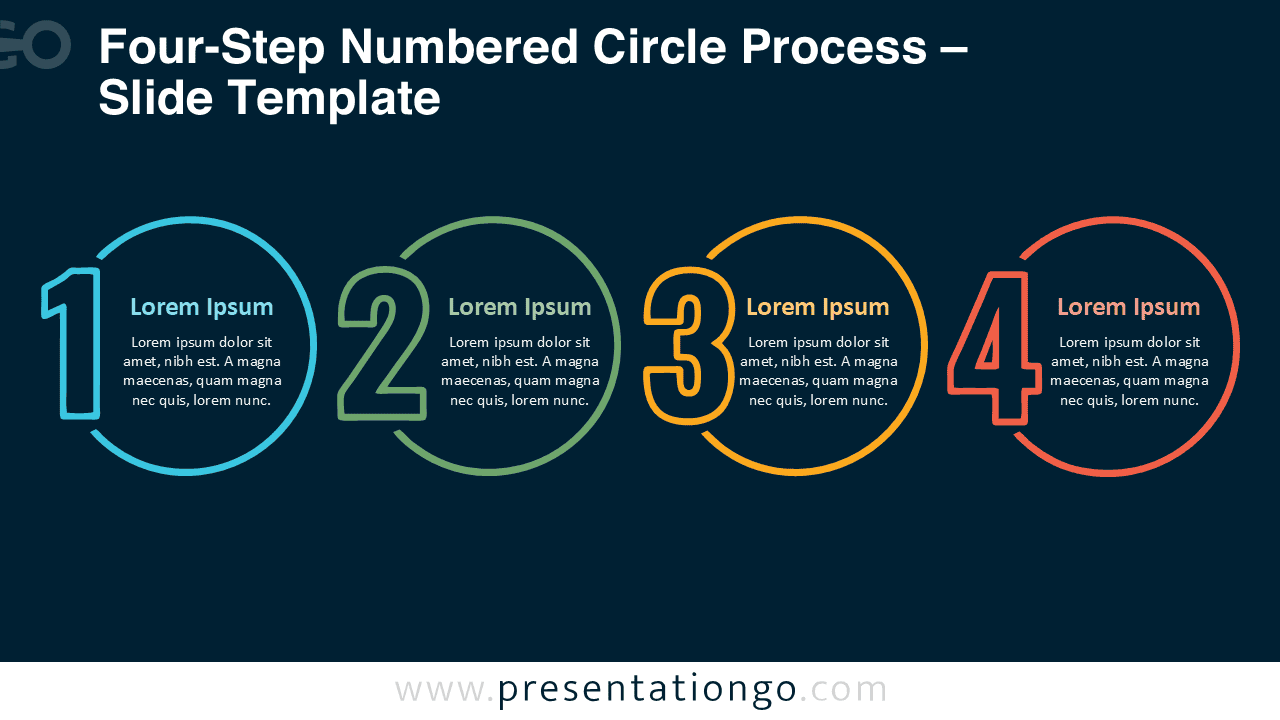


The layout places four numbered circular elements across one horizontal sequence. Each stage combines an oversized numeral, a short heading, and descriptive text. This structure works well when readers need to follow a process from the first stage through the fourth without interpreting complex connectors or additional visual layers.
Features and Customization Options
- Compatible with Microsoft PowerPoint and Google Slides
- 4-step process diagram, fully editable
- Editable text, shapes, sizes, and numbered elements
- 100% editable vector shapes — no quality loss when resized
- Office library icons are for illustration purposes only
- Icons can be resized, recolored, or replaced
- Includes both light and dark background versions
Design and Structure
The Four-Step Numbered Circle Process uses repeated circular frames to give every stage equal visual weight. The open portions of the circles create space for oversized numbers, making the sequence visible before the audience reads the supporting text. Consistent spacing keeps all four stages aligned and reinforces the left-to-right progression.
Each stage can contain a concise heading and a short explanation. You can replace the sample text, adjust the circle and number sizes, reposition individual elements, or adapt the wording to your own process. Because the layout uses editable presentation objects, you can also reorganize the four stages when your content requires a different sequence.
Practical Applications
- Four-phase project plans
- Business workflow explanations
- Implementation roadmaps
- Product development stages
- Training procedures
- Customer journey steps
- Milestone presentations
- Operational processes
Summary
The Four-Step Numbered Circle Process gives you a structured way to present four sequential ideas without adding unnecessary complexity. Its large numbered stages, compact text areas, and editable construction make it suitable for workflows, project phases, plans, and milestone-based presentations.