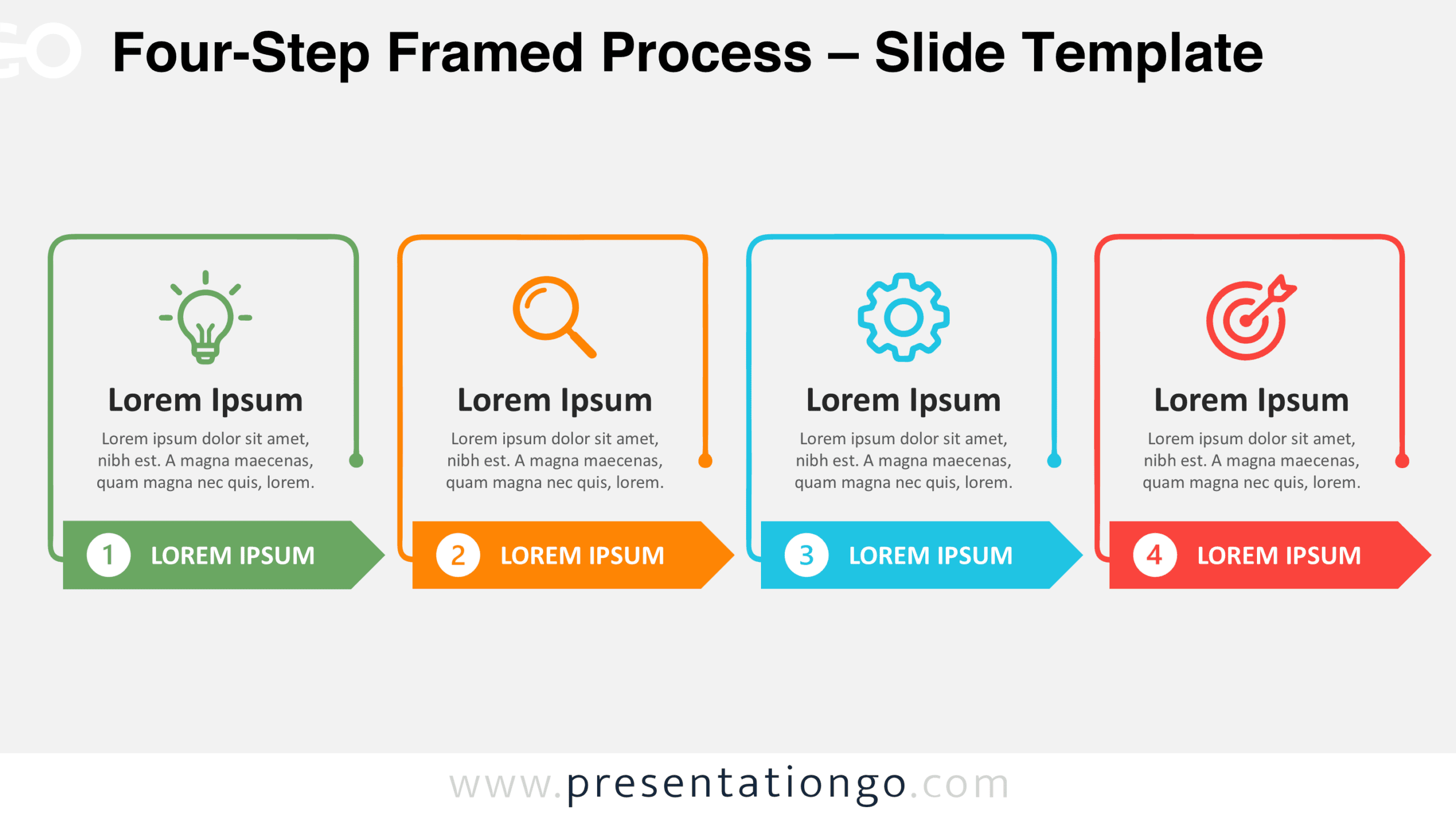
The Four-Step Framed Process is a free diagram for PowerPoint and Google Slides that organizes information into four consecutive stages. Each stage combines a framed content area, an icon placeholder, and a numbered directional arrow. This layout helps presenters explain workflows, project phases, and sequential activities without overcrowding their slides.
Diagram Preview
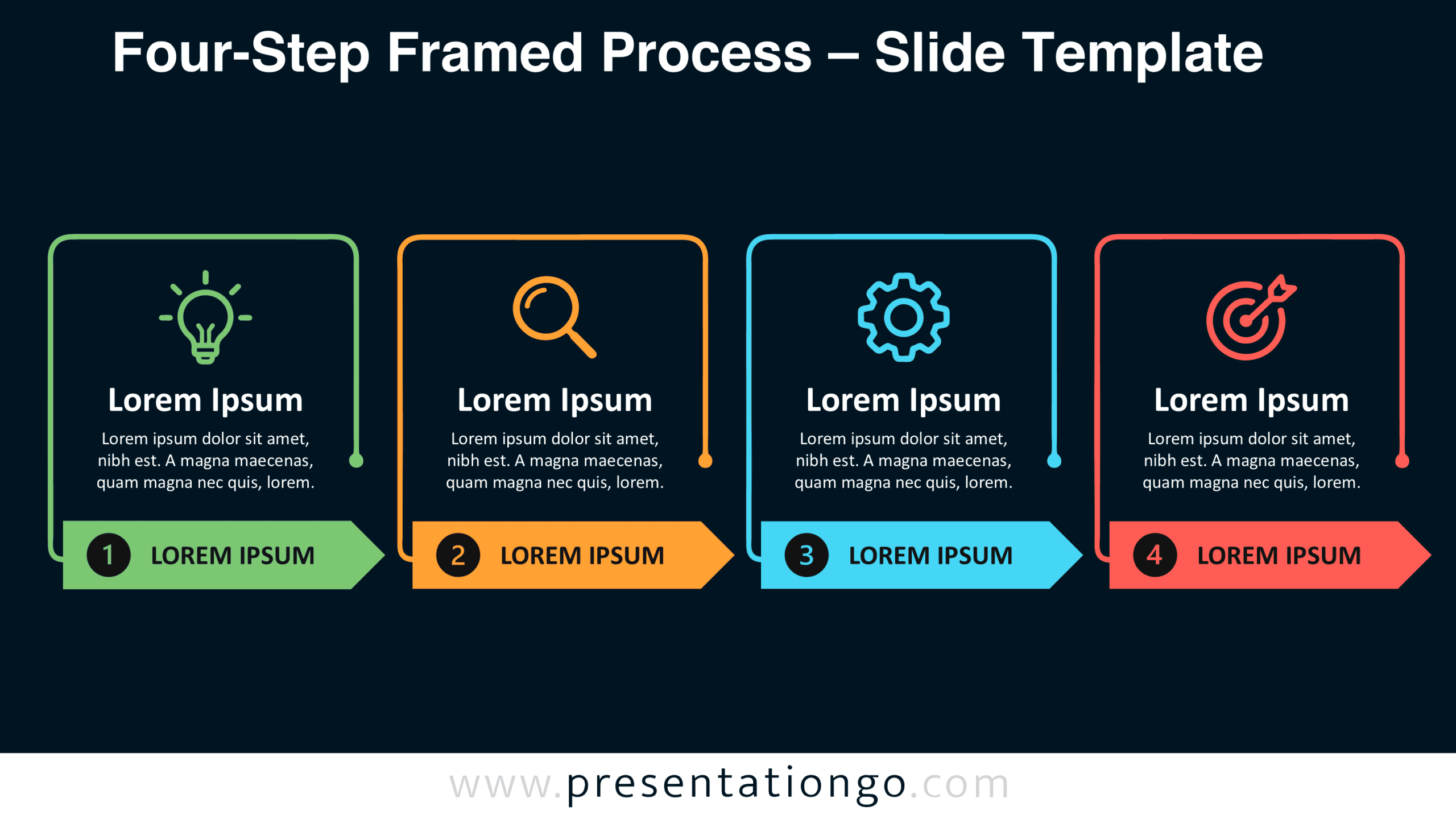
Explore the Four-Step Framed Process in two slide versions, designed for different presentation settings. Both versions retain the same arrangement, providing a consistent structure for headings, descriptions, and stage labels.


Features and Customization Options
- Four editable frames for presenting separate stages or activities.
- Numbered arrow banners that identify each step in sequence.
- Customizable headings, descriptions, and arrow labels.
- Editable shapes that support layout adjustments and resizing.
- Four icon placeholders representing different process activities.
- Icons shown are for illustration purposes only.
- Icons come from the Office library and are easily modifiable.
- Replace icons with alternatives that better represent your content.
- Two slide versions with consistent positioning and proportions.
- Available for Microsoft PowerPoint and Google Slides.
Design and Structure
The Four-Step Framed Process uses a horizontal arrangement of four equally sized panels. Each panel features a rounded rectangular outline that ends near the lower section with a small circular terminal. A line-style icon occupies the upper area, followed by a prominent heading and three lines of supporting text. Generous spacing separates these elements and preserves a readable hierarchy.
Below each frame, an elongated arrow banner extends toward the next stage. A circular number marker sits at the beginning of the banner, followed by a short uppercase label. The arrows align along a shared baseline, creating continuity across the composition. Their pointed ends reinforce the reading direction without connecting the frames directly.
Practical Applications
- Outline a product launch through ideation, research, development, and release.
- Present a consulting engagement covering discovery, assessment, implementation, and review.
- Explain a recruitment process from application screening to final onboarding.
- Describe a marketing campaign through planning, content production, launch, and evaluation.
- Break down an employee training program into four learning modules.
- Map a customer onboarding journey from registration to initial product adoption.
- Show the stages of an internal audit, including preparation, examination, reporting, and follow-up.
- Present a four-phase improvement initiative during a project kickoff meeting.
Summary
The Four-Step Framed Process brings individual activities into a unified presentation structure. Its aligned frames separate detailed information, while numbered arrows establish the order of progression. With editable text, shapes, and icon placeholders, the diagram supports different workflows without requiring a new layout.