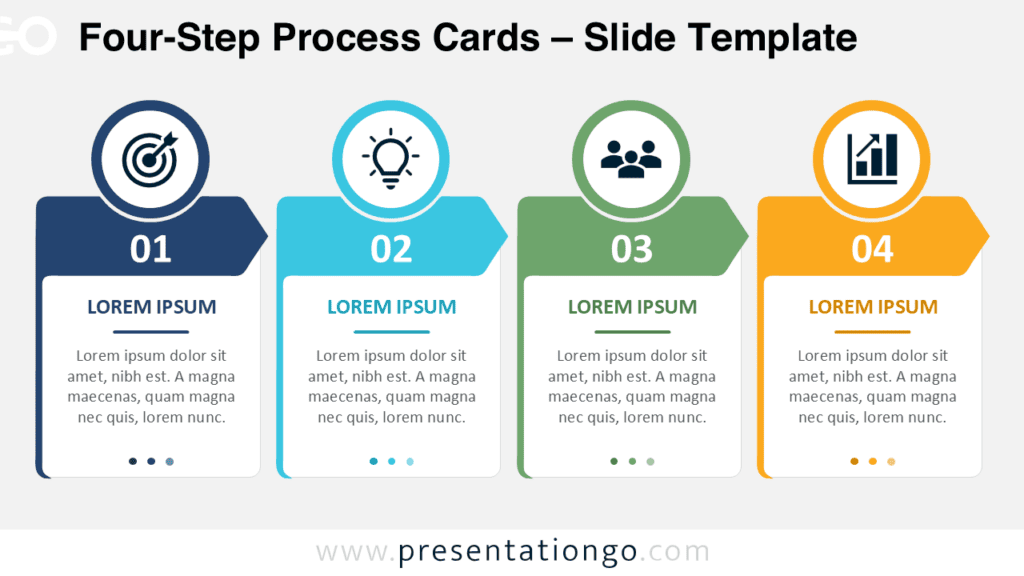
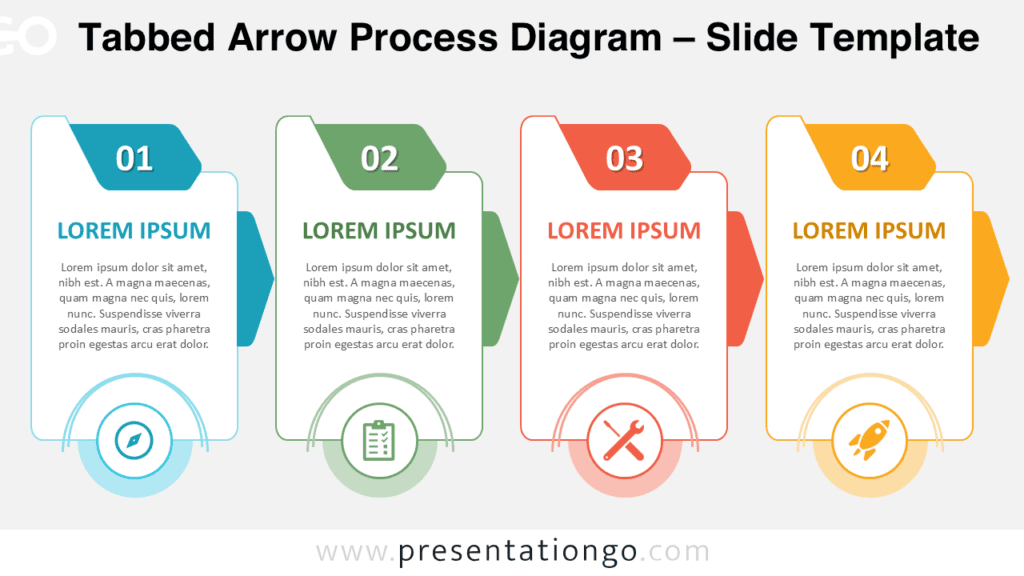
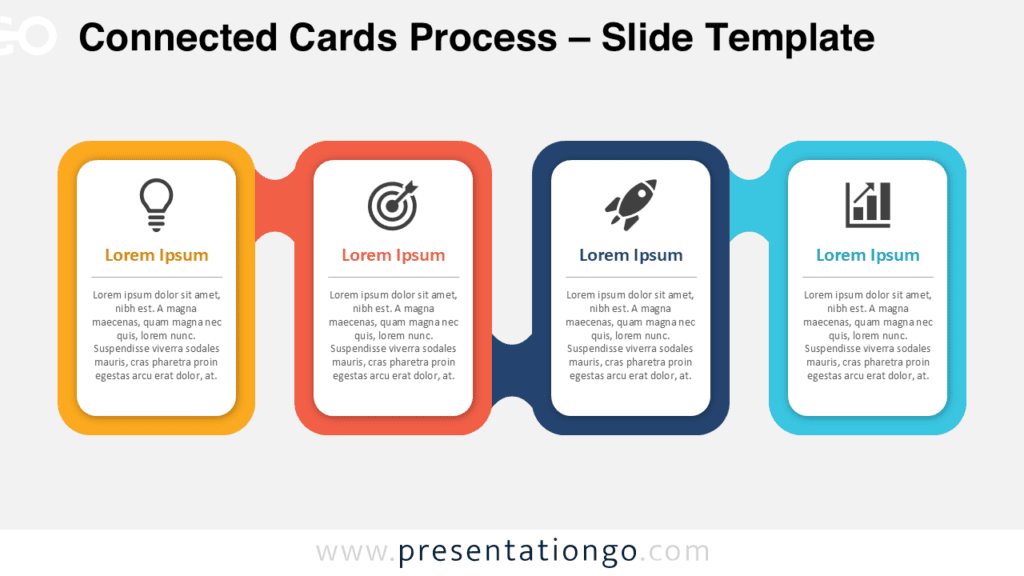
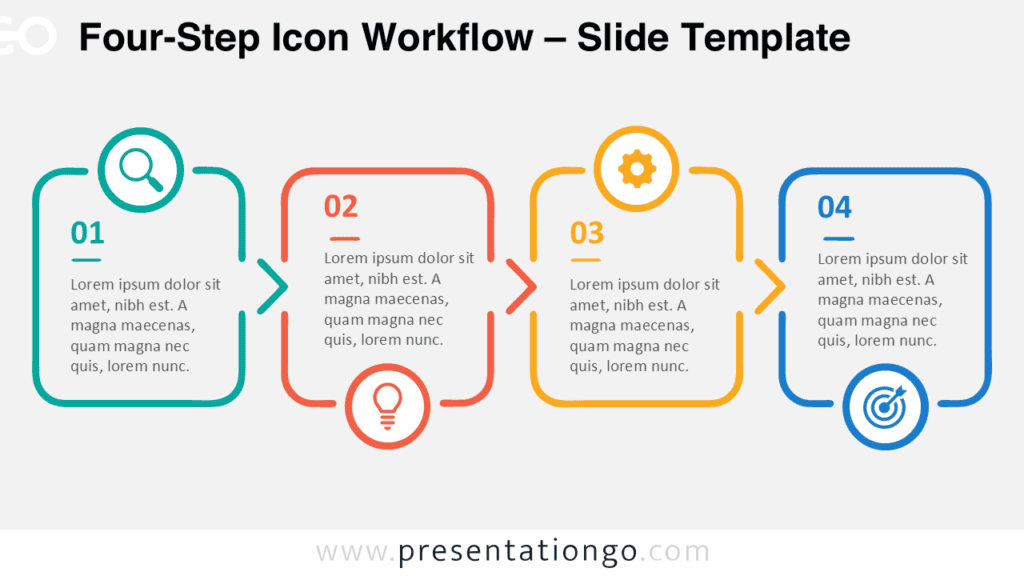
The Connected Process Cards PowerPoint Diagram helps you present a four-step sequence with clarity and visual consistency. Each stage combines a numbered marker, an icon, a heading, and supporting text. The connected structure guides viewers naturally from the first step to the final outcome. You can use the layout to simplify workflows, project phases, strategies, or operational plans. The diagram works in PowerPoint and Google Slides, making it suitable for many presentation environments.
Diagram Preview
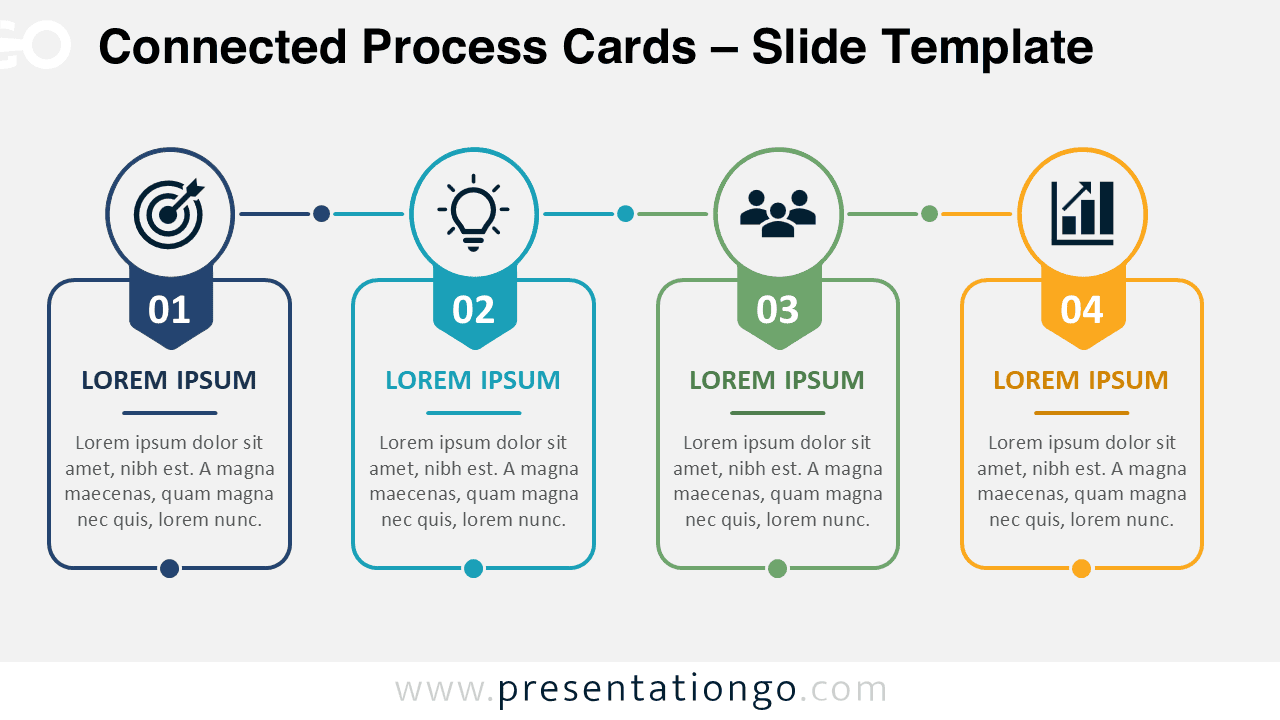
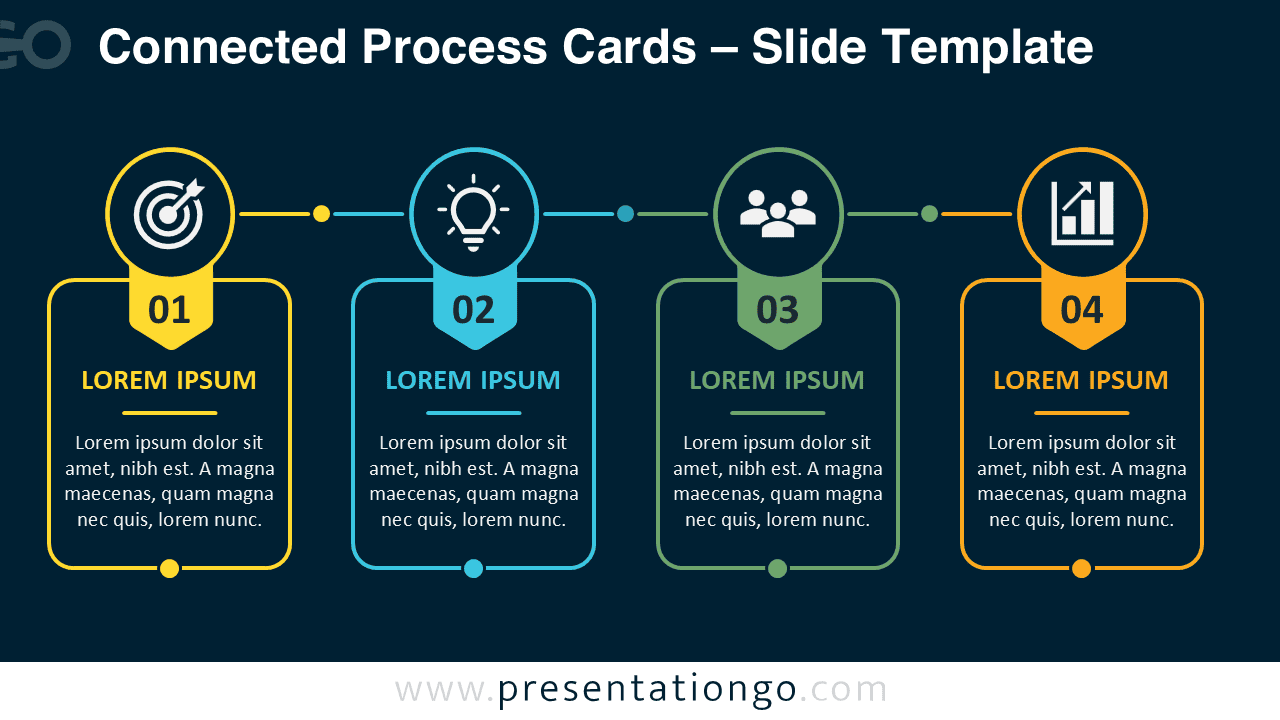
The Connected Process Cards PowerPoint Diagram uses four evenly spaced cards arranged along a horizontal path. Circular icon areas sit above each card and reinforce the meaning of every stage. Numbered labels establish a clear order and make the sequence easy to follow. The matching versions support different slide themes while preserving the same professional structure.
Features and Customization Options
- Four connected stages for processes, workflows, plans, and sequential explanations.
- Editable text placeholders for headings, descriptions, labels, and supporting details.
- Icons sourced from the Microsoft Office icon library for reliable compatibility.
- Easily modifiable icons that support resizing, recoloring, replacing, and repositioning.
- Editable shapes, connectors, outlines, numbers, and card components.
- Flexible spacing and alignment for adapting the diagram to your content.
- Compatible with Microsoft PowerPoint and Google Slides.
- Includes coordinated versions for different presentation themes.
Design and Structure
The layout follows a simple left-to-right progression. Each card represents one stage within a broader process. Thin connectors link the stages and reinforce continuity between them. Small circular markers add visual rhythm without distracting from the content. The numbered tabs make each step identifiable at a glance.
You can shorten the supporting text for executive presentations or expand it for training materials. You can also replace each Office icon with another symbol from the same library. This flexibility helps you align the diagram with a specific topic, department, or audience. The balanced structure supports professional storytelling while keeping information easy to scan.
Practical Applications
- Explain four-step business workflows or operating procedures.
- Present project phases, milestones, or implementation stages.
- Organize marketing, sales, or customer journey activities.
- Visualize product development and service delivery processes.
- Summarize strategic priorities or transformation initiatives.
- Structure training lessons, onboarding programs, or learning modules.
- Compare responsibilities across four connected teams or departments.
- Show the progression from an initial goal to measurable results.
Summary
The Connected Process Cards PowerPoint Diagram offers a clear and adaptable way to explain four related stages. Its editable cards, connectors, text areas, and Office library icons support fast customization. The structured layout helps audiences understand order, relationships, and progression without unnecessary complexity. Use it in PowerPoint or Google Slides for business, education, consulting, training, and project communication.