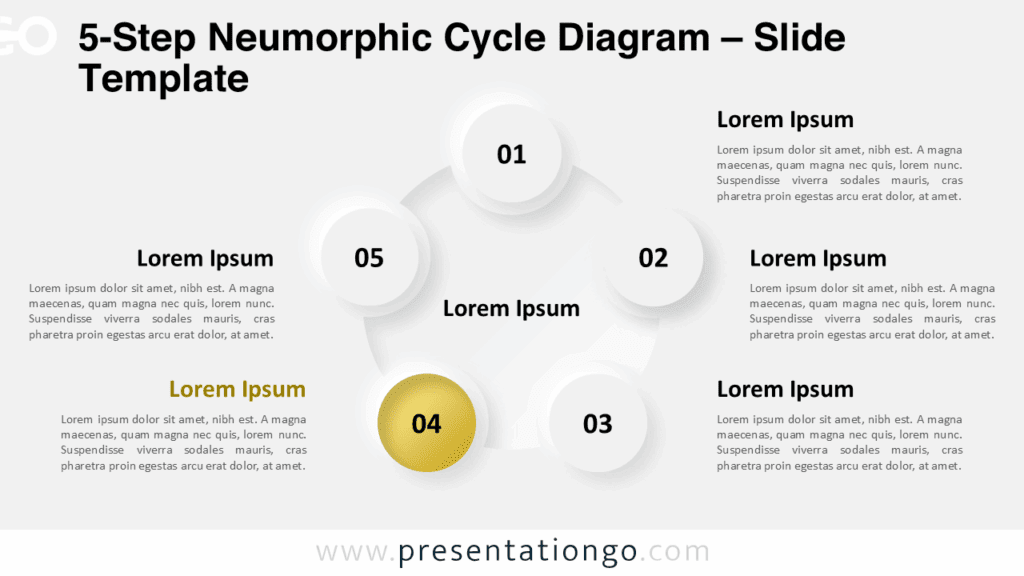
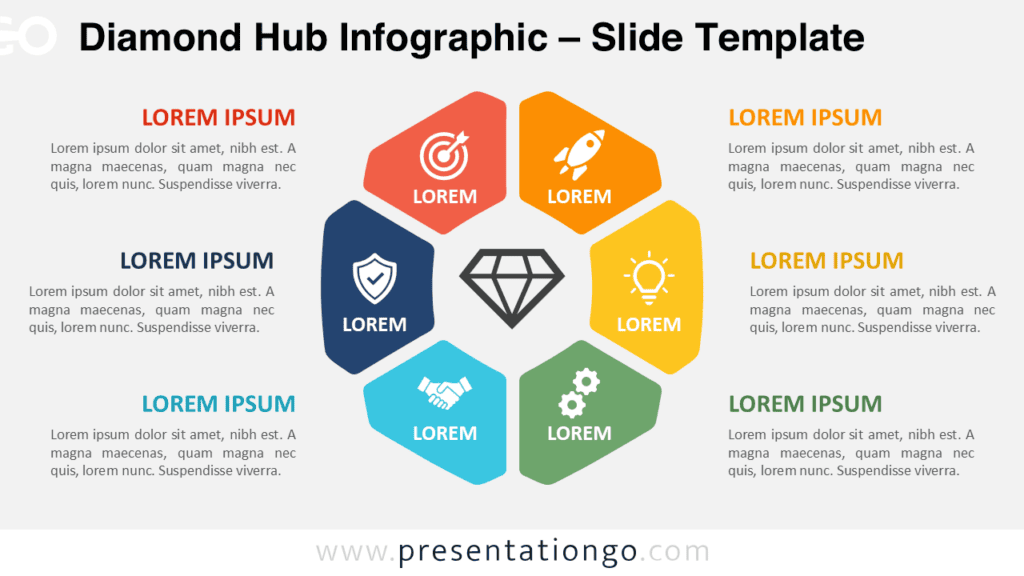
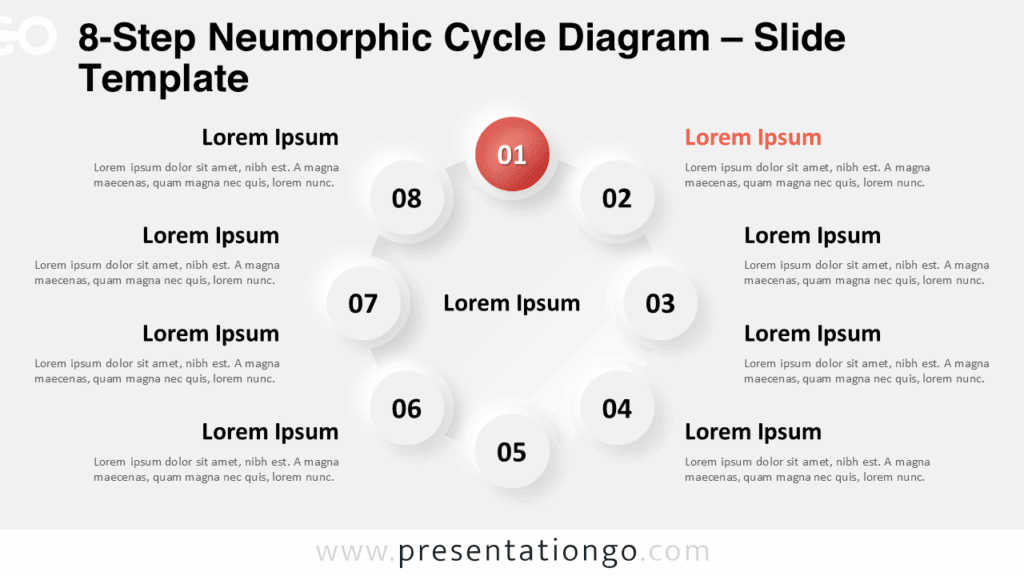
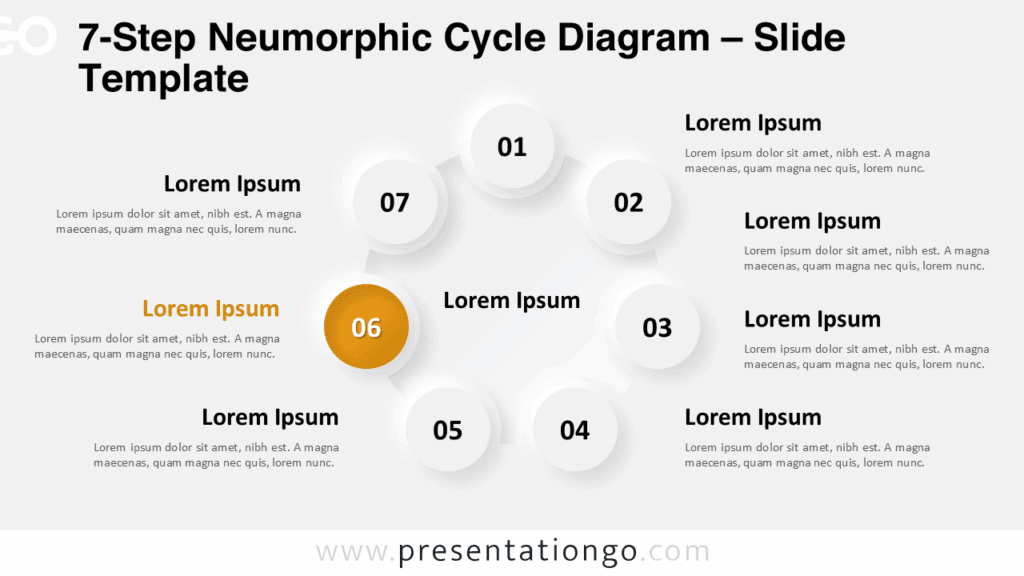
The Five-Point Radial Hub gives you a simple way to organize five related ideas around one central message. Its balanced radial structure helps audiences understand how individual points connect to a shared objective. You can use the diagram in PowerPoint and Google Slides for strategies, processes, priorities, goals, or other five-part concepts. Each supporting point combines a numbered section, icon area, heading, and short description. This arrangement keeps detailed information organized without making the slide feel crowded.
Diagram Preview
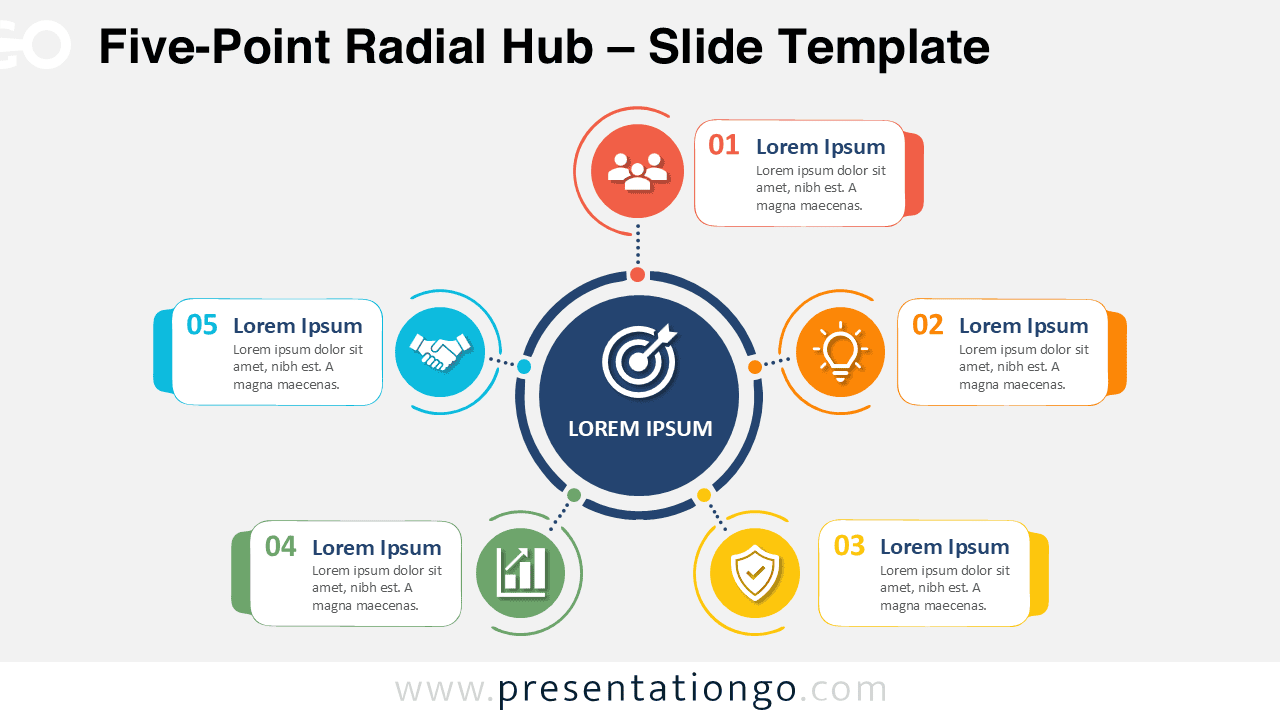
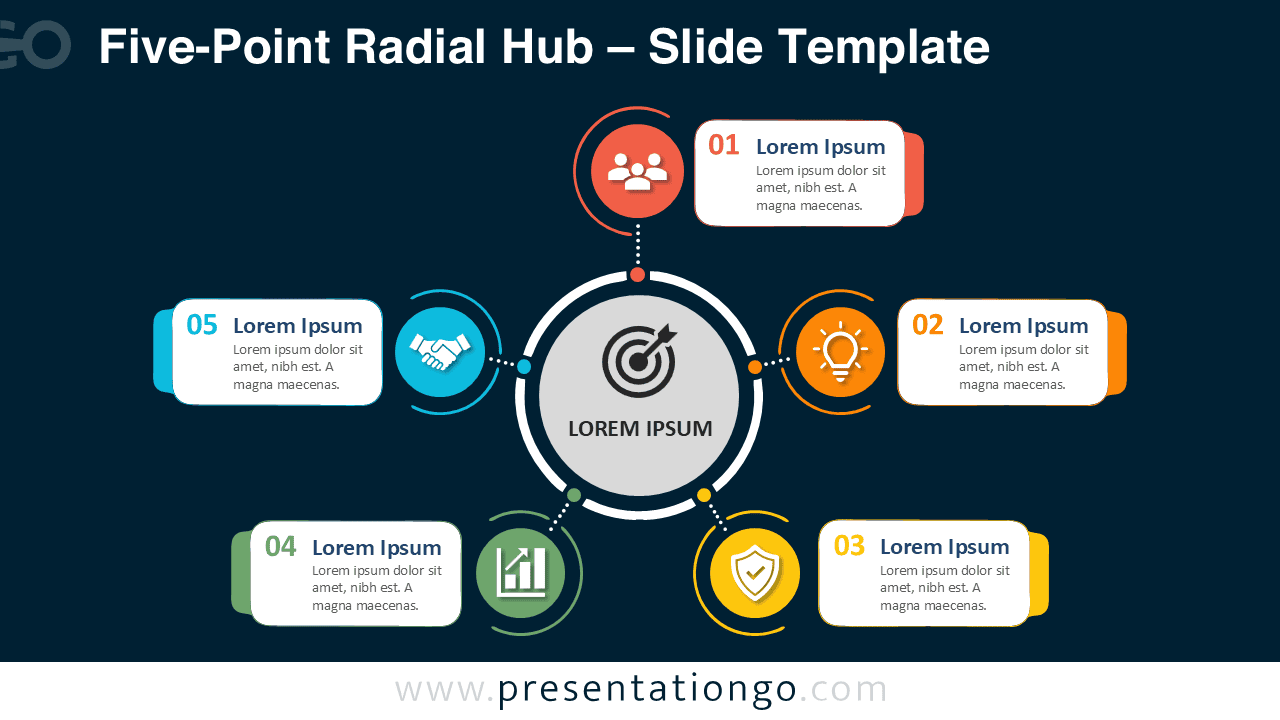
The Five-Point Radial Hub places the main topic at the center and distributes five supporting points around it. Dotted connectors guide the eye between the central hub and each section. Numbered labels create an immediate sequence, while separate text boxes provide room for concise explanations. The diagram comes in two coordinated slide versions, giving you flexibility when building different presentation styles.
Features and Customization Options
- Compatible with Microsoft PowerPoint and Google Slides
- Includes 2 editable slides in 2 background variations
- Five-point radial diagram, fully editable
- Editable text, shapes, colors, and icon placeholders
- Office library icons for illustration purposes only, easy to modify or replace
- 100% editable vector shapes — no quality loss when resized
- Includes both light and dark background versions
Design and Structure
The diagram uses a clear hub-and-spoke structure that creates a natural visual hierarchy. The central circle establishes the main topic, while five surrounding nodes introduce supporting ideas. Each node connects directly to its own text panel. This separation helps viewers scan the content quickly and understand each point independently.
The numbered sequence also makes the layout useful when order matters. However, you can treat the five sections as equal themes when no sequence is required. The editable structure lets you shorten labels, rewrite descriptions, move elements, or replace visual symbols. This flexibility makes the Five-Point Radial Hub suitable for many presentation topics without changing its core visual logic.
Practical Applications
- Present five strategic priorities
- Explain a five-stage process
- Outline key business objectives
- Organize project workstreams
- Show five success factors
- Present product or service benefits
- Summarize team responsibilities
- Explain marketing priorities
- Structure a five-part action plan
- Connect supporting ideas to one goal
Summary
The Five-Point Radial Hub turns five related ideas into a clear and structured visual story. Its central focus makes the relationship between the main topic and supporting points immediately understandable. Numbered sections also help you present information in a logical order when needed.
Because the text, shapes, connectors, and visual elements remain editable, you can adapt the diagram to many business or educational topics. Use it whenever you need to connect five distinct messages to one central concept in PowerPoint or Google Slides.