The 4-Step Neumorphic Cycle Diagram presents four sequential stages arranged around a central hub, specifically designed for PowerPoint and Google Slides presentations.
Highlight Key Concepts in a 4-Part Cycle
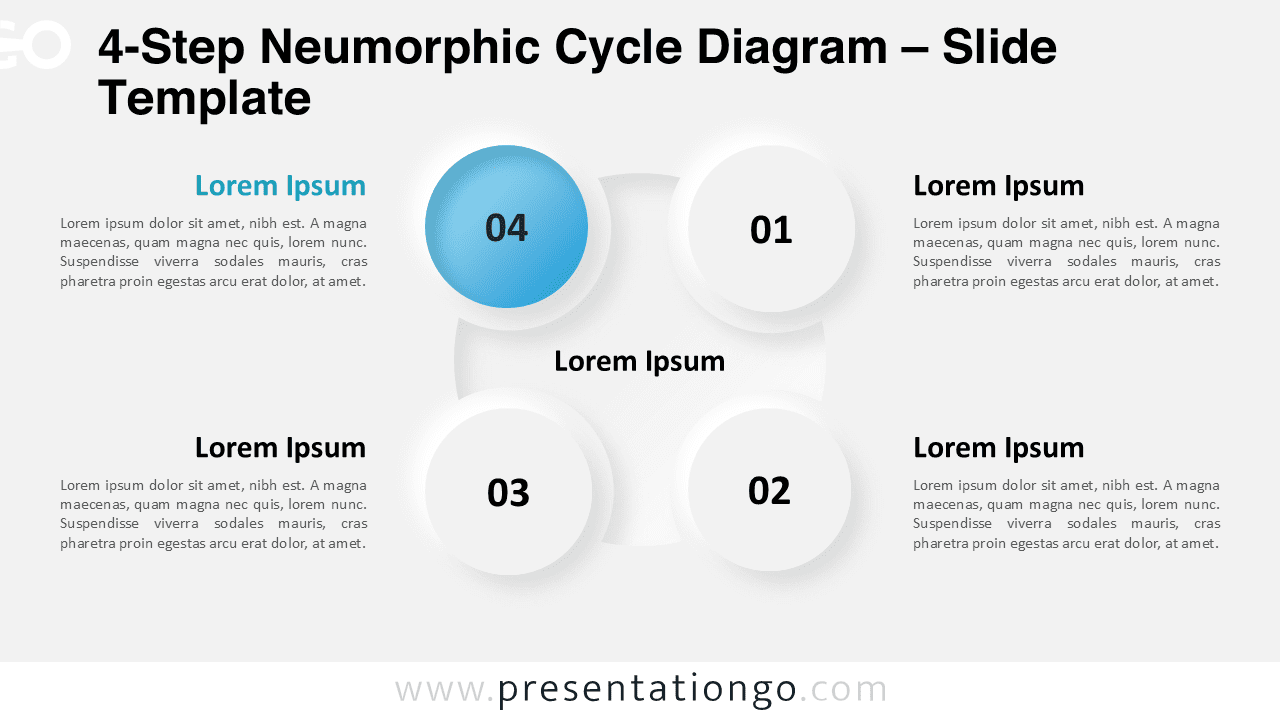
This diagram displays a modern Neumorphic aesthetic—soft shadows, subtle highlights, and a tactile interface effect. It features four circular nodes symmetrically positioned around a recessed central hub, suggesting depth and layering. Each outer node is numbered from 01 to 04, allowing a logical progression without using explicit arrows. One circle is emphasized with a bold color, making it visually distinct. The overall layout combines clarity with visual harmony, effectively drawing focus toward the center and ensuring information flow.
Cycle diagrams like this are ideal for conveying continuous processes or systems with interconnected stages. Specifically, this 4-step version helps presenters illustrate models like team workflows, value pillars, or strategic frameworks anchored to a core purpose. For example, businesses might show four departments aligned to a central mission, or educators could present four learning stages around a key concept. The symmetrical and minimalistic design supports both narrative clarity and visual engagement, making it suitable for a wide range of professional and educational settings.
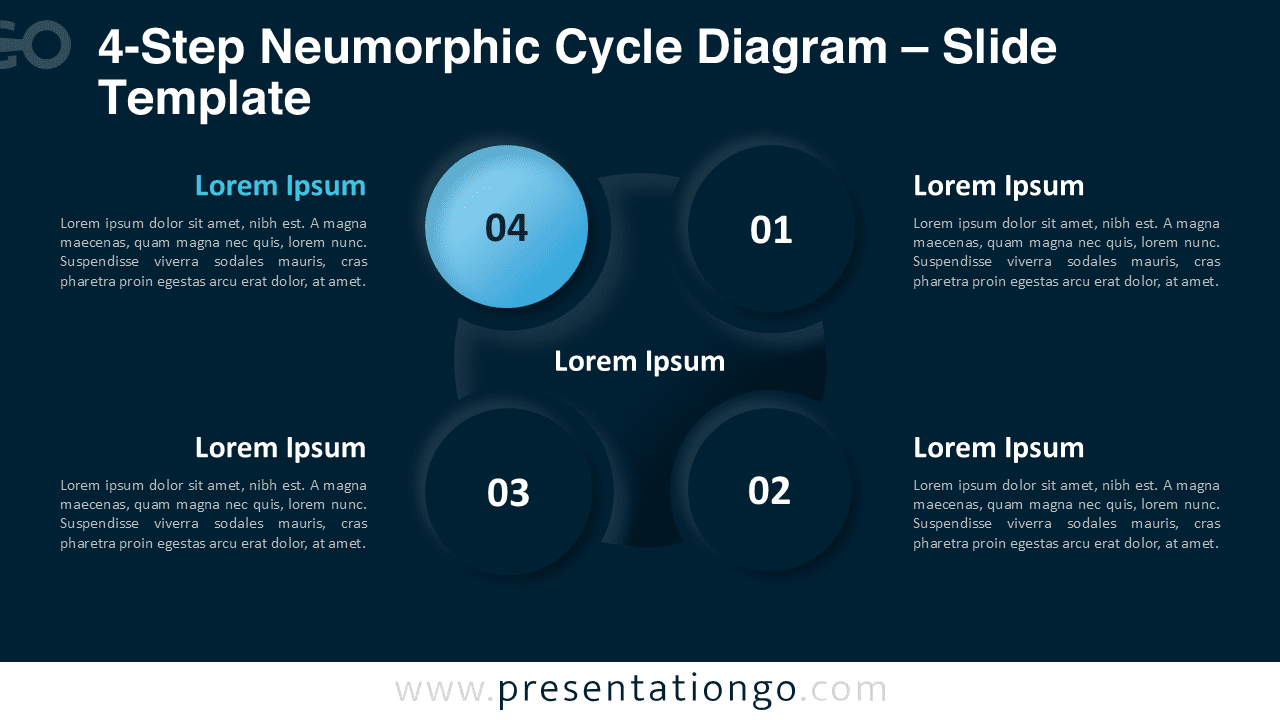
The template includes two slide designs pre-populated with numbers and text placeholders for easy customization. All elements—including colors and shapes—are fully editable. Users can adjust colors, or even use icons instead of numbers. It comes in both standard (4:3) and widescreen (16:9) formats, with light and dark background options. The slides are compatible with both PowerPoint (PPTX) and Google Slides.
Download this 4-step diagram template to present cycle-based processes with two layout options for your presentations.
Widescreen (16:9) size preview:


This template offers:
- 2 unique slides
- Options for both light and dark themes
- Pre-populated with numbers and text placeholders
- Fully customizable shapes for complete control
- Available in both Standard (4:3) and Widescreen (16:9) ratios
- Offered in both PowerPoint PPTX and Google Slides formats
The complete Neumorphic Cycle Diagram collection: