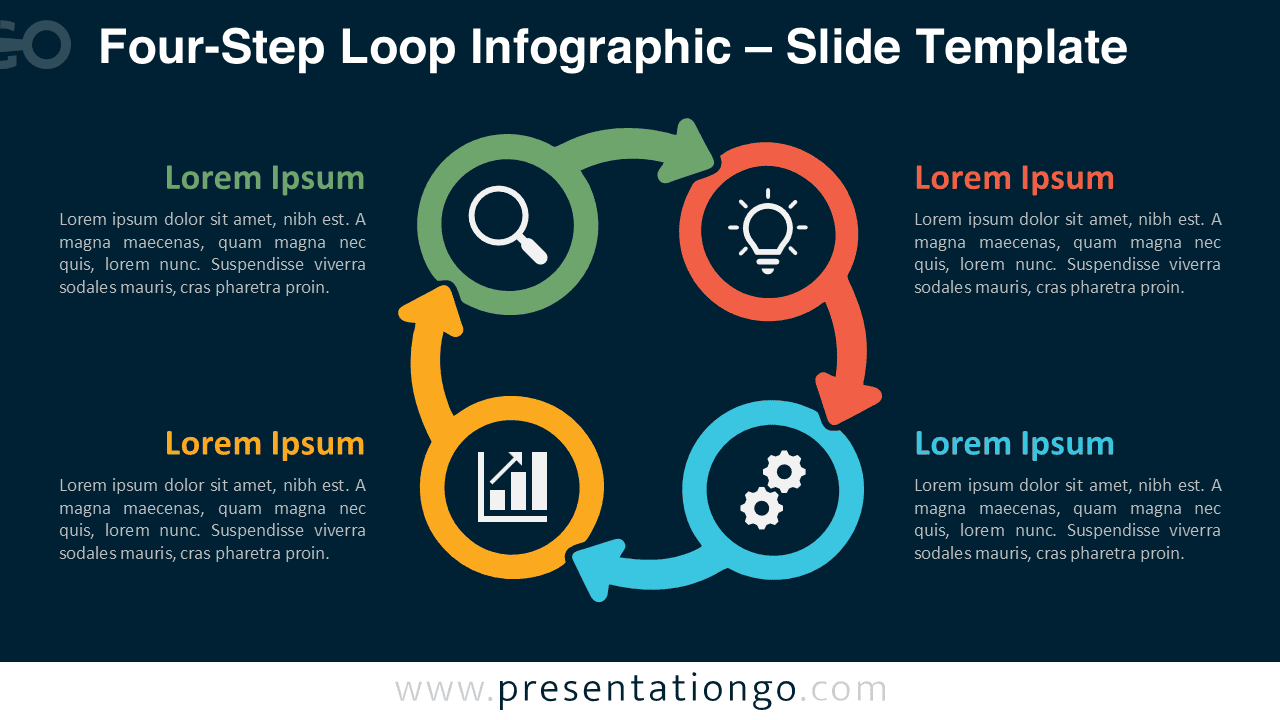
The Four-Step Loop Infographic provides a clear way to present a recurring process with four connected stages. Designed for PowerPoint and Google Slides, its circular structure helps audiences follow a sequence while understanding that the process continues beyond the final step.
Diagram Preview


Features and Customization Options
- Compatible with Microsoft PowerPoint and Google Slides
- 4-step process diagram, fully editable
- Editable connectors and flow arrows
- Editable text, shapes, colors, and icon placeholders
- Icons are for illustration purposes only and come from the Microsoft Office icon library
- Icons can be easily modified, recolored, resized, or replaced
- Includes both light and dark background versions
Design and Structure
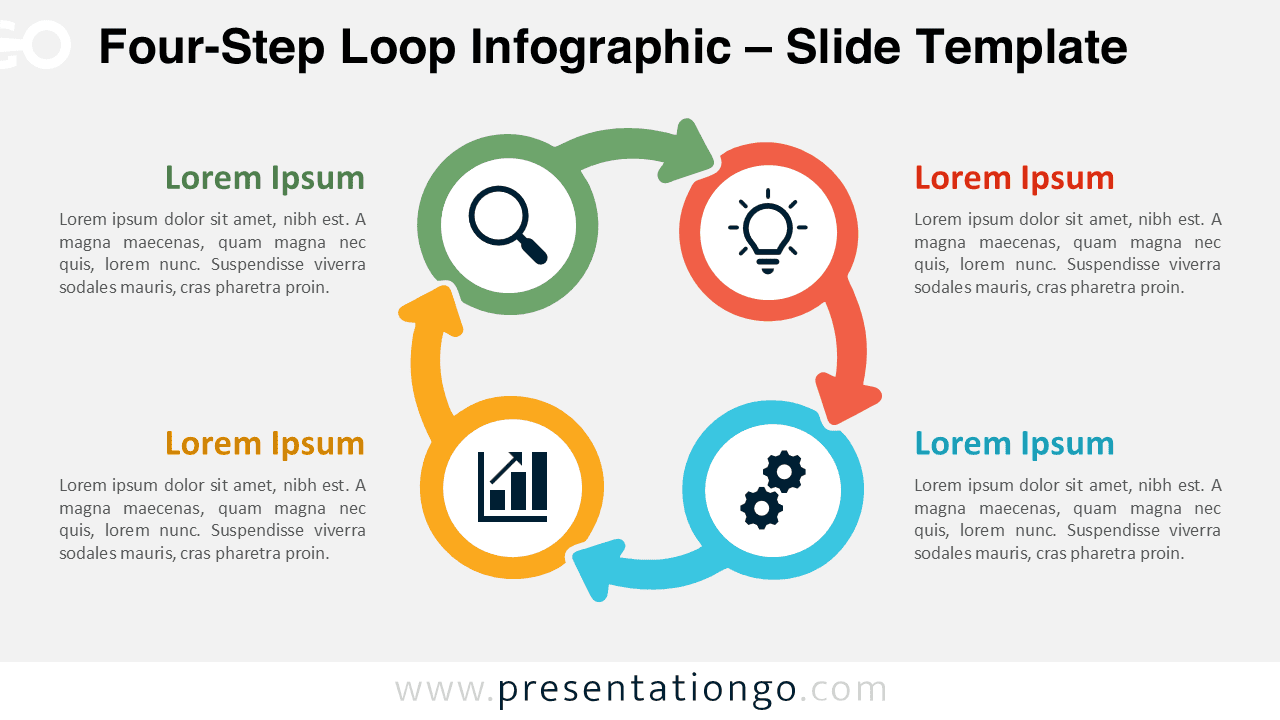
The Four-Step Loop Infographic places four circular stages around an open center. Curved arrows connect each stage and establish a continuous visual path. This structure works especially well when the fourth step leads naturally back to the first, rather than ending the sequence.
Each stage combines a prominent circular element, an icon placeholder, a heading, and supporting text space. The surrounding text areas give you enough room to explain each part without crowding the central visual. You can edit the labels, resize the shapes, adjust the connectors, or replace the sample icons to match your presentation.
Practical Applications
- Continuous improvement cycles
- Four-stage business processes
- Project management workflows
- Product development loops
- Research and analysis processes
- Marketing or sales cycles
- Operational procedures
- Strategy and planning frameworks
Summary
The Four-Step Loop Infographic turns a repeating four-stage process into an easy-to-follow visual. Its editable structure makes it suitable for business, project, strategy, and workflow presentations in both PowerPoint and Google Slides.