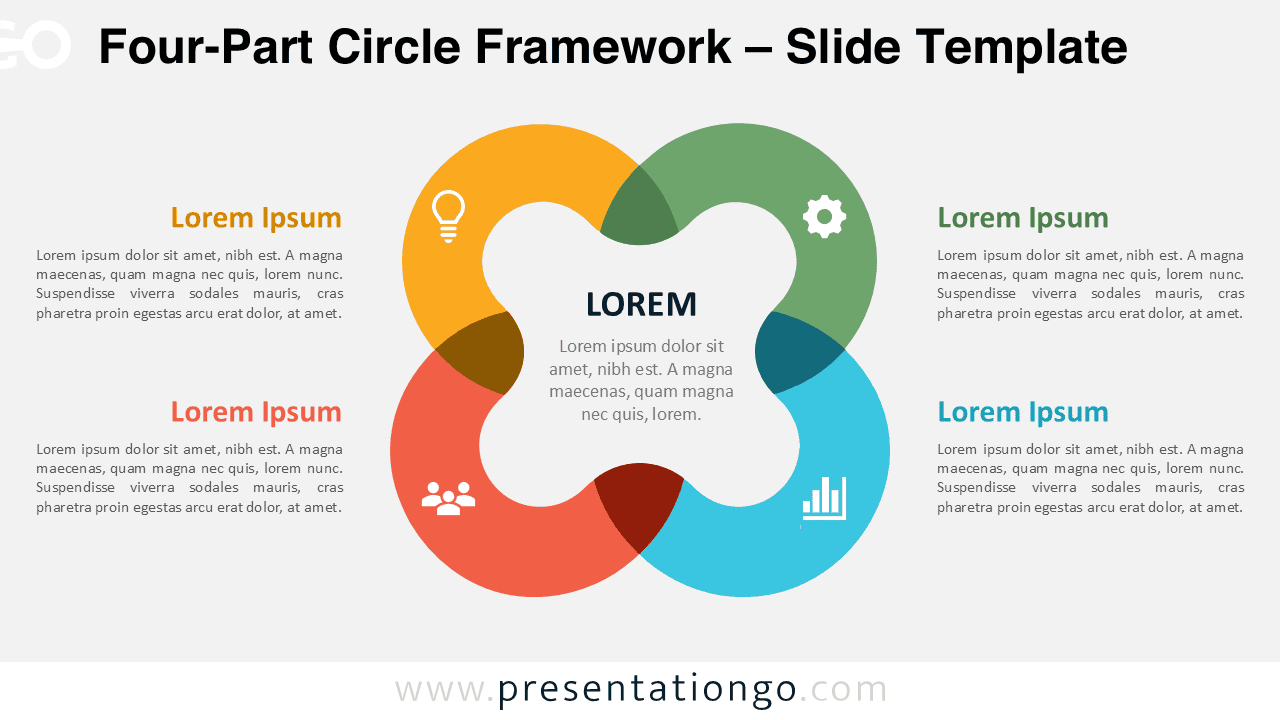
The Four-Part Circle Framework gives you a clear way to present four connected ideas around one central concept. Its balanced circular structure makes relationships easy to understand without adding unnecessary visual complexity. Use it in PowerPoint and Google Slides for strategy, planning, comparison, or concept-driven presentations.
Diagram Preview
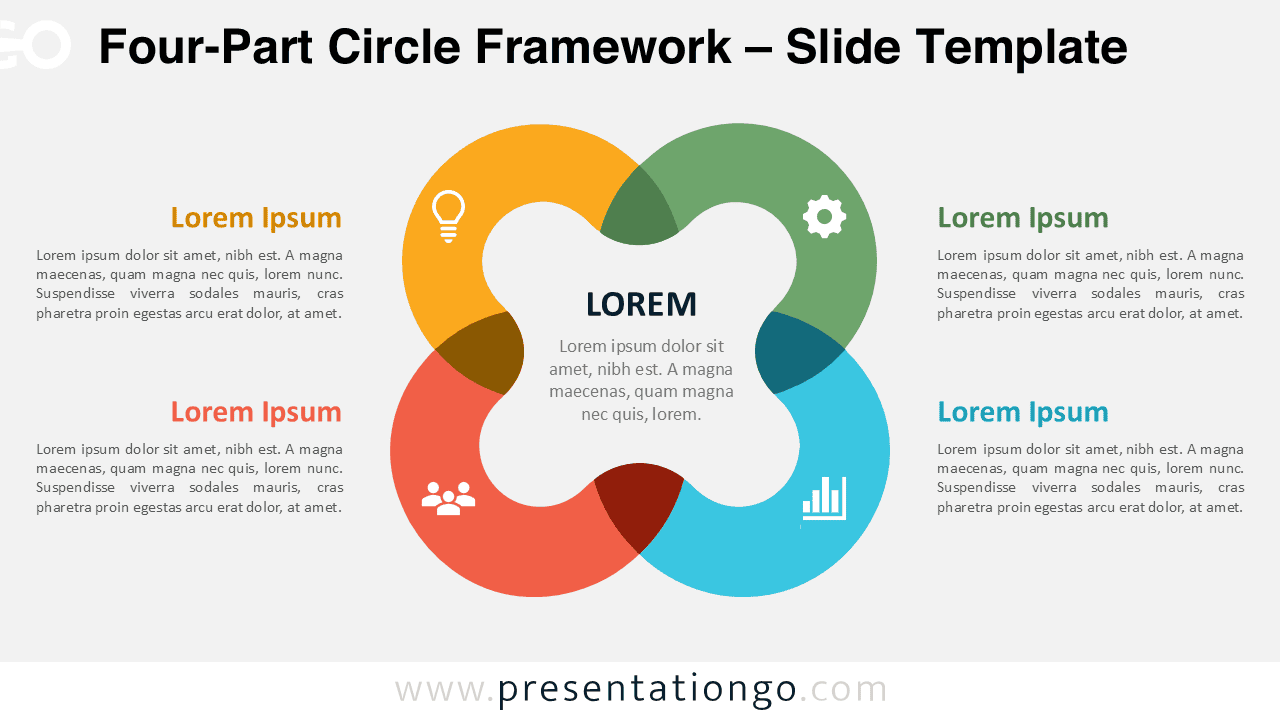
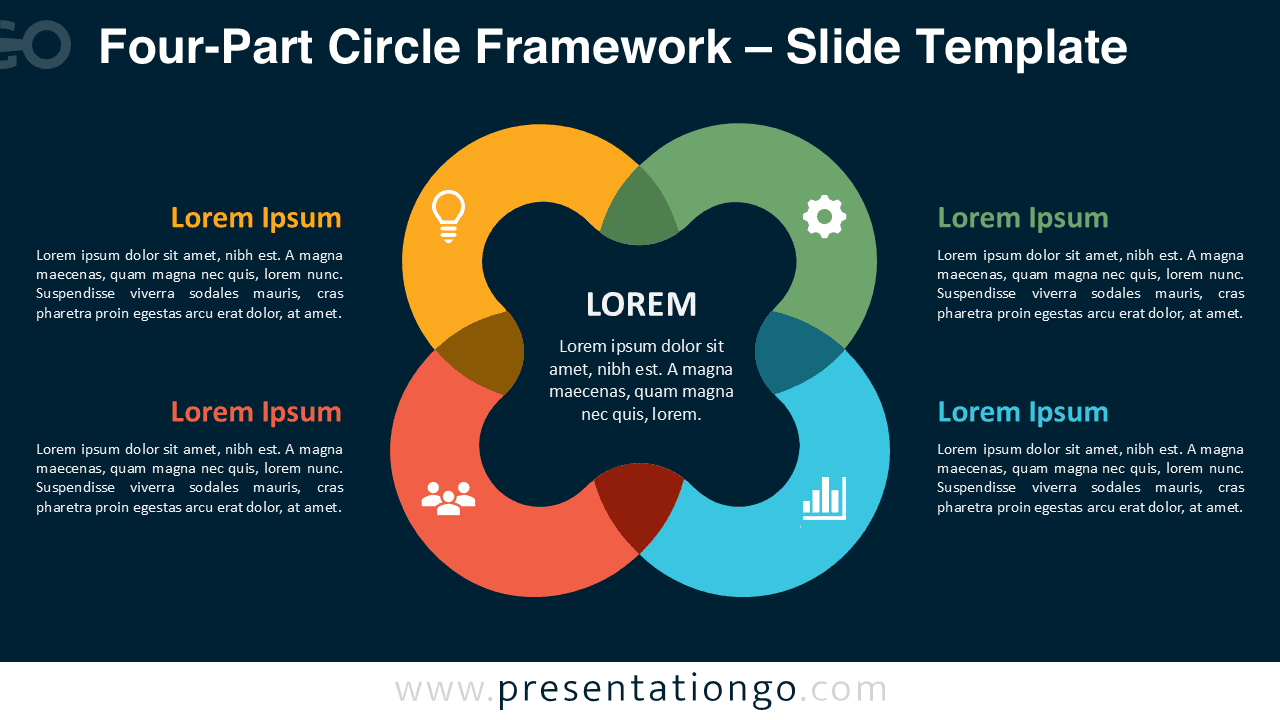
The diagram uses four overlapping circular sections arranged around a central content area. Each section includes space for a heading, explanatory text, and an illustrative icon placeholder. Matching versions support different presentation environments while preserving the same overall structure.
Features and Customization Options
- Compatible with Microsoft PowerPoint and Google Slides
- Four-part circular diagram, fully editable
- Editable text, shapes, and icon placeholders
- Icons are for illustration purposes only and easy to modify
- 100% editable vector shapes — no quality loss when resized
- Includes both light and dark background versions
Four-Part Circle Framework Design and Structure
The Four-Part Circle Framework places the main topic at the center and surrounds it with four related components. Overlapping shapes reinforce the connection between neighboring sections and the central concept. The layout creates a natural reading path while keeping all four elements visually balanced.
You can replace the sample text with your own content, adjust the shapes, resize elements, or reposition the supporting text blocks. The icon placeholders can also be modified, replaced, or removed. This flexibility makes the diagram suitable for many business, education, consulting, and project contexts.
Practical Applications
- Present four strategic priorities around one objective
- Explain four pillars of a business framework
- Compare four related products, services, or functions
- Show four capabilities supporting a central goal
- Organize four themes within a project or initiative
- Summarize four factors influencing one outcome
- Introduce four departments connected to a shared mission
Summary
The Four-Part Circle Framework combines a simple structure with enough flexibility for many presentation topics. Its four connected sections help you organize information while keeping the central message visible throughout the slide.
Use the diagram when you need to explain relationships rather than a strict sequence. With editable text, shapes, and illustrative icon placeholders, you can adapt the slide quickly for PowerPoint and Google Slides presentations.