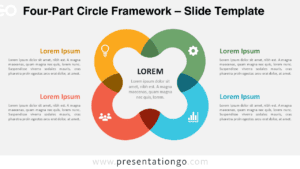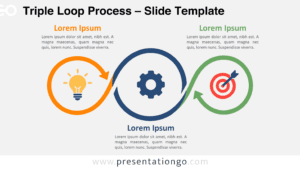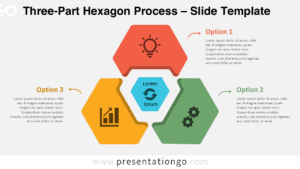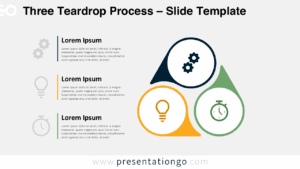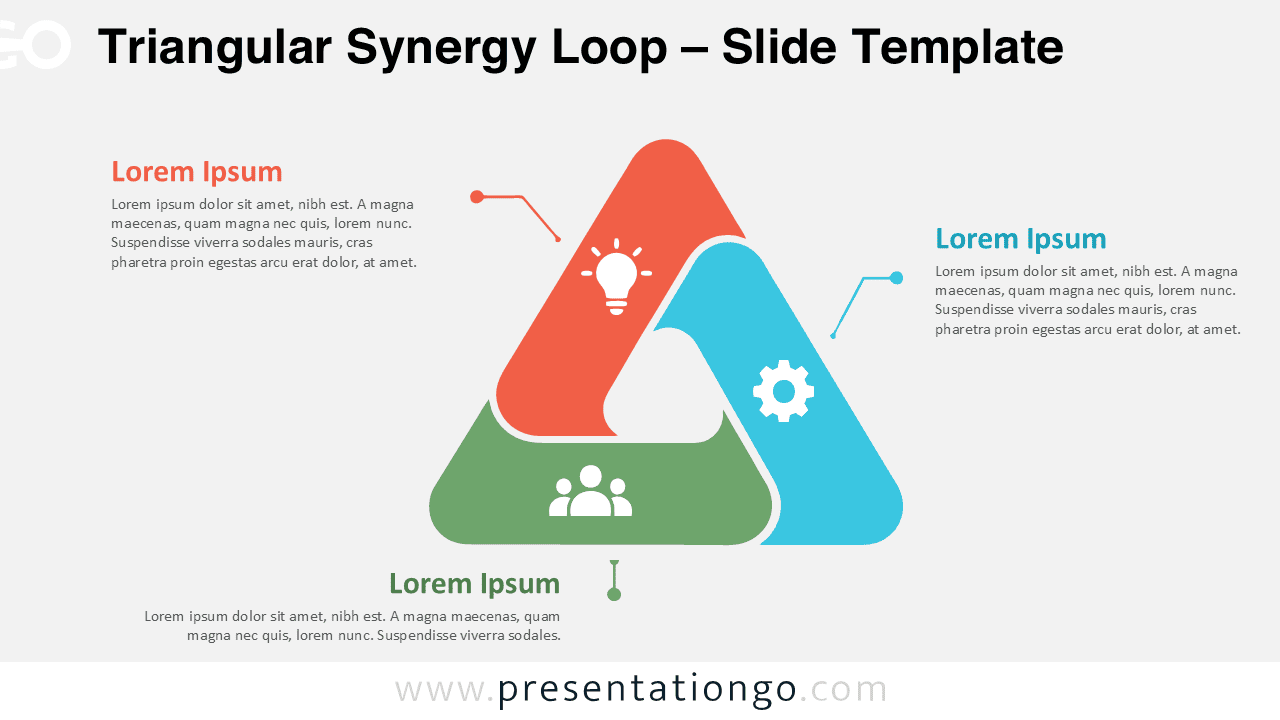
The Triangular Synergy Loop PowerPoint diagram offers a clear way to present three ideas that depend on one another. Its interlocking triangular structure creates an immediate sense of connection, continuity, and shared purpose. You can use it in PowerPoint and Google Slides for processes, strategic priorities, collaborative roles, or related business concepts.
Diagram Preview
Features and Customization Options
- Compatible with Microsoft PowerPoint and Google Slides
- 2 slides across light and dark versions
- Editable text, shapes, colors, and icon placeholders
- Editable connectors and callout lines
- Icons are for illustration purposes only and easily modifiable
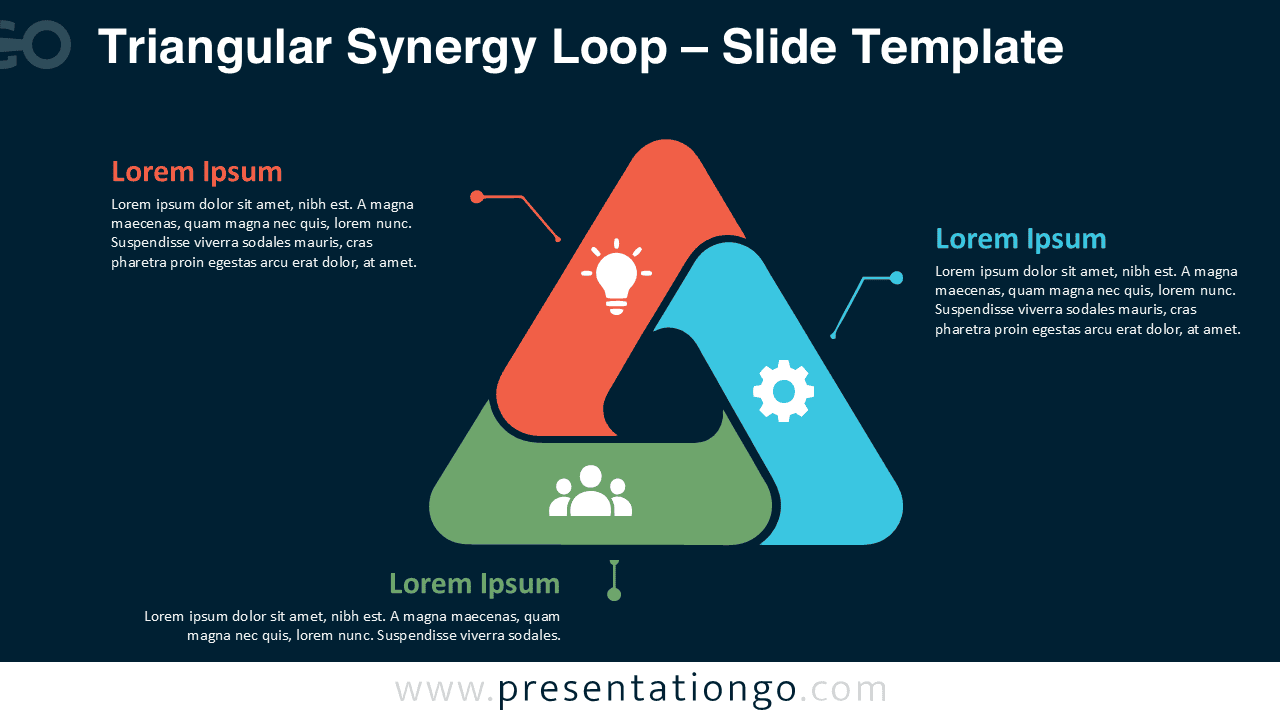
- Includes both light and dark background versions
Design and Structure
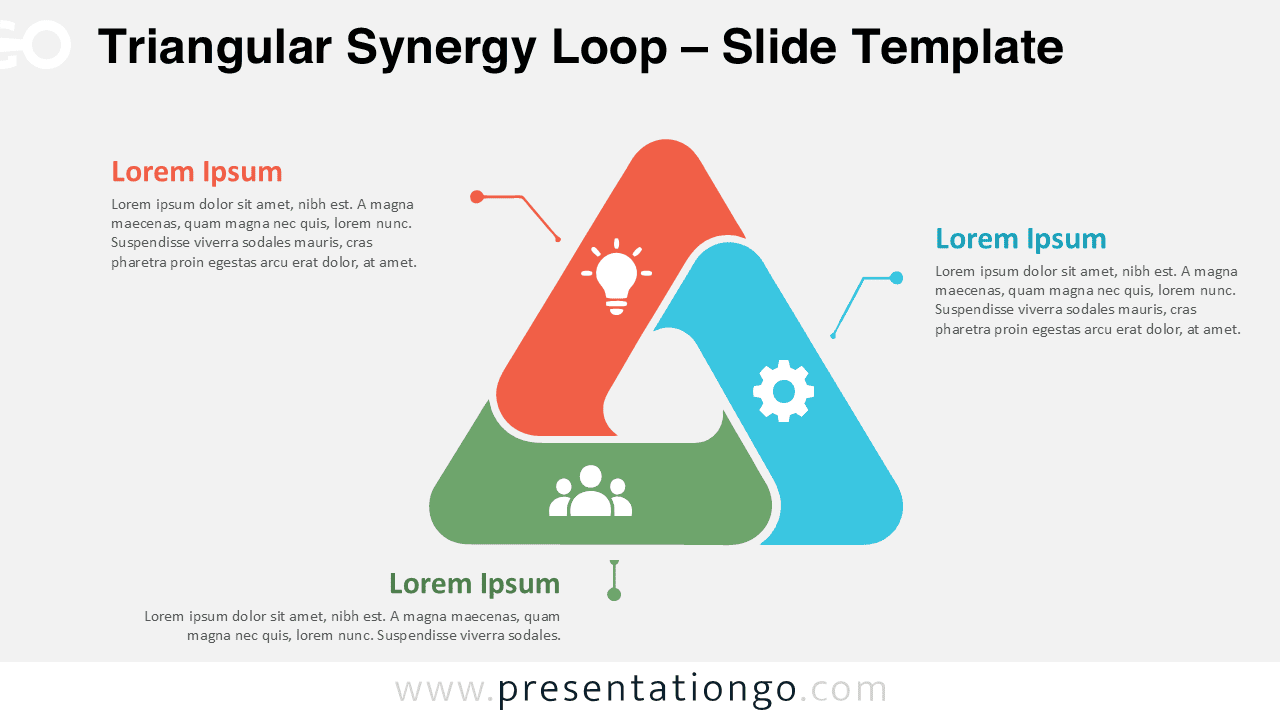
The diagram centers on three rounded, interlocking elements arranged as a triangular loop. Each section has equal visual weight, making the layout suitable when no single idea should dominate. The overlapping form also reinforces relationships between the three parts rather than presenting them as isolated items.
Editable icon placeholders add quick visual cues inside each segment. The surrounding content areas leave enough space for concise explanations, while connector lines guide attention back to the relevant section. You can modify the text, shapes, icons, sizing, and overall arrangement to fit your presentation.
Practical Applications
- Present three connected stages in a business process
- Explain collaboration between three teams or departments
- Compare three strategic priorities within one framework
- Illustrate interconnected factors in a planning model
- Show relationships between ideas, responsibilities, or resources
- Visualize continuous improvement or recurring workflows
Summary
The Triangular Synergy Loop PowerPoint diagram combines three connected sections in a compact visual framework. It works especially well when your message depends on showing interaction rather than a simple linear sequence. The structure keeps each concept distinct while reinforcing how all three contribute to the whole.
Because the elements remain editable, you can adapt the diagram for different subjects without rebuilding the layout. Use it in PowerPoint or Google Slides to turn three related ideas into a structured, easy-to-follow visual that fits naturally into business, education, strategy, or project presentations.