The Triple Loop Process is a three-stage circular diagram for PowerPoint and Google Slides. It connects three activities through flowing arrows, helping audiences follow a process from ideas to implementation and outcomes. Use it to organize related steps, explain dependencies, or present a structured workflow.
Diagram Preview
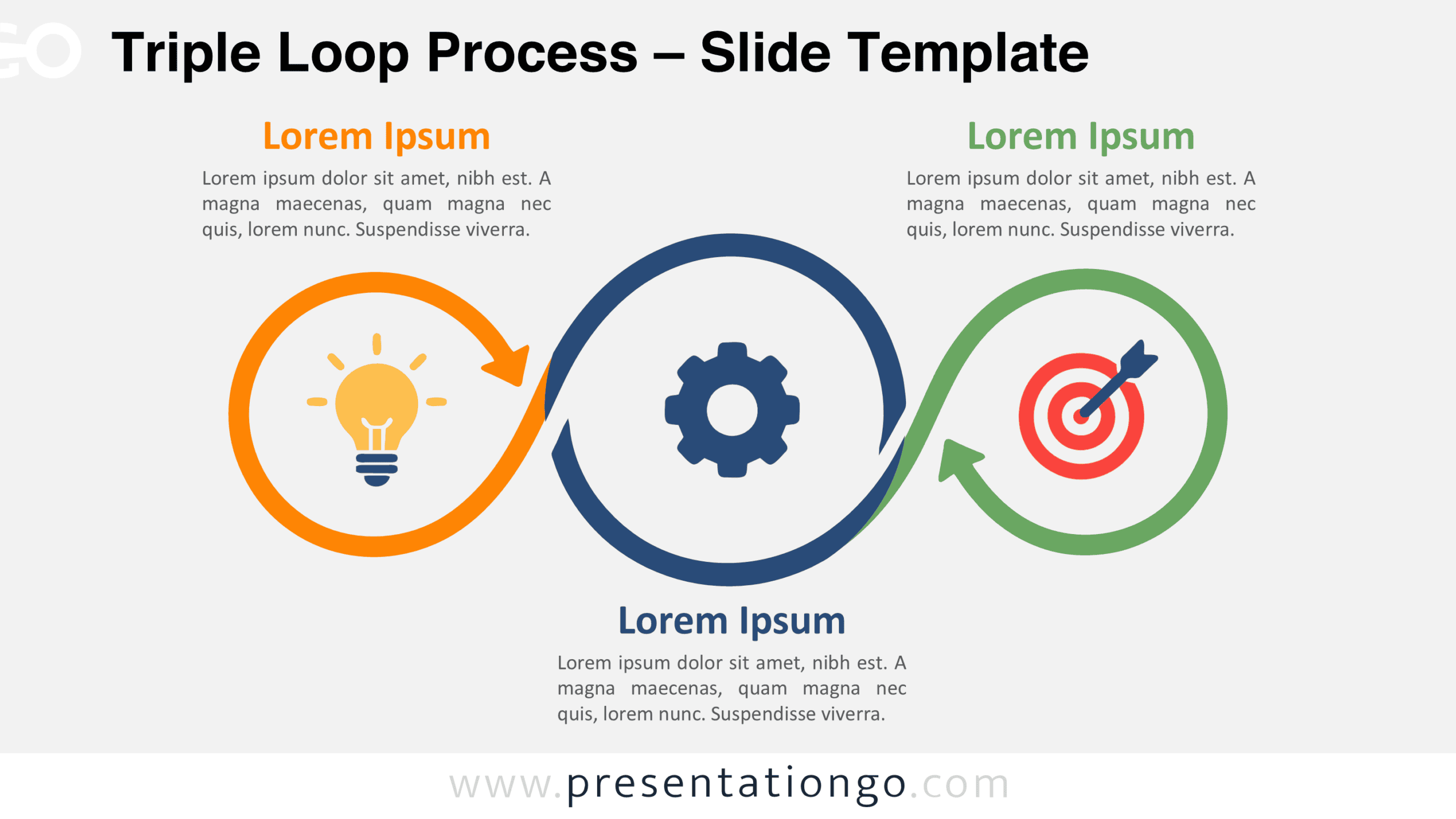
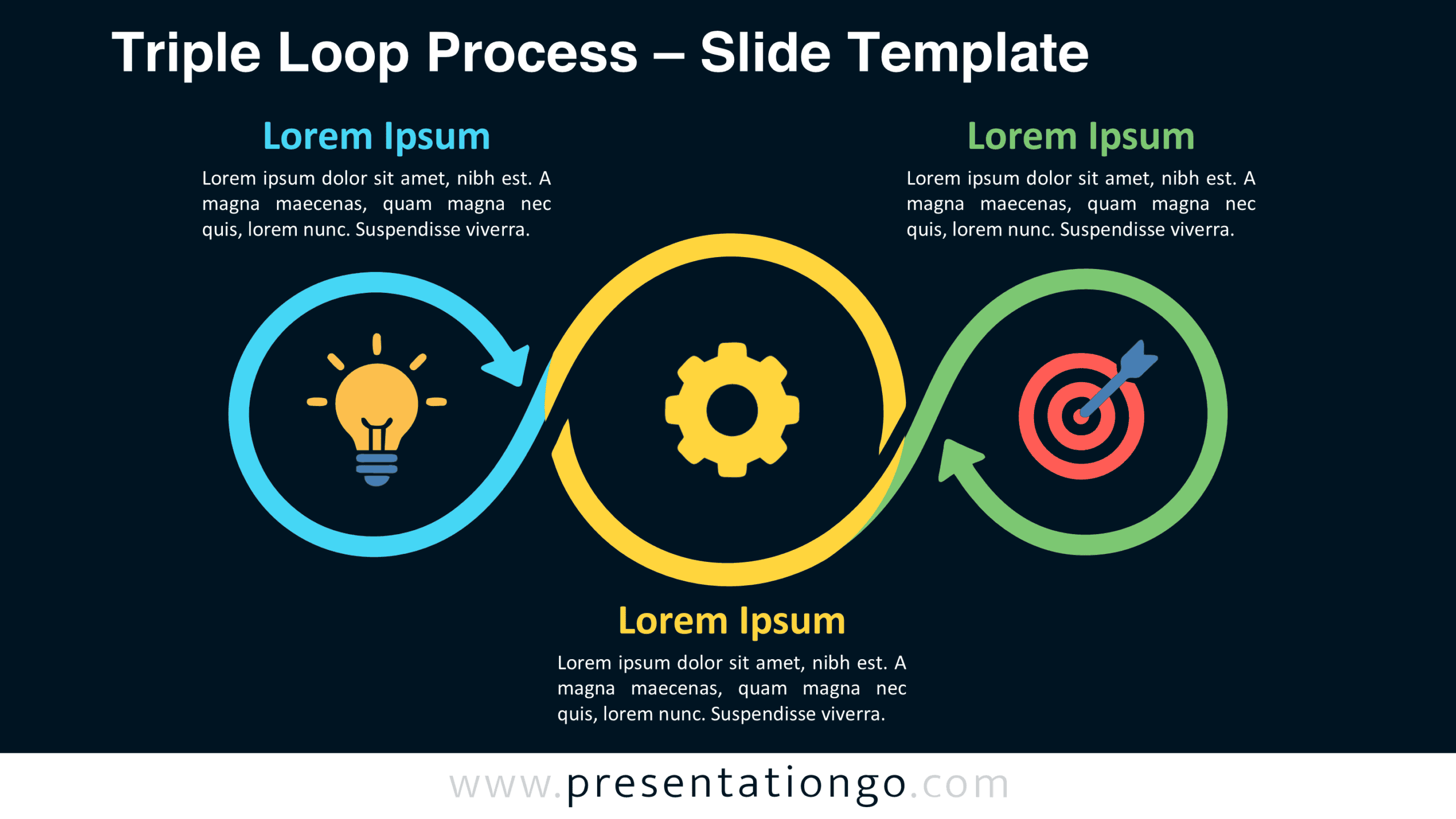
The diagram includes two slide versions with the same three-circle arrangement. Each version combines directional arrows, an illustrative symbol for every stage, and dedicated areas for headings and descriptions. Preview both layouts to choose the version that suits your presentation.
Features and Customization Options
- Compatible with Microsoft PowerPoint and Google Slides
- 16:9 widescreen format
- Three-step circular process diagram, fully editable
- Editable connectors and flow arrows
- Editable text, shapes, colors, and icon placeholders
- Icons from the Office library, used for illustration purposes only and easily modifiable
- Includes both light and dark background versions
Design and Structure
The Triple Loop Process uses three large circular outlines connected by sweeping arrow transitions. The central circle sits slightly higher than the outer circles and occupies more space. This arrangement forms a wave-like silhouette that guides attention across the composition. The first arrow leads toward the central stage, while another transition connects the middle and final stages. Their curved paths establish direction without adding separate connectors or complex navigation elements.
Each circle contains an icon placeholder positioned near its center. The examples feature a light bulb, a gear, and a target, suggesting conceptual development, operational activity, and achievement. The outer stages have text blocks above their circles, while the central stage places its text underneath. This alternating placement balances the composition and separates explanations from the arrows. The spacious arrangement keeps all three stages visible together, making their relationships easier to interpret.
Practical Applications
- Innovation management: Outline idea generation, product development, and launch objectives.
- Project delivery: Explain project initiation, task execution, and final evaluation.
- Strategic planning: Connect strategic priorities, operational initiatives, and measurable targets.
- Marketing campaigns: Present campaign planning, execution, and performance assessment.
- Product management: Illustrate research, development, and market validation phases.
- Employee onboarding: Organize orientation, practical training, and competency assessment.
- Quality improvement: Show issue identification, corrective action, and outcome review.
- Sales operations: Map lead qualification, client engagement, and conversion goals.
Summary
The Triple Loop Process brings three related stages into one connected visual structure. Its circular arrows highlight progression, while the integrated text areas keep explanations close to each step. With editable shapes, labels, and Office icon placeholders, this PowerPoint and Google Slides diagram can support different workflows without changing its underlying composition.