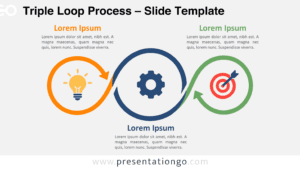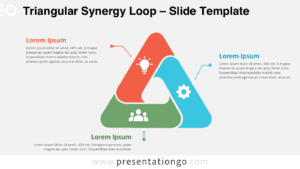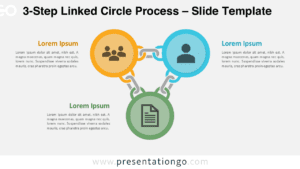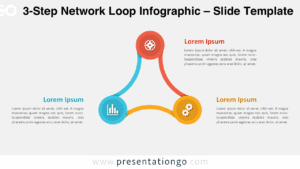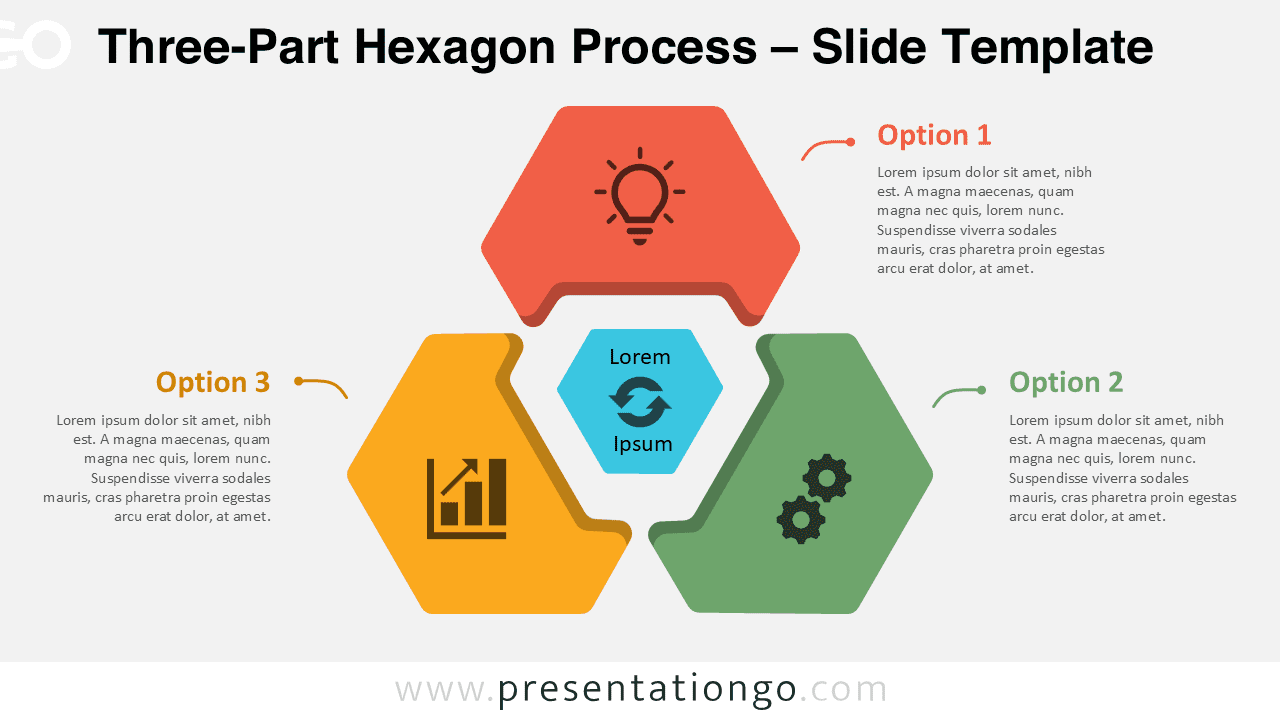
The Three-Part Hexagon Process PowerPoint diagram helps you present three related ideas with clarity and structure. Use it to explain a workflow, compare options, or show connected phases in a business process. The layout places one core idea at the center and surrounds it with three large sections. This structure creates a clear visual flow for audiences.
This Three-Part Hexagon Process PowerPoint diagram works well when you need a clean alternative to standard lists. It gives each idea enough visual weight while keeping the full process easy to understand. You can use it in business, education, consulting, marketing, project planning, and team communication.
Diagram Preview
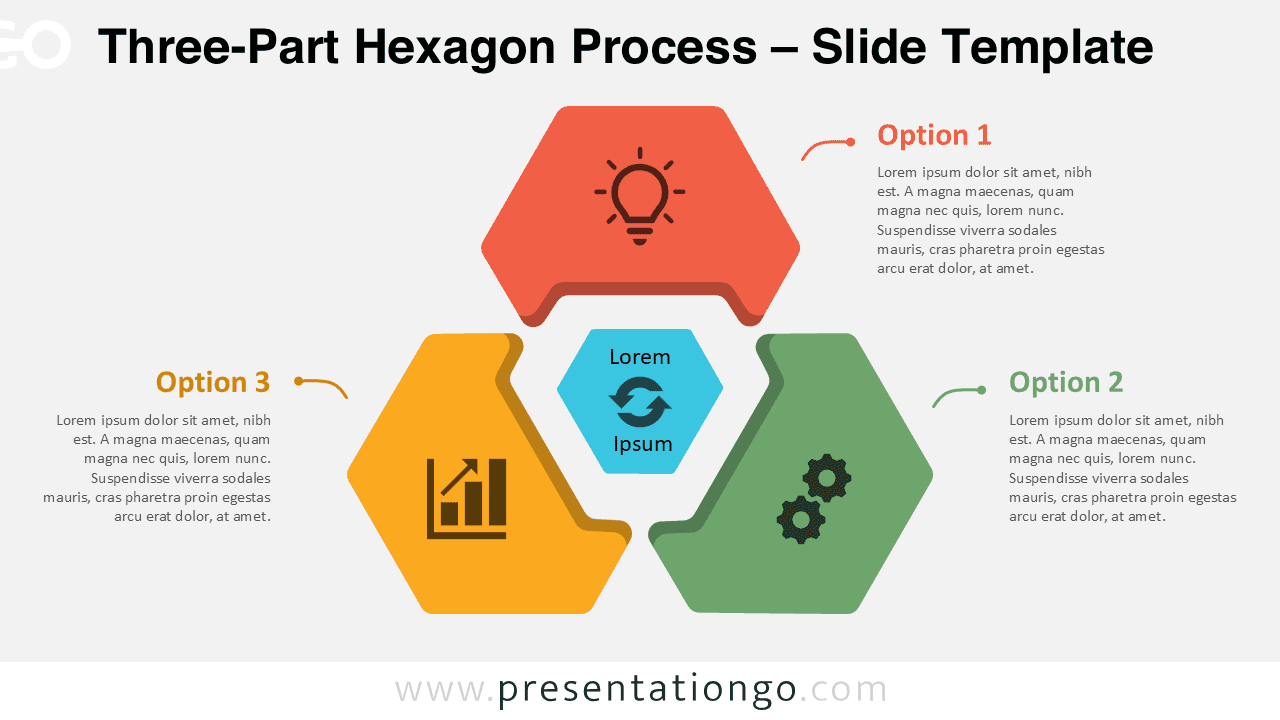
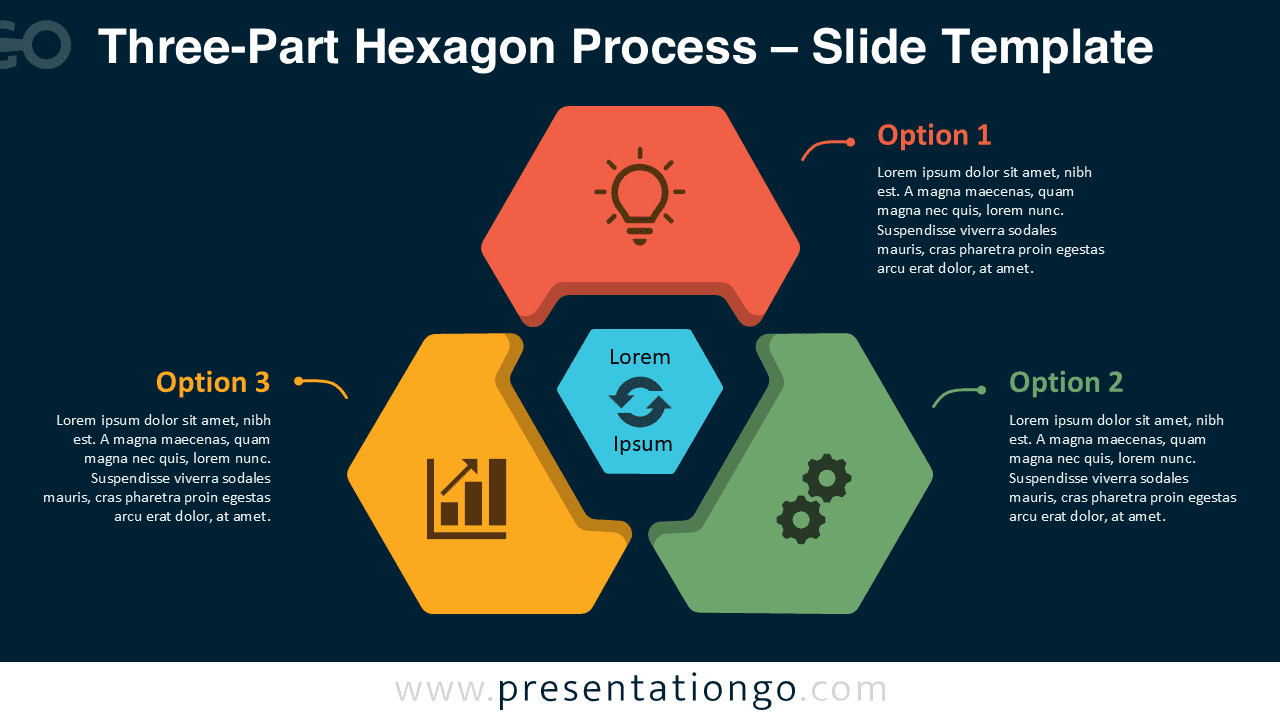


Diagram Features and Customization Options
- Fully editable diagram for PowerPoint and Google Slides.
- Three large hexagon sections for options, stages, or process steps.
- Central hexagon area for the main idea, cycle label, or key message.
- Editable text placeholders for titles, descriptions, and labels.
- Curved connector lines that link each label to its matching section.
- Includes icons from the Office icon library, which are easy to modify.
- Icons work as editable placeholders and can be replaced when needed.
- Simple layout that supports business, strategy, and planning content.
Design and Structure
The diagram uses a three-part hexagon composition around a central message area. Each outer section represents one option, phase, or action point. The center helps connect the full process and gives the audience a clear reference point. This arrangement supports both linear explanations and cyclical thinking.
The layout balances visual hierarchy and readability. Large shapes guide the viewer toward each main point. Short text blocks keep the explanation focused. Connector lines help match each label with the correct section. This makes the diagram useful for executive summaries and detailed presentations.
Practical Applications
- Explain a three-step business process.
- Compare three strategic options.
- Present a workflow with a central objective.
- Show three project phases or milestones.
- Summarize marketing, sales, or operations plans.
- Visualize decision paths in a team meeting.
- Organize training modules or learning topics.
Summary
The Three-Part Hexagon Process PowerPoint diagram gives presenters a clear way to organize three connected ideas. It combines editable shapes, text areas, connectors, and Office library icons in one practical layout. Use it to turn simple bullet points into a more engaging and structured visual for PowerPoint and Google Slides.