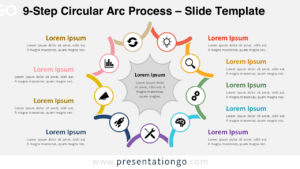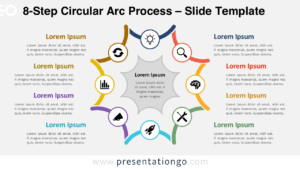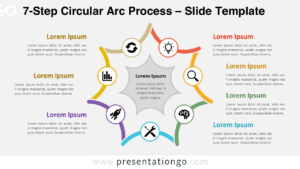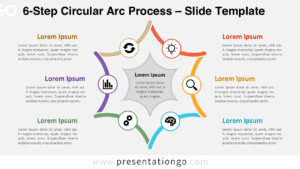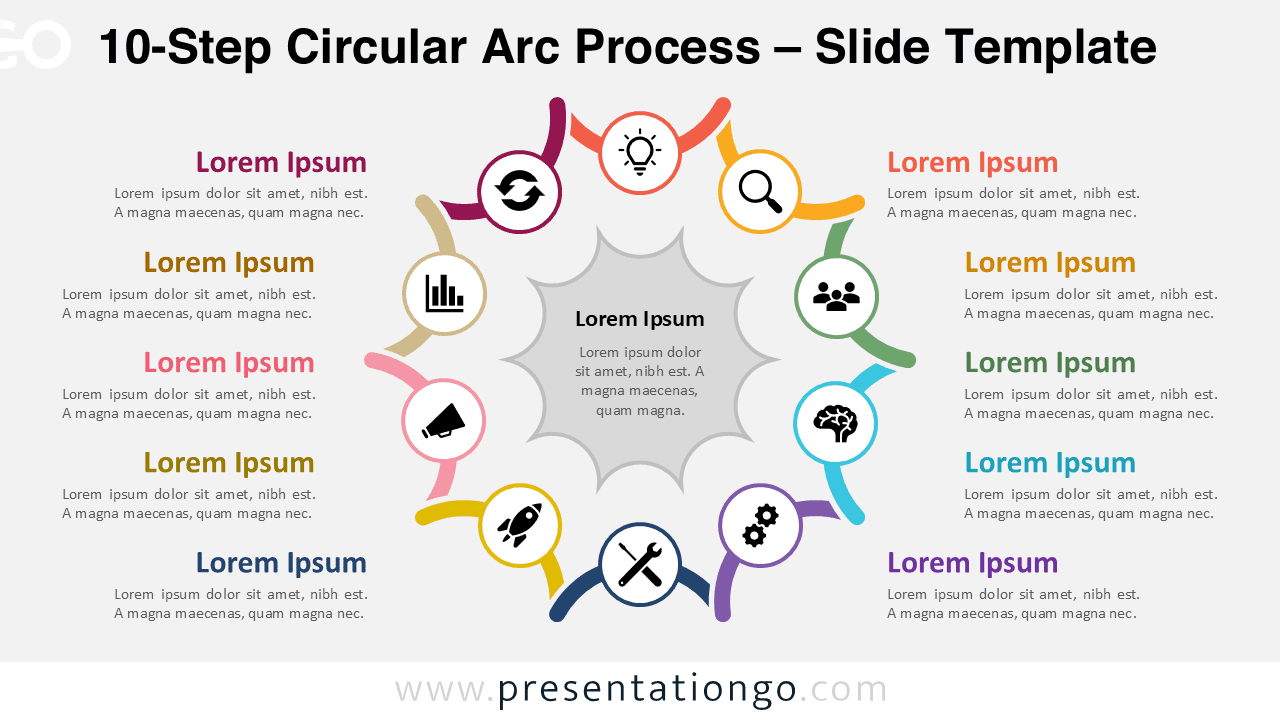
The 10-Step Circular Arc Process diagram is designed for presenting highly detailed and comprehensive workflows. Fully compatible with PowerPoint and Google Slides, it allows you to communicate complex processes with clarity and visual impact.
Diagram Preview


Features and Customization Options
- Fully editable shapes and text elements
- Ten-step circular layout with smooth arc transitions
- Central element to highlight your main concept
- Includes editable icon placeholders from the Office icon library
- Icons can easily be changed to match your content or branding
- Compatible with PowerPoint and Google Slides
- Customizable colors, text, and layout
Design and Structure
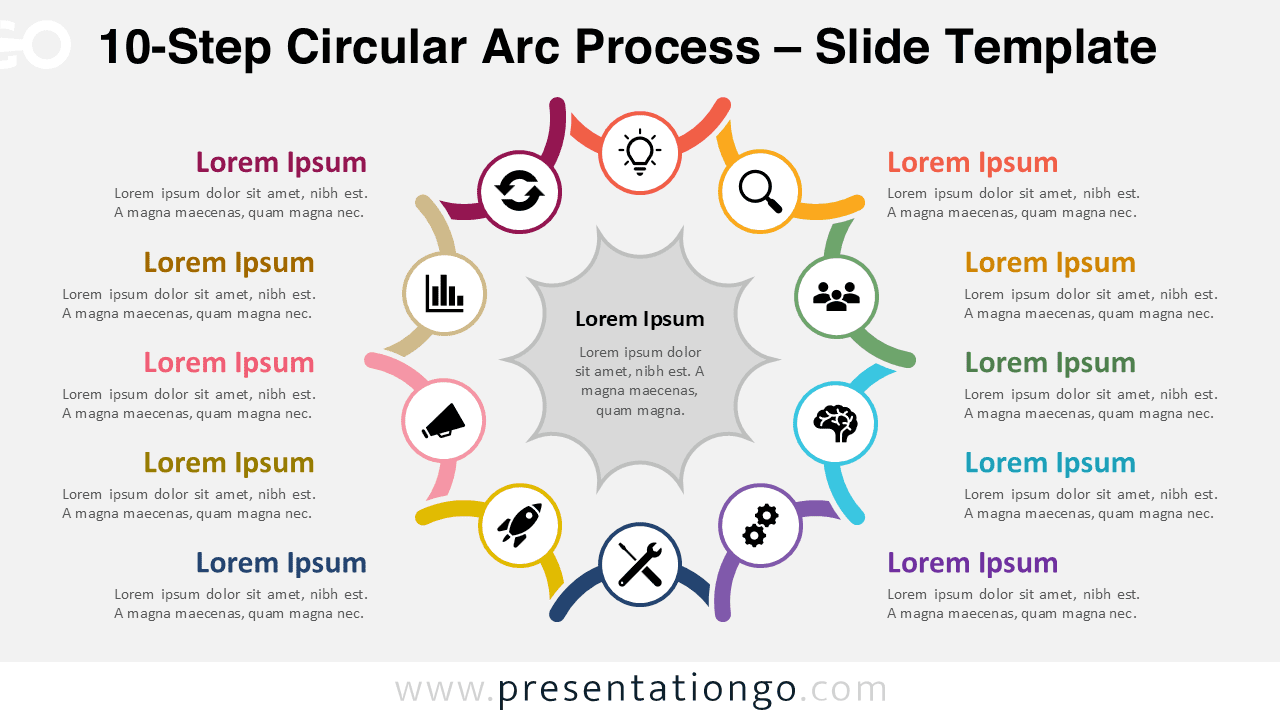
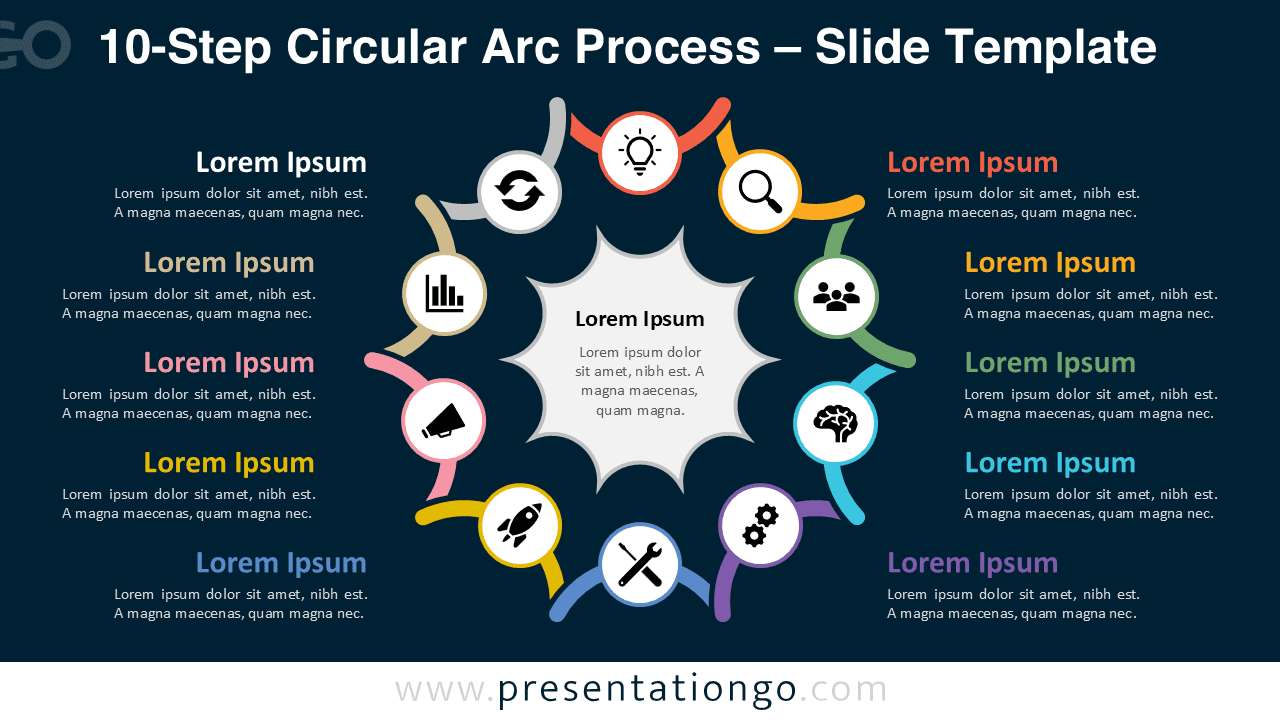
This diagram features ten arc segments arranged in a circular flow, making it ideal for presenting comprehensive and detailed processes. Each segment connects seamlessly to form a continuous loop, reinforcing the concept of progression and continuity.
Each step includes an icon and a text area, helping you combine visuals with detailed explanations. The extended number of steps allows for deeper storytelling while maintaining a clear and organized layout.
Practical Applications
- Advanced business workflows
- Customer journey mapping
- Strategic planning frameworks
- Product lifecycle visualization
- Process optimization strategies
- Comprehensive multi-step methodologies
Summary
The 10-Step Circular Arc Process diagram offers a powerful and flexible way to present complex workflows. Its circular design emphasizes continuity, while its editable features ensure full adaptability to your presentation needs.
Circular Arc Process Collection
Explore the full Circular Arc Process collection, from 5-step to 10-step diagrams, designed for scalable and consistent process visualization.