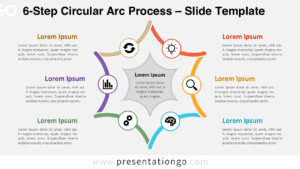
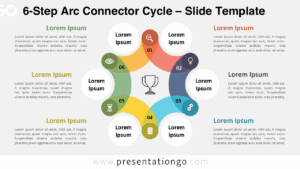
The 6-Step Circular Arc Diagram uses six connected arc segments to organize a recurring process around a central open space. Each stage combines an editable segment, text area, and icon placeholder, making the layout suitable for workflows, strategic cycles, project phases, and other six-part sequences in PowerPoint and Google Slides.
Diagram Preview
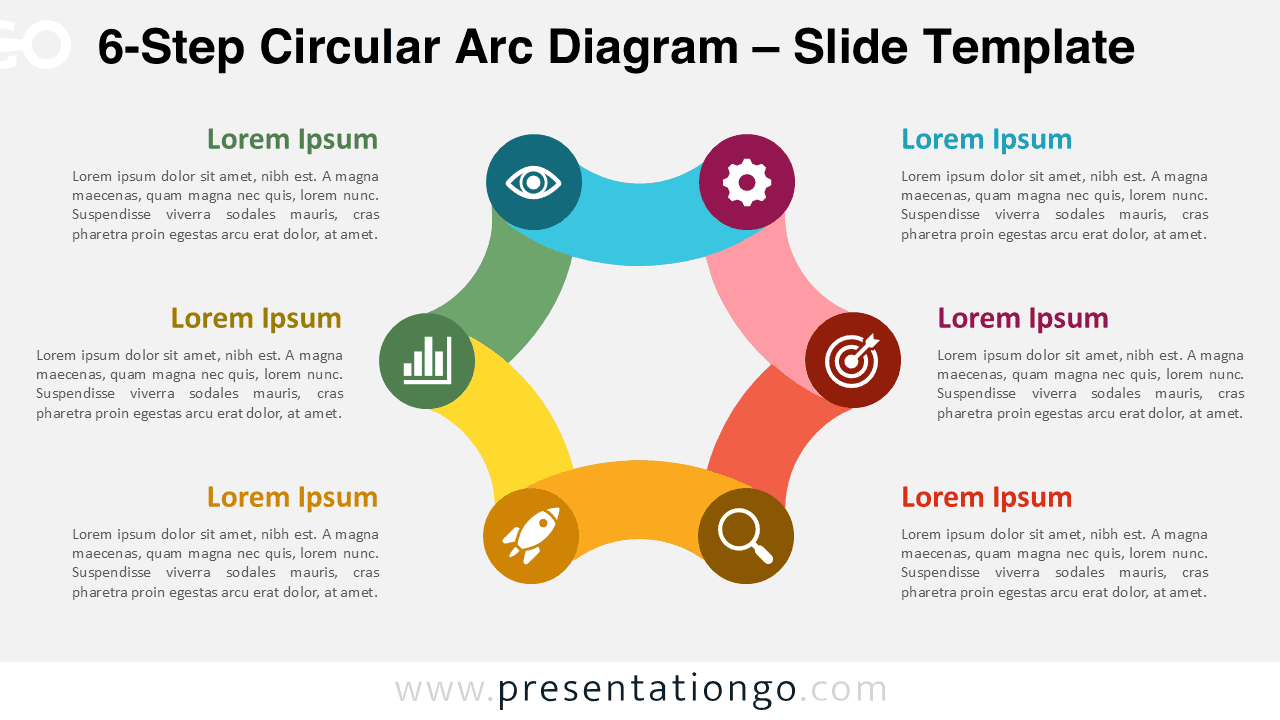
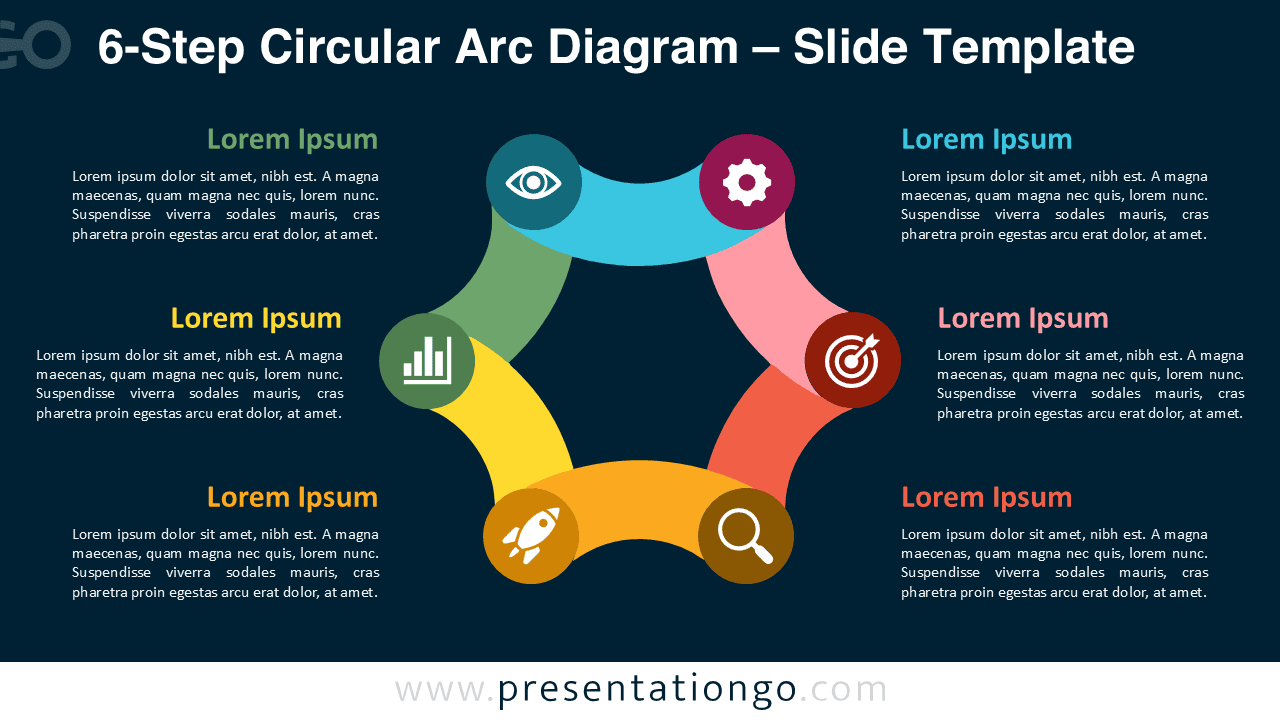


The layout arranges six stages in a continuous circular structure while keeping each step visually distinct. Supporting text sits beside the diagram rather than inside the arcs, providing room for short explanations without crowding the central graphic. Each stage also includes an icon placeholder that can reinforce the meaning of the associated step.
Features and Customization Options
- Compatible with Microsoft PowerPoint and Google Slides
- 2 slides across 1 editable layout
- 6-step circular arc diagram, fully editable
- Editable text, shapes, and icon placeholders
- Office library icons for illustration purposes only and easy modification
- Includes both light and dark background versions
Design and Structure
The 6-Step Circular Arc Diagram builds its cycle from six broad curved segments connected around an open center. Circular markers positioned between the segments hold the icons and create distinct transition points between stages. The structure supports sequences that repeat, return to an earlier stage, or operate as part of an ongoing cycle.
Each stage has a dedicated heading and supporting text area positioned outside the circular graphic. This arrangement separates explanation from the central process while keeping every stage visually linked to its corresponding arc. You can edit the labels, resize the vector shapes, adjust individual segments, and replace the supplied icons with other graphics from the Office library or your own resources.
Practical Applications
- Present a six-stage business process or recurring operational workflow.
- Explain continuous improvement frameworks with six connected phases.
- Map a marketing cycle from research through execution and evaluation.
- Structure product development stages from initial analysis to review.
- Outline project management phases that repeat across multiple initiatives.
- Present a strategic planning cycle with six related areas of activity.
- Show customer journey stages that connect back into an ongoing process.
Summary
The 6-Step Circular Arc Diagram provides an editable structure for presenting six connected stages as a continuous cycle. Its separate text areas, curved vector segments, and replaceable Office icons make it practical for business processes, strategic frameworks, workflows, and recurring project stages.