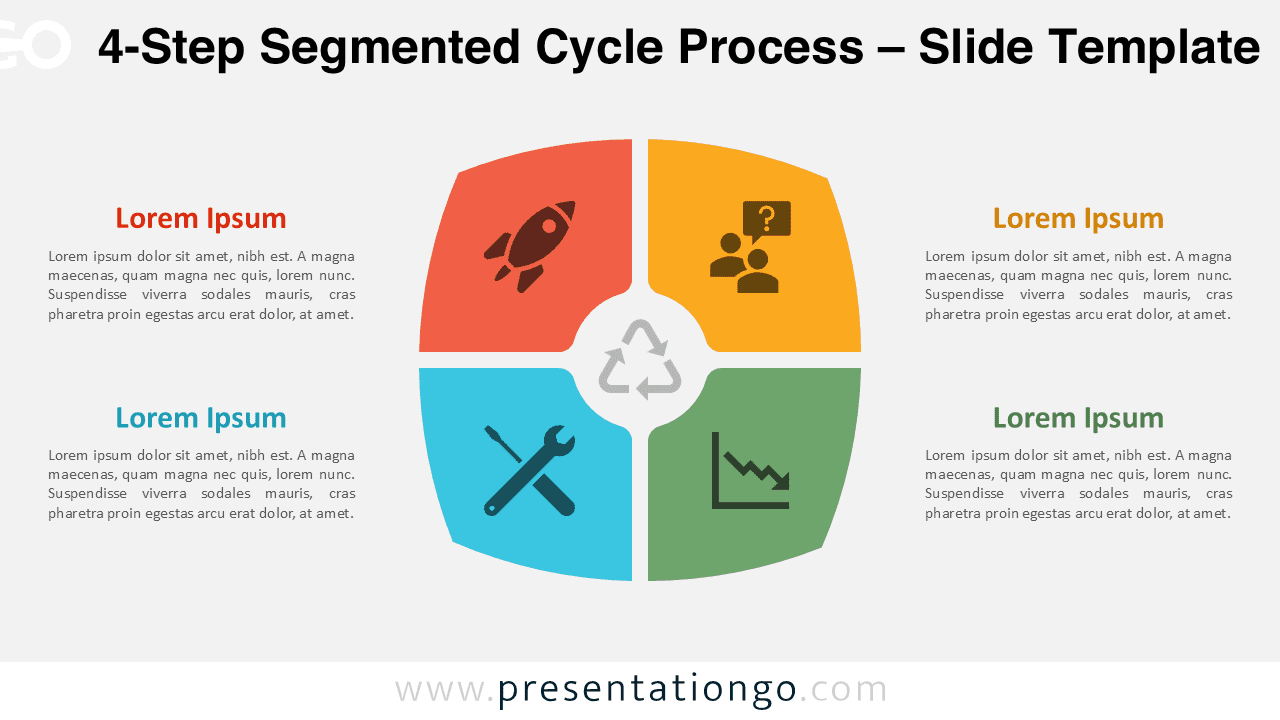
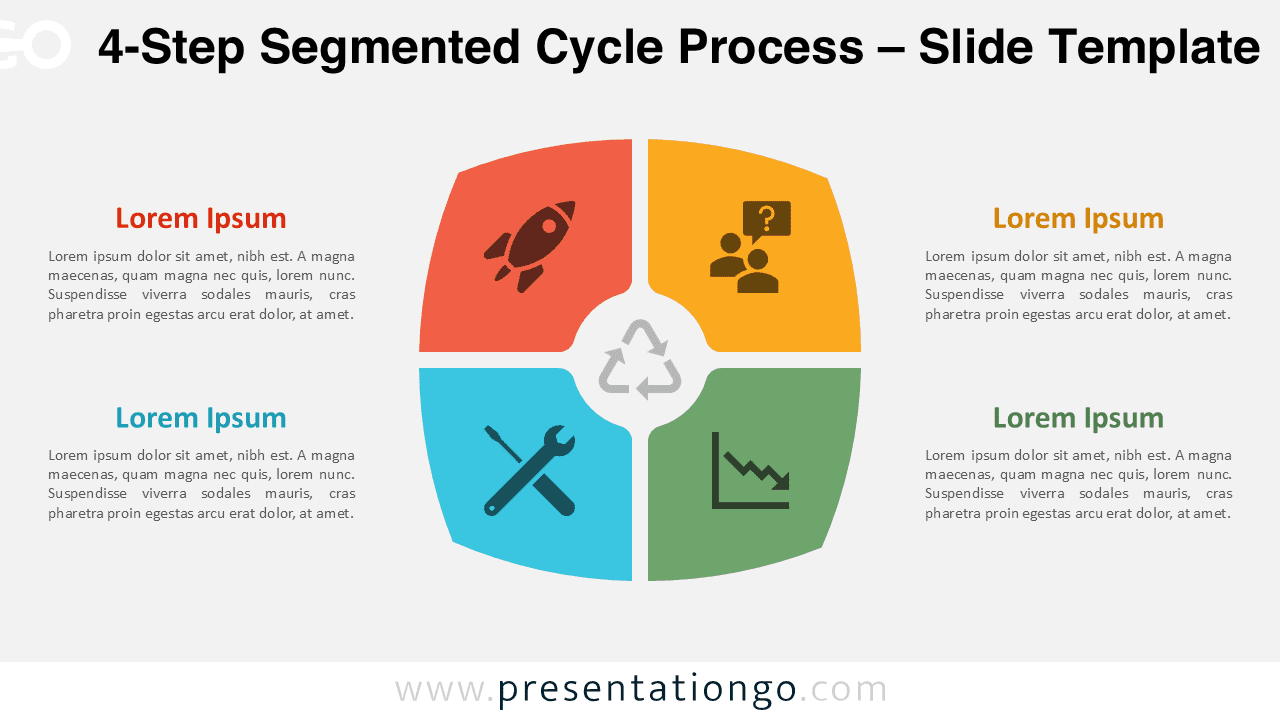
The 4-Step Segmented Cycle Process diagram provides a structured and visually engaging way to present cyclical workflows and strategic processes. Its circular design highlights the relationship between steps and emphasizes how each phase contributes to a continuous process.
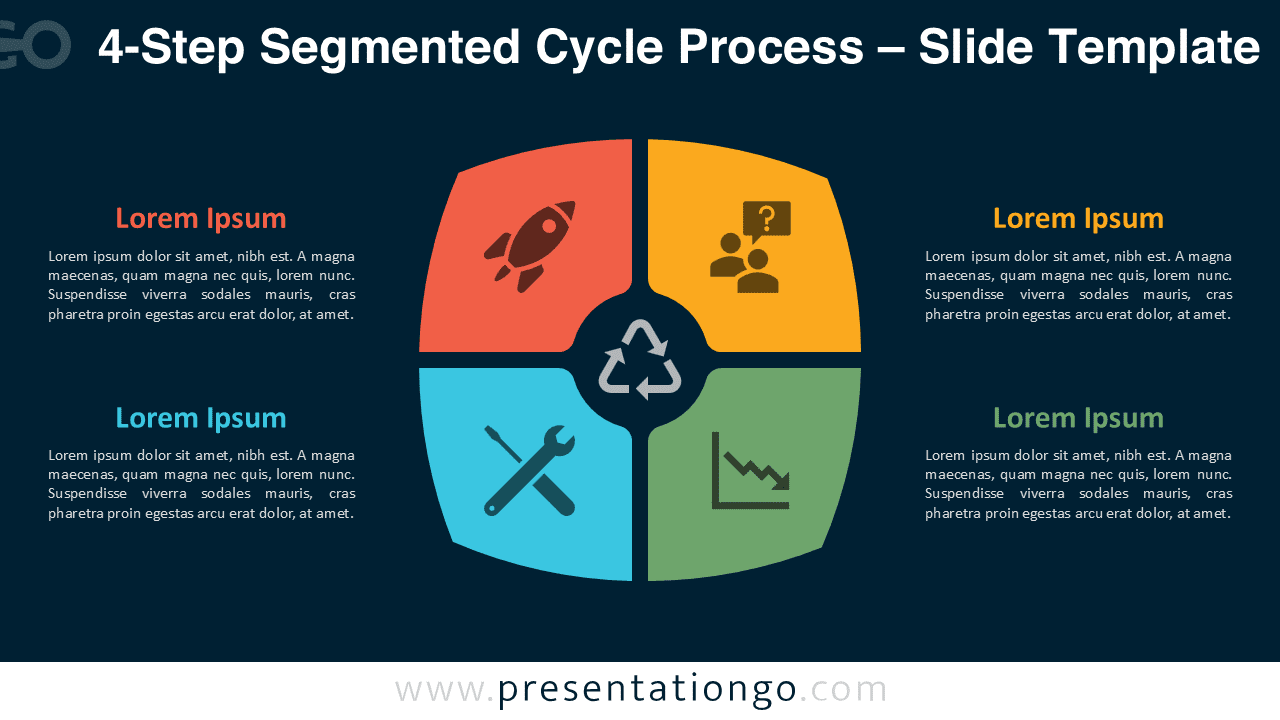
The diagram is divided into four segments arranged around a central hub. Each segment includes an icon and text placeholder, allowing presenters to clearly explain the role of each stage in the workflow. The central loop symbol reinforces the idea of an ongoing cycle or continuous improvement model.
Diagram Preview


Features and Customization Options
- Fully editable shapes and layout elements
- Includes editable icon placeholders
- Compatible with PowerPoint and Google Slides
- Light and dark background versions included
- Clear circular structure for process explanations
- Easy to customize colors, icons, and text
Design and Structure
The diagram features four curved segments arranged in a circular pattern. Each segment visually represents a stage of a workflow and contains an icon to reinforce the meaning of the step. The surrounding text areas allow presenters to add explanations or supporting information.
At the center of the diagram, a circular element connects all segments and symbolizes an iterative loop. This structure visually communicates that once the final stage is complete, the process can restart or continue evolving.
The flat design style and balanced layout make the diagram easy to understand while maintaining a modern and professional appearance. The combination of colors helps clearly separate each stage while keeping the overall design cohesive.
Practical Applications
- Business workflow presentations
- Strategic planning frameworks
- Marketing or product lifecycle explanations
- Project management stages
- Continuous improvement models
- Operational process documentation
Summary
The 4-Step Segmented Cycle Process diagram is a flexible visual tool for explaining cyclical processes and structured workflows. With fully editable elements and icon placeholders, it enables presenters to clearly communicate strategies, processes, and iterative models in PowerPoint and Google Slides.