The 6-Part Hexagon Radial Diagram helps you organize six related ideas around one central concept. Its balanced radial structure makes relationships easy to understand at a glance. Each surrounding segment connects visually to the central hexagon while keeping enough space for a heading and supporting text. You can use the layout to explain a process, framework, strategy, or group of priorities. The diagram works in both PowerPoint and Google Slides, so you can adapt it quickly for different presentation needs.
Diagram Preview
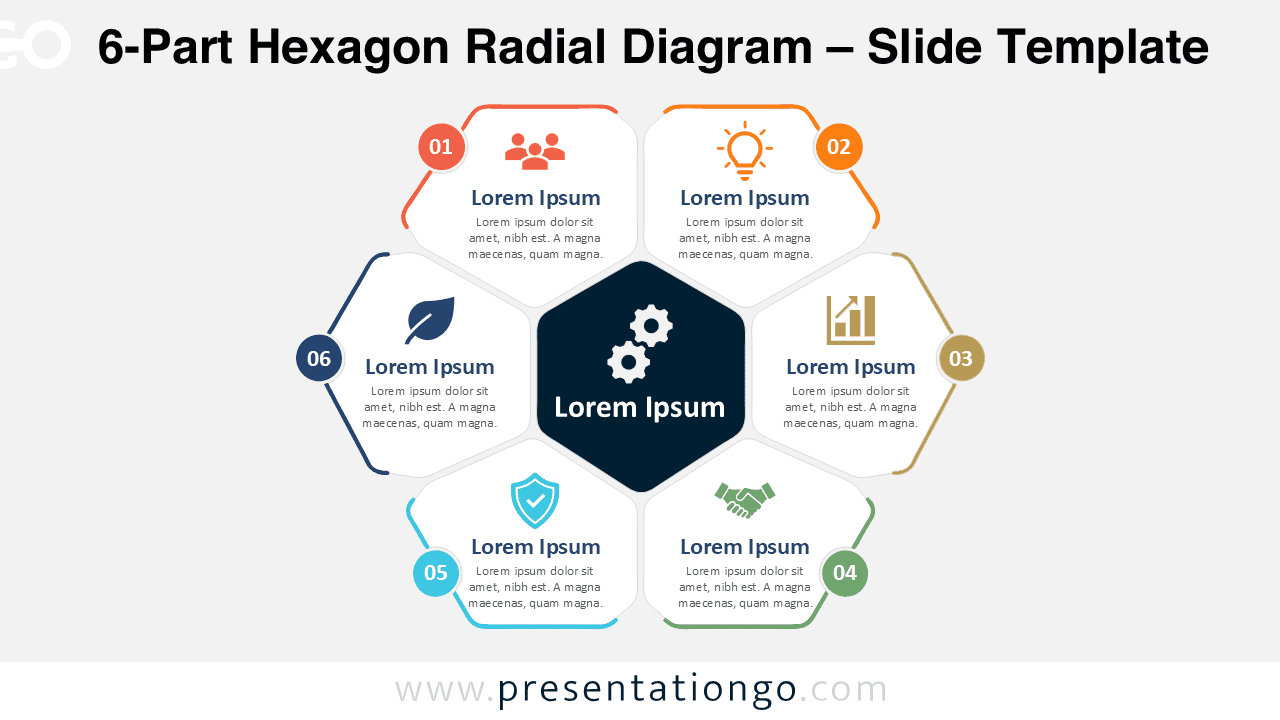
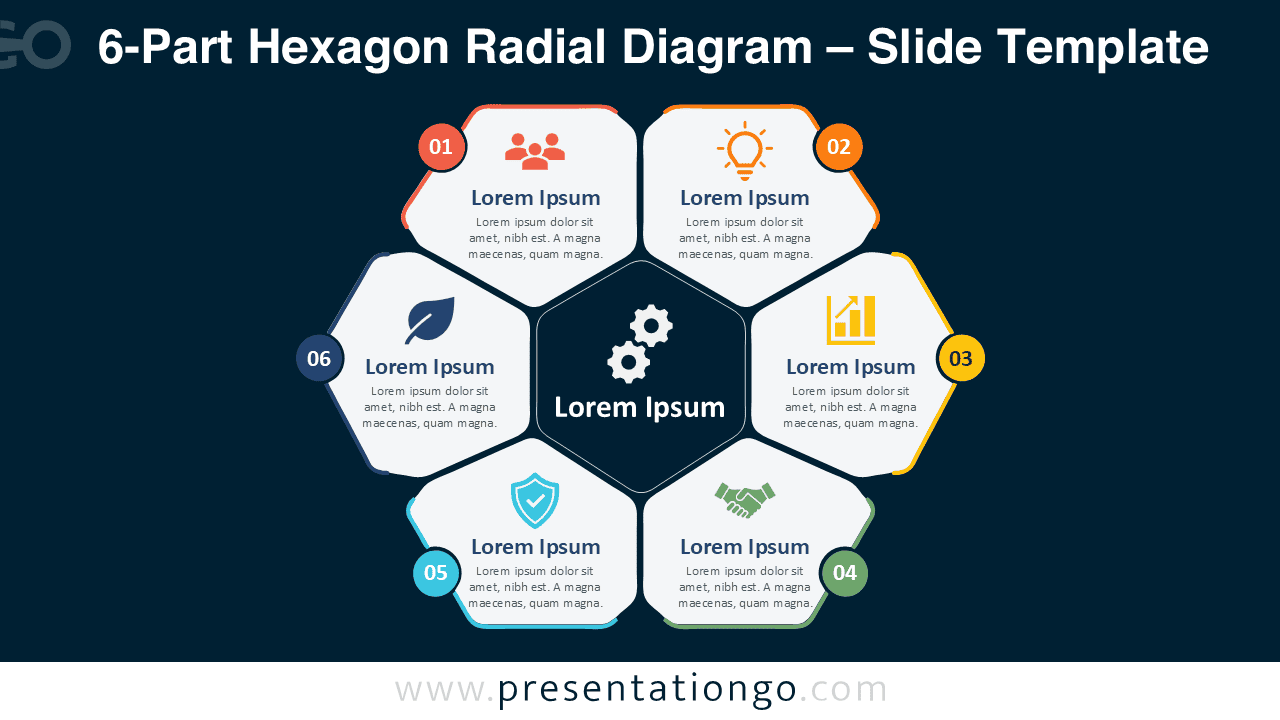


The layout uses six numbered sections positioned evenly around a central hub. Each section combines a short text area with an icon placeholder. The central hexagon gives you a clear location for the main subject or unifying idea. This structure creates an intuitive reading path while allowing every segment to carry equal visual importance. Both background versions keep the same organization, making the diagram easy to reuse across different slide decks.
Features and Customization Options
- Compatible with Microsoft PowerPoint and Google Slides
- 6-part radial diagram, fully editable
- Editable text, shapes, and icon placeholders
- Icons are for illustration purposes only
- Uses Office library icons that are easy to modify
- 100% editable vector shapes — no quality loss when resized
- Includes both light and dark background versions
Design and Structure
The diagram follows a hub-and-spoke layout built from a central hexagon and six surrounding modules. Numbered markers guide viewers through the six sections without forcing a strict linear sequence. This makes the design useful for both ordered processes and independent categories. The icons help distinguish each topic visually, while the text areas provide room for concise explanations. Because every segment follows the same structure, the slide remains consistent even when the content changes.
You can treat the central hexagon as the main strategy, objective, product, or theme. The six outer segments can then represent supporting factors, stages, departments, capabilities, or actions. This flexibility makes the layout practical for many business and educational presentations. You can also replace the sample icons, adjust the text, resize elements, or reorganize the content to match your message.
Practical Applications
- Present six stages of a business process
- Explain six strategic priorities around one objective
- Compare six capabilities within a common framework
- Map six departments to a central organizational goal
- Summarize six factors that support a key initiative
- Organize six project areas around one main deliverable
- Show six interconnected themes in training or educational content
Summary
The 6-Part Hexagon Radial Diagram gives you a clear way to connect six supporting ideas with one central theme. Its symmetrical structure works well for processes, strategies, frameworks, and grouped concepts. Editable text, shapes, and icon placeholders make the slide easy to adapt without rebuilding the layout. With PowerPoint and Google Slides compatibility, you can integrate it into existing presentations and tailor each section to your content.