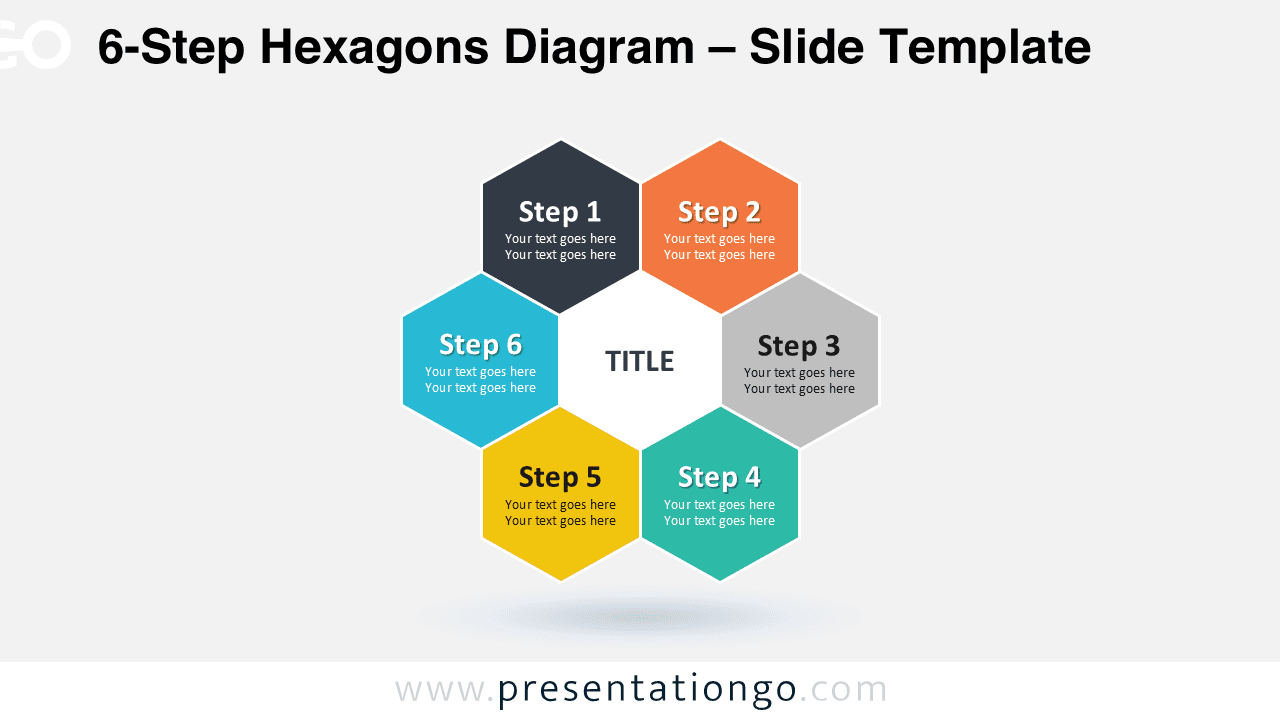
Free circular diagram for PowerPoint with 6 hexagonal shapes. Fully editable graphics. Use this template to illustrate a concept with six options, parts, steps or processes.
6-Step Hexagons Diagram
Ready-to-use diagram : just copy/paste it into your PowerPoint presentation (or any other similar presentation tool, like OpenOffice Impress).
All elements are easily editable and therefore customizable to your needs (you can for e.g., change colors, optimize the shape fill or remove the outlines). To edit the single shapes, and the text box : select the whole shape (click on it), right-click, and Group >> Ungroup (repeat to isolate the pieces).
This ‘6-Step Hexagons Diagram for PowerPoint’ features:
- 1 unique slides
- Light layout
- Ready to use template with text placeholders
- Completely editable shapes
- Standard (4:3) and Widescreen (16:9) aspect ratios
- PPTX file (PowerPoint)
Free fonts used:
- Helvetica (System Font)
- Calibri (System Font)







Comments are closed.