Free PowerPoint circular diagram with 12 parts or pies. Editable graphics. Use this template for 12 ideas or concepts in a cycle flow.
Circular Diagram with 12 Parts
Like a flower with 12 petals or a sun with 12 rays of light, this diagram will make your presentation more brilliant and beautiful! This free Circular Diagram with 12 Parts template is not only eye-catching but also extremely useful. It shows a round yellow center with 12 colorful radial parts around it. Besides, you can insert numbers inside each slice of this pie chart.
This infographic is a simple yet efficient tool to illustrate 12 ideas or concepts. You can also use it as a circular process chart with 12 steps. Download this free Circular Diagram with 12 Parts template to make your presentation go round!
Shapes are 100% editable: colors and sizes can be easily changed.
Template Preview
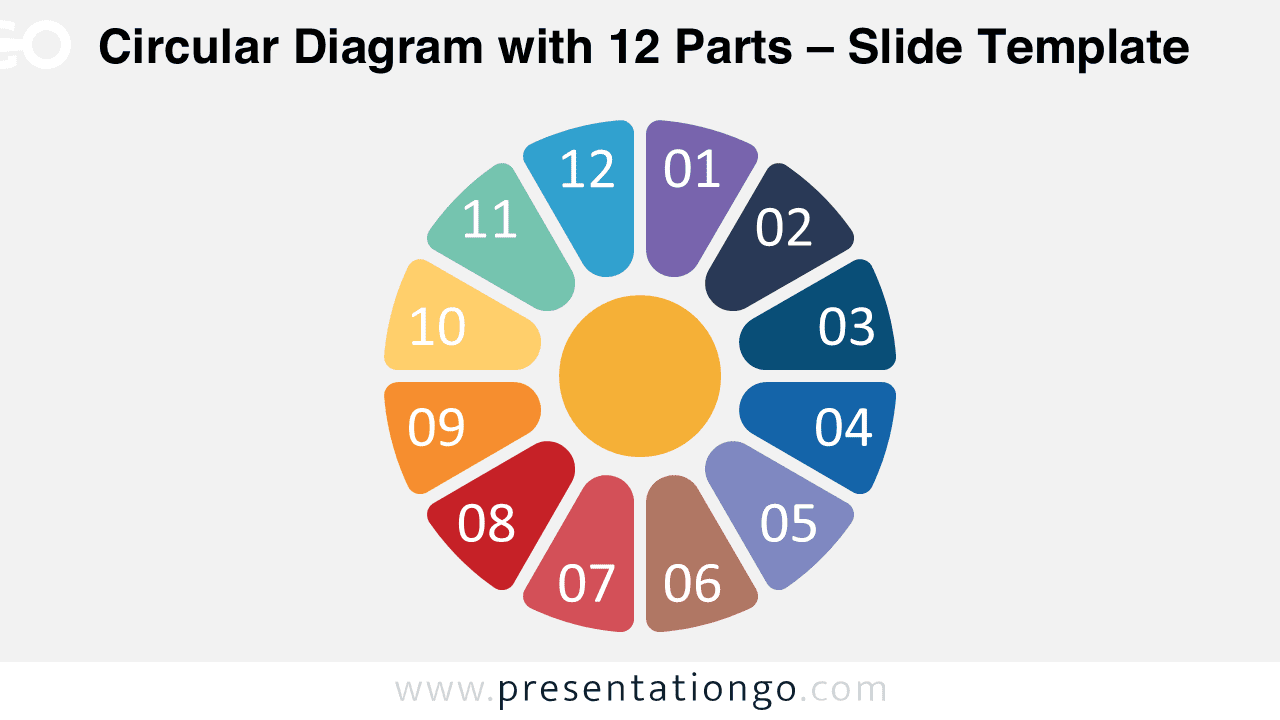
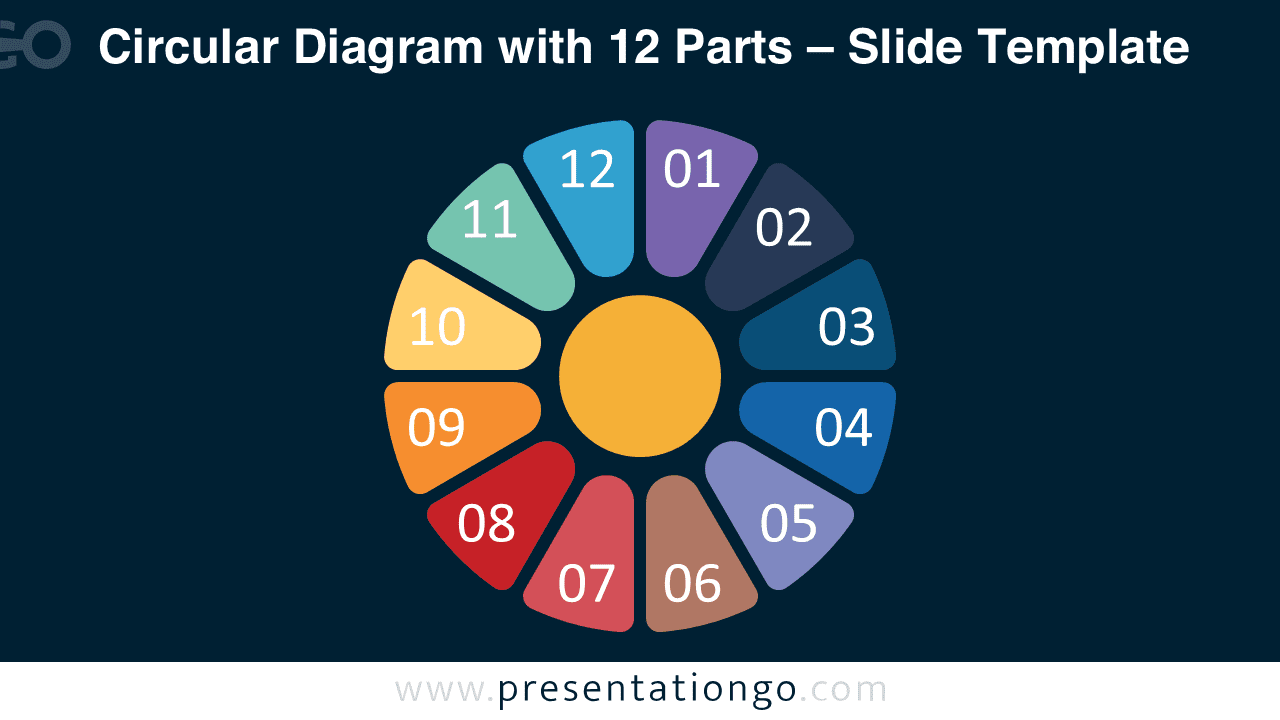
This ‘Circular Diagram with 12 Parts for PowerPoint’ template features:
- 2 unique slides
- Light and Dark layout
- Ready to use template with text placeholders
- Completely editable shapes
- Standard (4:3) and Widescreen (16:9) aspect ratios
- PPTX file (PowerPoint)
Free fonts used:
- Helvetica (System Font)
- Calibri (System Font)



Comments are closed.