Free 3-layer right arrow for PowerPoint and Google Slides. Useful infographic for presenting ideas in a clear and hierarchical manner. With seven colored levels and the option to include icons and explanatory text, this template is a great visual aid for conveying progress and success.
3-Layer Right Arrow
If you want to be as swift as an arrow when conveying your ideas, you should try this free 3-Layer Right Arrow template! You can indeed hierarchize your ideas and show their progression towards success.
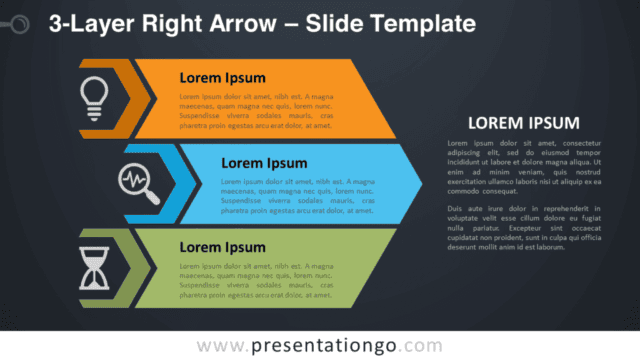
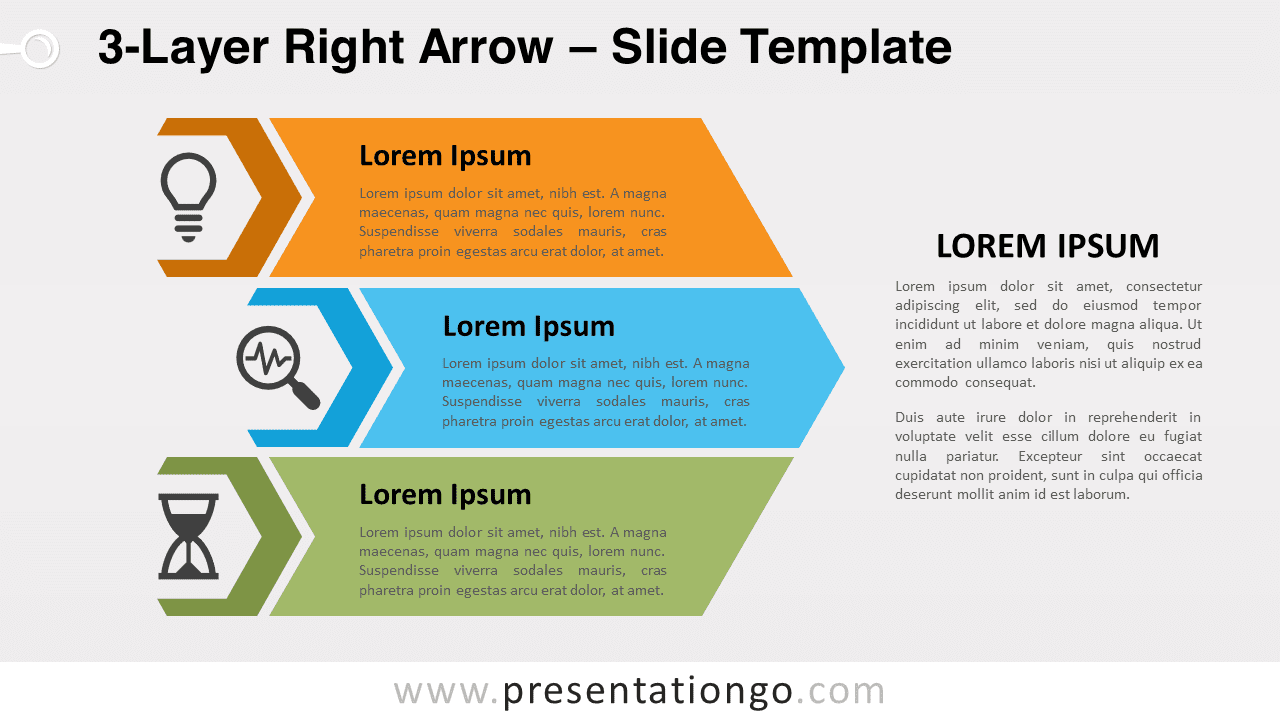
This infographic represents a large arrow pointing to the right. This large arrow is divided into three narrower arrows with different colors. These layers are your 3 options to represent your ideas or facts. Indeed, you can include a title and a short text inside each small arrow. Moreover, there is a hexagon on the left for you to insert an icon that can illustrate your idea. Finally, you will find a large text placeholder on the right if you need to explain your ideas further.
An arrow pointing forward usually indicates the future and optimism. Therefore, it is perfect to show the progression and success of your ideas or steps. This free 3-Layer Right Arrow template will be the best visual aid you can get to convey your great ideas!
Shapes are 100% editable: colors and sizes can be easily changed.
Includes 2 slide option designs: Standard (4:3) and Widescreen (16:9).
Widescreen (16:9) size preview:


This ‘3-Layer Right Arrow’ template features:
- 2 unique slides
- Light and Dark layout
- Ready to use template with icons and text placeholders
- Completely editable shapes
- Uses a selection of editable PowerPoint icons
- Standard (4:3) and Widescreen (16:9) aspect ratios
- PPTX file (PowerPoint) and for Google Slides
Free fonts used:
- Helvetica (System Font)
- Calibri (System Font)
The complete Layer Right Arrow collection: