
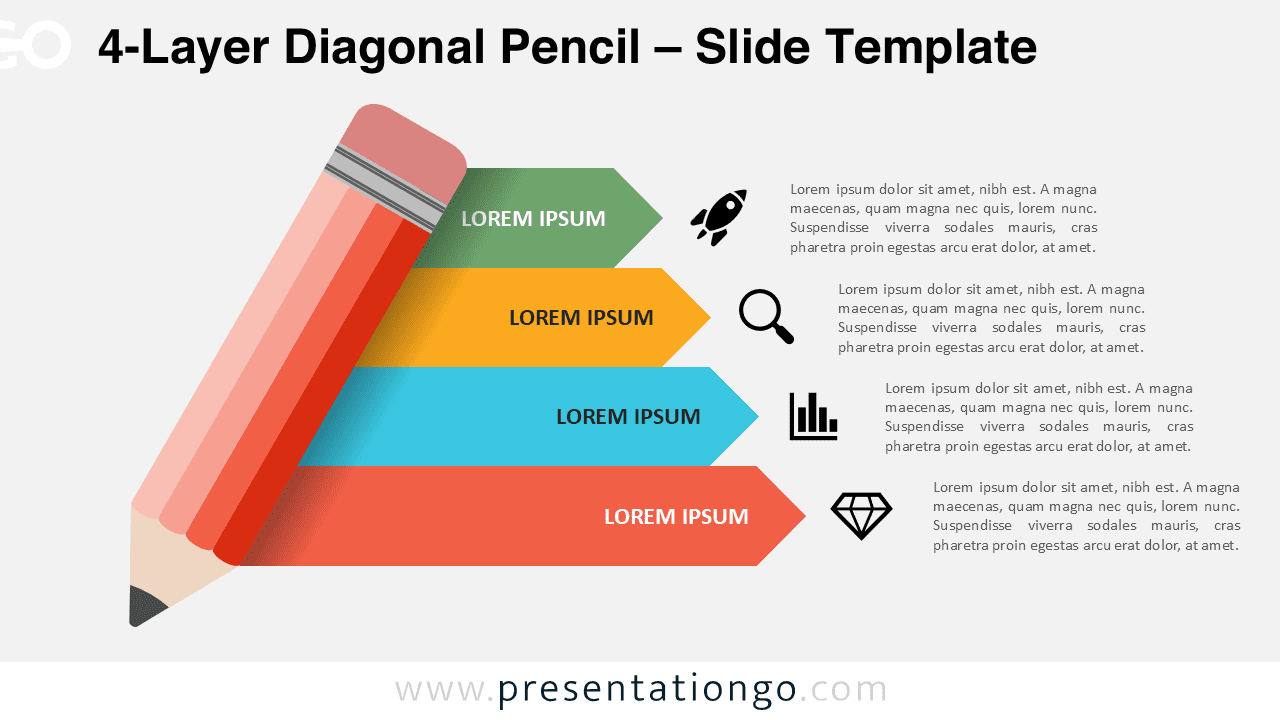
The 4-Layer Diagonal Pencil is a PowerPoint and Google Slides infographic template featuring four step-by-step banners extending from a diagonal pencil illustration.
Organize Your Ideas with a Creative Visual Flow
A pencil symbolizes creativity, learning, and ideation in presentations, making it an ideal metaphor for communicating processes and plans. The template’s distinctive design incorporates a large diagonal pencil with four horizontal banners flowing from its body, each ending in an arrowhead. These banners create a natural progression, complemented by bold titles, descriptive text blocks, and supporting icons that enhance information clarity.
This infographic template excels in presentations requiring structured information flow, such as educational curricula, business strategies, or creative processes. Present complex ideas through a clear visual hierarchy, whether outlining project phases, explaining learning objectives, or detailing organizational workflows. The systematic arrangement of information guides audiences through each step while maintaining their engagement.
The template includes two unique slides with text placeholders and fully customizable shapes. It comes in both Standard (4:3) and Widescreen (16:9) formats, offering light and dark theme options for versatile presentation environments. The package supports both PowerPoint PPTX and Google Slides platforms, ensuring broad compatibility across presentation software.
Download this four-layer infographic template to structure your ideas with clarity and purpose in PowerPoint or Google Slides.
Widescreen (16:9) size preview:


This template offers:
- 2 unique slides
- Options for both light and dark themes
- Pre-populated with icons and text placeholders
- Fully customizable shapes for complete control
- Available in both Standard (4:3) and Widescreen (16:9) ratios
- Offered in both PowerPoint PPTX and Google Slides formats



