The Building Block Staircase PowerPoint diagram turns a four-stage sequence into a clear visual progression. Its ascending construction blocks immediately suggest growth, development, and advancement. Each level combines a numbered marker with space for a short heading. Supporting text areas provide room to explain every stage in greater detail.
The layout works well when ideas need a defined order. You can use it for processes, milestones, maturity levels, implementation phases, or learning paths. The structure also helps audiences understand how one stage leads naturally to the next. The diagram works in both PowerPoint and Google Slides.
Diagram Preview
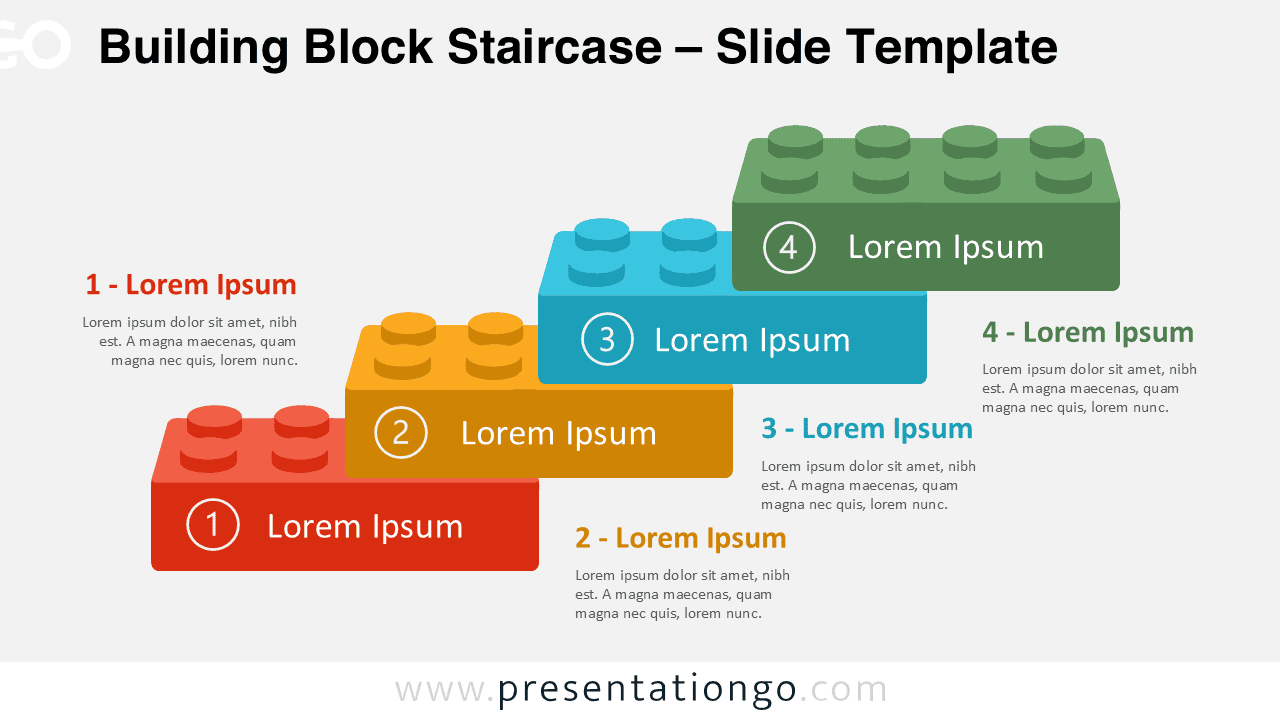
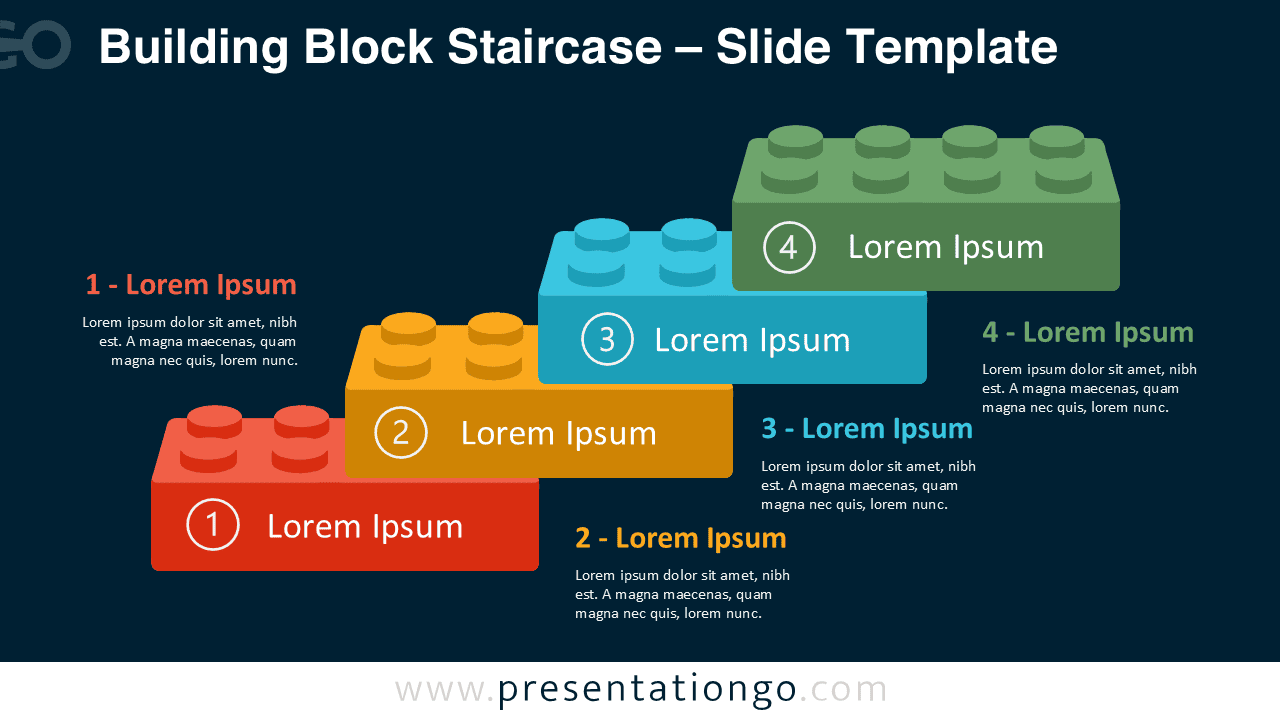


The Building Block Staircase diagram uses four ascending blocks to create a strong sense of direction. Each step occupies a higher position, so viewers can scan the sequence from beginning to end. Numbered circles reinforce the order without adding visual complexity.
Additional text areas sit close to their corresponding stages. This arrangement gives you space for explanations while keeping the main staircase easy to read. The two supplied versions also make the diagram practical across different presentation styles.
Features and Customization Options
- Compatible with Microsoft PowerPoint and Google Slides
- 4-step process diagram, fully editable
- Editable text, shapes, and icon placeholders
- Icons are for illustration only and come from the Office icon library
- Office icons are easy to modify, recolor, resize, or replace
- Includes both light and dark background versions
Design and Structure
The main graphic uses a staircase arrangement made from familiar construction-block forms. Four clearly separated levels create a simple hierarchy. Each level contains a number and editable label, while nearby descriptions support longer explanations. The result balances visual impact with practical presentation space.
The construction metaphor gives the slide extra meaning without overwhelming the content. It can represent building knowledge, developing a strategy, reaching milestones, or advancing through project phases. Because the composition follows a consistent upward path, viewers can understand the intended reading order quickly.
Practical Applications
- Explain a four-stage business process
- Present project phases and milestones
- Show progressive levels of development
- Map a product implementation plan
- Illustrate a learning or training pathway
- Present a maturity model
- Outline strategic growth steps
- Visualize continuous improvement
Summary
The Building Block Staircase PowerPoint diagram provides a simple way to communicate four connected stages. Its ascending structure makes progression easy to recognize, while editable elements let you adapt the slide to many subjects. Use it in PowerPoint or Google Slides for processes, strategies, milestones, development paths, and other step-by-step stories.