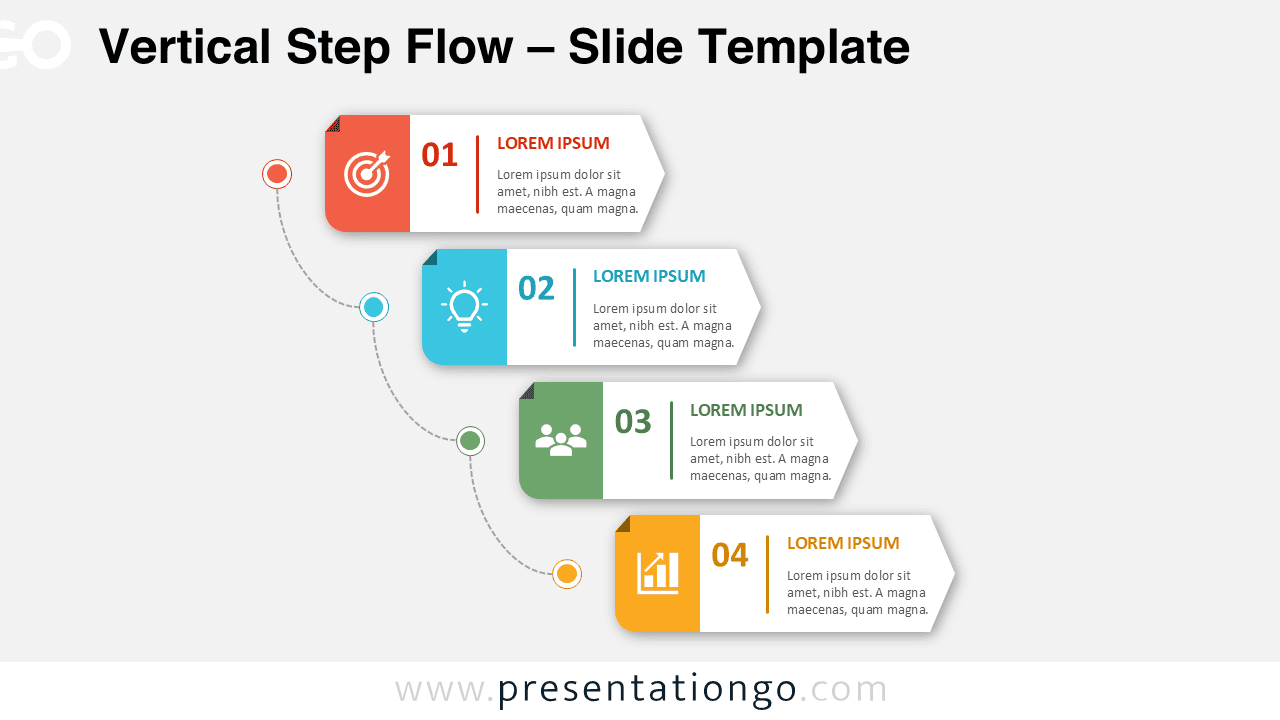
The Vertical Step Flow PowerPoint diagram helps you present four connected stages in a clear and structured sequence. Its staggered layout guides viewers from one step to the next while keeping each stage visually distinct. The connected pathway reinforces progression and gives the slide a natural reading order. You can use the diagram in PowerPoint and Google Slides for business, education, planning, and training presentations.
Diagram Preview
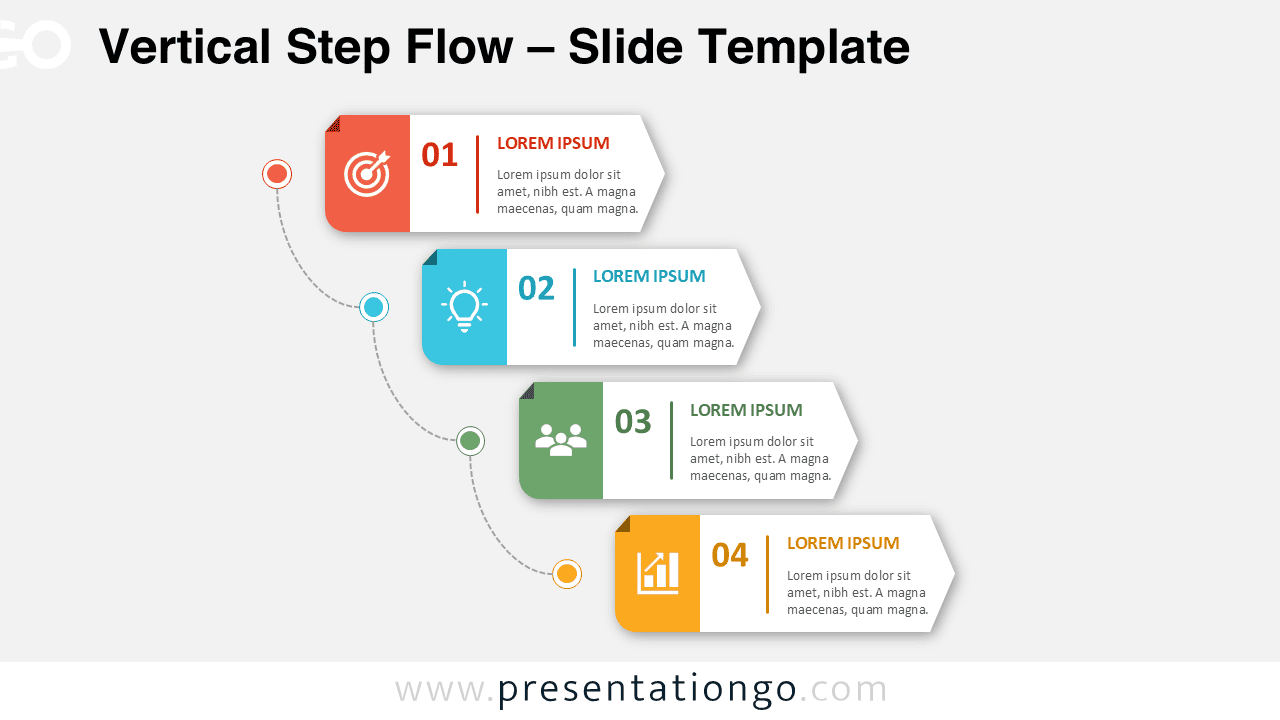
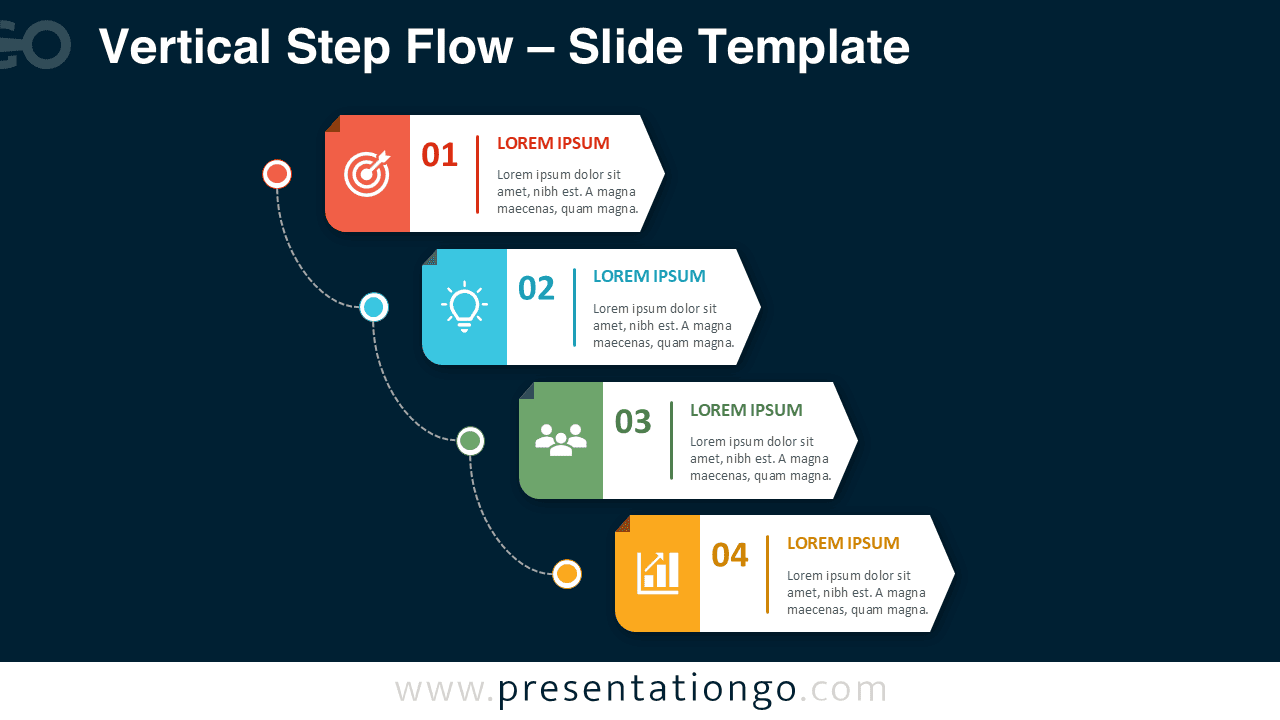


The diagram includes two coordinated slide versions for different presentation settings. Each version uses the same four-step structure, editable content areas, and connected visual path. This consistency makes it easy to switch between slide styles without rebuilding your content. The layout also provides enough room for short explanations, labels, and supporting details.
Features and Customization Options
- Four clearly numbered stages arranged in a vertical sequence
- Editable text boxes for titles and supporting descriptions
- Customizable shapes, connectors, numbers, and labels
- Icons sourced from the Microsoft Office icon library
- Office icons that are easy to recolor, resize, replace, or modify
- Editable icon placeholders for faster visual customization
- Compatible layouts for PowerPoint and Google Slides
- Two coordinated slide versions for flexible presentation use
- Structured spacing that supports clear visual hierarchy
- Reusable format for business, education, and project topics
Design and Structure
The Vertical Step Flow PowerPoint diagram uses four horizontal cards positioned along a descending path. Each card combines a numbered stage, an icon area, a title, and a short description. The staggered arrangement creates movement while preserving a logical sequence. A curved dotted connector links the stages and highlights the relationship between them.
The layout balances visual interest with practical readability. Each stage remains separate, so audiences can quickly identify the main message. The arrow-like card endings strengthen the sense of direction. Subtle depth effects help the cards stand out without making the slide feel crowded. The structure works especially well for information that unfolds in a fixed order.
Practical Applications
- Explain a four-step business process
- Present project phases and delivery milestones
- Visualize a customer journey or service workflow
- Outline product development stages
- Describe onboarding or training sequences
- Organize strategic planning activities
- Present change management steps
- Summarize operational procedures
- Show sales, marketing, or communication workflows
- Break complex information into four manageable sections
Summary
The Vertical Step Flow PowerPoint diagram offers a practical way to explain four connected ideas, stages, or actions. Its editable structure supports fast customization, while the Office library icons simplify visual updates. The diagram combines clear sequencing, modern presentation design, and flexible content areas. Use it to create focused process slides for PowerPoint and Google Slides without starting from scratch.