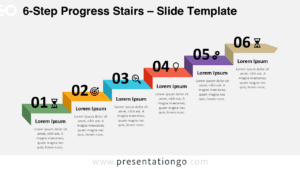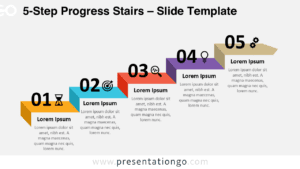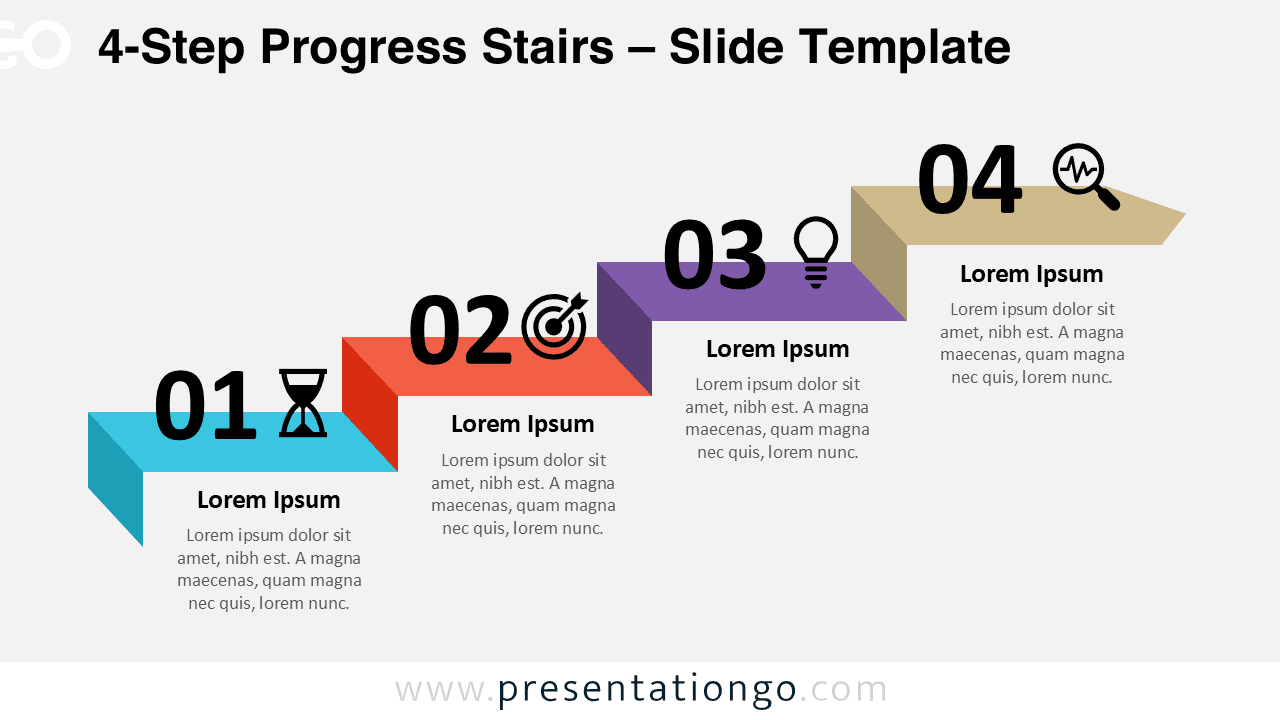
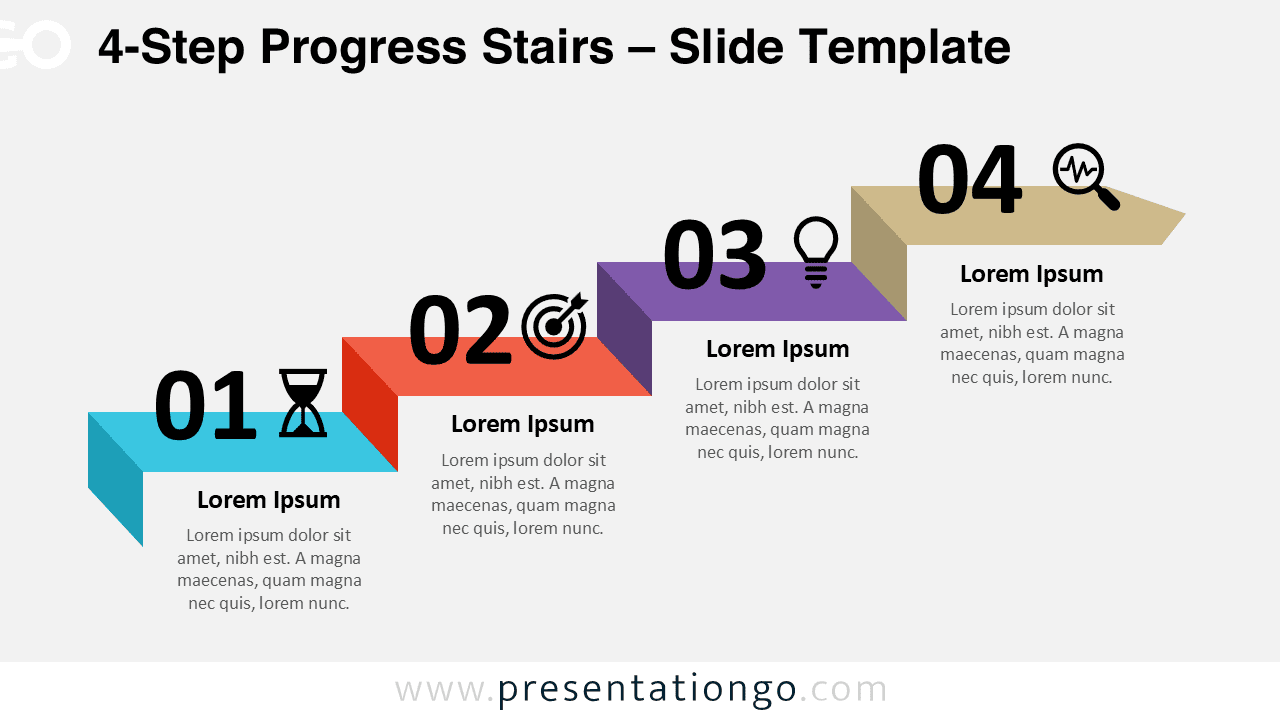
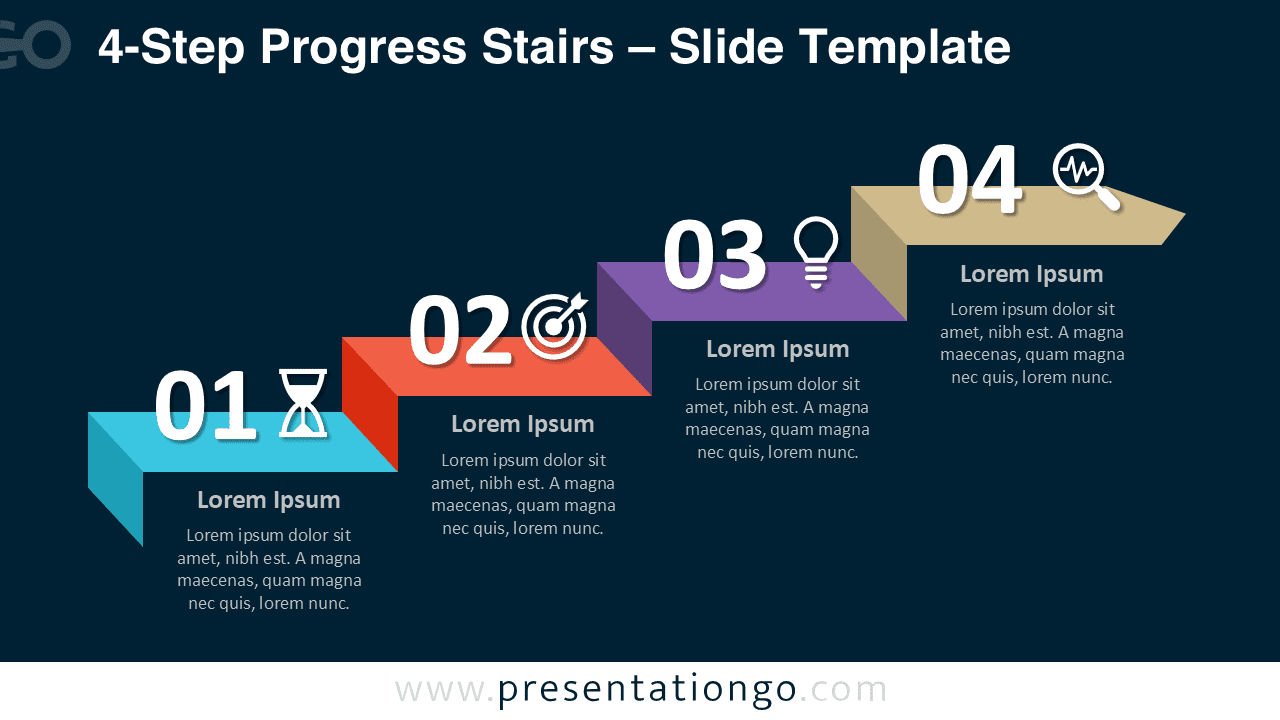
The 4-Step Progress Stairs diagram is a practical visual tool designed to explain step-by-step processes in a clear and structured way. Built for PowerPoint and Google Slides, this diagram uses an ascending stair layout to represent progress, growth, or sequential stages in a logical flow.
This version focuses on four distinct steps, making it ideal for concise explanations where clarity and balance are essential. Each step is visually separated, numbered, and paired with an icon placeholder to reinforce key messages.
Diagram Preview


Features and Customization Options
- Four clearly defined steps arranged in an ascending stair layout
- Editable shapes, colors, and text placeholders
- Includes editable icon placeholders for visual emphasis
- Large step numbers for instant structure recognition
- Compatible with PowerPoint and Google Slides
Design and Structure
The stair-step structure naturally guides the audience from left to right while visually suggesting progression. Each block is designed with subtle depth to create separation without overwhelming the slide. The consistent spacing and alignment ensure readability, even when presenting complex ideas.
The 4-step format is especially effective when you need to communicate a process that should feel complete but not overloaded with information. The layout works equally well on light and dark backgrounds, making it versatile for different presentation styles.
Practical Applications
- Business and project workflows
- Strategic planning frameworks
- Process overviews and methodologies
- Growth stages and maturity models
- Training and educational presentations
Summary
The 4-Step Progress Stairs diagram offers a clear and professional way to visualize sequential information. With its editable design and icon placeholders, it adapts easily to a wide range of topics while keeping your message structured and easy to follow.