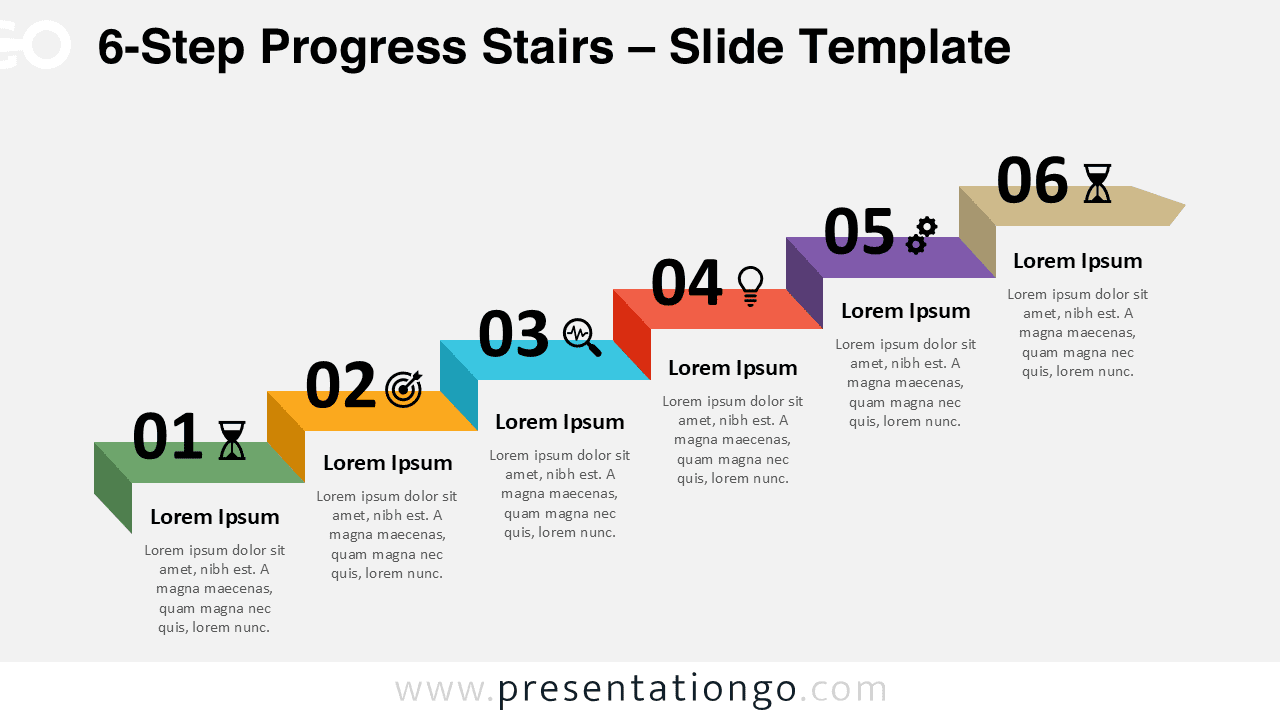
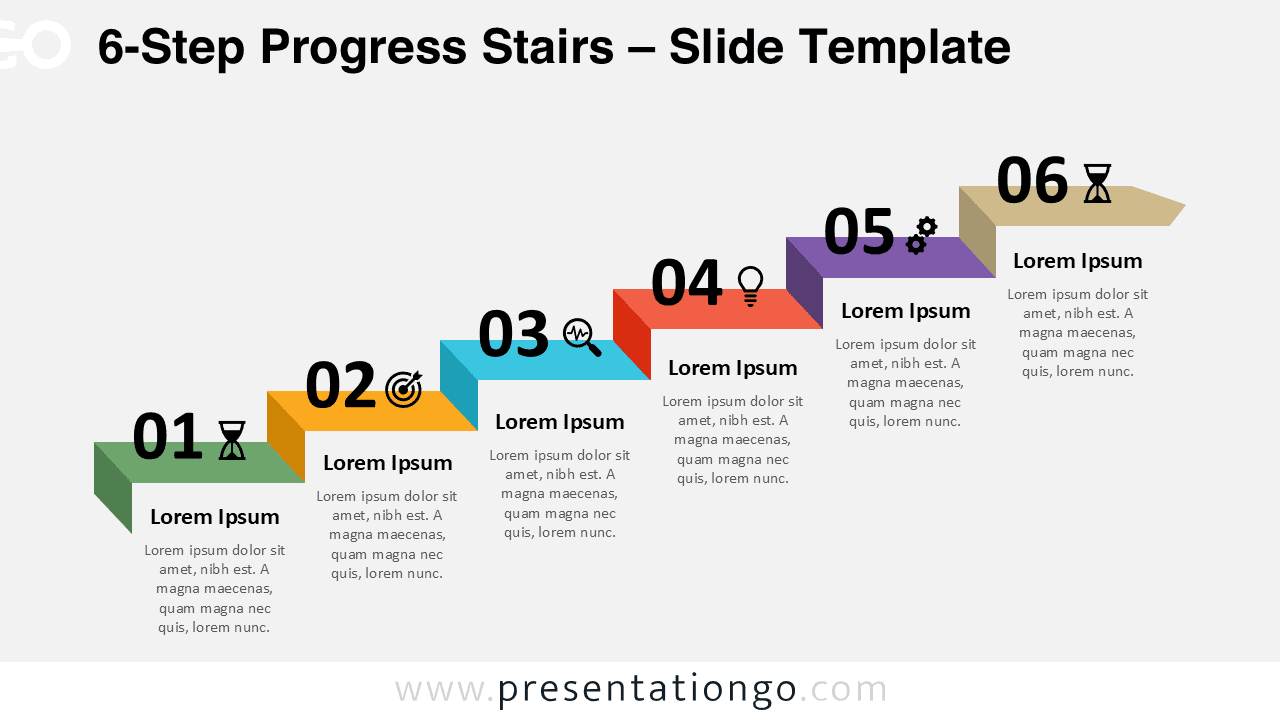
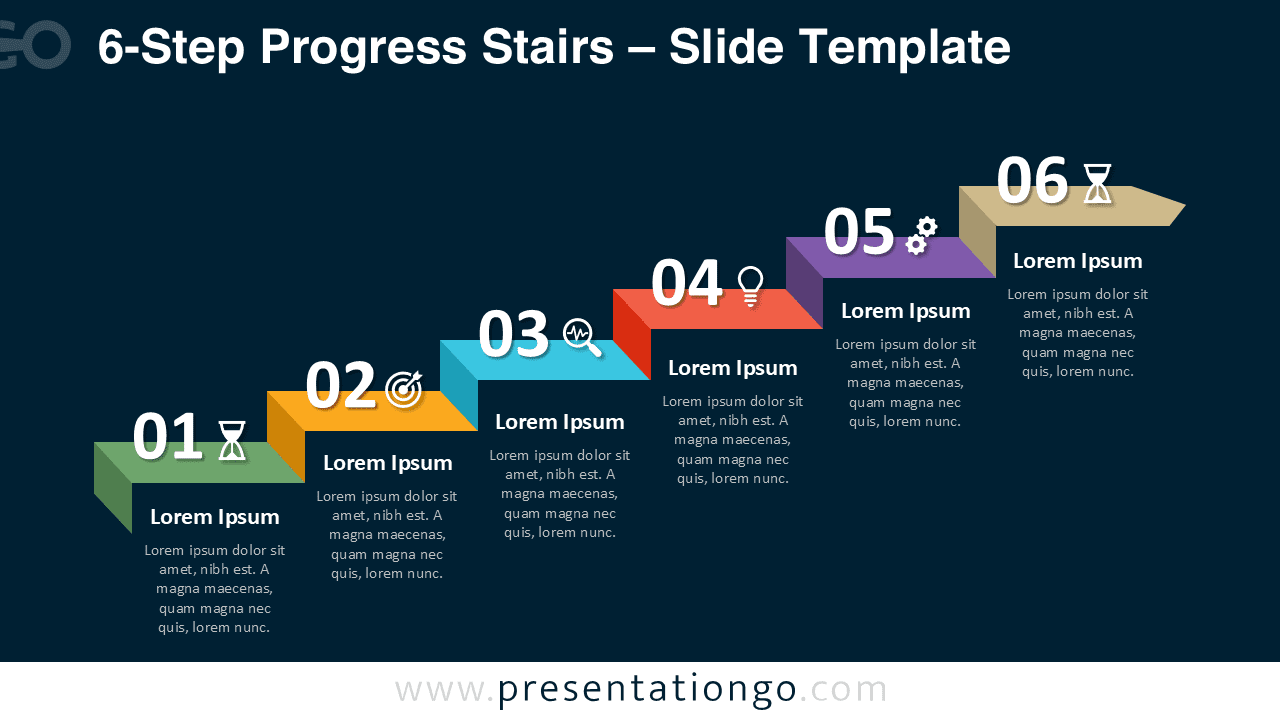
The 6-Step Progress Stairs diagram is designed to communicate complex, multi-phase processes in a clear and structured way. Built for PowerPoint and Google Slides, it uses an ascending stair layout to illustrate progression across six distinct stages.
This version is ideal when your process requires additional detail without sacrificing clarity. Each step includes a large number, descriptive text area, and an editable icon placeholder to support visual storytelling.
Diagram Preview


Features and Customization Options
- Six clearly defined steps arranged in an ascending stair layout
- Fully editable shapes, colors, and text placeholders
- Includes editable icon placeholders for visual reinforcement
- Consistent alignment for easy comparison between steps
- Compatible with PowerPoint and Google Slides
Design and Structure
The stair-step structure emphasizes forward movement and logical progression. Subtle depth and spacing separate each level while maintaining a cohesive visual flow across the entire diagram.
The 6-step format is particularly effective for operational workflows, transformation programs, and detailed roadmaps where each phase builds on the previous one. The layout adapts smoothly to different presentation themes.
Practical Applications
- Detailed business and operational workflows
- Strategic transformation plans
- Extended roadmaps and timelines
- Multi-phase project plans
- Training and instructional processes
Summary
The 6-Step Progress Stairs diagram provides a structured and professional solution for presenting complex processes. Its editable design and scalable layout make it a powerful tool for clear communication.